

Commemorative and Challenge Coin Ideas
Explore an original emblem for a club, milestone or event. Keep the design distinct from circulating currency and marks you do not have permission to use.
Start with the selected reference and starter prompt, or replace the reference with an image you have permission to use.
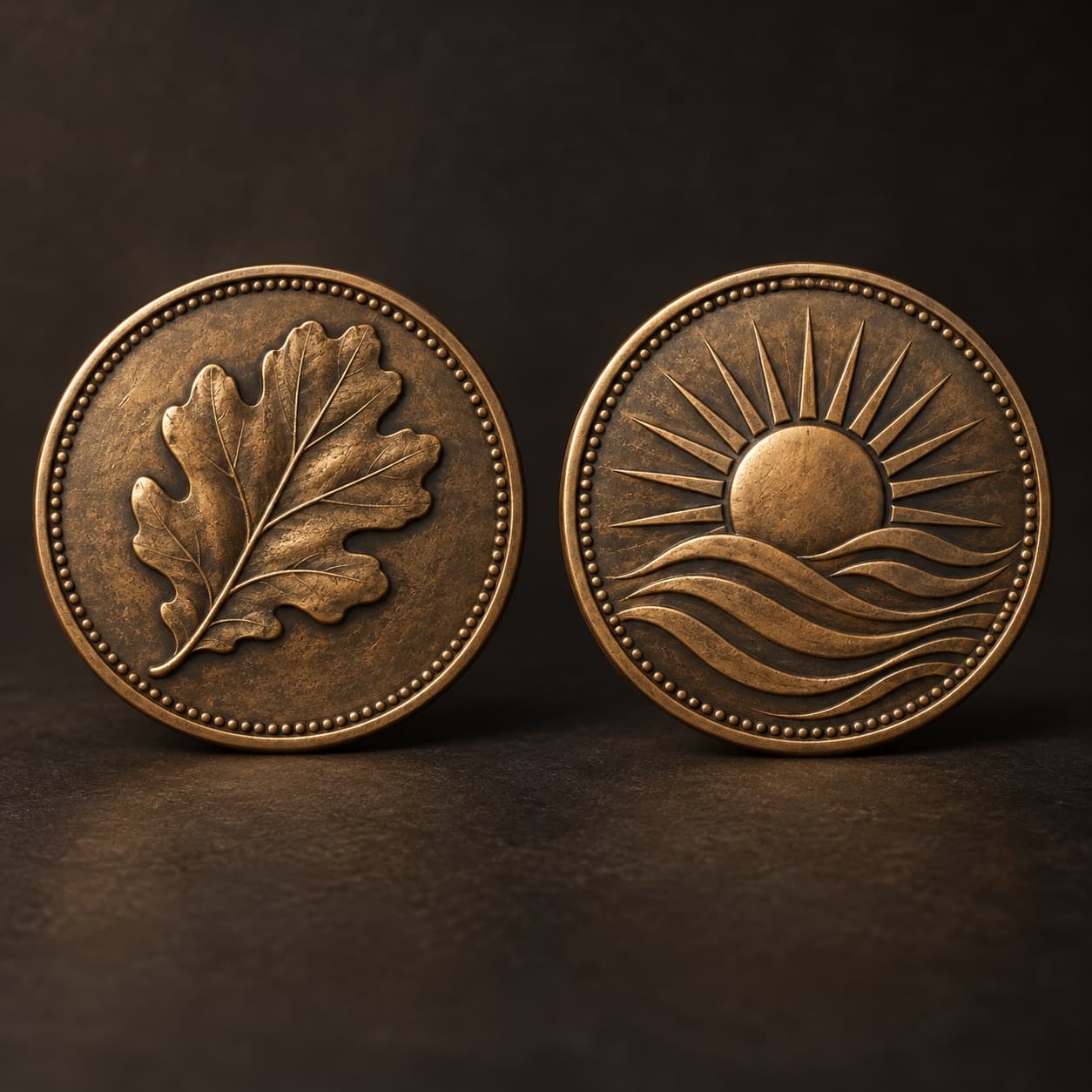
Use the selected medallion reference or an image you have permission to use. Specify the front and reverse motifs, border, metal appearance and intended commemorative purpose.
Choose Generate coin concept. Check symmetry, rim spacing and the relationship between the two faces. Treat apparent relief and small lettering as visual suggestions.
Work with a designer and manufacturer on diameter, thickness, relief depth, tolerances, tooling and finish. Review a production proof or sample before commissioning a batch.
Explore an original emblem for a club, milestone or event. Keep the design distinct from circulating currency and marks you do not have permission to use.
Request separate visual ideas for each face and the border. Inspect correspondence and alignment; the generator does not establish engineering relationships between the faces.
Compare antique bronze, silver-toned or enamel-like treatments visually. A rendered material is not a manufacturing specification or a guarantee of achievable detail.
No. This page produces an image concept. CAD, relief modeling, toolpaths and die preparation need appropriate design software and a manufacturer’s review.
You can request front and reverse ideas in the prompt. Their proportions and details may vary, so a designer must reconcile the final artwork for production.
You may request short text, but spelling and circular alignment can be inaccurate. Typeset the final inscription in a design tool and check it with the manufacturer.
Astorie grants commercial rights for outputs generated on paid plans, subject to the underlying model provider’s terms and your rights to the inputs. Free-plan outputs are for personal, non-commercial evaluation; upgrading applies to new generations going forward. Review the current commercial-use policy before selling or delivering work.
Under the default consumer, free, pro and team terms, Astorie may use uploads, prompts and outputs for training and improvement. Model providers have separate policies. Enterprise training opt-out requires a separate written agreement. Project files are retained for the workflow, and deletion may not remove data already used in training or derived datasets. Check the current policy before uploading sensitive material.
AI tool
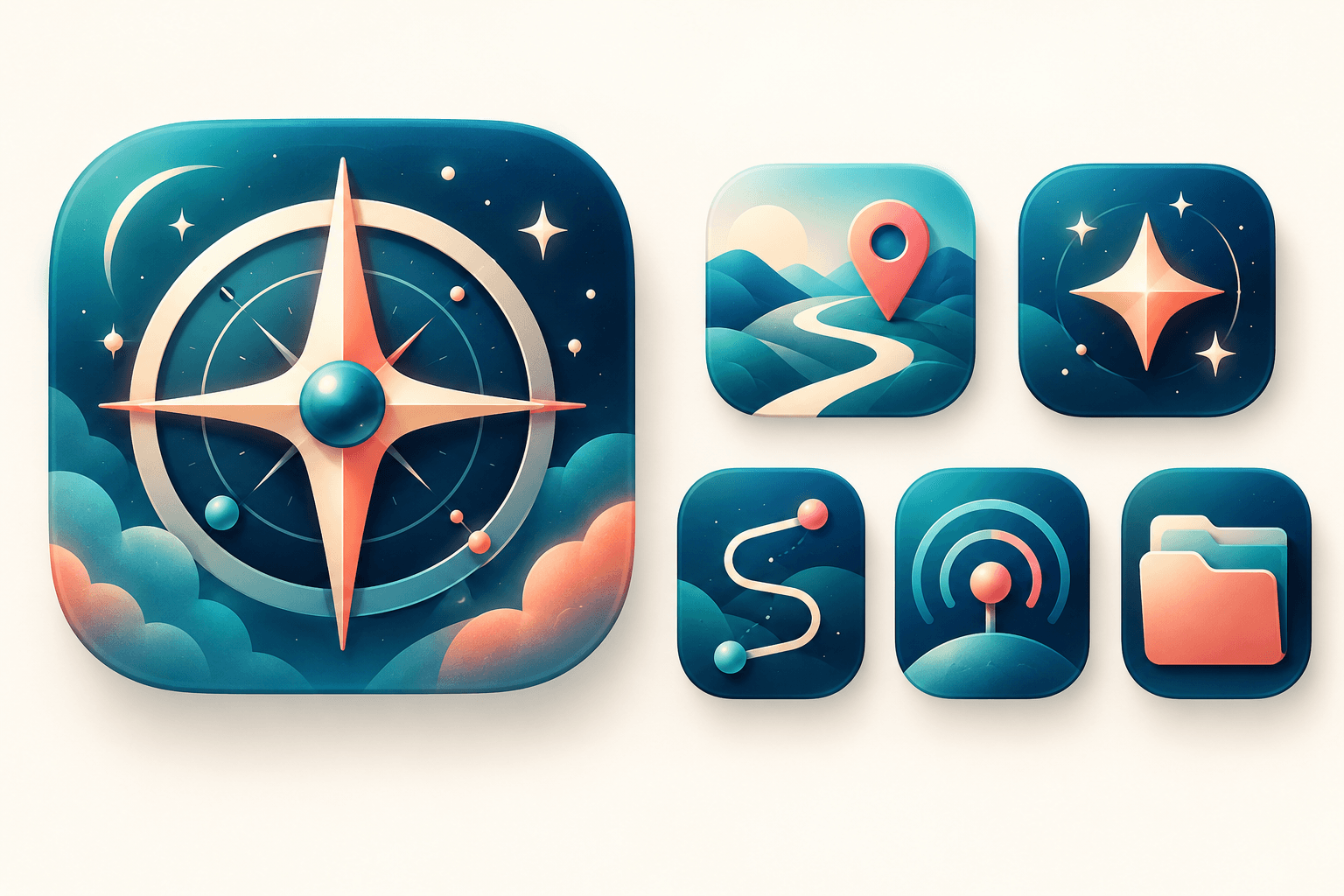
Explore original app launcher and interface icon directions from a written visual brief with an AI icon generator. Compare silhouettes, color contrast, and small-size legibility across concepts before redrawing or polishing the mark in your vector design system.
AI tool
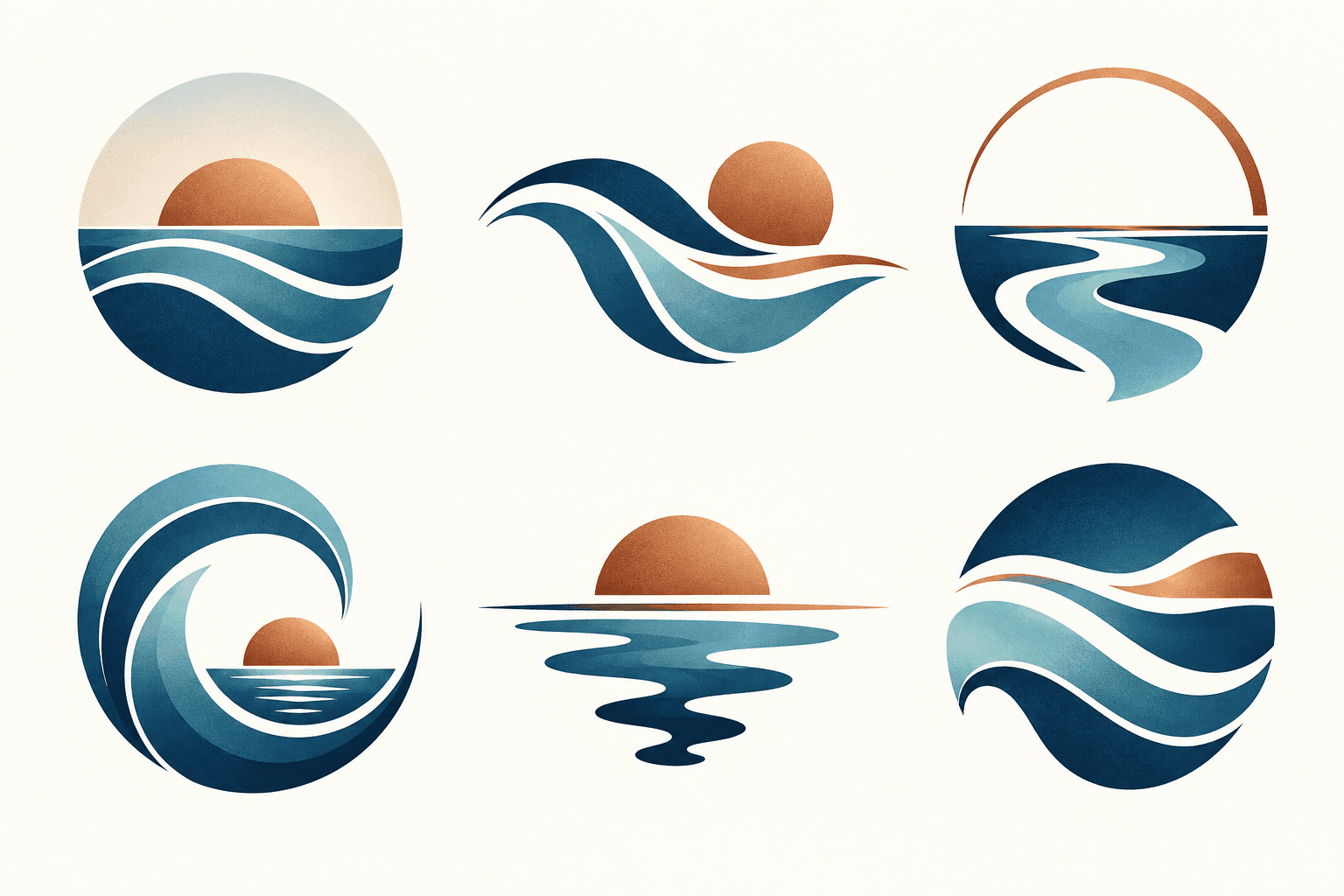
Describe your brand and explore visual directions for a mark. Compare shape, color, and legibility, then take promising concepts through design refinement and trademark review before adoption.
AI tool
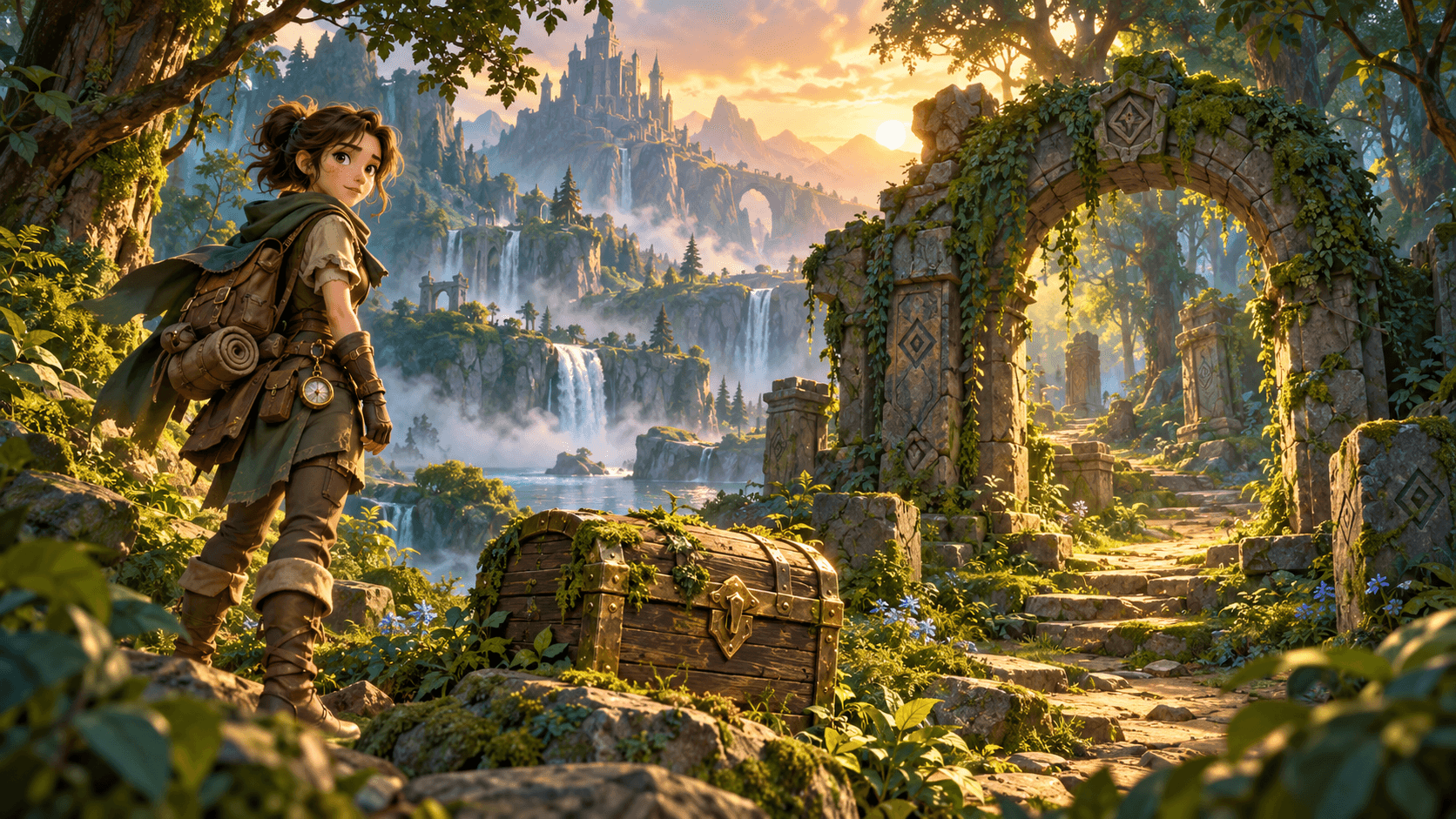
Generate 2D concept art for game props, items, environments, and characters with an AI game asset generator. Start from a written brief or style reference, compare silhouettes and palettes across runs, and prepare selected stills for cleanup in your art pipeline.
Start with the reference, refine the brief and review the image before taking the idea into production.