

Letter structure and outline
Explore angular, rounded or layered forms while keeping the word recognizable. The page generates an image rather than controllable individual letter paths.
Try the selected new reference and starter prompt, or replace the image with a reference you have permission to use.

Try the selected SHIFT reference or a permitted sketch. Specify a short word, letter shape, outline and color direction rather than asking for a long slogan.
Choose Generate graffiti concept. Check every letter, the spacing and the outer silhouette. Layered strokes and spray effects can obscure or change the wording.
Redraw or edit the selected idea for the required print or wall scale. For a wall project, confirm permission, surface preparation and an appropriate installation method.
Explore angular, rounded or layered forms while keeping the word recognizable. The page generates an image rather than controllable individual letter paths.
Compare fills, outlines and spray-like texture. The rendered surface does not specify actual paint coverage or material behavior.
Use the visual as a discussion reference. Scaling, separation, exact wording and installation planning remain separate design tasks.
You can request it, but exact lettering is not guaranteed. Keep the text short and verify each character before using the design.
No. It is an image concept. Rebuild letterforms in an appropriate design tool when you need editable paths or accurate print artwork.
Yes, if you have permission to upload it. The generated view may alter the wall or surroundings; check the actual site and obtain permission before painting.
Paid-plan outputs carry Astorie commercial rights, subject to model-provider terms and your rights to the inputs. Free-plan generations are for personal, non-commercial evaluation; upgrading covers new generations going forward. Check the current commercial-use policy before selling work.
Under standard consumer, free, pro and team terms, Astorie may use uploads, prompts and outputs for training and improvement. Providers have separate policies; enterprise training opt-out requires a written agreement. Deletion may not remove data already used in training. Review the current privacy policy before uploading sensitive work.
AI tool
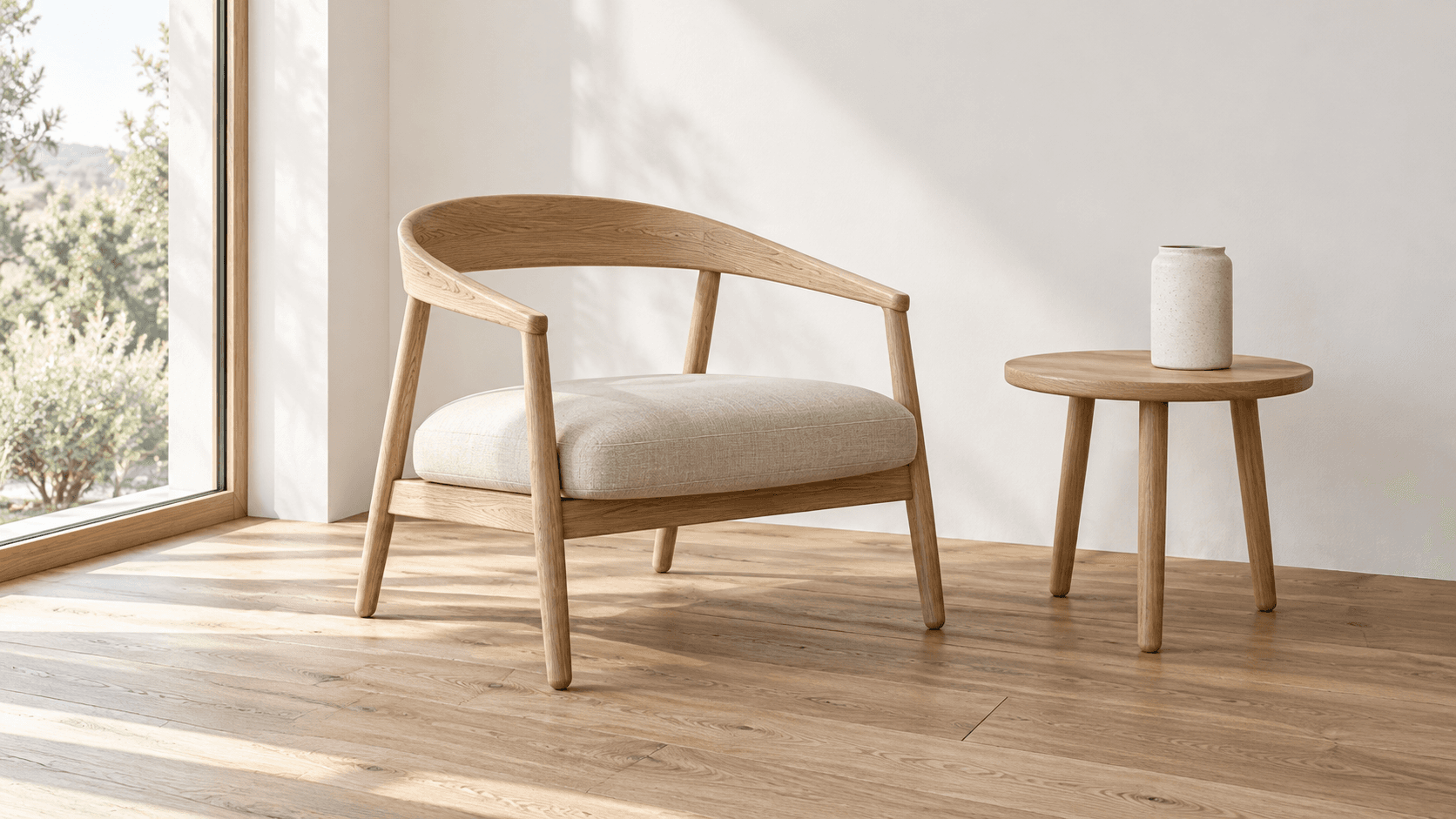
Turn a sketch into an image with a reference drawing and a written brief. Explore realistic photos, painted illustrations or 3D concept renders, then review the result against your original idea.

AI tool
Restyle a photo as a painting, sketch or another visual treatment. Choose a preset below or describe the medium, then compare the generated image with the source.
AI tool
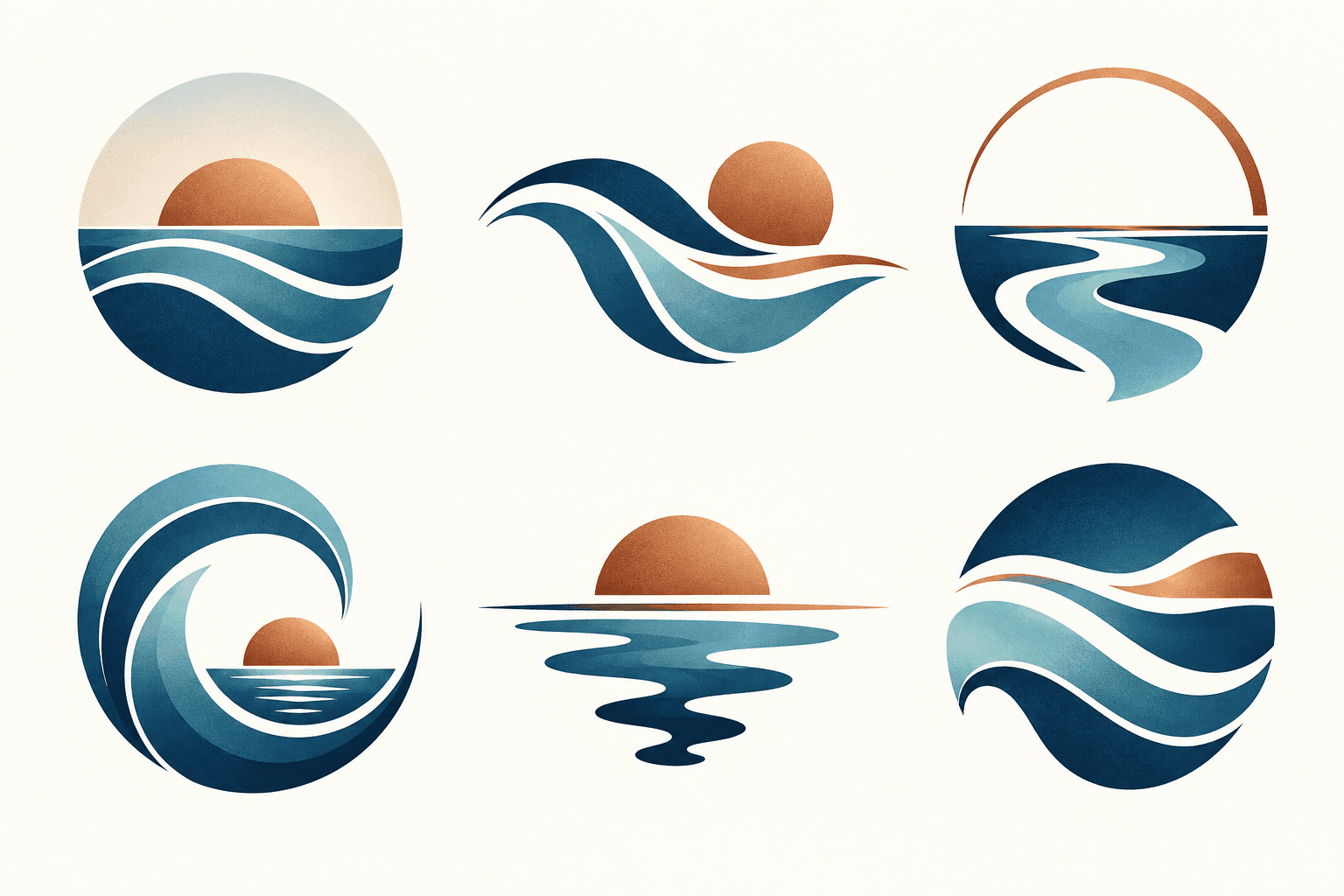
Describe your brand and explore visual directions for a mark. Compare shape, color, and legibility, then take promising concepts through design refinement and trademark review before adoption.
Start with the reference, refine the brief and review the image before taking the idea into production.