

A single recognizable illustration
Focus on one product, object or emblem rather than a reaction pack. Keep details readable at the intended physical or digital size.
Try the selected new reference and starter prompt, or replace the image with a reference you have permission to use.

Try the selected coffee-pot reference or a permitted illustration. State the subject, palette, outline weight and intended sticker use.
Choose Generate sticker concept. Check that the silhouette reads at a small size and look for unwanted marks, tiny gaps or inconsistent borders.
Use an image or vector editor to clean the artwork and prepare transparency or a cut path where needed. Confirm size, bleed, color settings and proof requirements with your printer.
Focus on one product, object or emblem rather than a reaction pack. Keep details readable at the intended physical or digital size.
Compare a broad outline with the subject shape. A white-looking border does not automatically include transparency or a vector cutting contour.
Use the approved visual to discuss size and material. Adhesive, finish, bleed and cutting tolerances depend on the supplier’s production process.
No. This image workflow does not guarantee an alpha channel or isolated cutout. Prepare and inspect transparency in a dedicated tool when required.
No. The visible border is part of the image. Create the actual cutting path and bleed in a design tool using your printer’s specification.
This page focuses on a single illustration and its print-preparation handoff. The related AI sticker generator focuses on expressive character stickers and reaction sets.
Paid-plan outputs carry Astorie commercial rights, subject to model-provider terms and your rights to the inputs. Free-plan generations are for personal, non-commercial evaluation; upgrading covers new generations going forward. Check the current commercial-use policy before selling work.
Under standard consumer, free, pro and team terms, Astorie may use uploads, prompts and outputs for training and improvement. Providers have separate policies; enterprise training opt-out requires a written agreement. Deletion may not remove data already used in training. Review the current privacy policy before uploading sensitive work.

AI tool
Turn a sketch into an image with a reference drawing and a written brief. Explore realistic photos, painted illustrations or 3D concept renders, then review the result against your original idea.

AI tool
Explore original app launcher and interface icon directions from a written visual brief with an AI icon generator. Compare silhouettes, color contrast, and small-size legibility across concepts before redrawing or polishing the mark in your vector design system.
AI tool
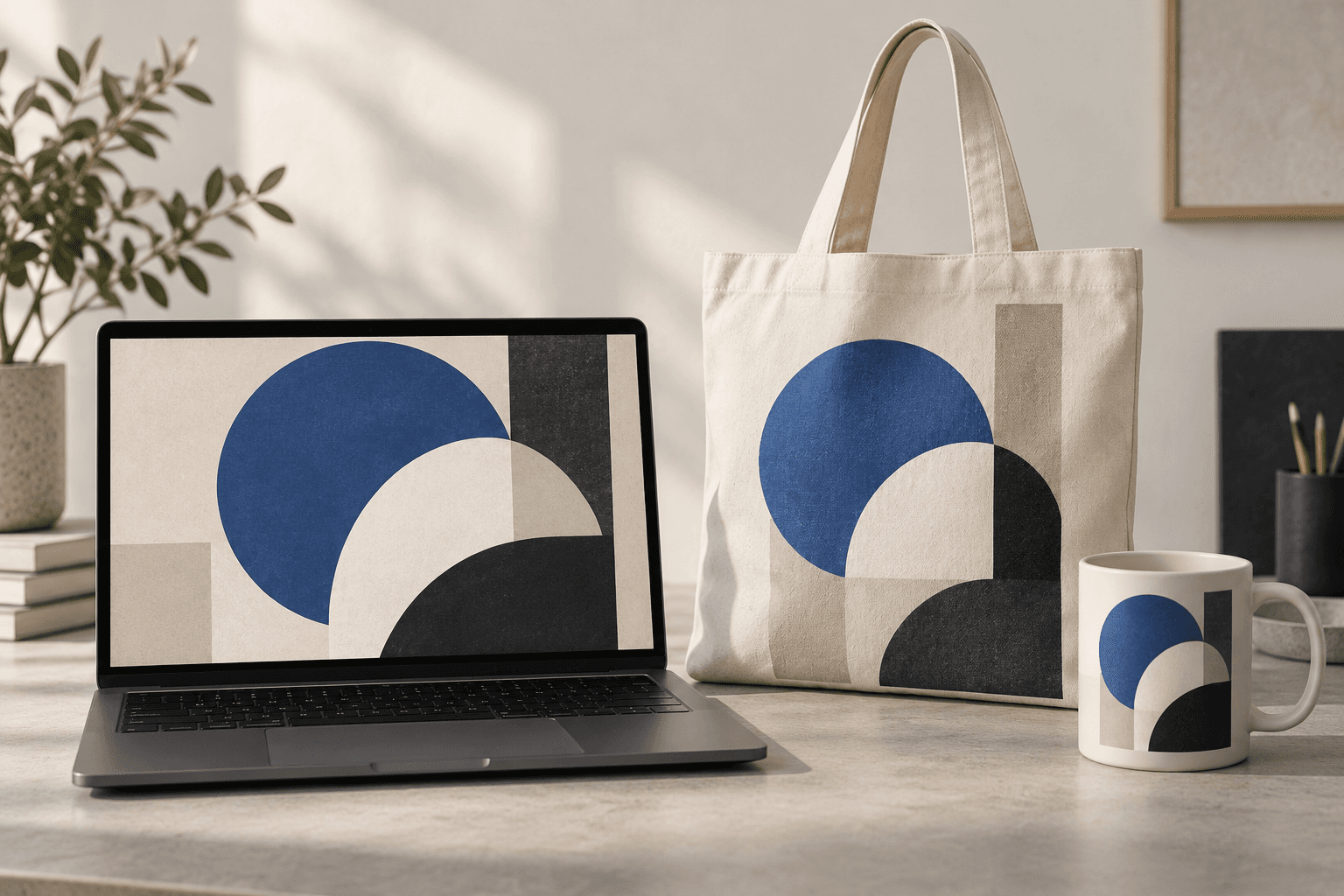
Place a design idea on a product or device scene to preview how it might look in context. Start from your artwork or product reference, describe the surface, and inspect details before using the image in a presentation.
Start with the reference, refine the brief and review the image before taking the idea into production.