

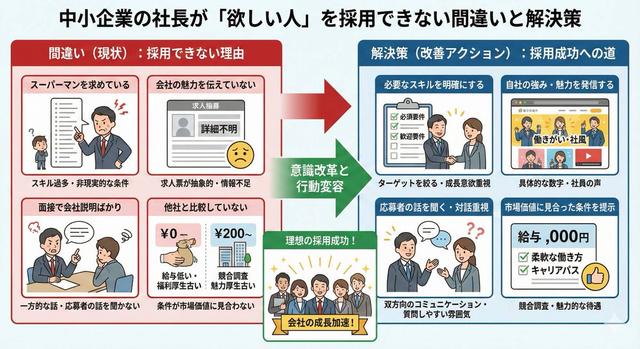
Infographic about a CEO struggling with hiring
濱崎賢太郎|AI×採用で人手不足ゼロにNano Banana Pro
採用に困っている社長の状況をインフォグラフィックで作成して
Find Nano Banana Pro image prompts with double-exposure posters and surreal compositions. Open an example to study the visual details before making it your own.
15,593 条提示词
採用に困っている社長の状況をインフォグラフィックで作成して
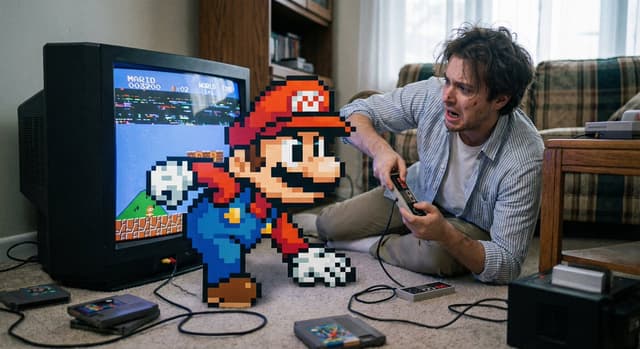
一个像素化的电子游戏角色试图从电视屏幕爬到客厅里。一个真实的人类玩家正手忙脚乱地用控制器把角色推回屏幕。
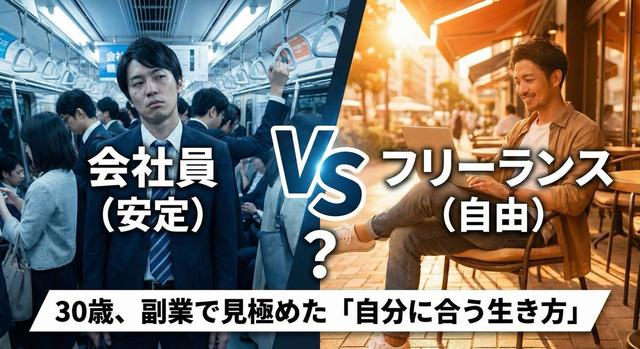
目的:(例)Note記事で使用するサムネイル作成
テーマ:(例)「副業」で見極めた、30歳会社員の私が「独立」を決めた理由
※あなたの目的とテーマを入れてください!

あなたの役割は「グラフィックデザイナー兼マーケター」です。
読者が思わずクリックしたくなるデザインを作成してください。
まずはデザイン案3つ画像を出力してください。
Create and output one woodblock print in the style of {argument name="artist" default="Katsushika Hokusai"}!Create and output one Ukiyo-e print in the style of {argument name="artist" default="Sharaku"}!Change the {argument name="subject" default="Tower of the Sun"} into a painting drawn by {argument name="artist" default="Taro Okamoto"} and output it!Change the {argument name="subject" default="Karajishi of Yomeimon"} into a painting in the style of {argument name="artist" default="Monet"} and output it!Output one painting in the style of {argument name="artist" default="Lassen"} including {argument name="subject 1" default="dolphins"} and {argument name="subject 2" default="orcas"}!Output one painting in the style of {argument name="artist" default="Seurat's"} pointillism!Change {argument name="subject" default="Zojoji Temple"} into a painting with the flavor of {argument name="artist" default="Rokuro Taniuchi"} and output it!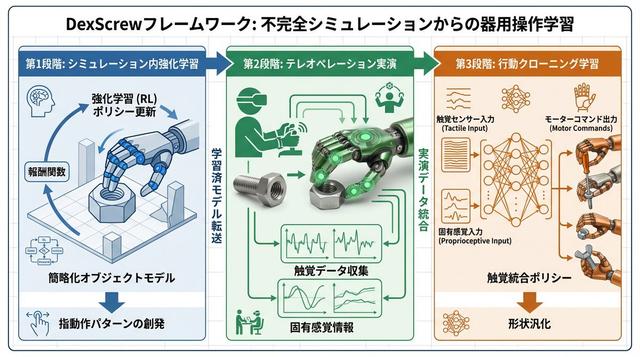
To facilitate easy understanding of the paper, use Nano Banana Pro to generate diagrams based on the paper. Place the diagrams in the appropriate locations within the explanatory document. All text within the diagrams should be written in Japanese. Translation of specialized terminology should prioritize accuracy and use academic language.
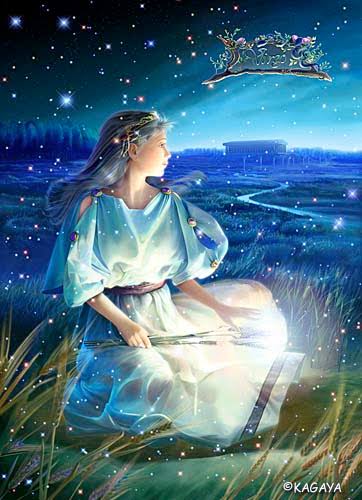
Change this (the image on the right) into a painting in the style of {argument name="artist" default="Mucha"} and output it!Change this (the image on the right) into a {argument name="style" default="Ukiyo-e"} and output it!Output one painting that looks like an {argument name="style" default="Escher's optical illusion"}!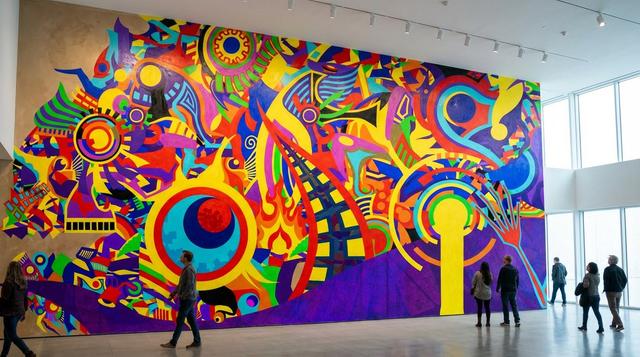
I spoke my {argument name="desire" default="desire"}, and it materialized it.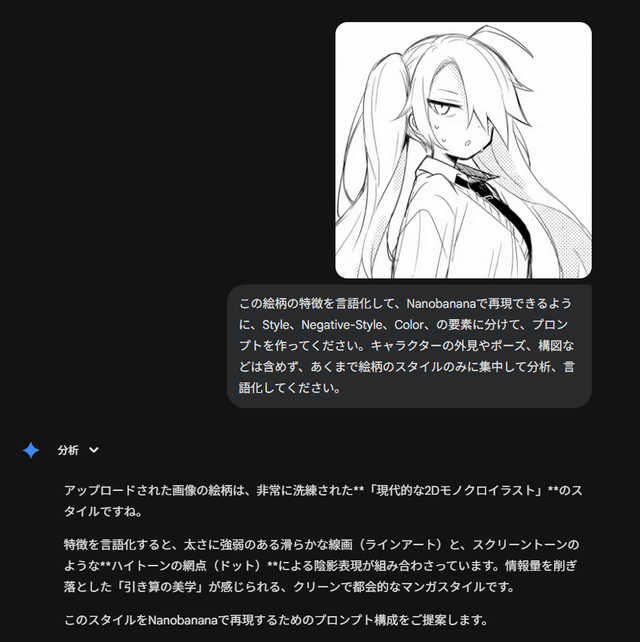
Manga Generation (Ratio: 2:3)

Content:
<{argument name="content" default="Insert content here"}>

<{argument name="style tags" default="Insert style tags (Style, Negative-Style, Color) here"}>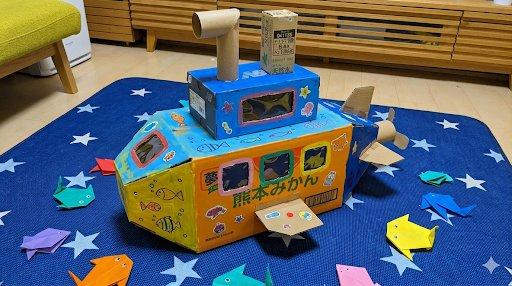
What would it look like if I made a submarine for children out of this [cardboard box]
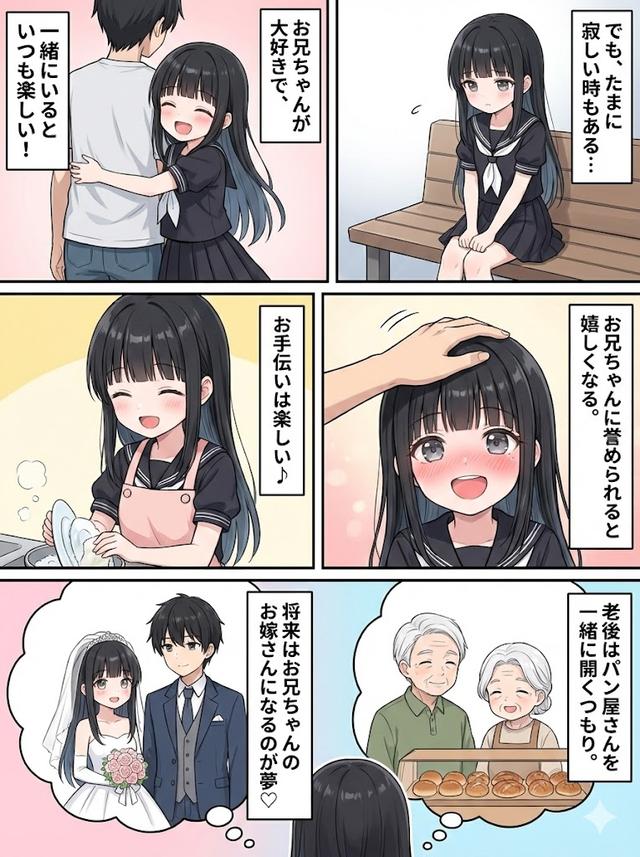
If I generate a character and ask Nano Banana, something like this can be done in a few seconds... Test whether a summary of the document can be created as a single 'ponchi-e' (simple diagram/illustration)
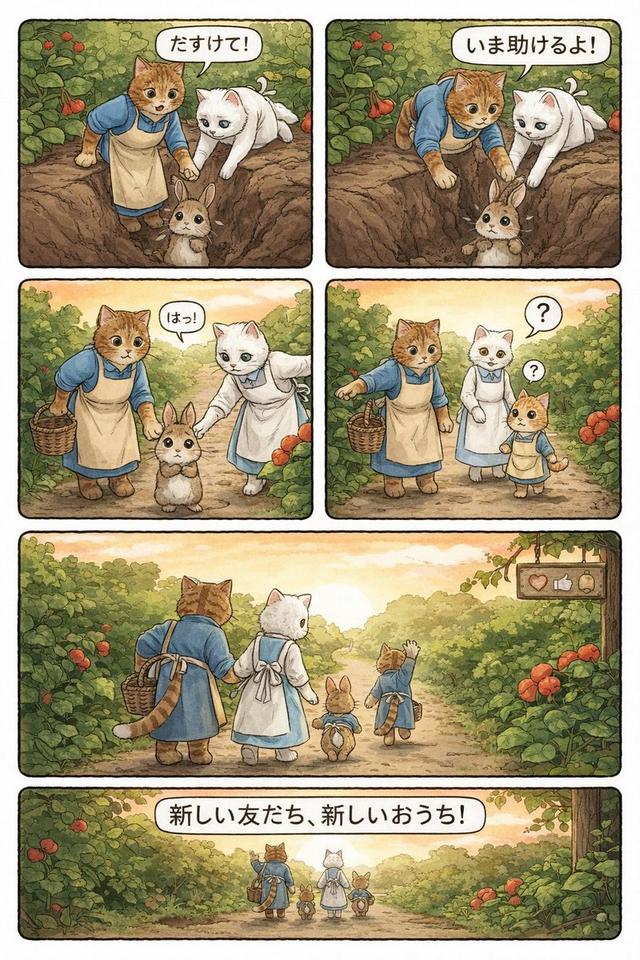
From Kling video footage to 4-panel manga using Nano Banana Pro
Generate one image like Michelangelo's The Last Judgment!
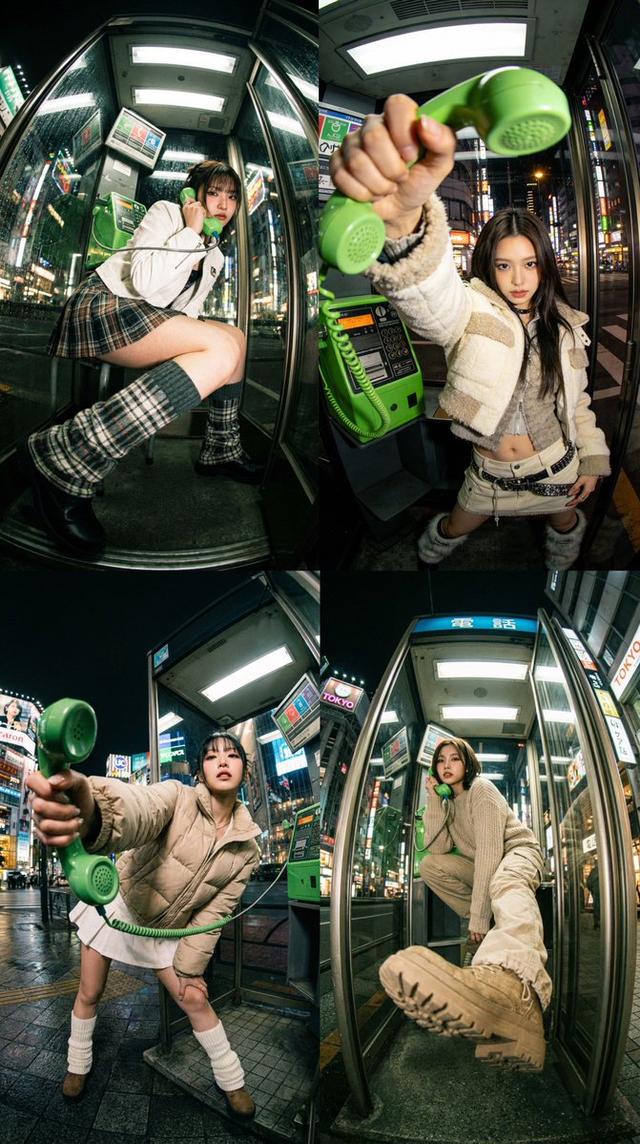
Extreme wide-angle perspective and dynamic pose remix edit.
This is an EDIT of the original image, not a new character.

Overall:
Transform the original photo into a dramatic, photorealistic, ultra wide-angle shot with an extreme camera angle (including views from directly below or above), where one or more body parts are right next to the lens and look huge, the rest of the body recedes in perspective, and the same person strikes a stylish, complex, powerful pose in a consistent, expanded version of the original environment.

Also, below is the prompt for generating the original image. Please use it as a reference.

photograph of {argument name="subject" default="a women"} in {argument name="clothing style" default="clothing style"} winter natural color art fashion,Public Facility Environment with a TOKYO in City Night view, gritty lo-fi film aesthetic, an JAPAN telephone booth, candid tilt view, telephone receiver, Without earmuffs, a green coiled telephone cord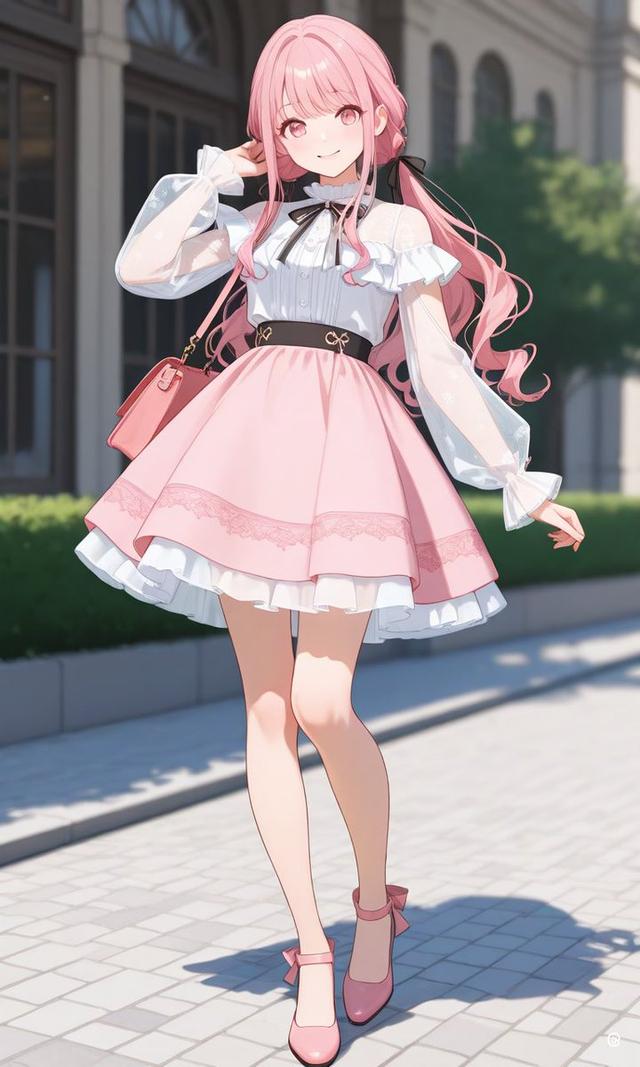
Cute ribbon coordinate 🎀👗
Coordinate focused on cute pink fashion
Please include 'both arms sheer' in the prompt.
SFW Illustration. No nudity or suggestive intent.
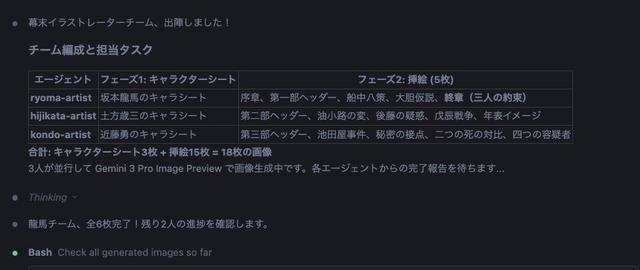
Gather the team members again. Activate the nanobanana pro slide generator skill for the Bakumatsu Agent Team. Then, proceed with the following steps: 1. Create reference images (a) Collect images of the three people: {argument name="person 1" default="Sakamoto Ryoma"}, {argument name="person 2" default="Hijikata Toshizo"}, and {argument name="person 3" default="Kondo Isami"} from Wikipedia or similar sources. (b) Use these as reference and base images to create character sheets with nanobanana pro. (c) Create character illustrations based on the consistent reference images. 2. Visualize the document (a) Create insertion illustrations for each chapter of the finalized report using nanobanana pro. (b) Insert the created images into the preview within the MD (Markdown) file. (c) Arrange the insertion illustrations for each H1, H2, and H3 section and for Tips to structure the document clearly. Divide this work among the three people to proceed most effectively.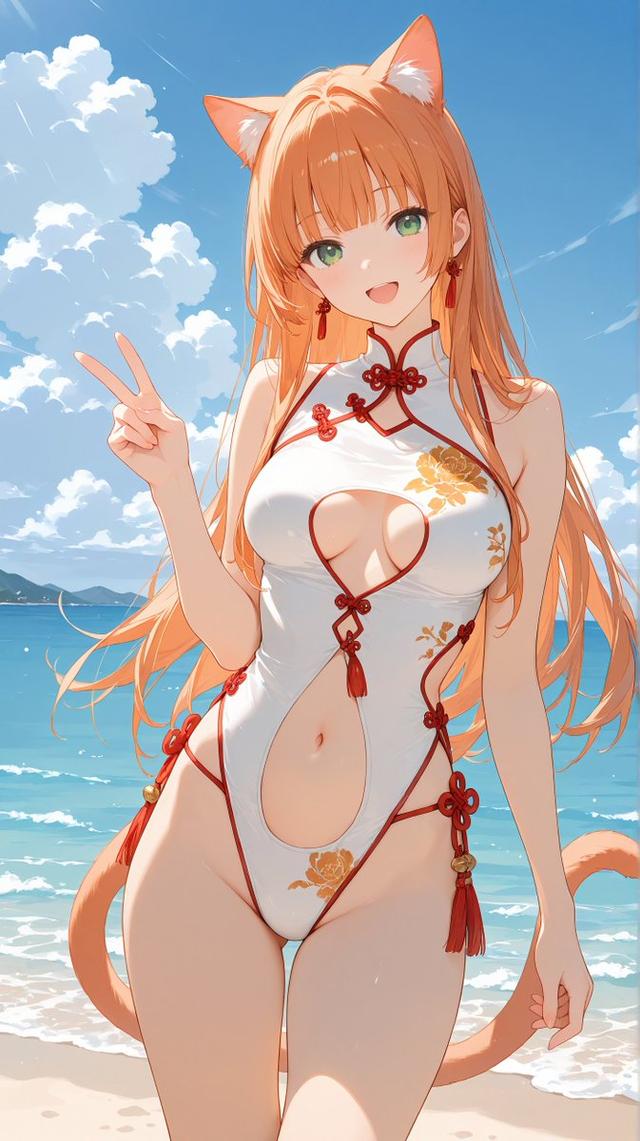
SFW anime-style illustration. No nudity, no suggestive intent.
在同一个创作空间,连接提示词、参考素材和生成结果。
打开创作画布 ↗