

Explore Alternatives
Branch a supported input into separate requests to compare creative directions. Review the alternatives before choosing what to develop.
Astorie Canvas Workflow
Keep your reference, generation steps and results together. Connect compatible inputs, run a step and inspect the result before continuing. The diagram illustrates the workflow, rather than the product interface.
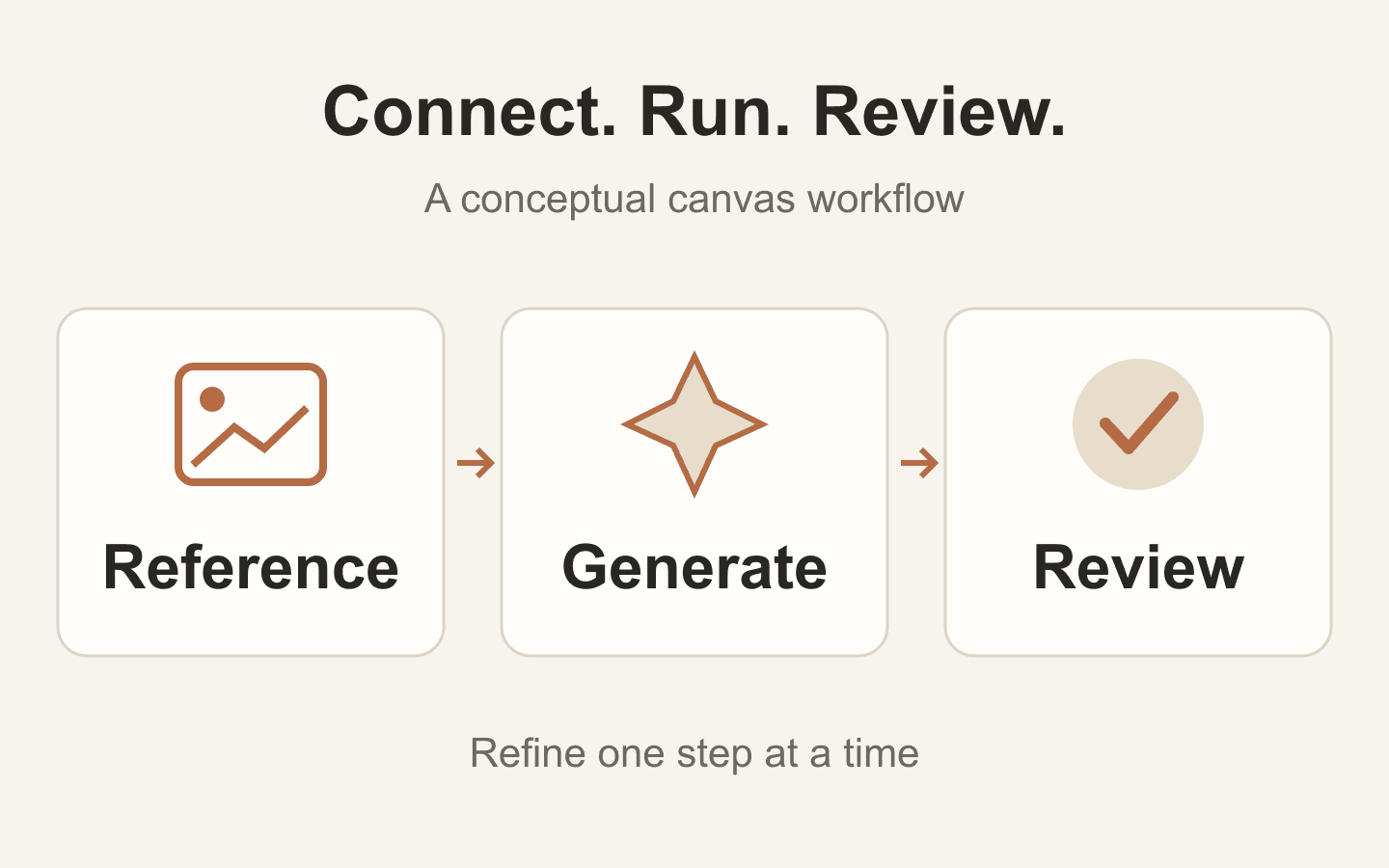
Choose a concrete starting task, such as developing an image concept and using a selected still as the input for a video.
Add nodes or import the files you need. Keep reference images and source text organized so you can tell which input belongs to each request.
Use the available input and output ports. Check each node requirement; a connection must match the media and input types the destination accepts.
Run the relevant generation stage and review its output before using it downstream. After changing an input, check and rerun the affected stage as needed.
Branch a supported input into separate requests to compare creative directions. Review the alternatives before choosing what to develop.
Use an image you have reviewed as the starting point for a compatible downstream task, such as image-to-video.
Arrange related nodes together and use clear labels. A visible structure makes it easier to revisit the inputs behind a creative decision.
| Workspace | A browser-based project canvas with nodes and media inputs. | |
|---|---|---|
| Connections | Use compatible ports and supported media types; not every pair of nodes can be connected. | |
| Execution | Review and generate each relevant stage. Editing an upstream input is not a promise that every downstream output automatically reruns. | |
| Outputs | Depend on the nodes and models selected for the project. | |
| Finishing | Prepare final sequencing, delivery formats and other finishing steps in the appropriate workflow for your project. |
Open the Astorie canvas and create or open a project. The controls for nodes, files and compatible connections live in that workspace.
No. Connections depend on supported inputs and outputs. Check the destination node requirements before wiring a stage.
Do not assume that it does. Review the affected stages and generate them again when needed to produce outputs from the revised inputs.
The workflow can help prepare the clips and their source material. Check the current workspace features for your finishing task; use an external editor when the project needs editing or delivery controls that are not available.
Build a small workflow, check its result and add the next stage when it is ready.