Getting Started with Workflows
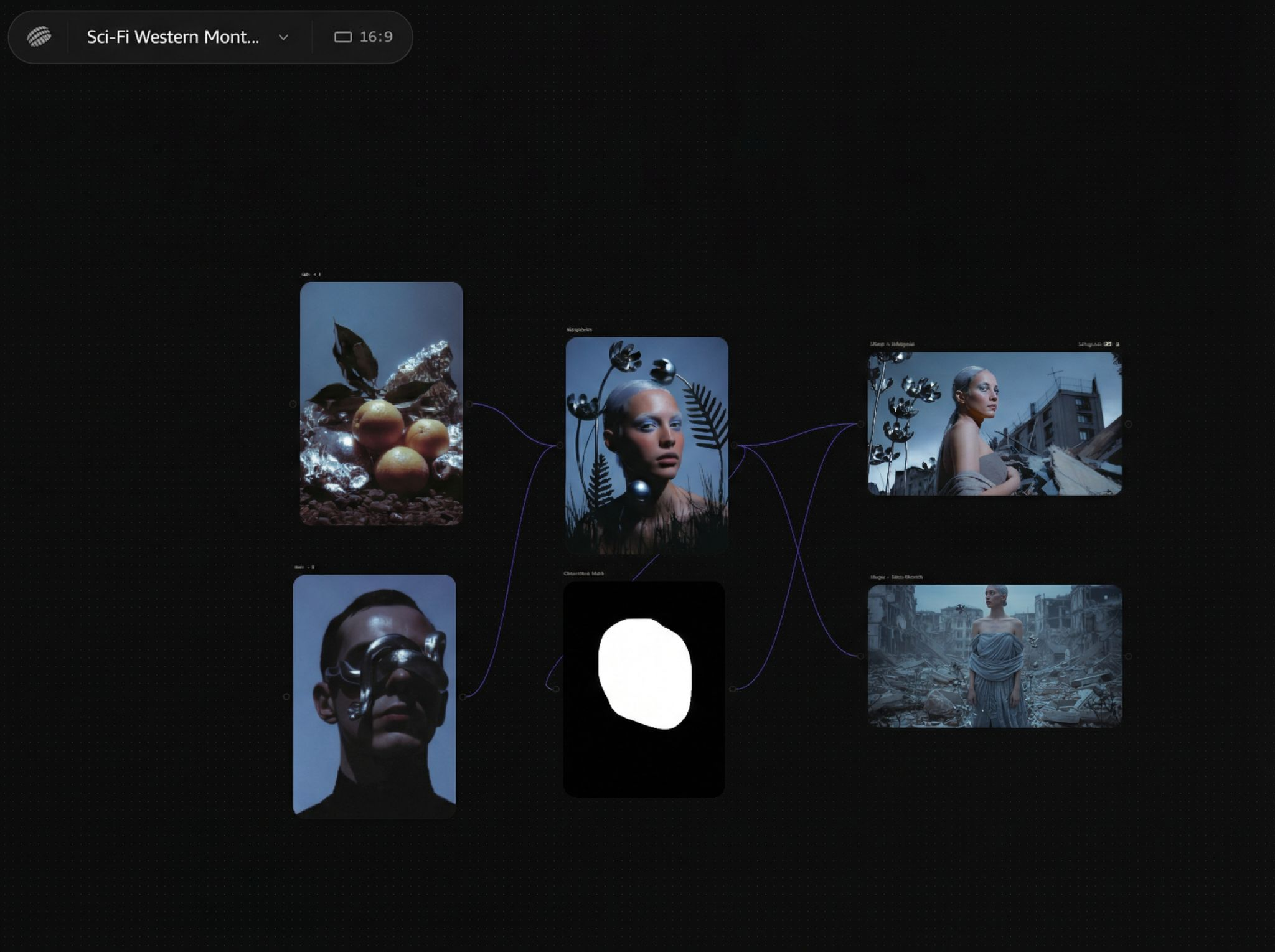
Workflows are a core concept in Astorie: by connecting multiple nodes, you can automate complex tasks with AI.
What is a Workflow?
Workflow = Nodes + Connections
- Nodes: Perform specific tasks (generate images, videos, etc.)
- Connections: Define data flow (upstream output → downstream input)
When you click Generate on a downstream node, the system automatically retrieves content from upstream nodes as input.
Simplest Workflow
Text → Image
- Write a prompt in the Text node
- Generate an image in the Image node
- After connecting, the Image node automatically reads the Text content
Workflow Interface
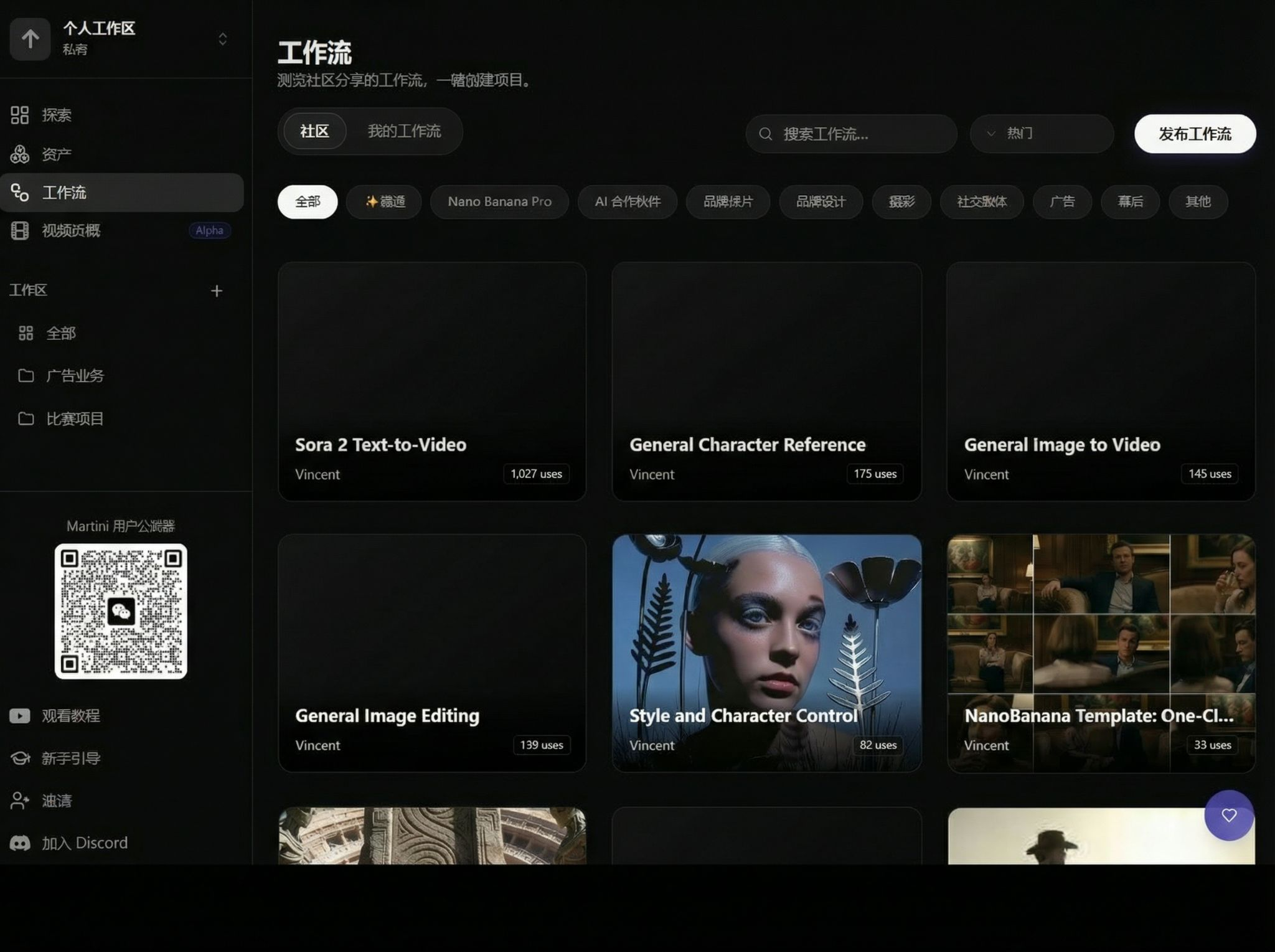
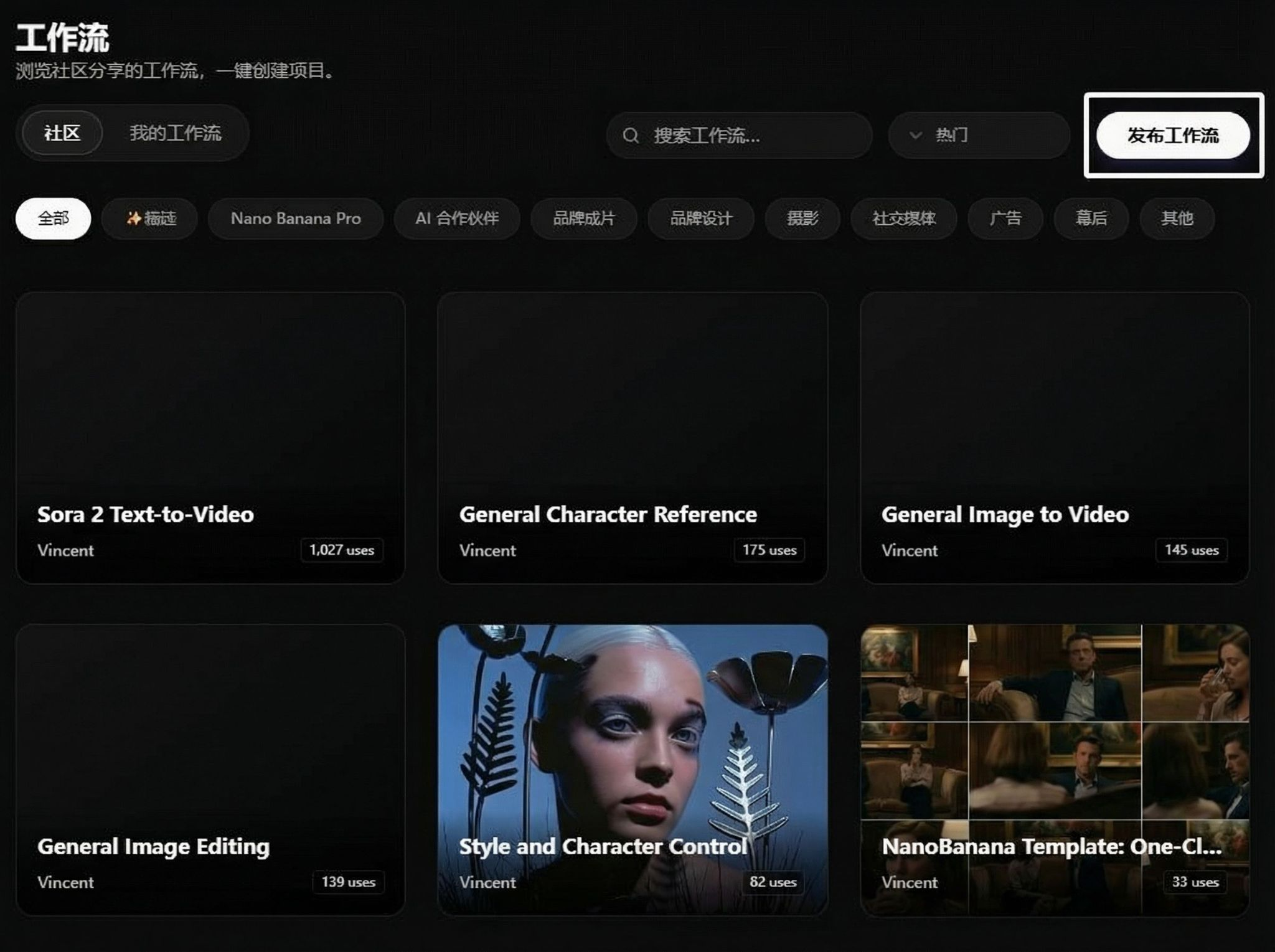
Access the Workflows menu on the left to see the community workflow list:
Using Workflows
Select a workflow you like to view details:
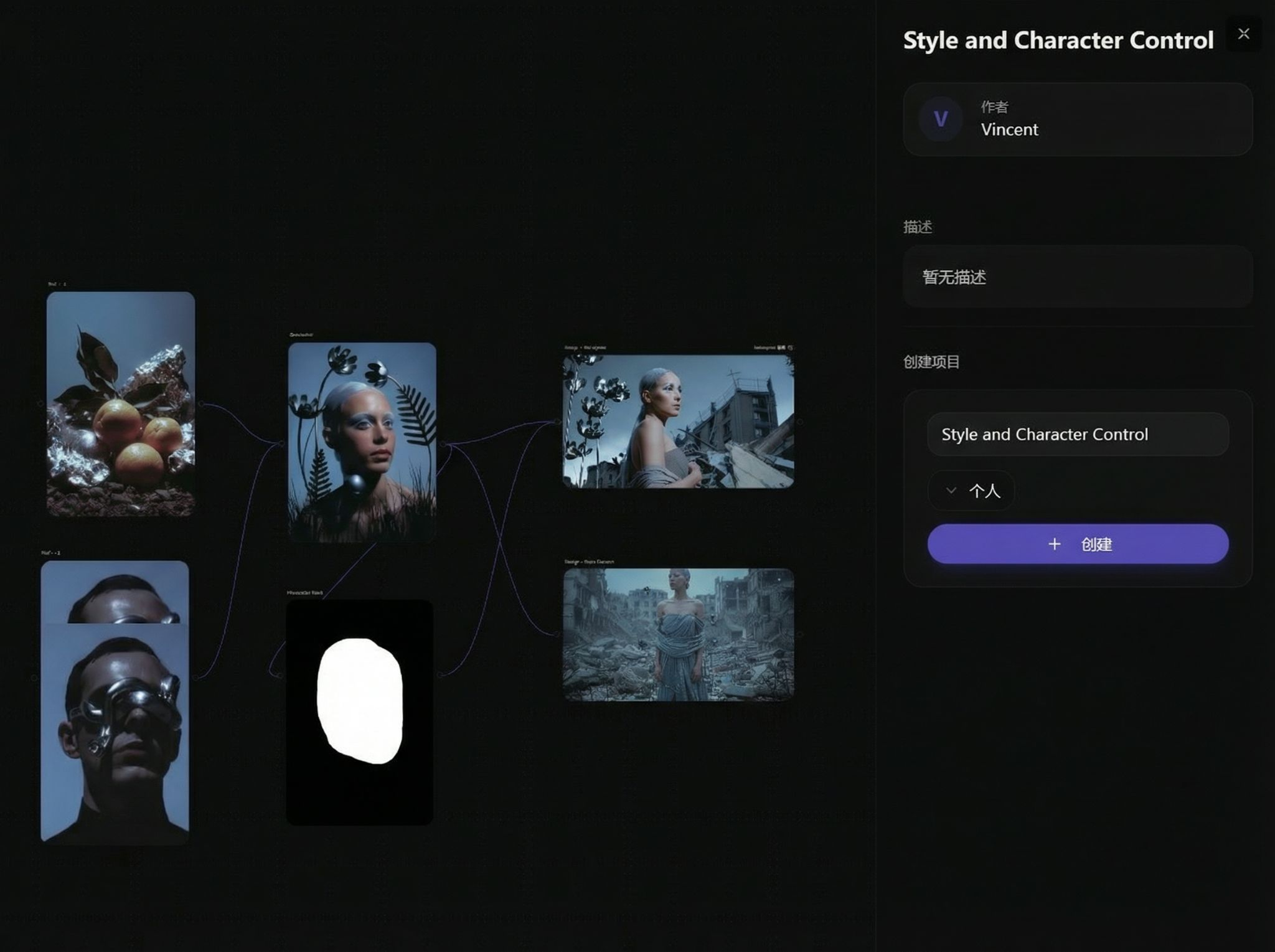
Click Create to use the workflow:
Publishing Workflows
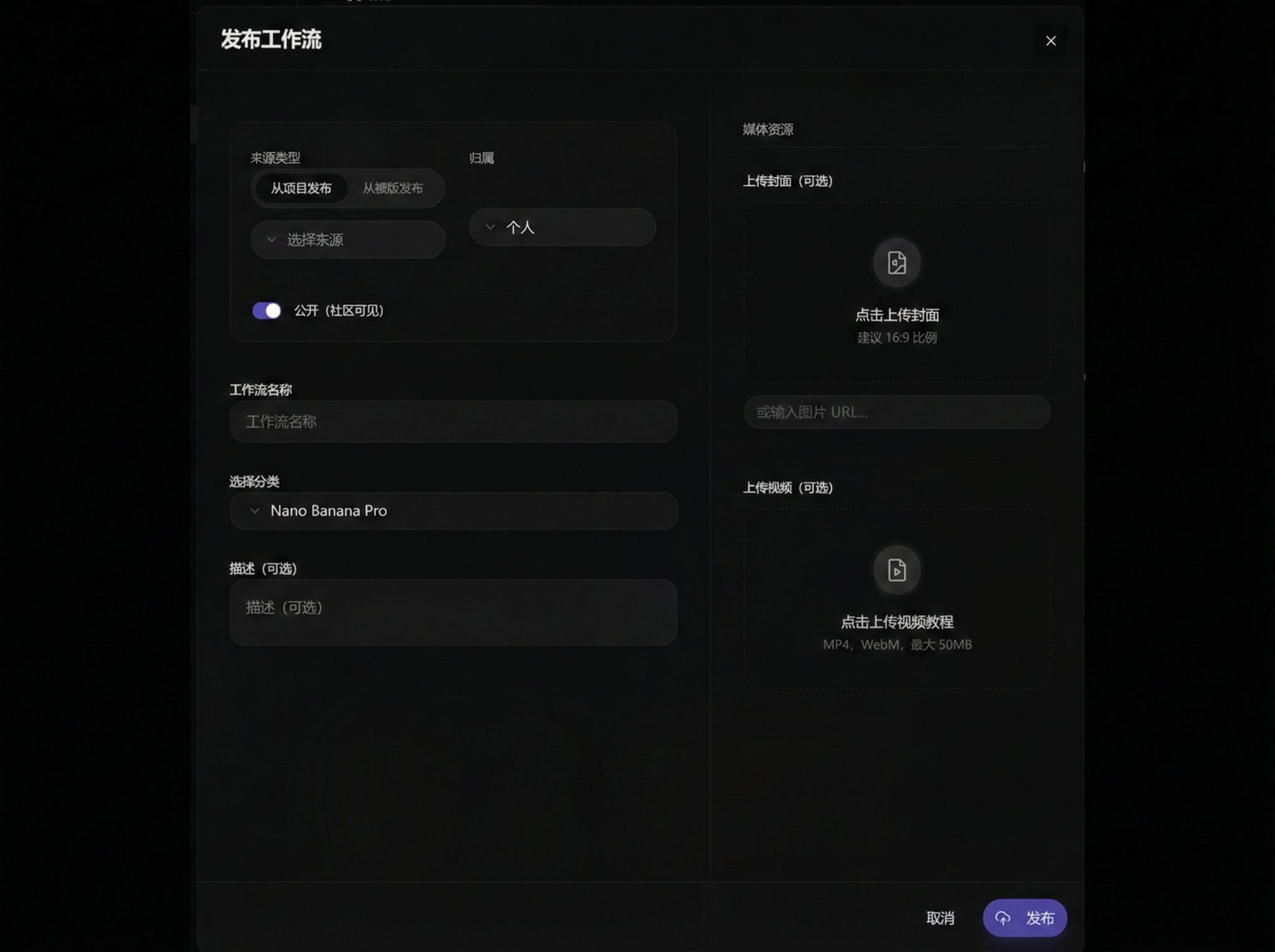
Click Publish Workflow:
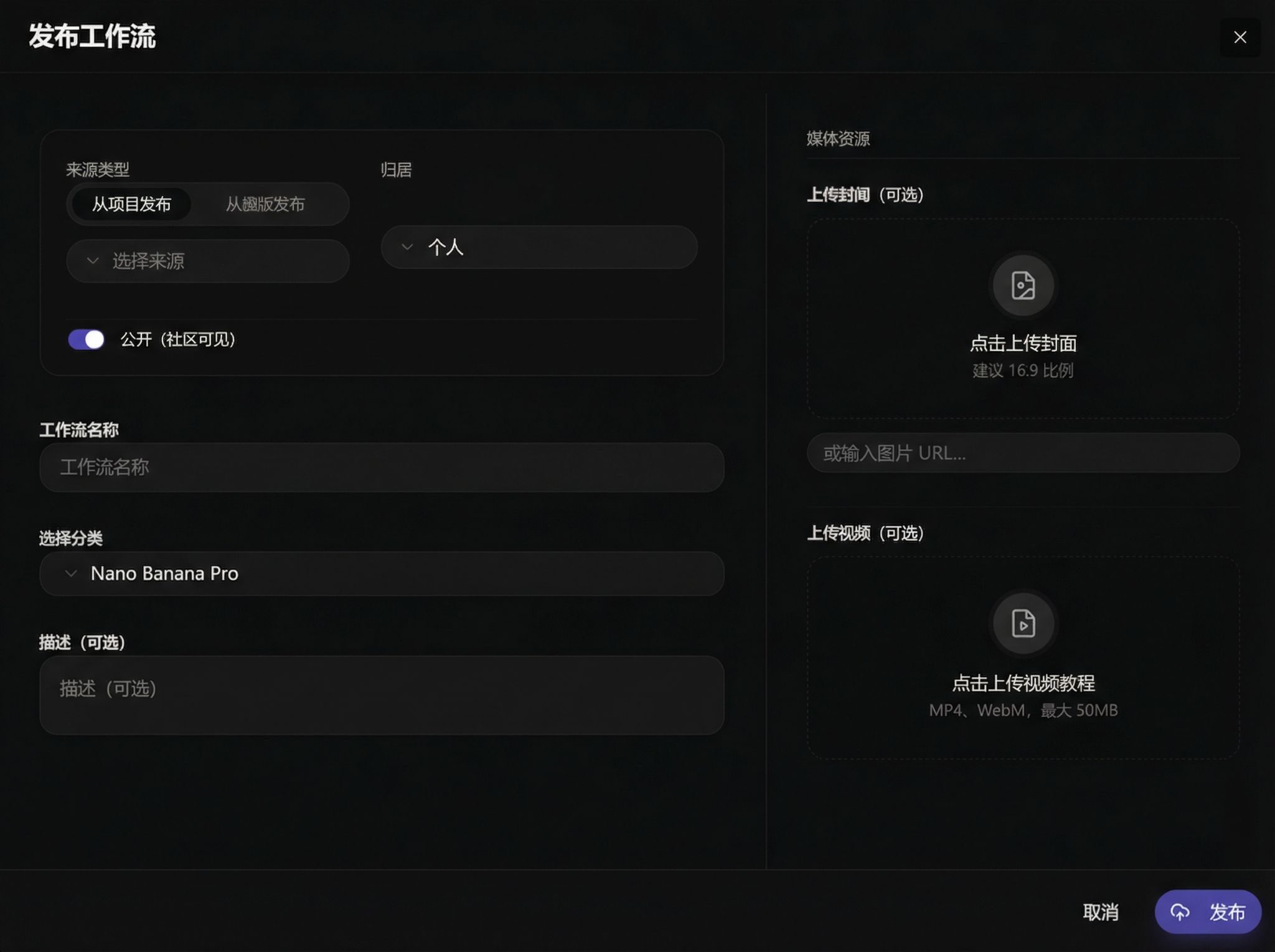
Fill in publication information:
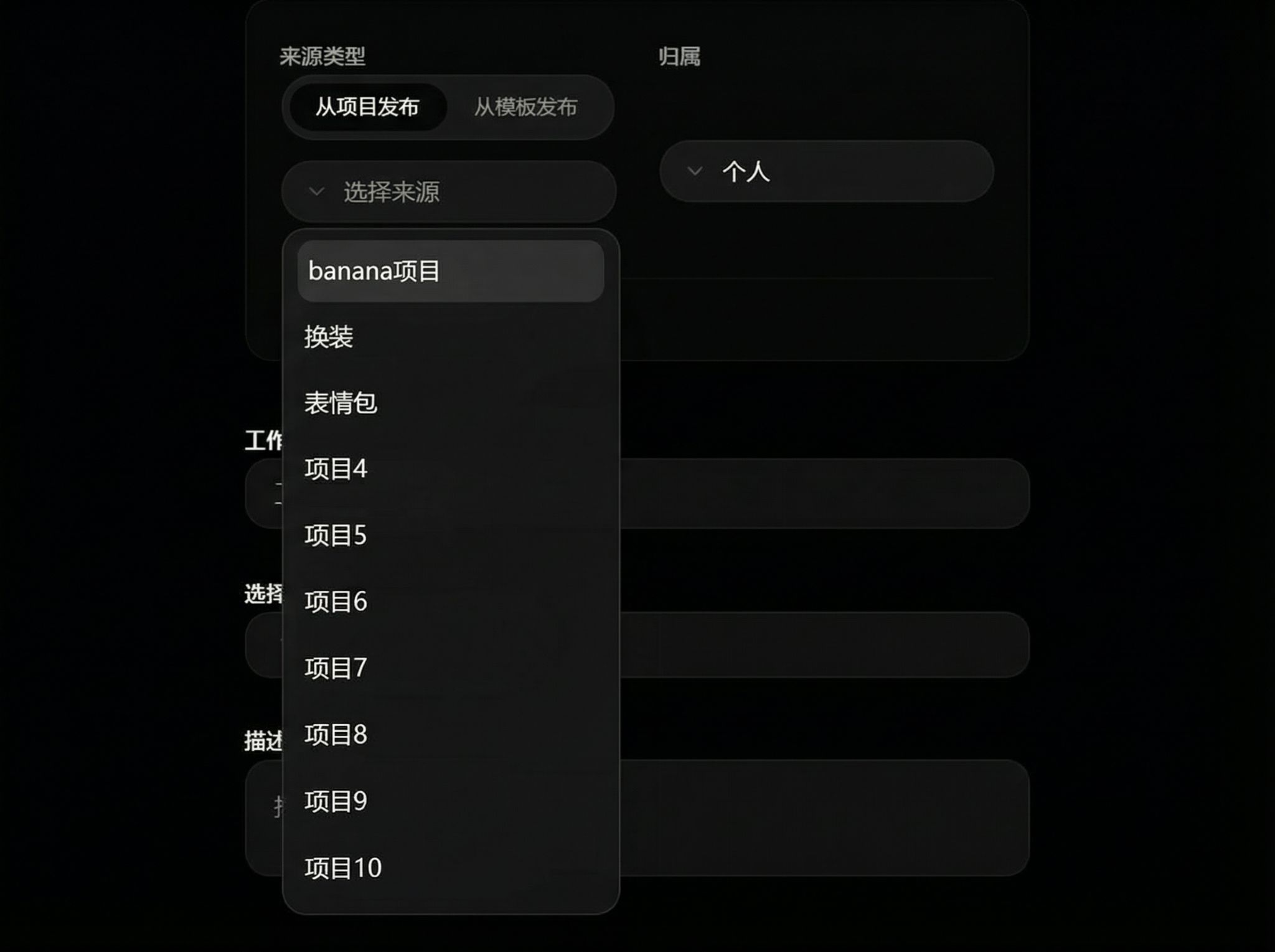
Select source project:
Edit name, description, and cover: