Video

AI Video Reference Images

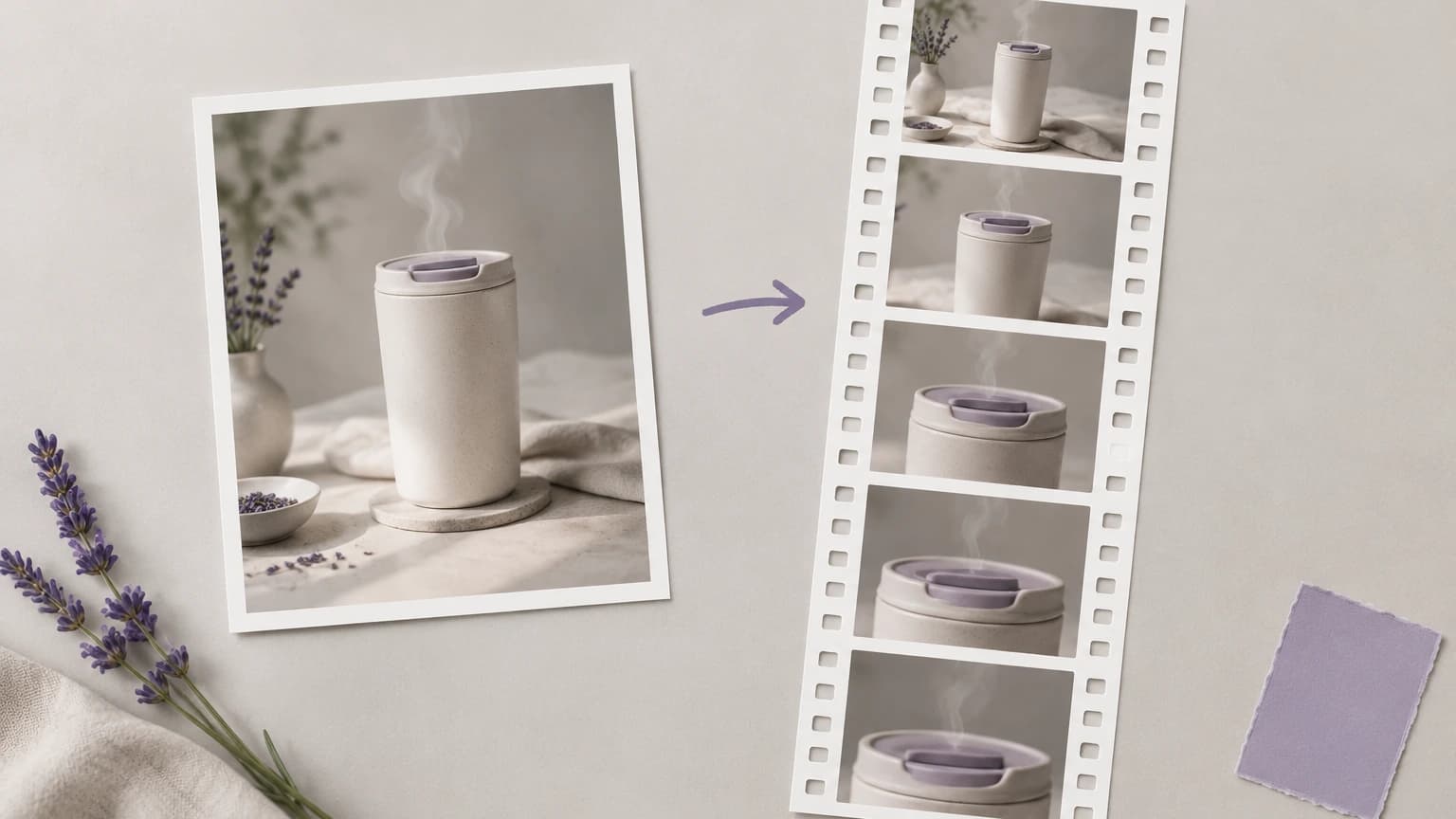
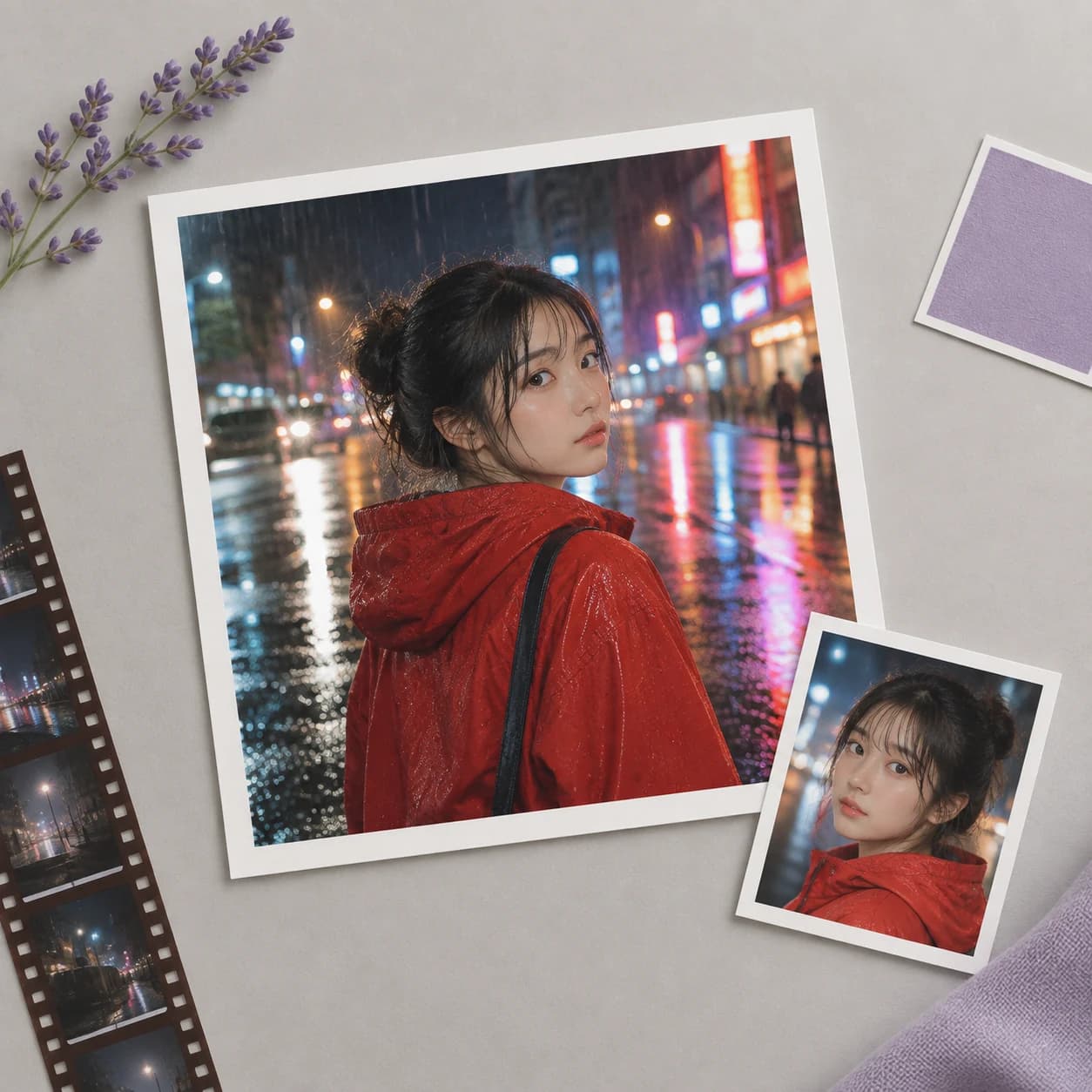
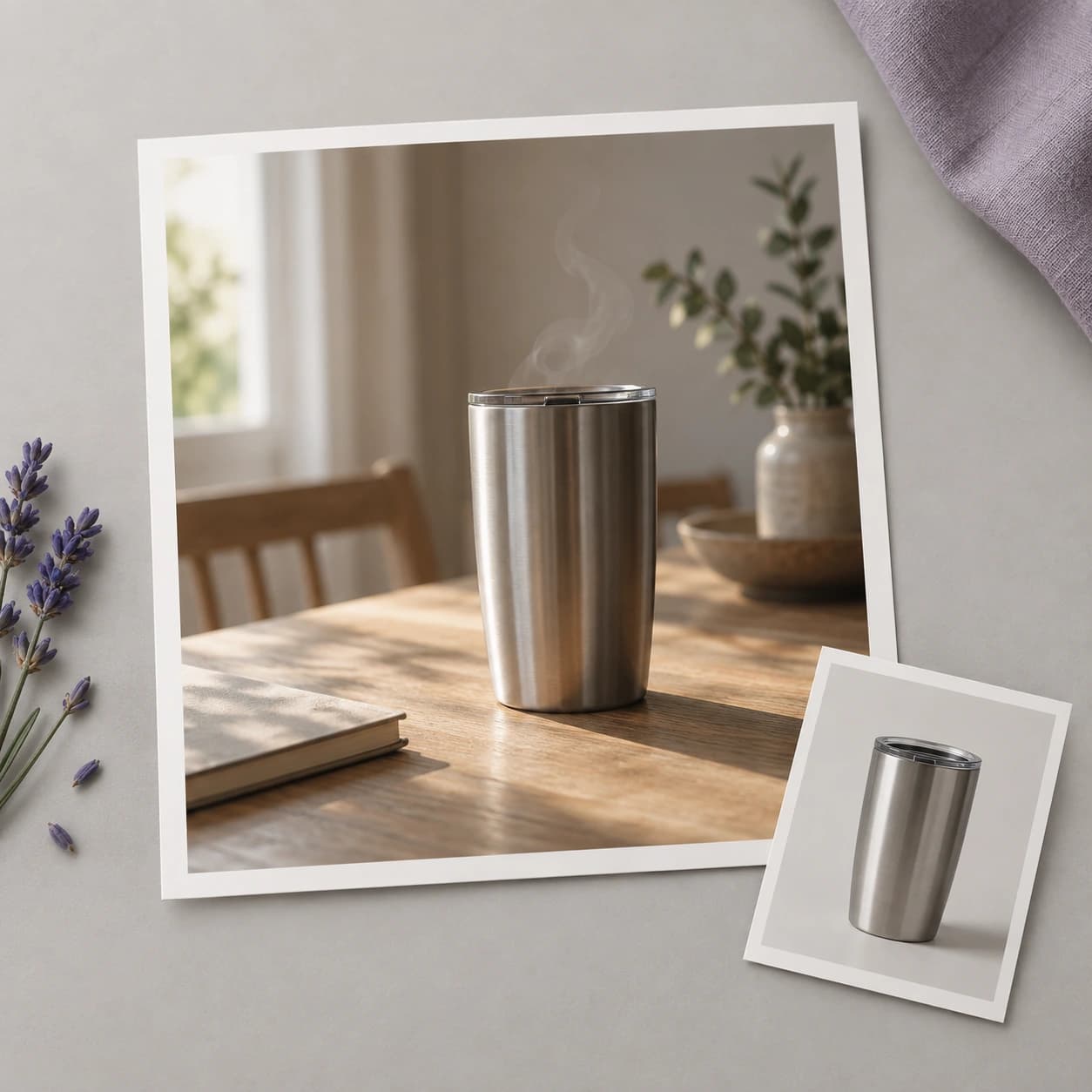
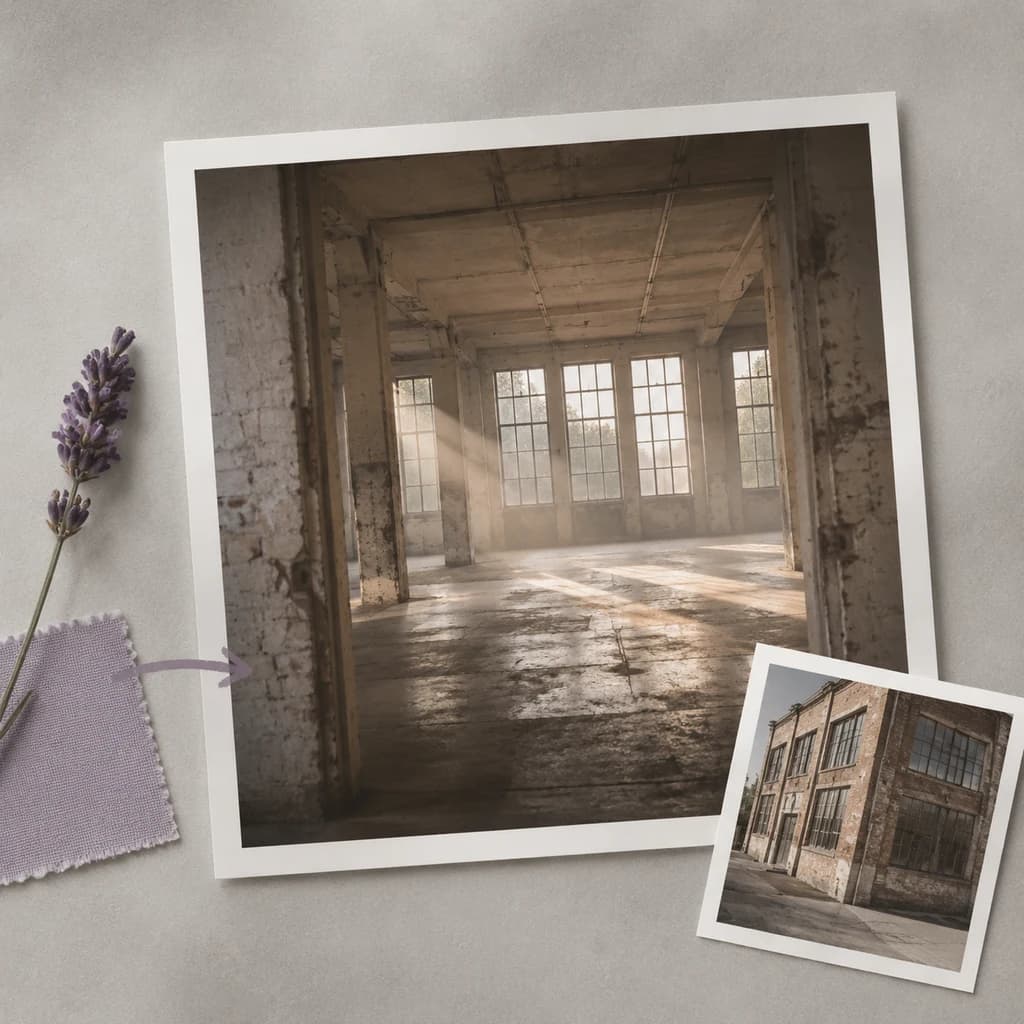
Most AI video tools take one reference image and forget it by the second clip. Astorie chains multiple reference images across the canvas — character, style, scene — and feeds them into Vidu, Kling O3, Seedance 2, and Nano Banana 2 so subject and style stay locked across every generation, every cut, every shot in your sequence.

What this feature solves

Reference images are how AI video models stay on-brief. Without one, the model generates whatever fits the prompt — and what fits the prompt this generation rarely matches what fit it last generation. With a reference, the model anchors to the visual you uploaded, holds the subject, and varies the prompt around that anchor. The problem is that most consumer-facing AI video tools accept one reference at a time and forget it the moment you start a new clip. The brand looks different shot to shot, the character drifts, the style wanders, and the resulting edit reads as a montage of unrelated generations.

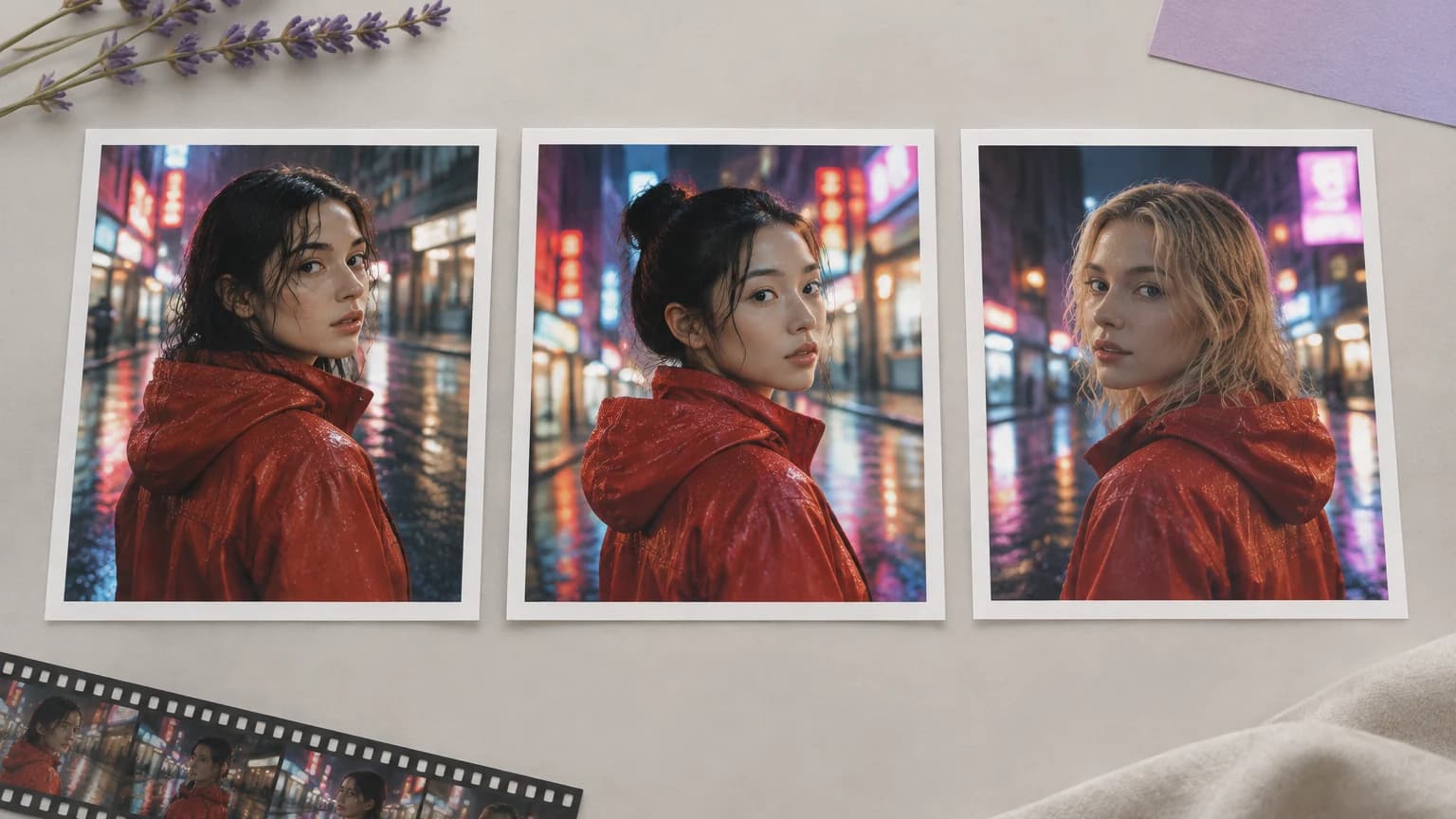
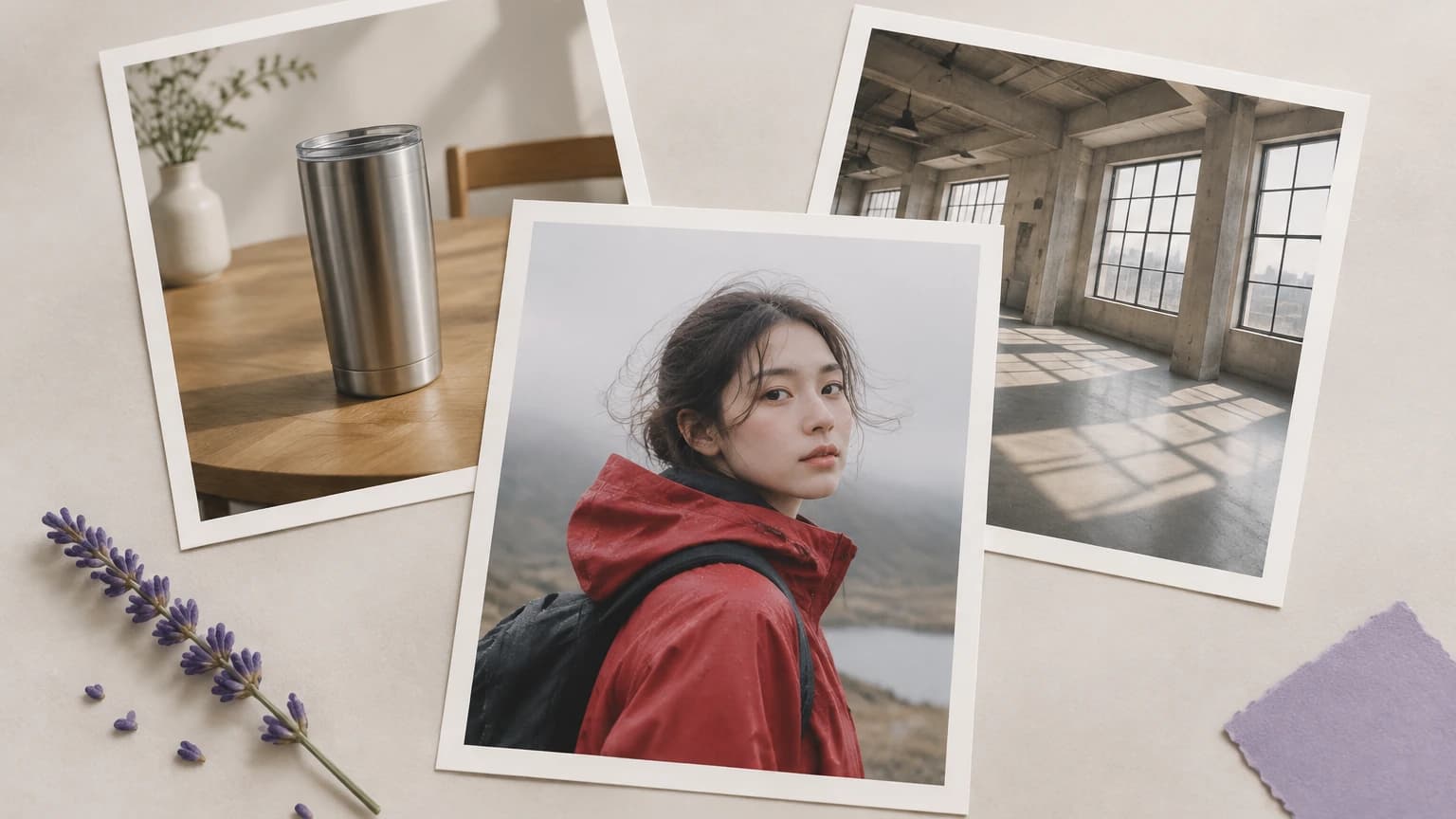
The deeper issue is reference type. A real production needs three different references at once — character (who is in the shot), style (the visual treatment), scene (the environment or composition). Single-reference tools make you pick one and lose the others. Multi-reference workflows that keep all three locked are how cinematic-quality multi-shot AI video gets made, and they only exist on a canvas where the references travel forward with the workflow.

Then there is the cross-model problem. Different video models have different reference-handling vocabularies. Vidu treats reference images as authoritative for character and scene; Kling O3 with reference mode handles style and camera continuity; Seedance 2 anchors product and brand fidelity. The right approach is the right model per shot, all reading the same set of references — but that only works if the canvas keeps every reference accessible to every downstream node.

Why Astorie is different

Astorie treats reference images as canvas-level anchors, not per-clip uploads. Drop the character reference, the style reference, and the scene reference into image nodes once. Wire each into every downstream video node. Kling O3 reads the style; Vidu reads the character; Seedance 2 reads the product reference — and the same anchors flow into every cut in the sequence. References never get forgotten between generations because they live on the canvas, not inside one tab.

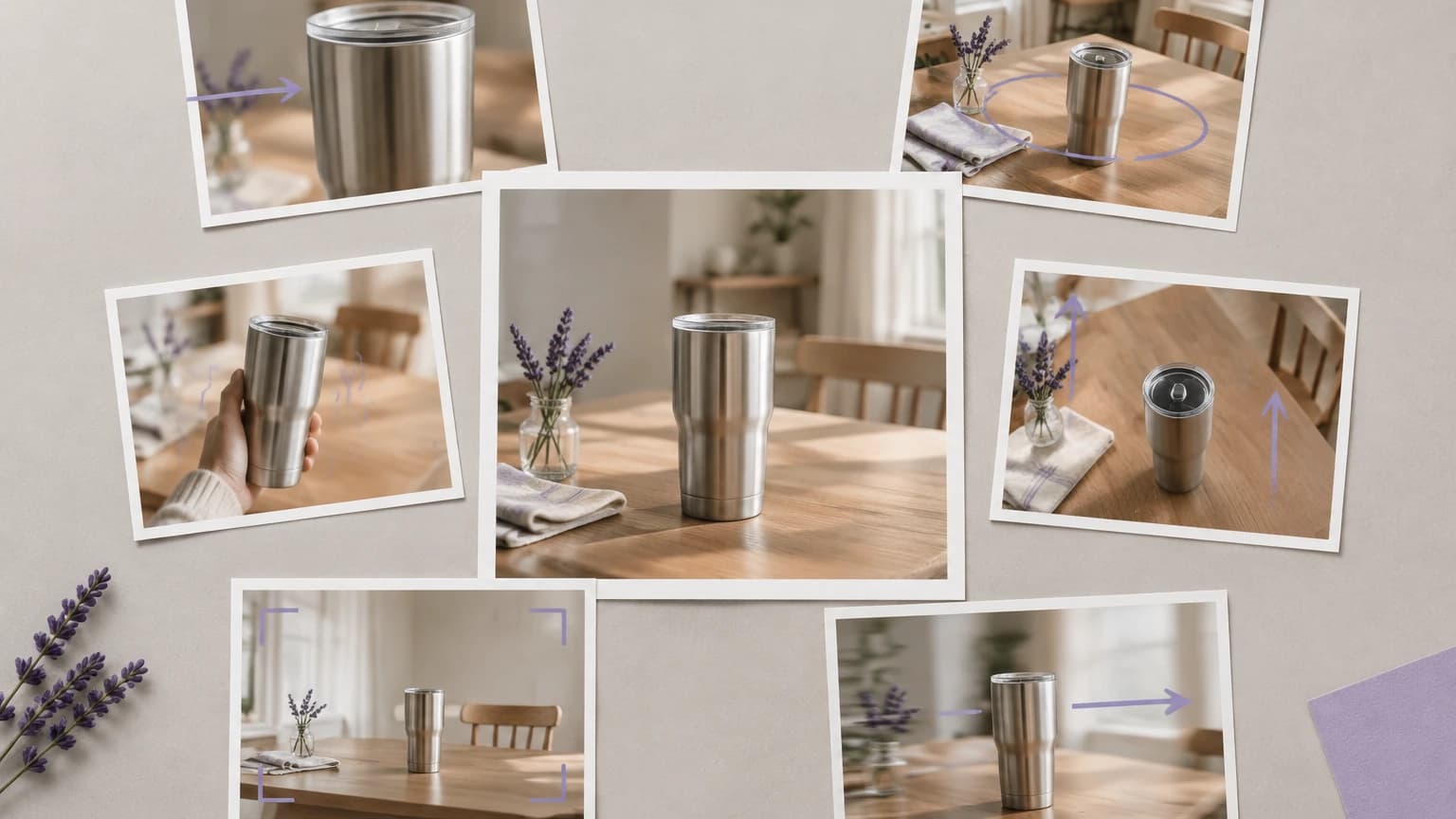
Multi-reference chaining unlocks production-grade consistency. For a branded film with a recurring character in a defined visual style across multiple environments, you wire the character reference, the style reference, and the per-scene reference into each video node. Each model receives all three and the cut lands looking intentional. For a product campaign, the product image, the brand color reference, and the scene composition reference travel together — every cut shares the same DNA.

Cross-model reference handling is the unlock. Different shots want different models, but the same references should drive all of them. Astorie lets you fan one set of references into Vidu, Kling O3, and Seedance 2 in parallel for the same shot, and pick the model that holds the references best for that specific cut. The references stay locked; only the engine changes. That is impossible inside any single-model tool.

Common use cases

Lock a character across a multi-shot branded film

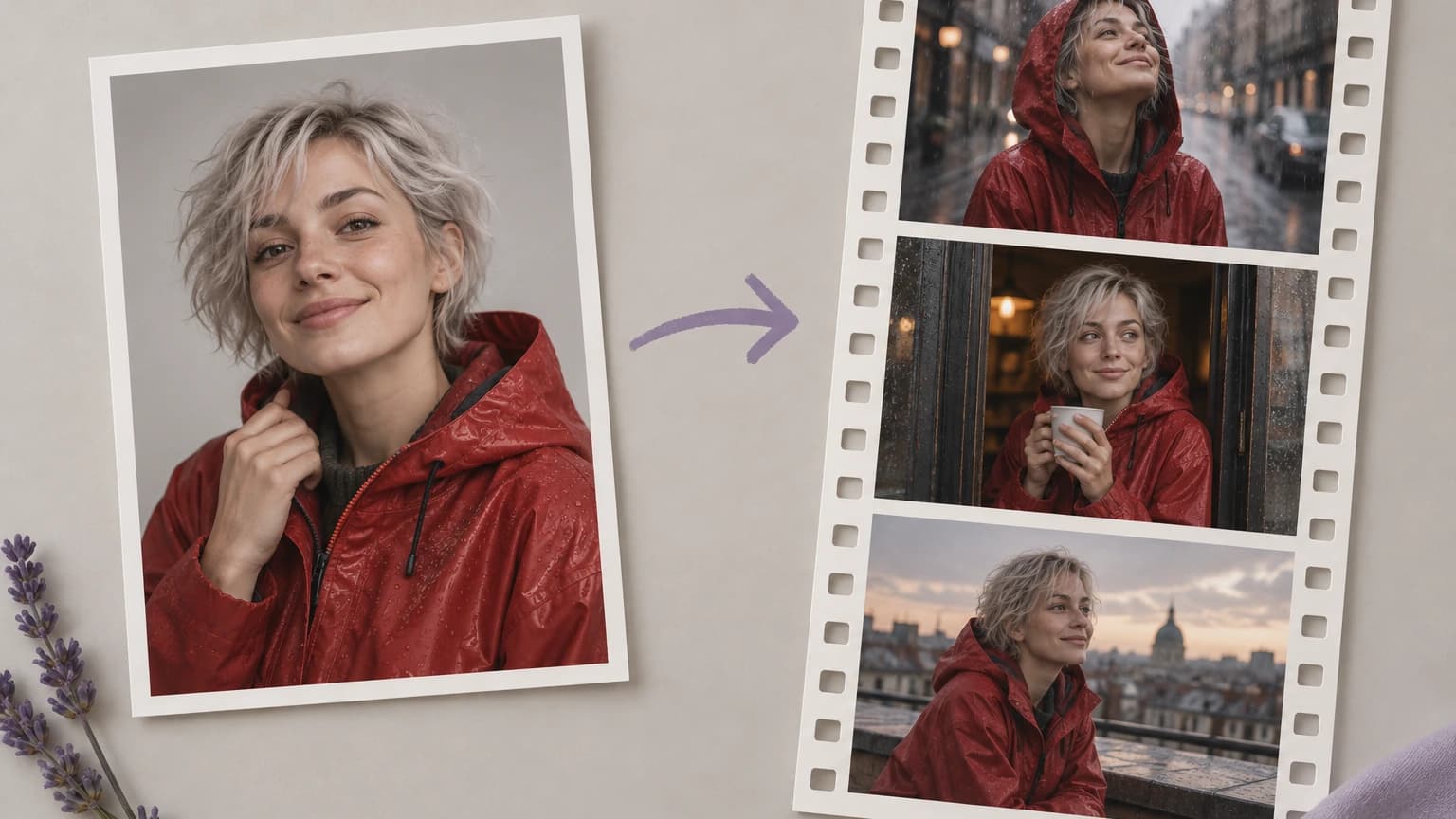
Pin one character reference and drive Kling O3, Vidu, and Seedance 2 video nodes from the same anchor so the protagonist stays identical across every cut.

Hold style consistency across a campaign

Use a style reference image (mood, color, treatment) as the second anchor and chain it into every video node so the campaign reads as one visual world.

Pin scene and environment continuity

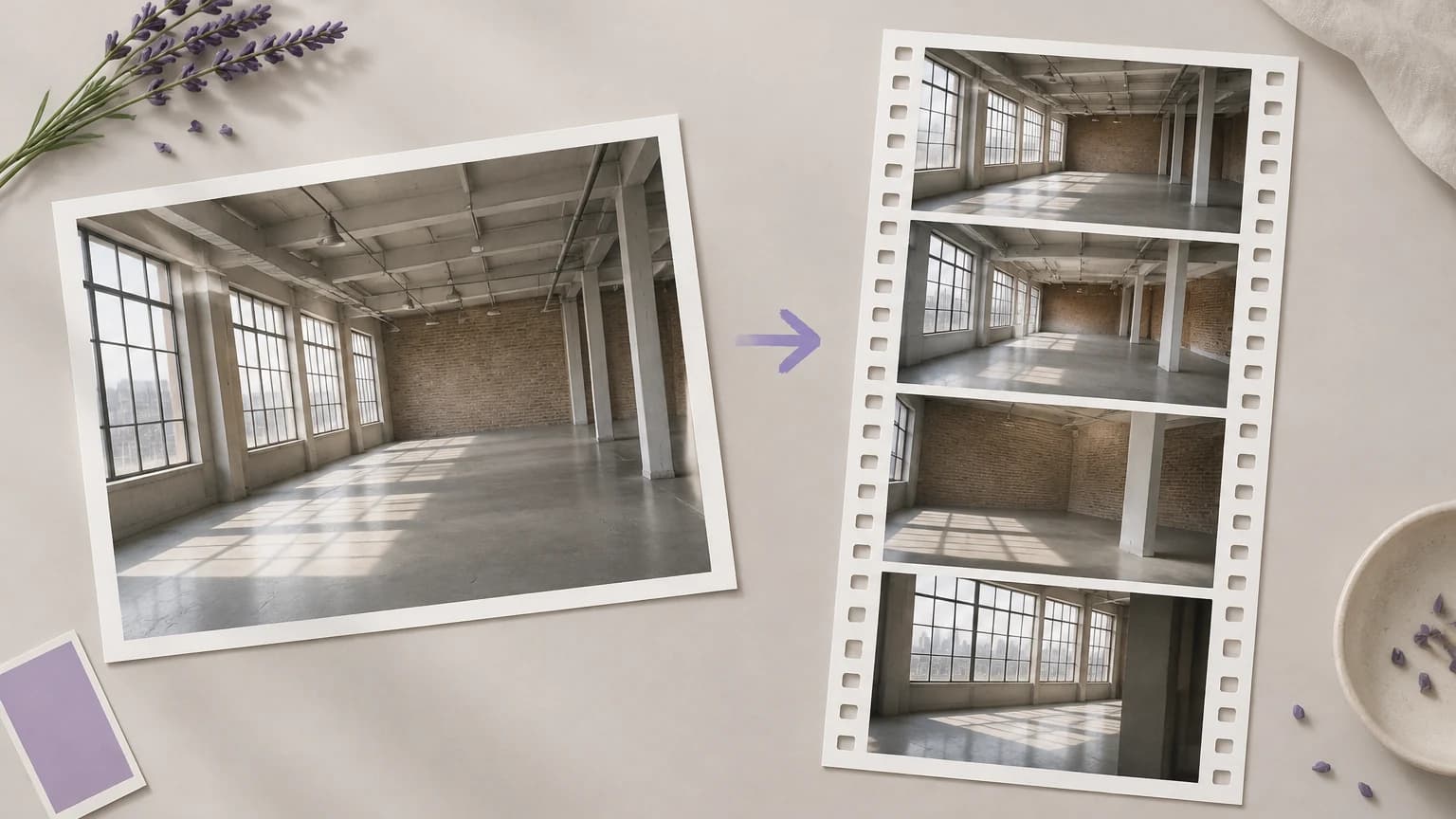
Wire a scene reference (location, set, environment) into every shot in a sequence so the world stays continuous across cuts that should feel connected.

Multi-reference product video for ecommerce

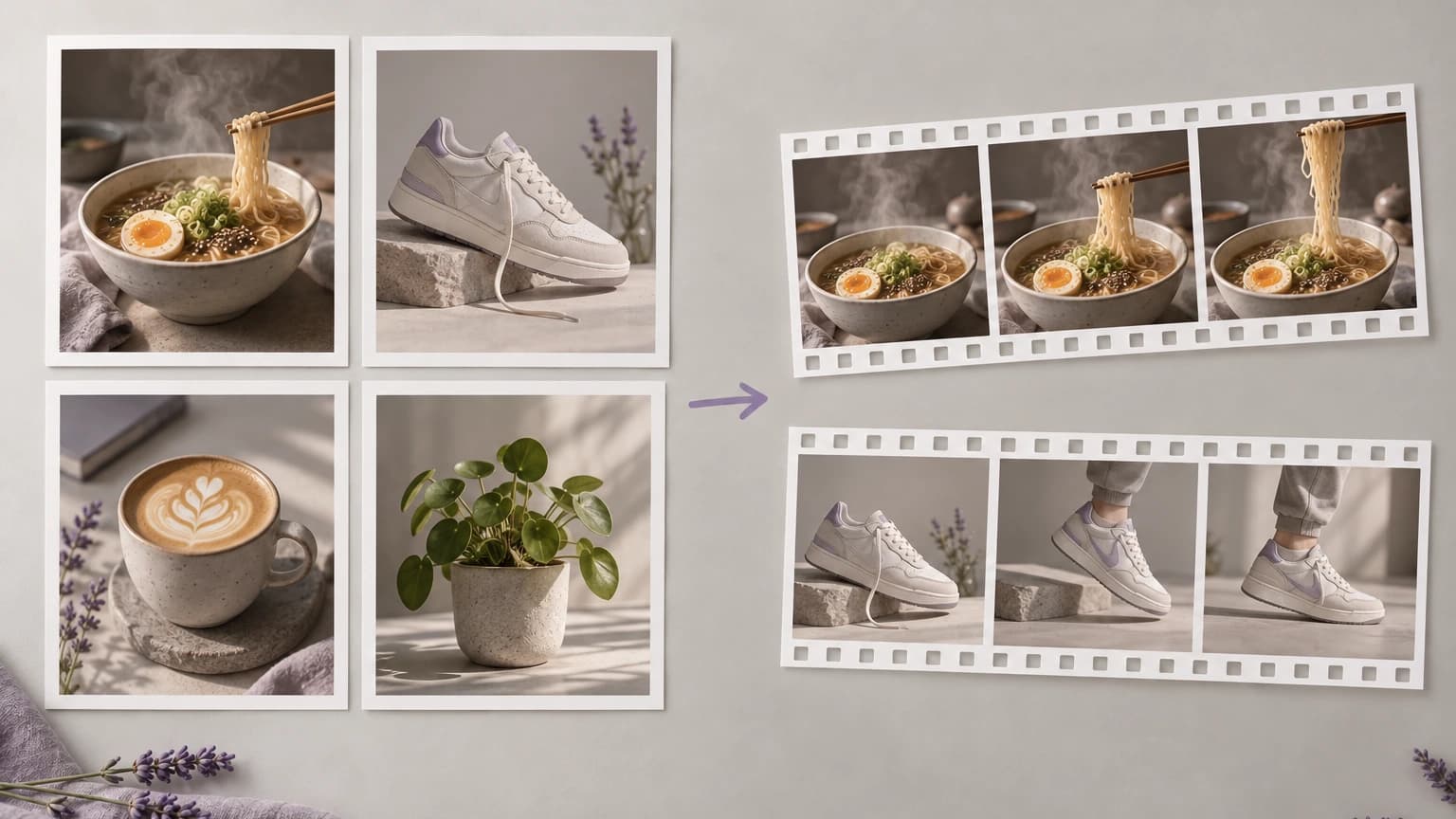
Combine product reference, brand color reference, and scene composition reference into Seedance 2 and Vidu nodes for SKU campaigns that hold the brand.

Cross-model comparison with locked references

Fan one reference set into multiple models in parallel for the same shot, compare which engine holds the references best, and pick per-cut winners.

Editorial photo shoots translated to motion

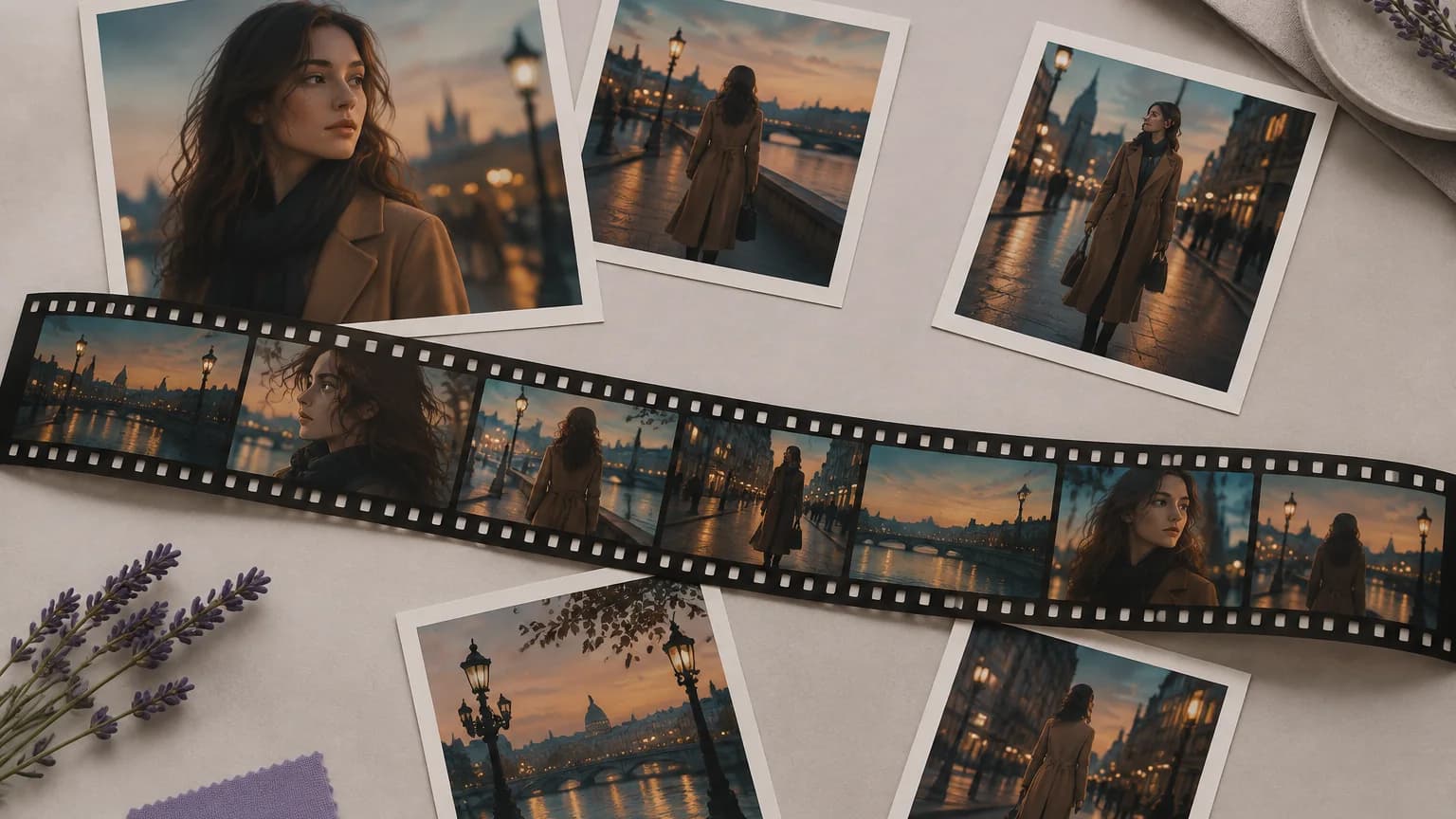
Use the editorial photo set as a reference library and animate each frame with a model that respects the original treatment.

Recommended model stack

How the workflow works in Astorie

  1. 1

    1. Build the reference library on the canvas

    Drop your character, style, scene, and product references into image nodes — one per anchor. Label each clearly so the downstream nodes are easy to wire.

  2. 2

    2. Pick the right reference set per shot

    For a character-driven shot, wire the character reference. For a scene-driven shot, wire the scene reference. For a hero product cut, wire all of them. Each video node only needs the anchors that matter for that specific shot.

  3. 3

    3. Choose the model that handles your reference type

    Vidu and Kling O3 (reference mode) are best for character and scene anchors. Seedance 2 leads on product and brand fidelity. Pick per shot rather than per project.

  4. 4

    4. Write prompts that complement the references

    Tell the model what should happen — camera move, action, mood — without re-describing what the references already show. Less prompt, more references.

  5. 5

    5. Fan out to compare reference handling

    For tricky shots, duplicate the video node and swap models. Same references, different engines. Pick the take that holds the anchors best.

  6. 6

    6. Sequence and export with consistency intact

    Order the cuts in a sequence builder. The shared references make the edit feel intentional. NLE export drops the timeline into Premiere or DaVinci ready to grade.

Example workflow

A fashion brand is producing a 60-second campaign film with five shots, all featuring the same model in the same brand-styled wardrobe across different urban scenes. The team builds the reference library: model portrait reference (character), brand mood-board image (style), and one location reference per scene. They wire the model and style references into every video node, plus the per-scene location reference into the corresponding shot. Shot 1 (rooftop): Vidu with model + style + rooftop reference. Shot 2 (subway): Kling O3 with the same model + style + subway. Shot 3 (cafe): Seedance 2 for the seated product moment with all four references. The model looks identical across every shot because the character anchor never moved; the brand world holds because the style reference stays pinned. NLE export drops the timeline into DaVinci for color and finishing.

Tips and common mistakes

Tips

  • Use the highest-resolution references you have. Models down-sample but they cannot up-rez detail that was never in the source.
  • Separate references by type — character, style, scene, product. Mixing them into one composite weakens each.
  • Run hero shots through two or three models for the same reference set. The strongest reference handler varies by shot type.
  • Keep the canonical reference pinned on the canvas. Never re-generate it mid-project — drift compounds shot by shot.
  • Save the reference library as part of the canvas template. The next campaign reuses the references as a starting point.

Common mistakes

  • Combining character, style, and scene into one composite reference image. Models read it as a single anchor and lose specificity.
  • Re-uploading references per video node instead of wiring them from canvas-level image nodes. The lineage breaks.
  • Picking a model that does not respect references for a reference-critical shot. Use Vidu, Kling O3, or Seedance 2 — not a freestyle model.
  • Writing prompts that re-describe the reference. The reference does that job — the prompt should describe the action and camera.
  • Forgetting style continuity. Locking the character without a style reference still produces a shot-to-shot visual jumble.

Related how-to guides

Related models and tools

Related features

AI Character Consistency Across Images and Video

Keep a subject consistent across image and video generations on Astorie using reference workflows.

Multi-Shot AI Video — Build Connected Scenes, Not Isolated Clips

Plan, generate, and sequence multi-shot AI video on Astorie — keep characters, style, and motion consistent across shots.

AI Image to Video — Animate Stills Into Production-Ready Shots

Turn still images into production-ready video shots on Astorie's canvas — multi-model, reference-aware, NLE-export ready.

AI Influencer Video Generator — Repeatable Character Pipeline

Design, generate, and scale AI influencer videos on Astorie — character library, voice cloning, lip-synced video, all on one canvas.

AI Product Video Generator — From Product Image to Ad Video

Create product ads and demos from product images on Astorie's canvas — chain product photo to multi-shot video across Seedance, Runway Gen-4, and GPT Image.

AI Ad Creative Generator — Multi-Format Ad Visuals and Video

Generate ad visuals and videos across Ideogram, Flux, Seedance, and Runway on Astorie — every aspect ratio, every variant, one canvas.

AI Avatar Video Generator — Talking Avatars from Image and Audio

Create talking avatar videos from image and audio on Astorie's canvas — Kling Avatar, OmniHuman, ElevenLabs, locked identity across every clip.

AI Talking Head Video — Spokesperson, Course, and Narration

Produce spokesperson, course, and narration videos on Astorie's canvas — Kling Avatar, OmniHuman, ElevenLabs, Fish Audio, locked identity end to end.

Video to Video AI — Restyle, Edit, Transform Source Footage

Restyle, transform, and edit source video on Astorie's canvas — Runway Aleph, Kling O3, Wan chained into multi-shot pipelines.

AI Video Generator — Multi-Model AI Video Production on Astorie

Multi-model AI video generation with text, image, reference, and editing workflows on Astorie's canvas.

Text to Video AI — Generate Video From Prompts on Astorie

Generate video from prompts and chain outputs into scenes on Astorie's multi-model canvas.

Consistent Character AI Video — Reference-Driven Video on Astorie

Preserve character identity through reference-driven video models on Astorie.

AI Explainer Video — Educational and B2B Demo Videos

Generate explainer videos, B2B demos, and educational content on Astorie's canvas.

Related docs

Related reading

Comparisons

Frequently asked questions

How many reference images can I use for one video shot?

Vidu and Kling O3 (reference mode) accept multiple reference images per generation — typically up to four anchors covering character, style, scene, and an additional context reference. Seedance 2 supports a primary reference plus secondary product anchors. The right number is the smallest set that locks what matters; more references is not always better.

Which model is best for character reference?

Vidu is the strongest character-reference handler in the registry — it treats the character image as authoritative and preserves face, wardrobe, and proportions across the take. Kling O3 with reference mode is the close second and adds stronger camera continuity. For talking-head character video specifically, Kling Avatar is purpose-built.

How do I keep style consistent across a multi-shot edit?

Use a single style reference image (mood board, color palette, treatment example) and wire it into every video node in the sequence alongside any scene-specific anchors. Style references work best when they are uncluttered and dominated by the visual treatment you want to lock — not by competing subjects.

Can I mix references from different sources?

Yes — character from a portrait shoot, style from a mood board, scene from a location scout. Just keep each reference focused on its own role; do not composite them into one image. The canvas holds them as separate anchors and feeds each into the video model intentionally.

What resolution should reference images be?

Highest available — 1024px on the long edge minimum, ideally 2048px or above. Reference quality directly drives generation quality, and downsampling is cheap while up-rezing is impossible.

How does this compare to single-reference tools like Runway?

Runway accepts a single reference per generation in most modes. Astorie lets you wire multiple reference images on the canvas and feed any combination into Vidu, Kling O3, or Seedance 2 per shot — and chain the same references across an entire multi-cut sequence. For one-clip work, Runway direct is fine. For multi-shot brand work, the canvas reference workflow is the difference.

Build it on the canvas

Open Astorie and wire this workflow up in minutes. Free to start — no card required.

This website uses cookies

We use basic cookies and product analytics to keep Astorie secure, remember preferences, and plan long-term improvements. You can also allow full marketing tags.

Read more