


Photo Restoration and Baldness Transformation
Jesse Lau 遁一子GPT Image 1.5
Restore and enhance this photo as if it were captured today with a high-end modern camera. then make this man bald

Generated output: Cinematic Dual-Tone Portrait from Uploaded Photo — output 1
A step-by-step prompt for transforming an uploaded photo into an ultra-realistic, high-detail cinematic studio portrait using dramatic dual-tone lighting (teal and golden) while maintaining the subject's calm and confident presence.
"A cinematic studio portrait of the person in the uploaded photo, framed from the chest up, facing the camera with a calm, confident presence.

Dramatic dual-tone lighting with cool teal and warm golden tones creating a modern, cinematic mood.

Natural skin texture, sharp focus on the eyes, soft shadows, and smooth color transitions.

Hair styled naturally, wearing a minimal dark outfit with a contemporary aesthetic.

Clean studio background with subtle gradients.

Professional photography, shallow depth of field, cinematic color grading, ultra-realistic, high detail, 4K quality.

Aspect ratio: 3:4 "
Restore and enhance this photo as if it were captured today with a high-end modern camera. then make this man bald
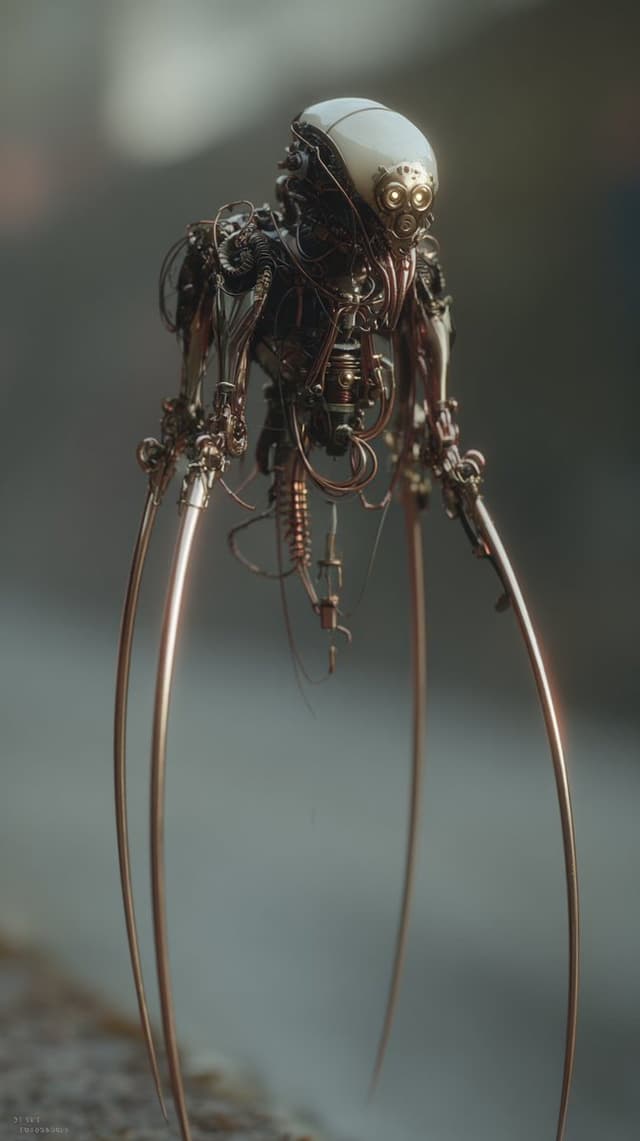
using the first image and its style and size, add the creature from the second image into the first at varying distances in the background, ensure the focus and size of the creatures is appropriate for its distance, there should be a total of {argument name="number of creatures" default="7"} of them, their look and style may vary slightly from one another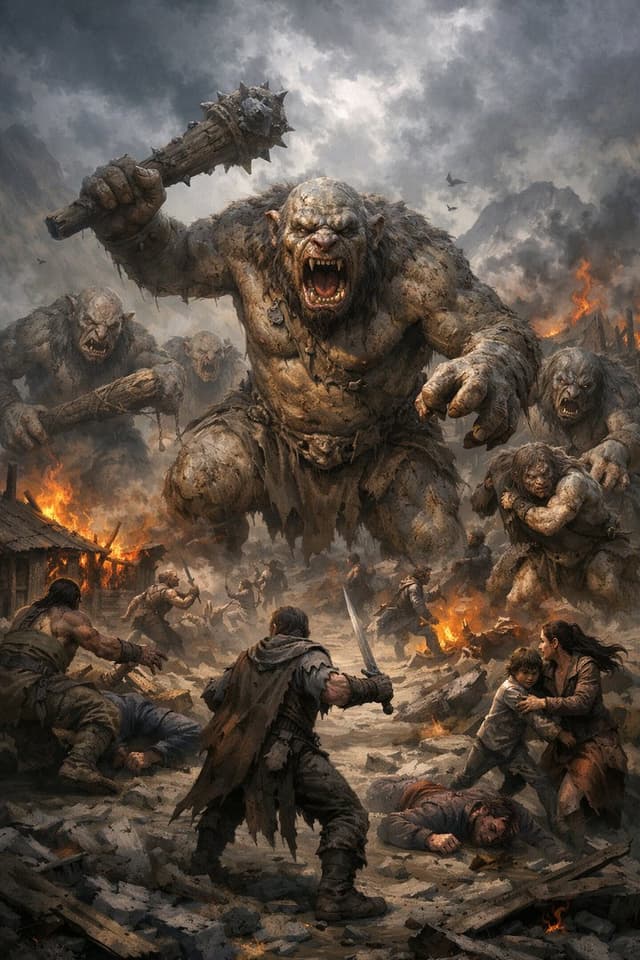
Visualize a world attacked by a horde of trolls as a common noun.
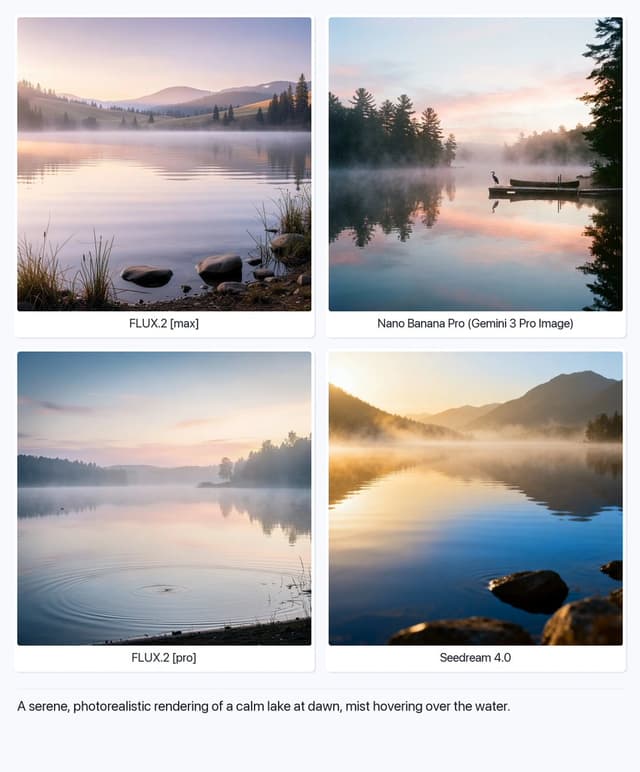
A serene, photorealistic rendering of a calm lake at dawn, mist hovering over the water.
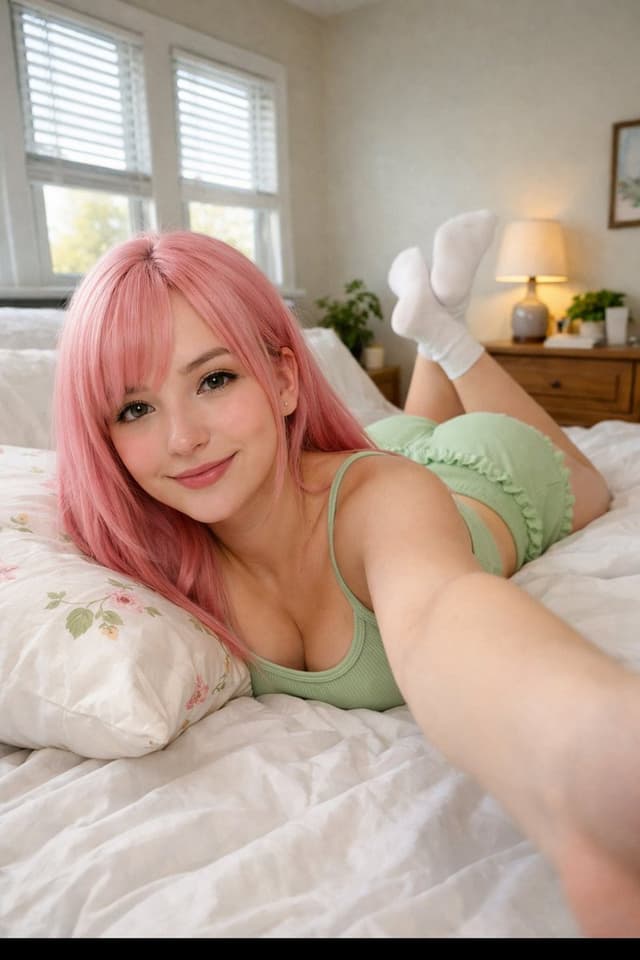
{
  "scene": {
    "type": "bedroom_interior",
    "lighting": "natural_daylight",
    "atmosphere": "casual, cozy, domestic"
  },
  "subject": {
    "pose": {
      "position": "lying_prone_on_bed",
      "orientation": "facing_camera",
      "legs": "knees_bent_upwards, ankles_crossed",
      "arms": "left_arm_extended_for_selfie",
      "head": "resting_on_pillow"
    },
    "appearance": {
      "hair": "long, straight, {argument name="hair color" default="pink"}",
      "expression": "gentle_smile, direct_eye_contact",
      "complexion": "fair, rosy_cheeks"
    },
    "attire": {
      "top": {
        "item": "tank_top",
        "color": "light_green",
        "texture": "ribbed",
        "style": "spaghetti_straps"
      },
      "bottom": {
        "item": "gym shorts",
        "color": "light_green",
        "details": "ruffled_hem, scrunched_texture"
      },
      "accessories": {
        "feet": "white_crew_socks"
      }
    }
  },
  "environment": {
    "bedding": {
      "sheets": "white, rumpled",
      "pillows": "white_with_floral_pattern",
      "duvet": "white, puffy"
    },
    "background_elements": {
      "windows": {
        "quantity": 2,
        "features": "white_frames, horizontal_blinds"
      },
      "furniture": {
        "side_furniture": {
        "side_table": {
          "location": "left_side",
          "visible_items": [
            "skincare_products",
            "pink_mug",
            "small_potted_plant",
            "tissues"
          ]
        }
      }
    }
  },
  "composition": {
    "angle": "high_angle_selfie",
    "framing": "medium_shot",
    "focus": "sharp_subject, soft_background"
  }
}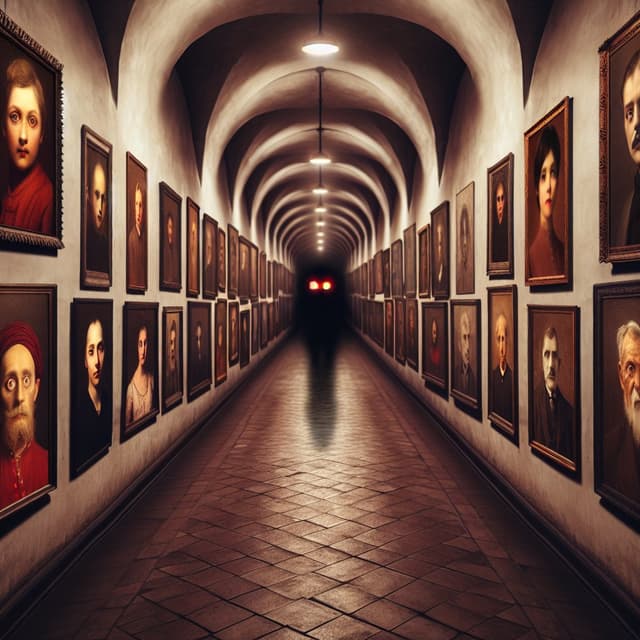
"A dimly lit, empty hallway lined with antique portraits, the eyes of which seem to follow you. An eerie shadow looms at the far end, morphing into an intimidating, unknown creature with luminescent red eyes."
Bring your prompts, references and results together in one creative space.
Open your canvas ↗