

Brim and crown studies
Compare the visual balance of a brim, crown and panel arrangement without treating the image as a construction pattern.
Try the selected new reference and starter prompt, or replace the image with a reference you have permission to use.
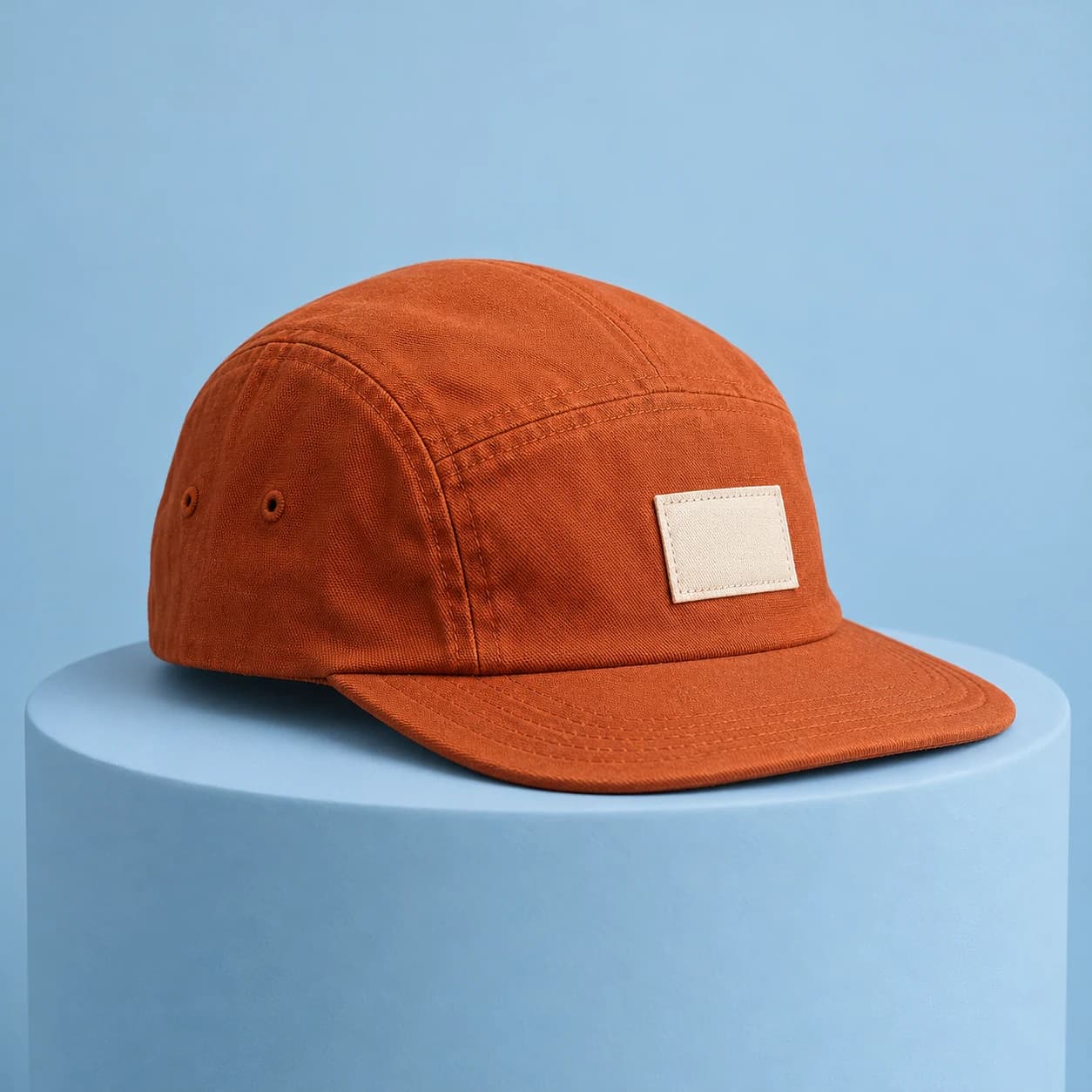
Try the cap reference or a permitted photo. State whether you want a cap, bucket hat or another silhouette, then describe brim shape, fabric and decoration.
Choose Generate hat concept. Look for distorted seams, inconsistent brims and patches that do not follow the apparent surface.
Confirm sizing, pattern pieces, closures and fabric with a maker. Create embroidery, print or patch artwork separately to the supplier’s requirements.
Compare the visual balance of a brim, crown and panel arrangement without treating the image as a construction pattern.
Explore canvas, felt or other material appearances alongside contrasting panels, closures and simple trim.
Discuss how decoration might sit on a curved surface. A maker must check distortion, stitching and the actual decoration area.
No. The output is an image. Develop and fit the pattern with a hat maker or pattern designer.
No. Prepare the artwork and have it digitized for embroidery. The related patch designer focuses on the appearance of the patch itself.
Yes. Describe the silhouette and use a suitable reference if needed. Review the generated brim, seams and proportions before production.
Paid-plan generations can be used commercially, subject to model-provider terms and your rights to the inputs. Free-plan generations are intended for personal, non-commercial use; upgrading applies to new generations going forward. Check the current plan and commercial-rights guidance before using a concept for client or product work.
Under standard consumer and team terms, Astorie may use uploads, prompts and outputs to operate and improve the service and to train and evaluate AI models. A generation can also send data to a model provider under its own policy. Enterprise training opt-out requires a separate written agreement. Deleting a project does not necessarily remove information already incorporated into training or derived datasets.
AI tool
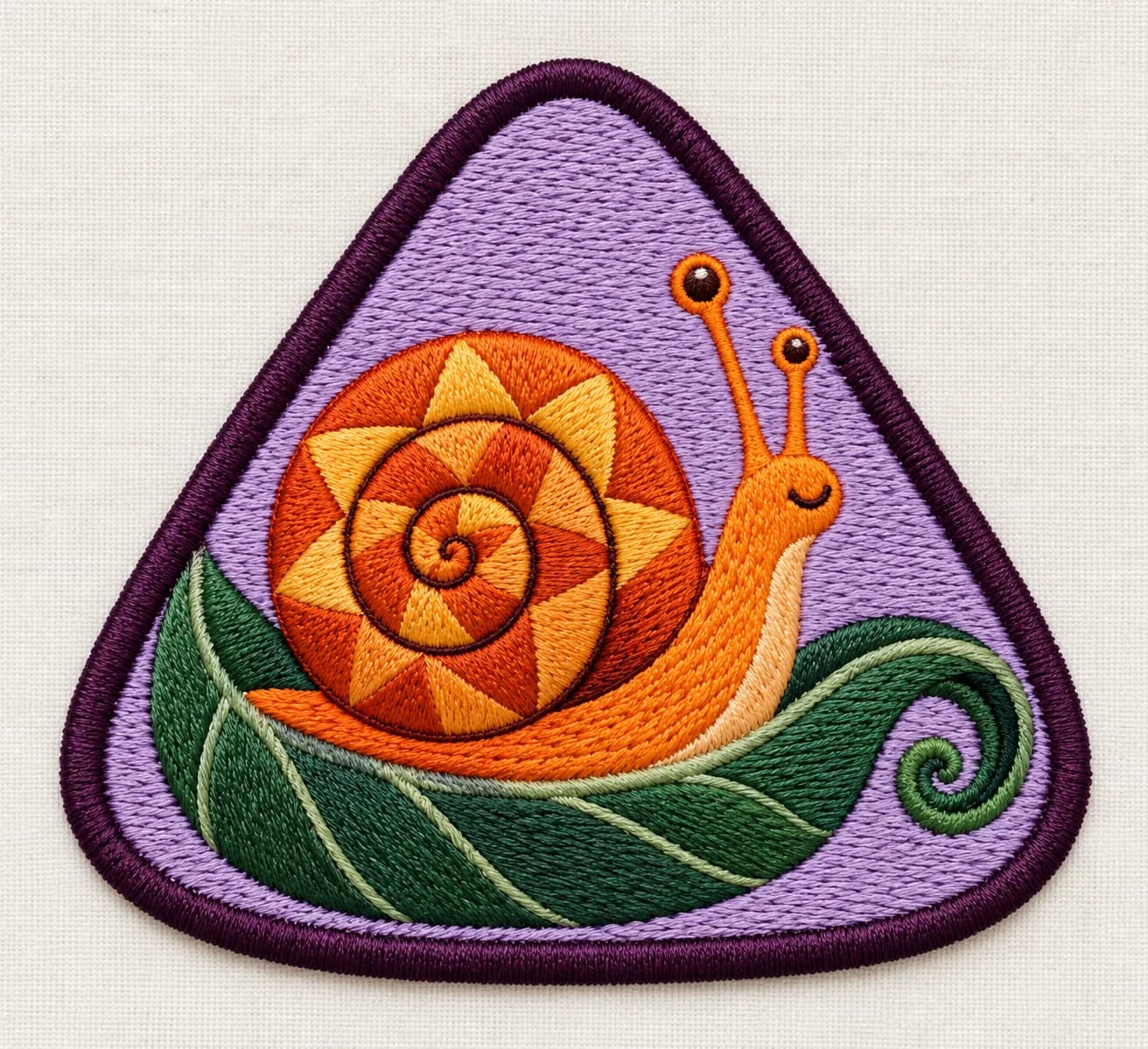
Explore an embroidered badge with an AI patch designer. Describe an original emblem, border and color direction, then use the image to discuss a practical patch with a maker or embroidery digitizer.
AI tool
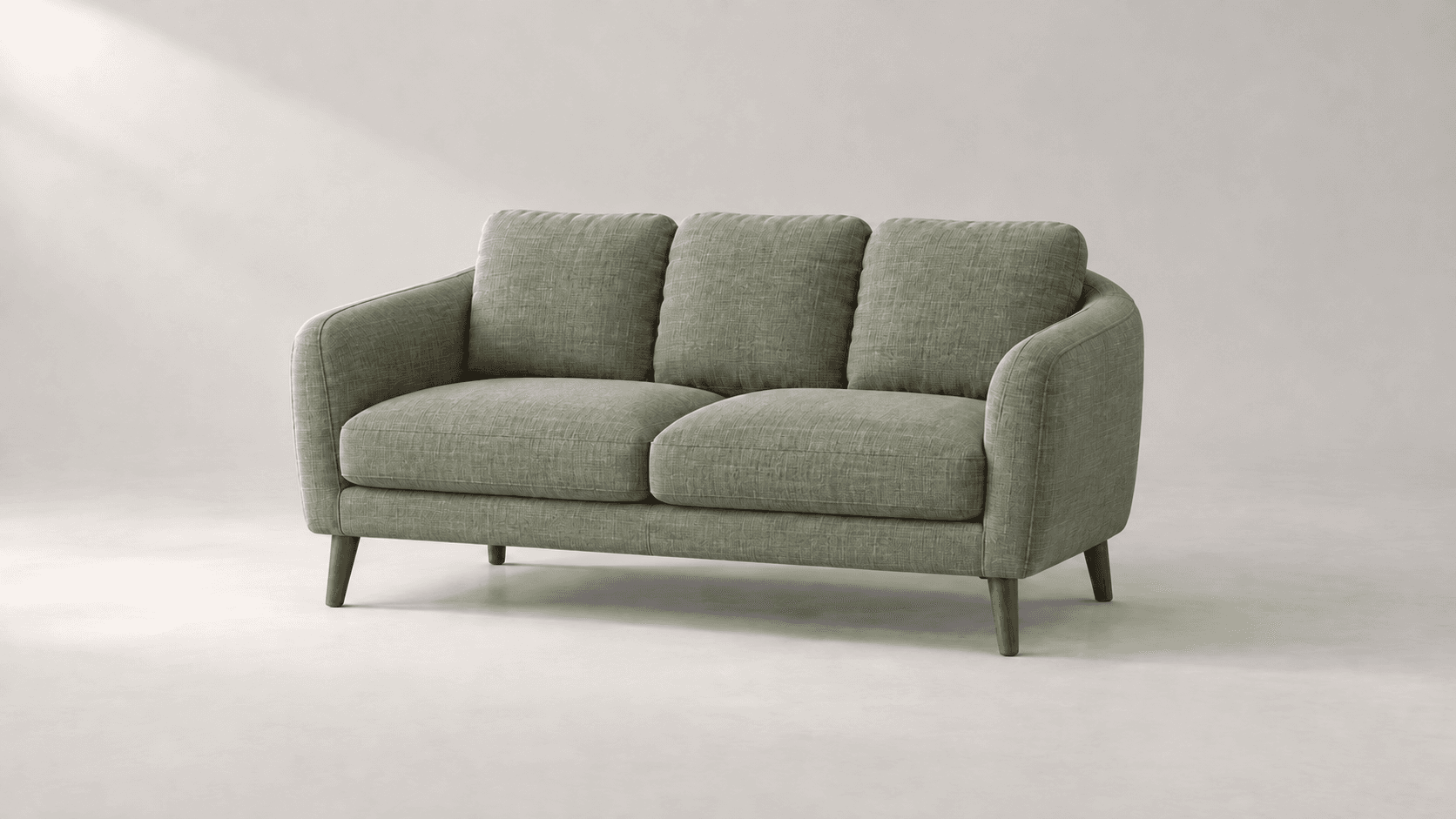
Explore new colors for a product, outfit or room with a reference-led image edit. Describe the surface to change, then compare the color and material detail.
AI tool
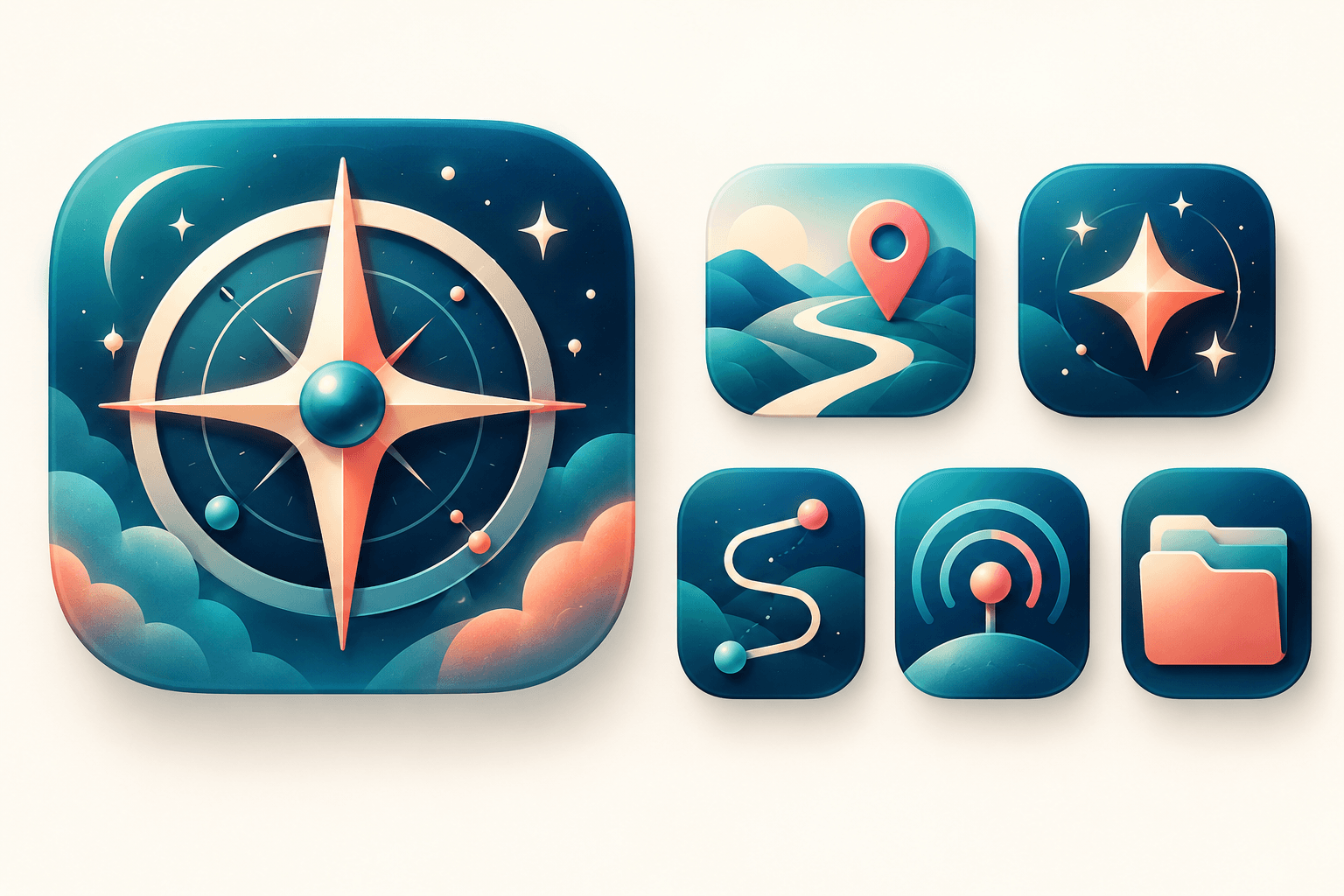
Explore original app launcher and interface icon directions from a written visual brief with an AI icon generator. Compare silhouettes, color contrast, and small-size legibility across concepts before redrawing or polishing the mark in your vector design system.
Start with the reference, refine the brief and review the image before taking the idea into production.