

Neckline and sleeve combinations
Explore how different neckline and sleeve ideas change the overall silhouette.
Try the selected new reference and starter prompt, or replace the image with a reference you have permission to use.
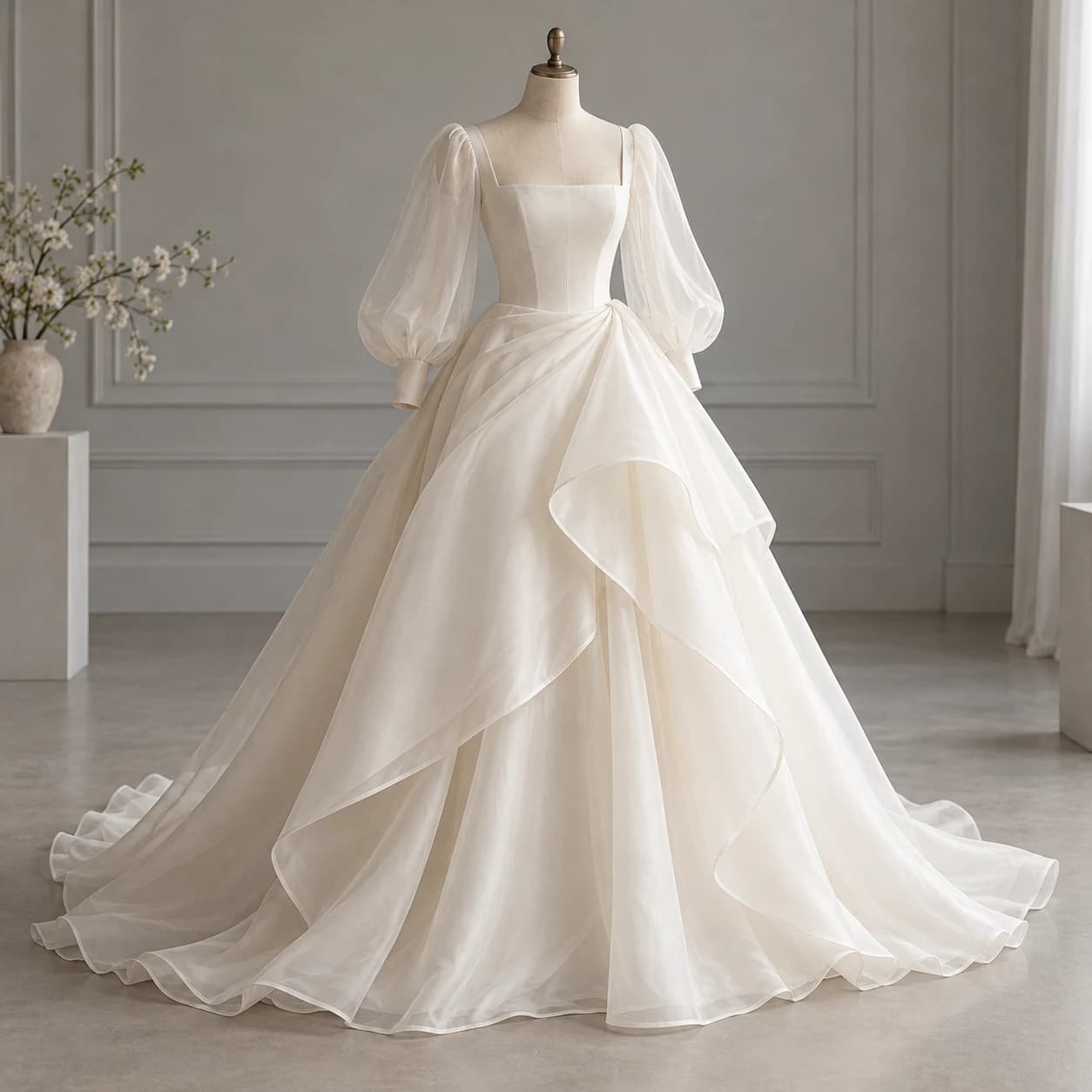
Try the selected dress form or a permitted reference. Describe the neckline, sleeve, waist and skirt direction alongside the fabric appearance.
Choose Generate wedding dress concept. Check seams, lace-like detail, sleeve attachment and the relationship between bodice and skirt.
Bring the selected concept to a bridal designer. Choose real fabrics, make patterns and samples, and resolve support, movement and fit through fittings.
Explore how different neckline and sleeve ideas change the overall silhouette.
Compare folds, layers and decoration as visual directions rather than verified fabric behavior.
Use the reference to communicate preferences before measurements, patternmaking and fittings.
No. This concept workflow does not measure you or provide a fitted virtual try-on. Actual fit requires measurements and fittings.
No. A bridal designer or patternmaker must develop the construction and pattern from the approved brief.
You can describe that combination in the prompt. Inspect the resulting joins and proportions; the image does not verify whether the construction will work.
Paid-plan generations can be used commercially, subject to model-provider terms and your rights to the inputs. Free-plan generations are intended for personal, non-commercial use; upgrading applies to new generations going forward. Check the current plan and commercial-rights guidance before using a concept for client or product work.
Under standard consumer and team terms, Astorie may use uploads, prompts and outputs to operate and improve the service and to train and evaluate AI models. A generation can also send data to a model provider under its own policy. Enterprise training opt-out requires a separate written agreement. Deleting a project does not necessarily remove information already incorporated into training or derived datasets.
AI tool
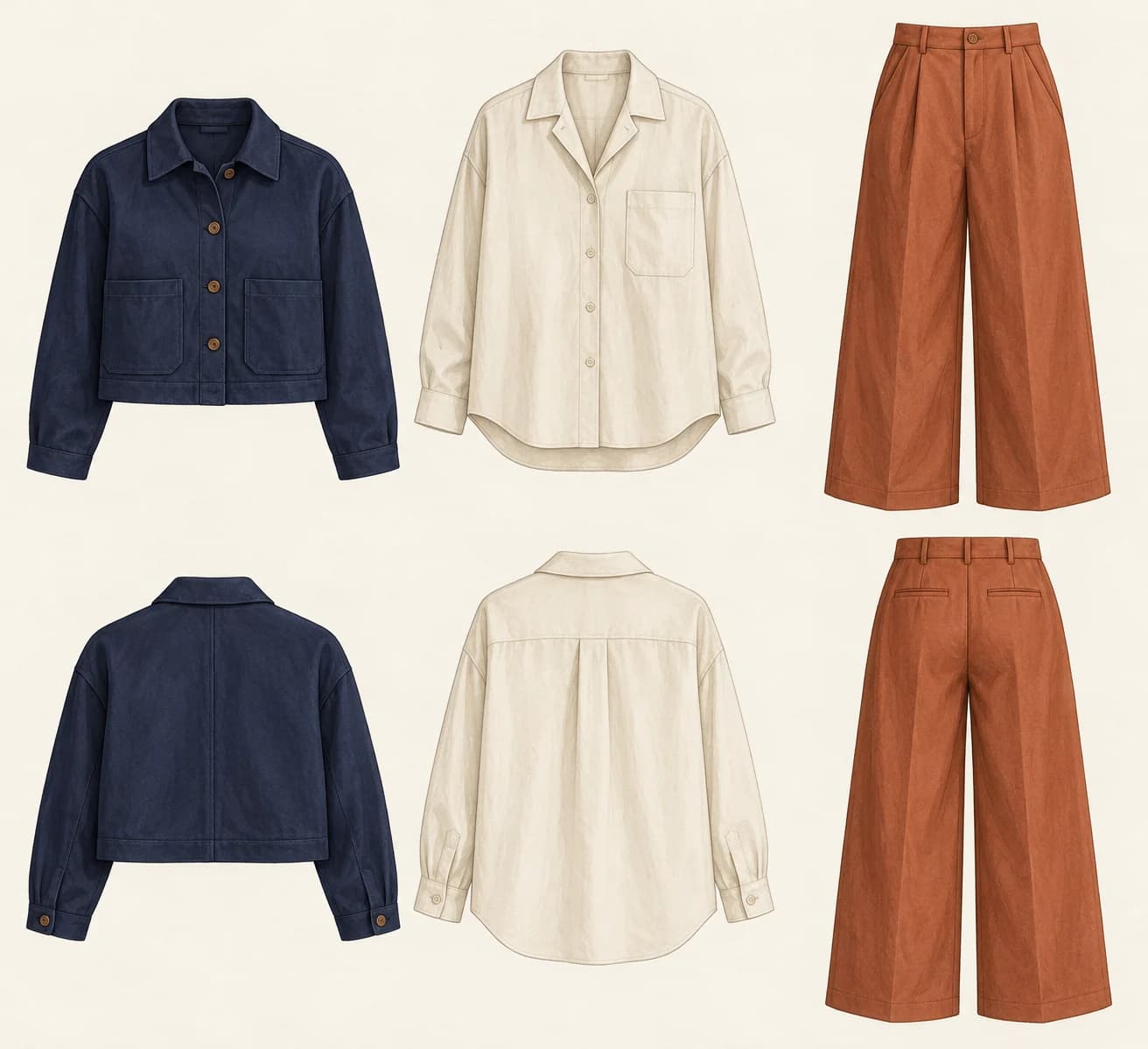
Use an AI clothing designer to explore a silhouette or a small coordinated wardrobe. Describe the garments, proportions and material mood, then develop the chosen concept with a patternmaker and actual fabric samples.
AI tool
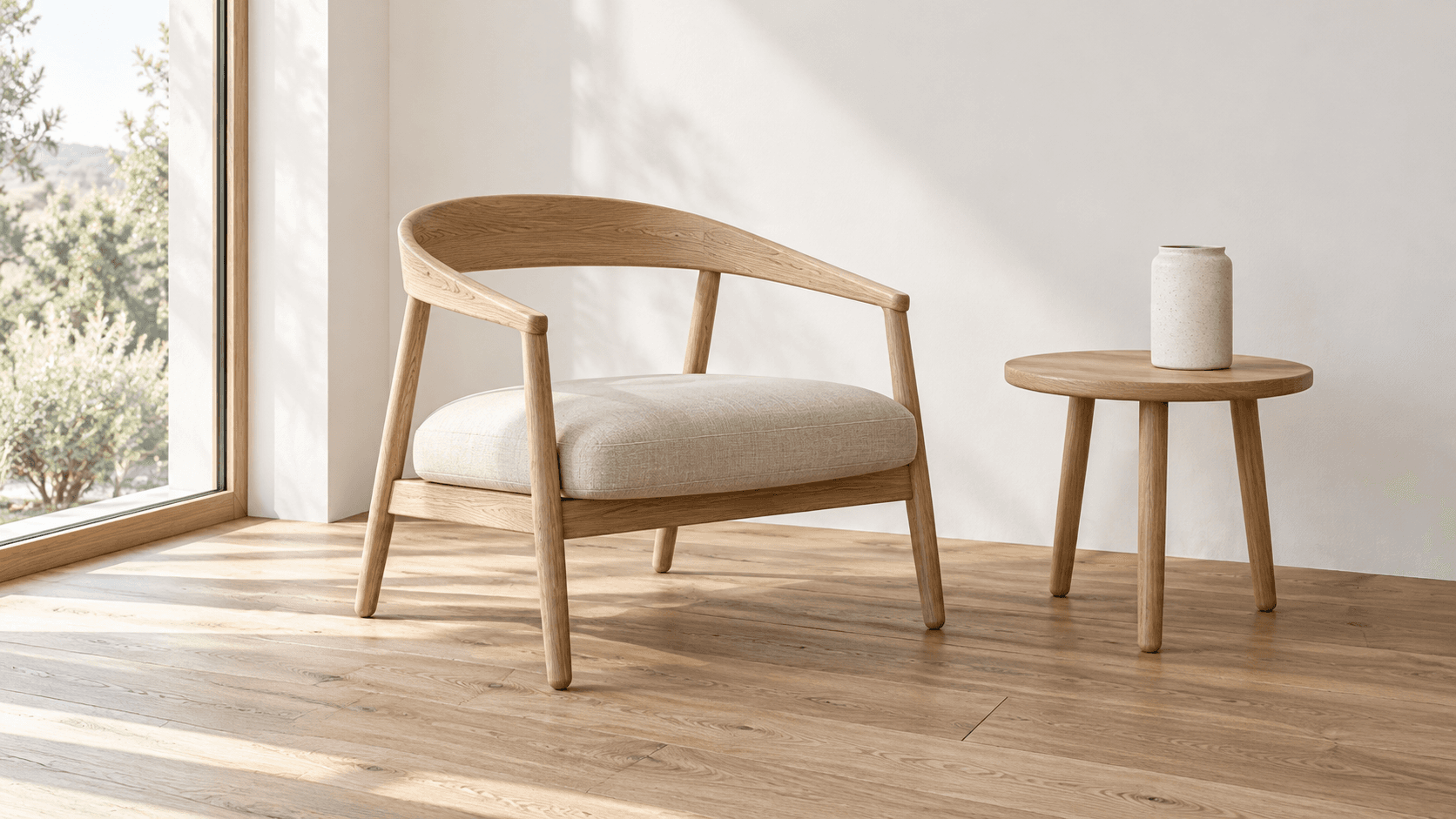
Turn a sketch into an image with a reference drawing and a written brief. Explore realistic photos, painted illustrations or 3D concept renders, then review the result against your original idea.
AI tool
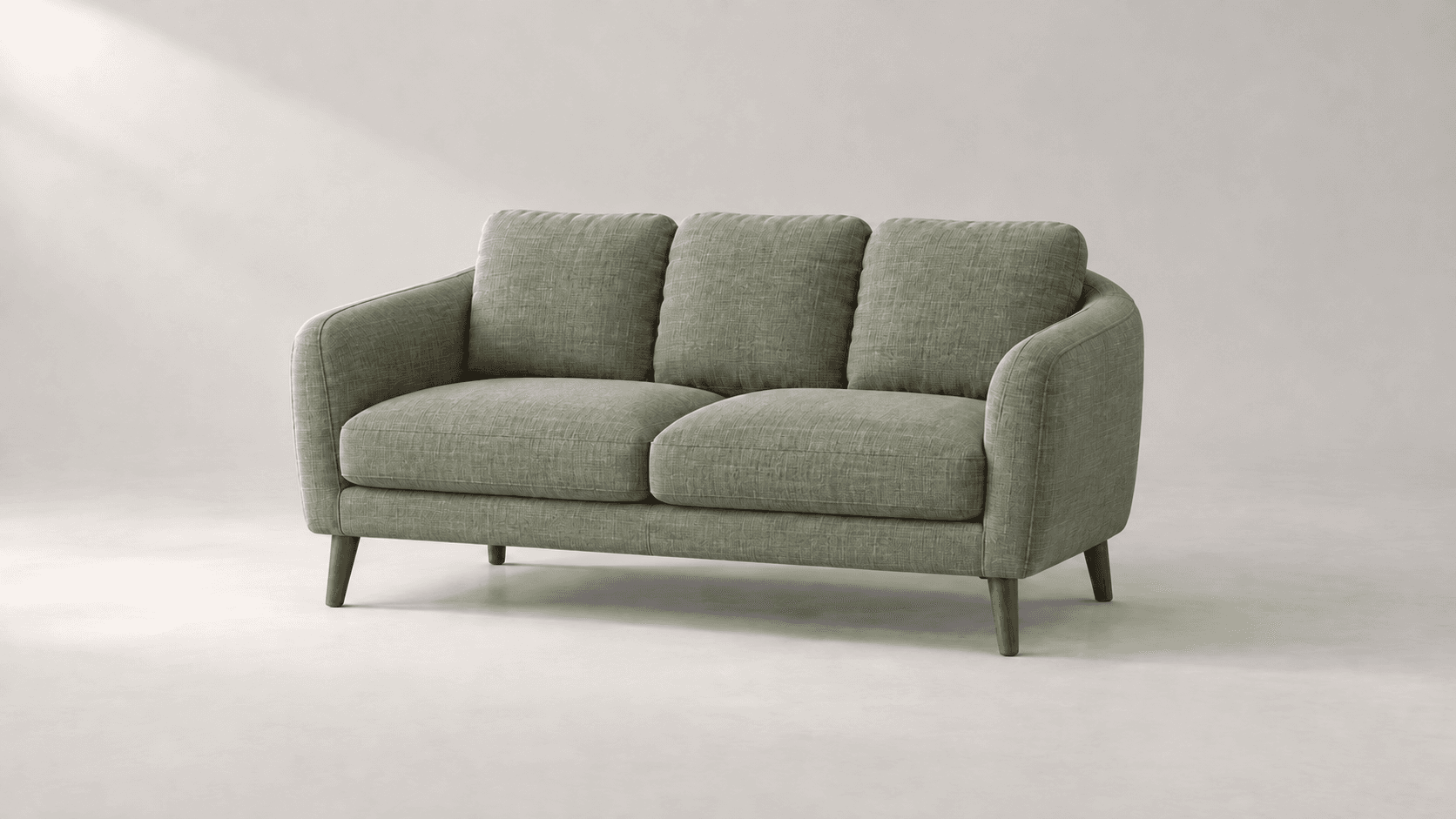
Explore new colors for a product, outfit or room with a reference-led image edit. Describe the surface to change, then compare the color and material detail.
Start with the reference, refine the brief and review the image before taking the idea into production.