

Piping and pinstripe combinations
Compare trim and fine stripes, then correct their alignment on the real pattern.
Try the selected new reference and starter prompt, or replace the image with a reference you have permission to use.

Try the selected pinstripe shirt or a permitted reference. Specify the base color, piping, sleeve trim and areas reserved for original lettering.
Choose Generate baseball jersey concept. Check buttons, stripe alignment and how the chest design would cross the front opening.
Use the supplier’s pattern and decoration areas to prepare exact lettering and numbers. Confirm sizing, print or embroidery, and a physical proof.
Compare trim and fine stripes, then correct their alignment on the real pattern.
Explore the visual space for a wordmark or emblem while accounting for the front opening during artwork preparation.
Use the views to discuss a kit direction. Reconcile differences manually before creating production files.
The image does not guarantee alignment. Prepare the artwork on the supplier’s button-front template and check a proof.
No. It creates a concept image. Use a patternmaker or the supplier’s established garment construction.
This page focuses on a button-front baseball shirt, piping and chest placement. The general jersey page addresses crew-neck sports kit layouts.
Paid-plan generations can be used commercially, subject to model-provider terms and your rights to the inputs. Free-plan generations are intended for personal, non-commercial use; upgrading applies to new generations going forward. Check the current plan and commercial-rights guidance before using a concept for client or product work.
Under standard consumer and team terms, Astorie may use uploads, prompts and outputs to operate and improve the service and to train and evaluate AI models. A generation can also send data to a model provider under its own policy. Enterprise training opt-out requires a separate written agreement. Deleting a project does not necessarily remove information already incorporated into training or derived datasets.

AI tool
Explore a graphic for your next garment with an AI t-shirt design generator. Describe the motif, palette and placement, compare image concepts, and take a chosen direction into a separate print preparation workflow.

AI tool
Restyle a photo as a painting, sketch or another visual treatment. Choose a preset below or describe the medium, then compare the generated image with the source.
AI tool
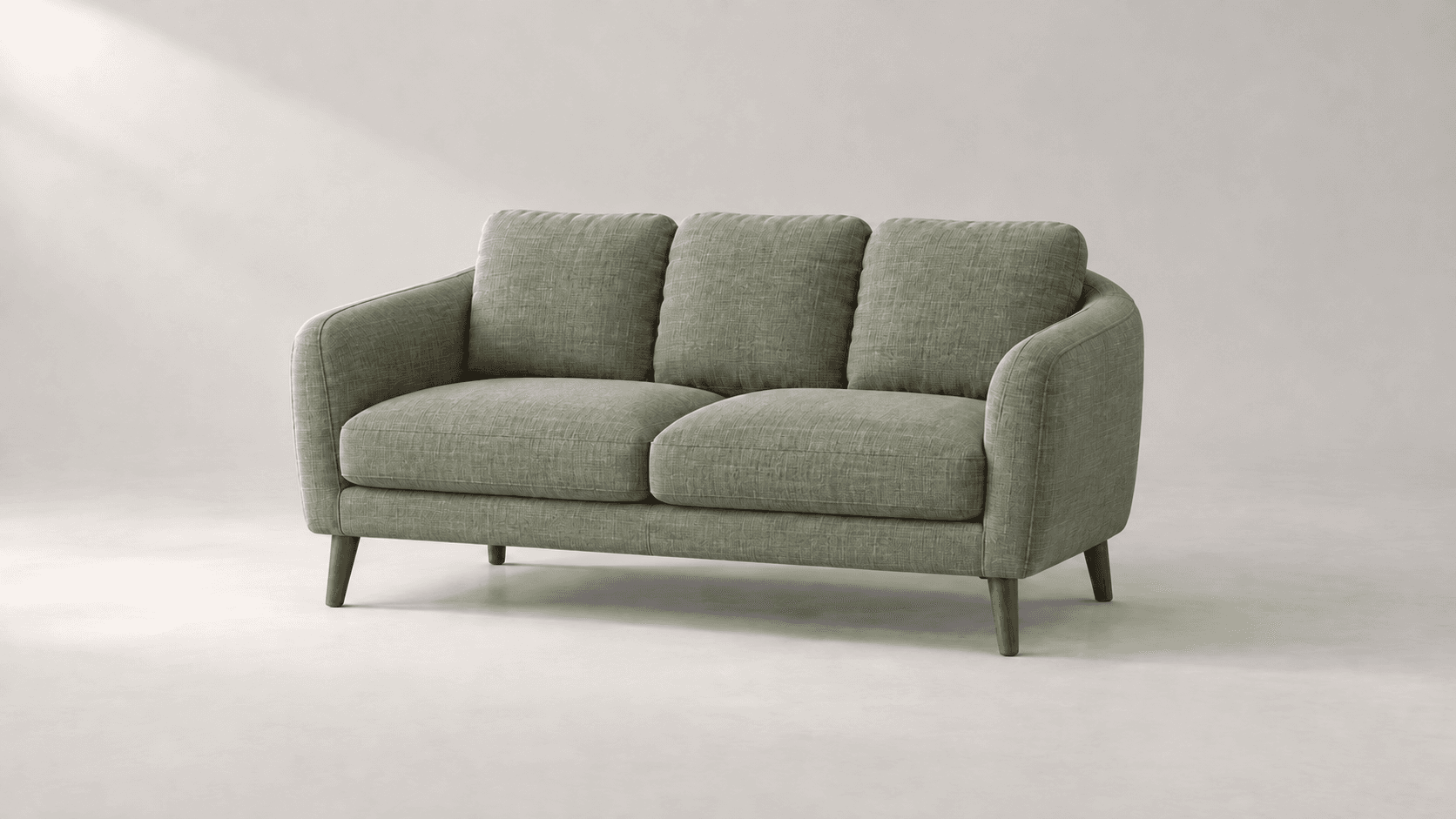
Explore new colors for a product, outfit or room with a reference-led image edit. Describe the surface to change, then compare the color and material detail.
Start with the reference, refine the brief and review the image before taking the idea into production.