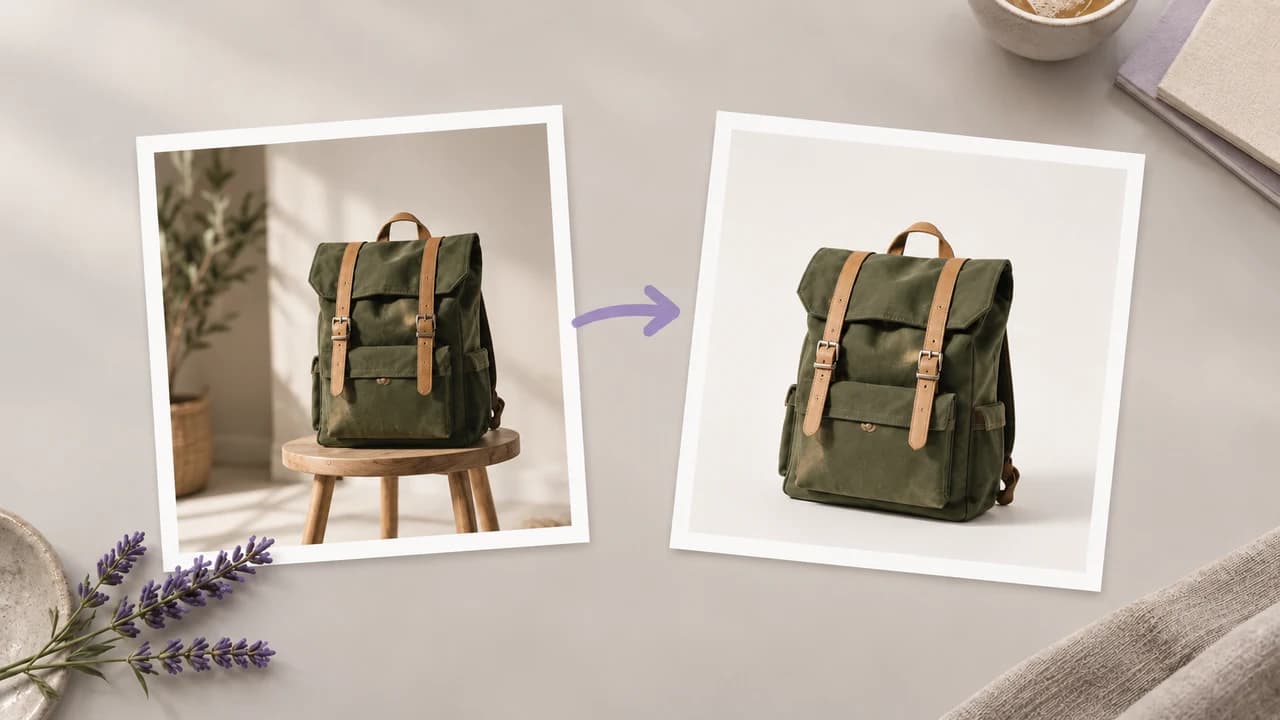
Keep the Source as Reference
- Check the actual packaging shape and proportions
- Note the printed label, markings and product color
- Identify the visible material and surface finish
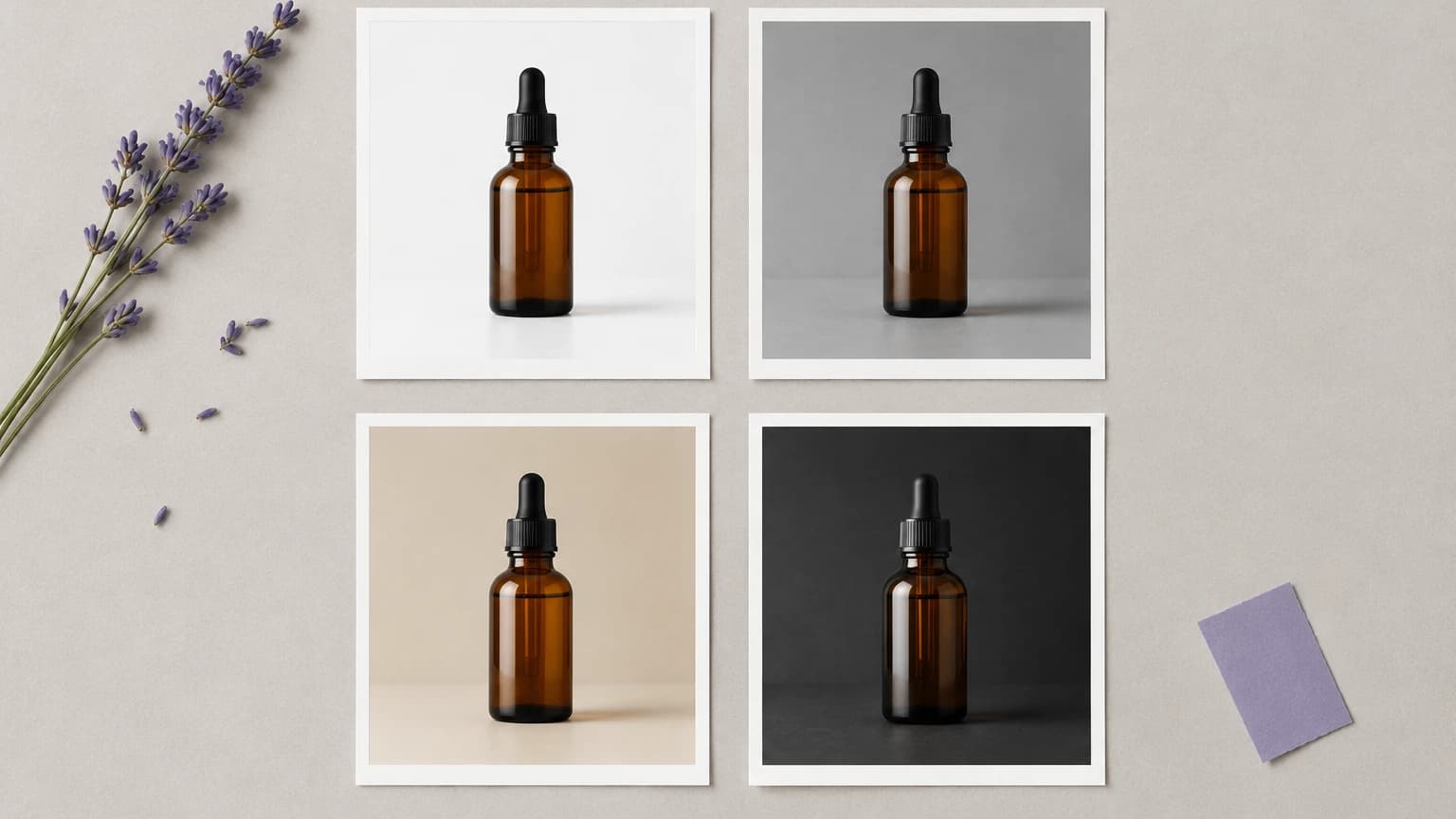
Start with a product photo, choose a ready-made set, or describe your own scene. Generate a version and review the product details. Preset examples use the Coffee tin input.
A scene can look convincing while small product details have changed. Use this comparison to decide which details to check.
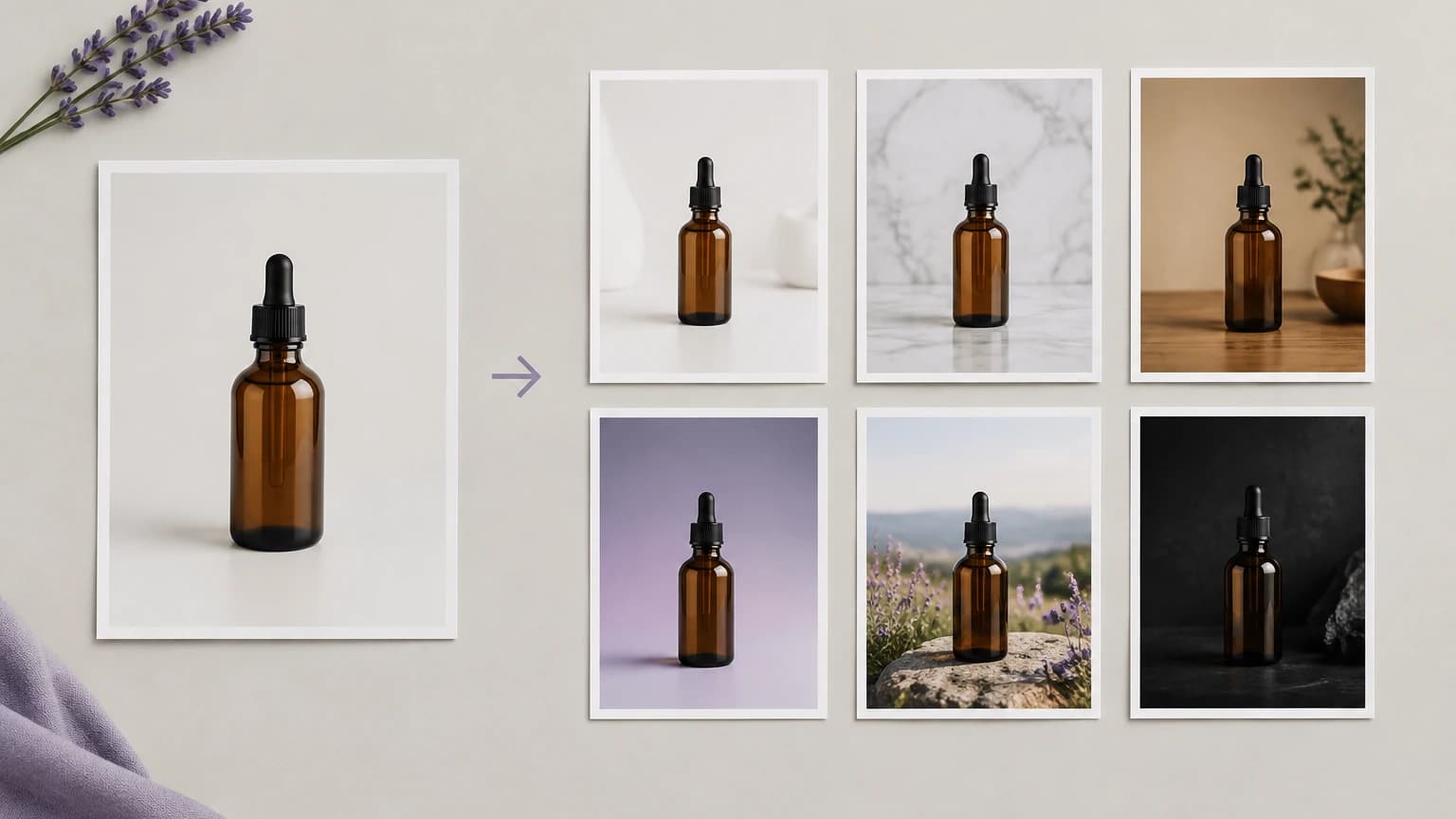
Start with the item you need to show, then choose how to present it.
Select a sample or upload a photo with the product clearly visible. Keep the source nearby to compare packaging, color and printed details after the new scene is generated.
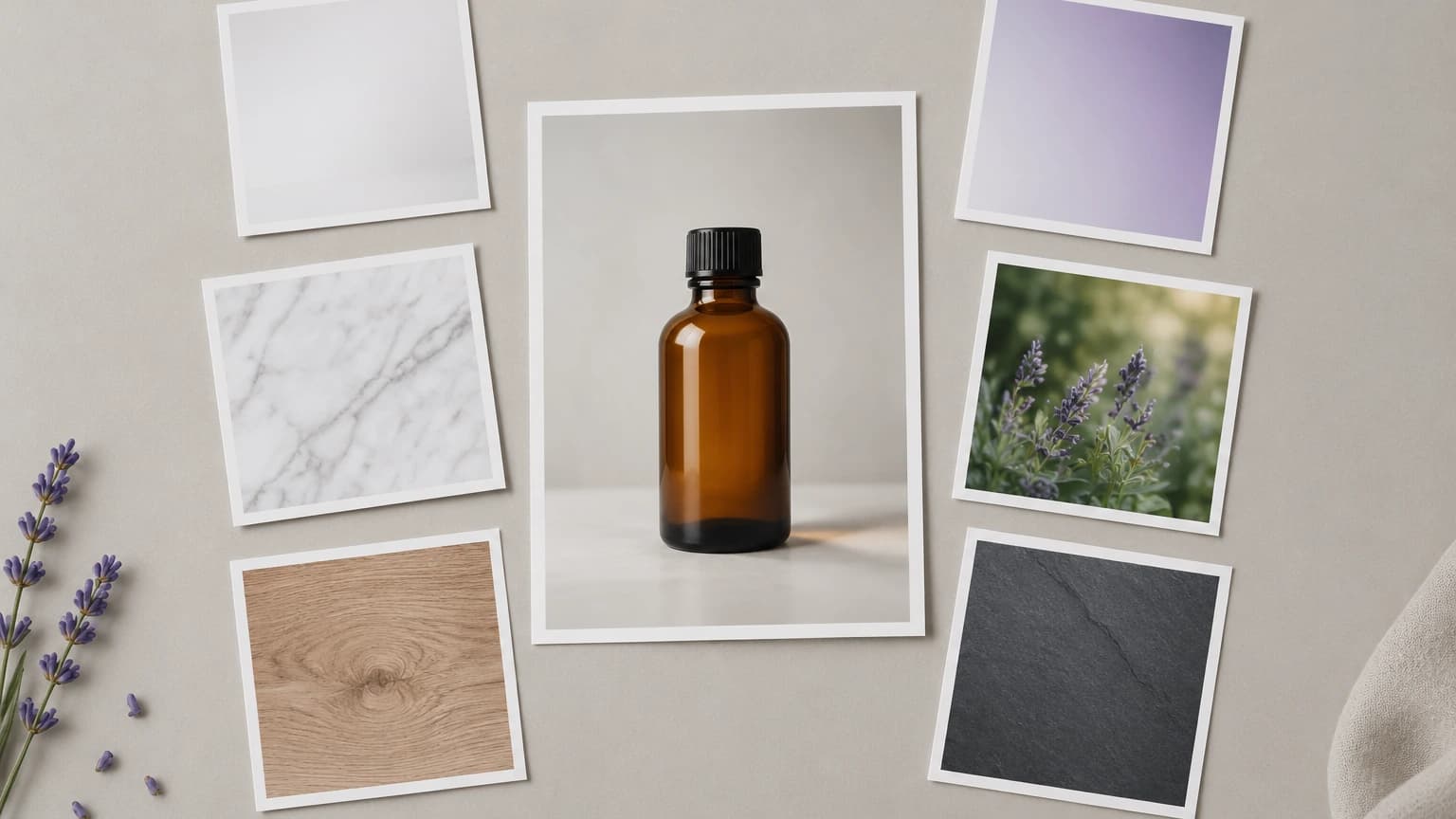
Choose a prepared scene under Pick a set. Use Or describe the shot yourself when the product needs a different surface, light direction or backdrop; review the prompt before running it.
Press Reshoot it to generate the scene and save the result in your personal canvas. Inspect the product details before preparing the selected image for a listing, catalog or other destination.
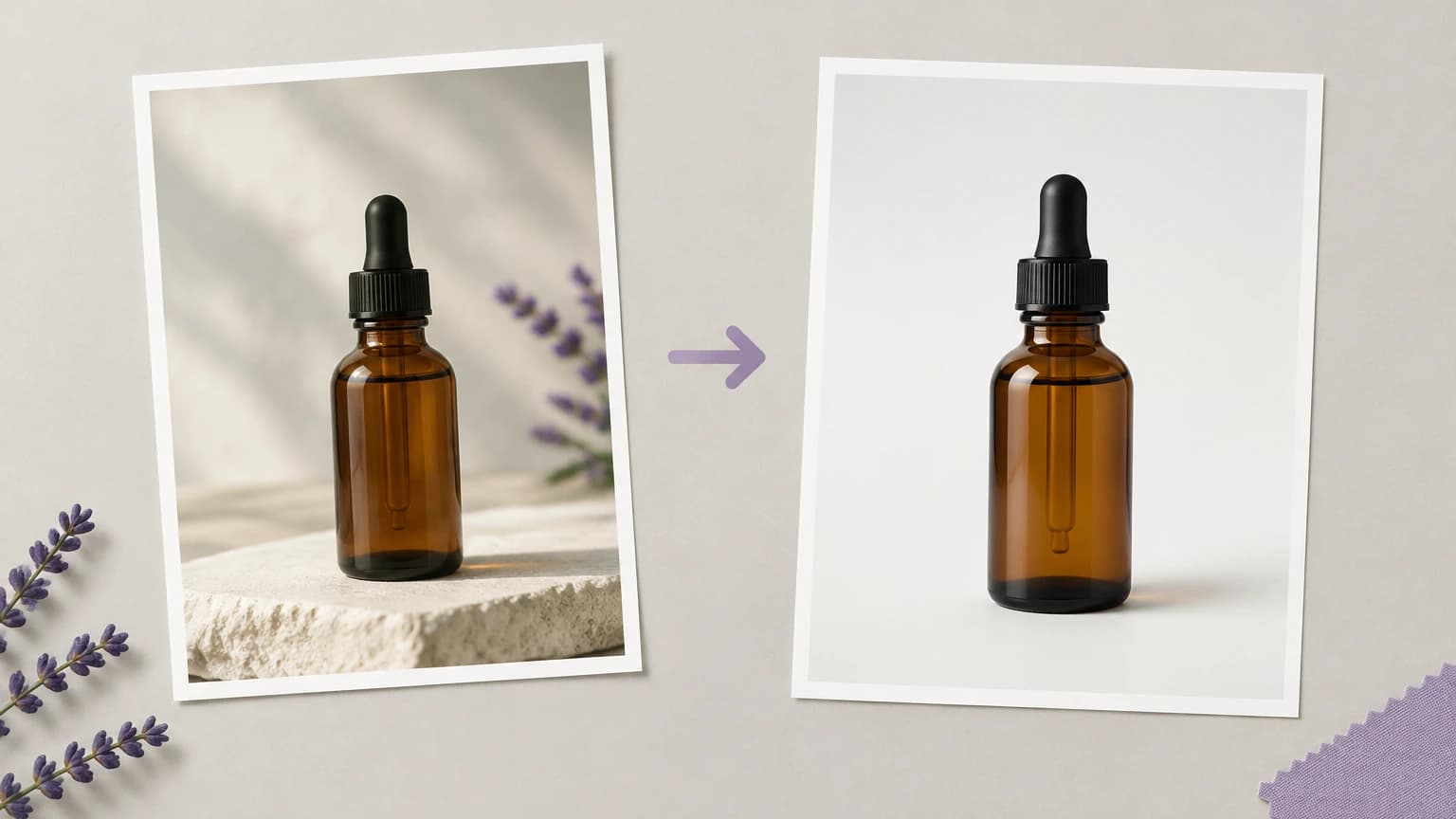
The controls establish a scene direction; your review determines whether the resulting image represents the item accurately.
Each preset loads a written direction for the surface and lighting. Choose a starting point that suits the product, then read the prompt before asking for a new version.
Generate Product PhotoDescribe the material beneath the product and the direction of the light when a standard setting is not appropriate. These details make the photographic brief more specific.
Generate Product PhotoThe generated photo is saved in your personal canvas. Return to it while preparing the product presentation, with any additional editing handled in a separate canvas workflow.
Generate Product PhotoKeep the original photograph available throughout review. It is the reference for package proportions, lettering and surface details that may have changed during generation.
Generate Product PhotoTry the sample products when learning how the scene controls work. For a real listing, switch to an image of the actual item and inspect the generated version.
Generate Product PhotoDecide whether the image is a main product view, a supporting lifestyle image or a concept for review. Assess that purpose rather than assuming one scene fits every destination.
Generate Product PhotoTry these suggested product photography briefs. All illustrations on this page show scene concepts; they are not screenshots or verified outputs from the current tool.
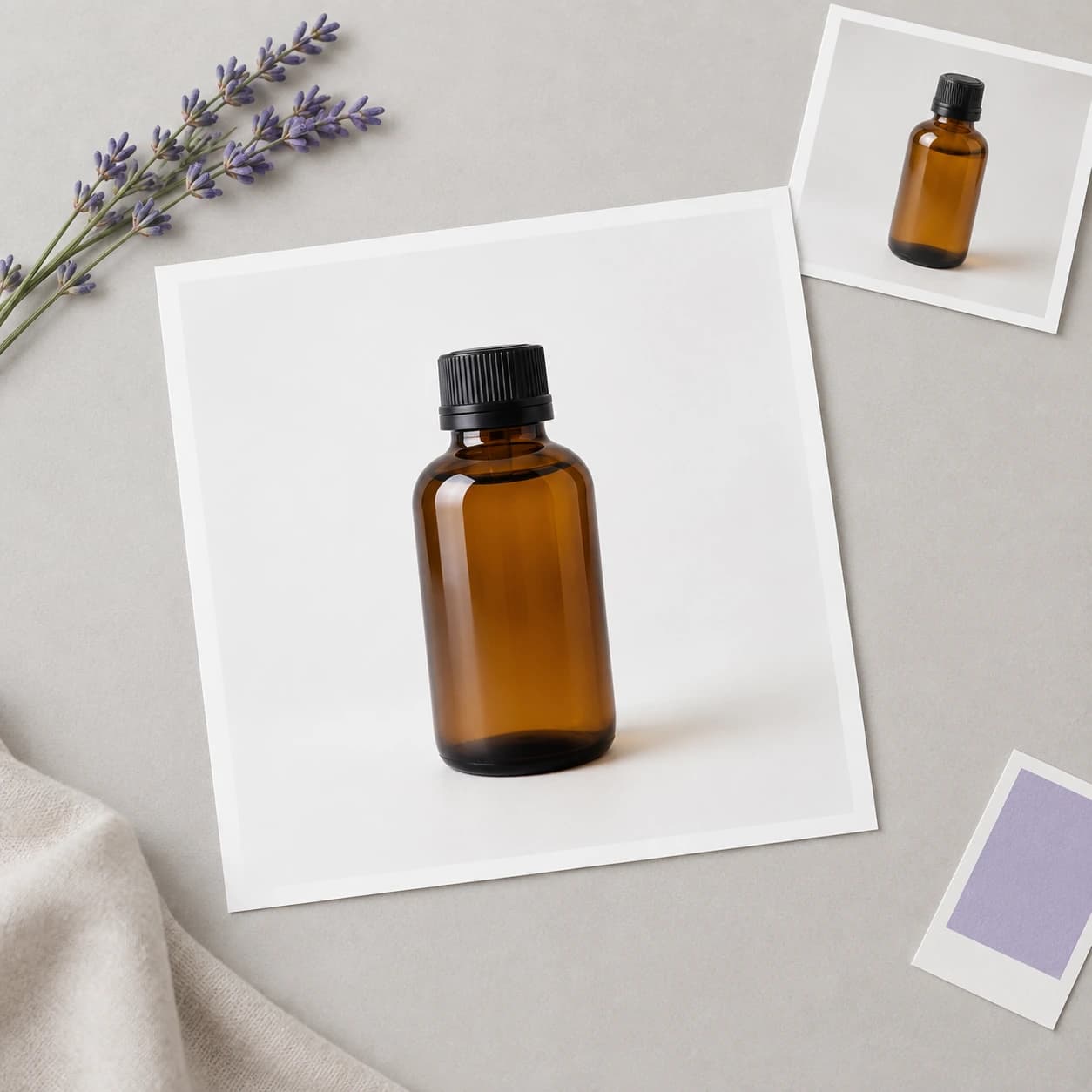
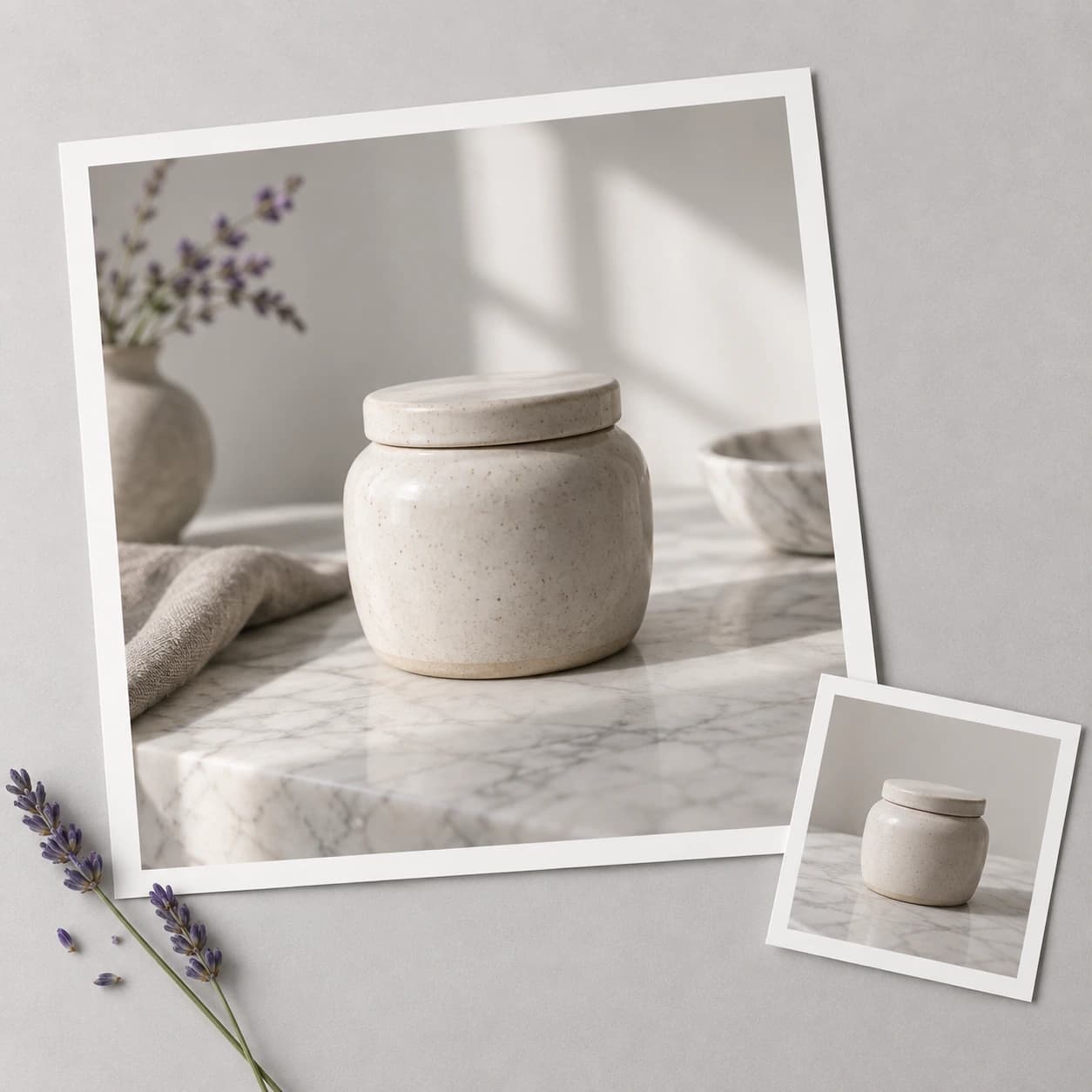
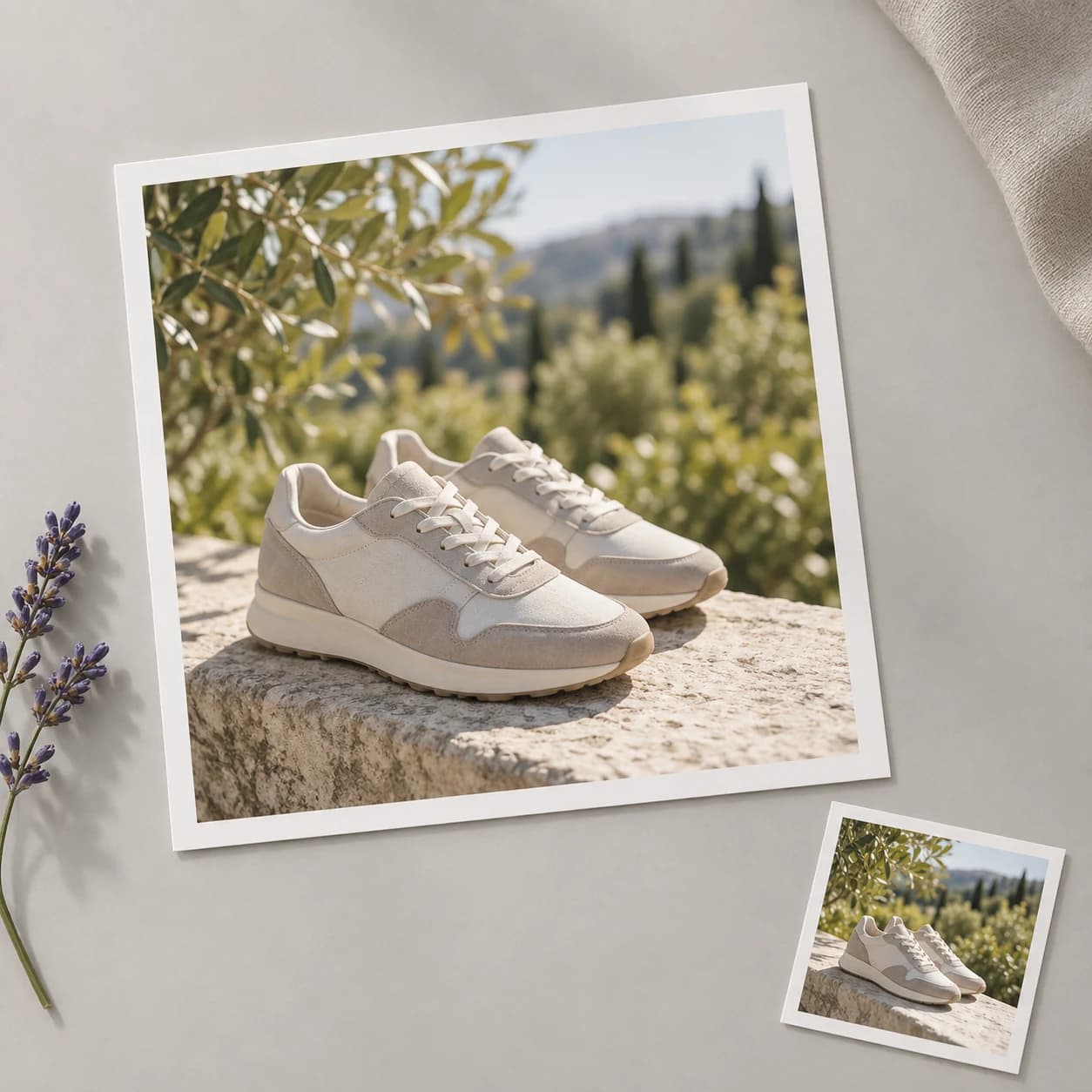
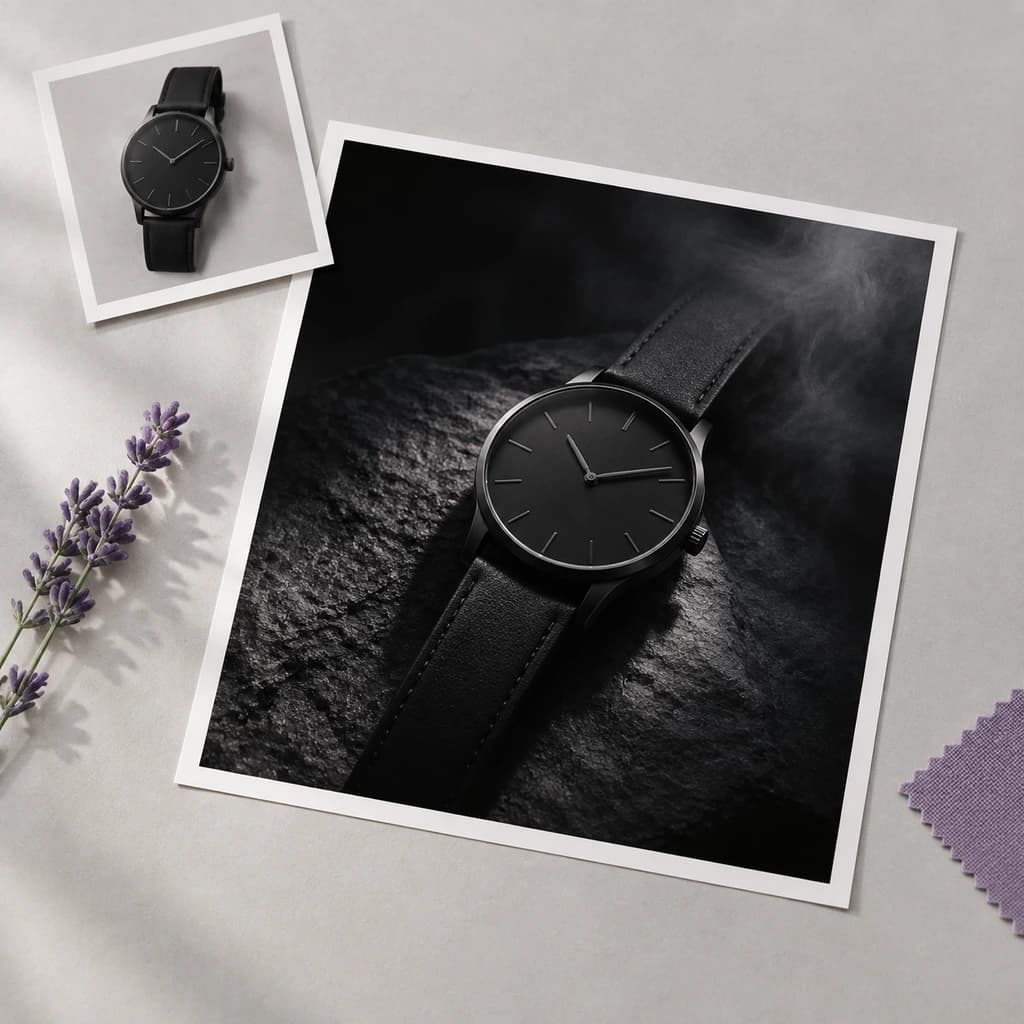
A seller has photographed a new item and needs to decide how it should appear. Explore a restrained studio setting, then compare the result with the physical product and destination image requirements.
Generate Product Photo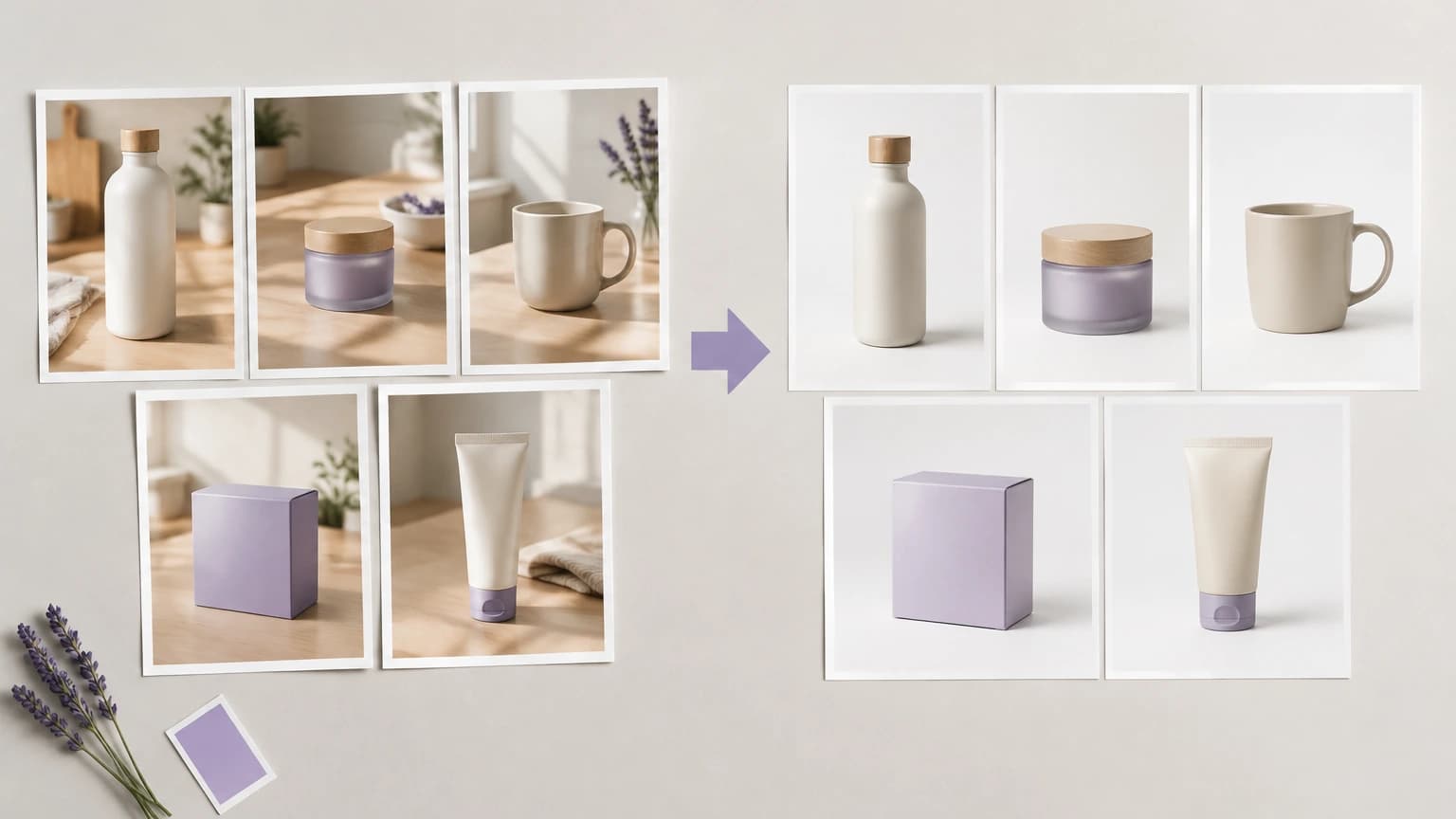
A brand wants an additional view that suggests a setting of use. Choose a suitable surface and backdrop, then check that the scene does not imply features the product does not have.
Generate Product Photo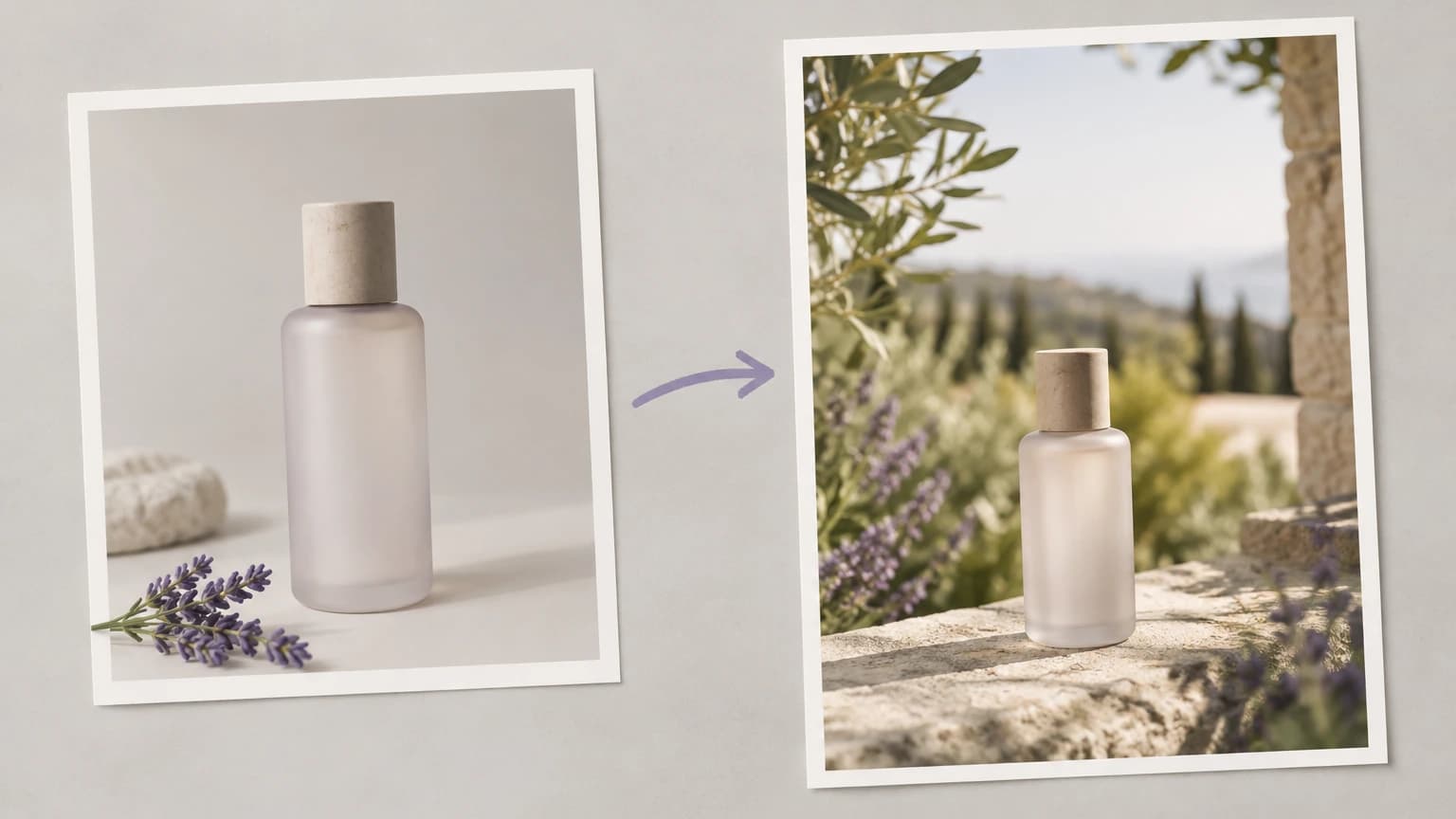
A team is discussing art direction before a photo shoot. Use scene concepts to explain the desired surface, light and mood, while clearly identifying the images as generated visual references.
Generate Product Photo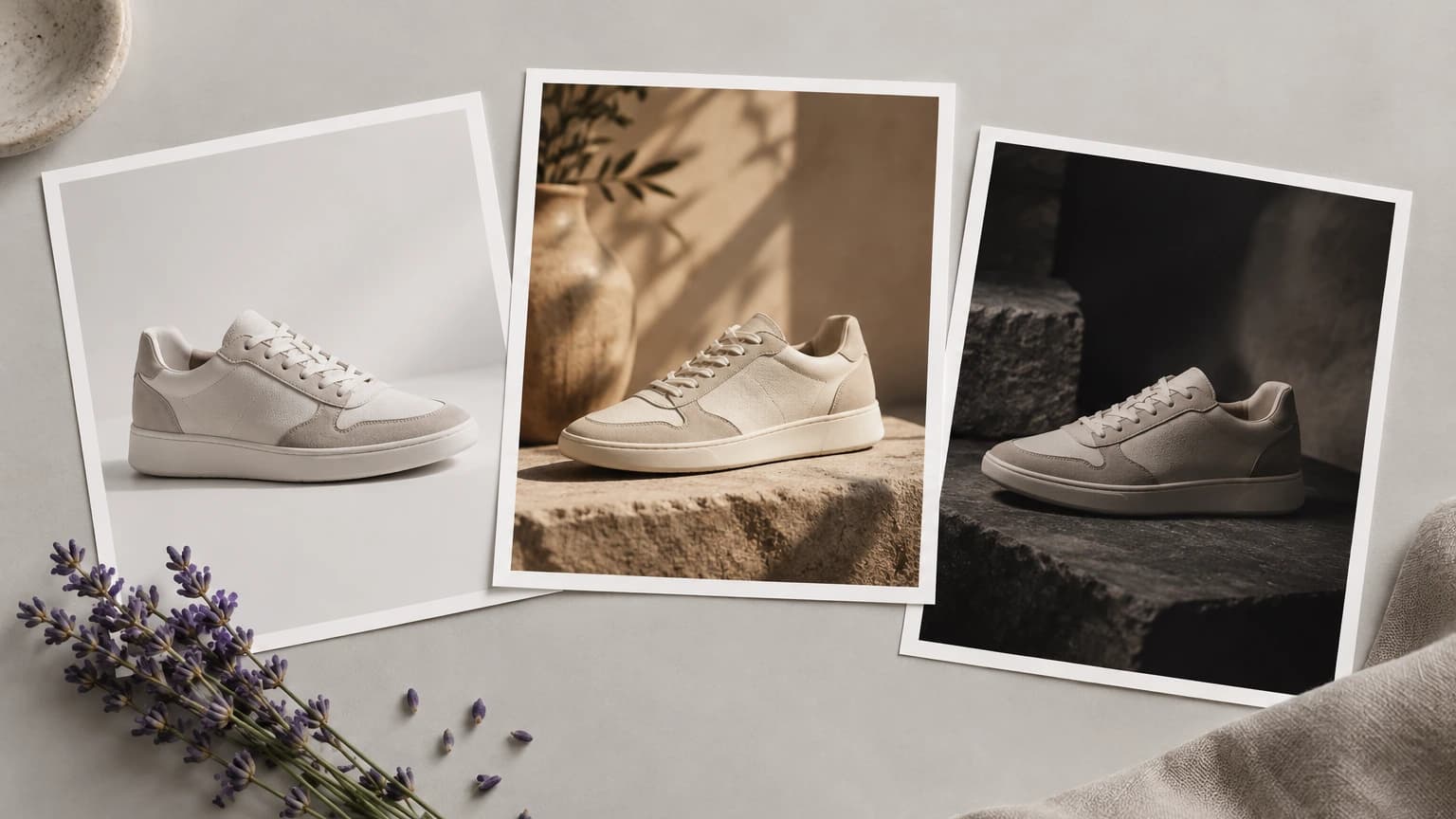
An editor is preparing related items for a collection page. Establish a shared brief, then judge each image individually rather than assuming the same prompt produces identical treatment.
Generate Product Photo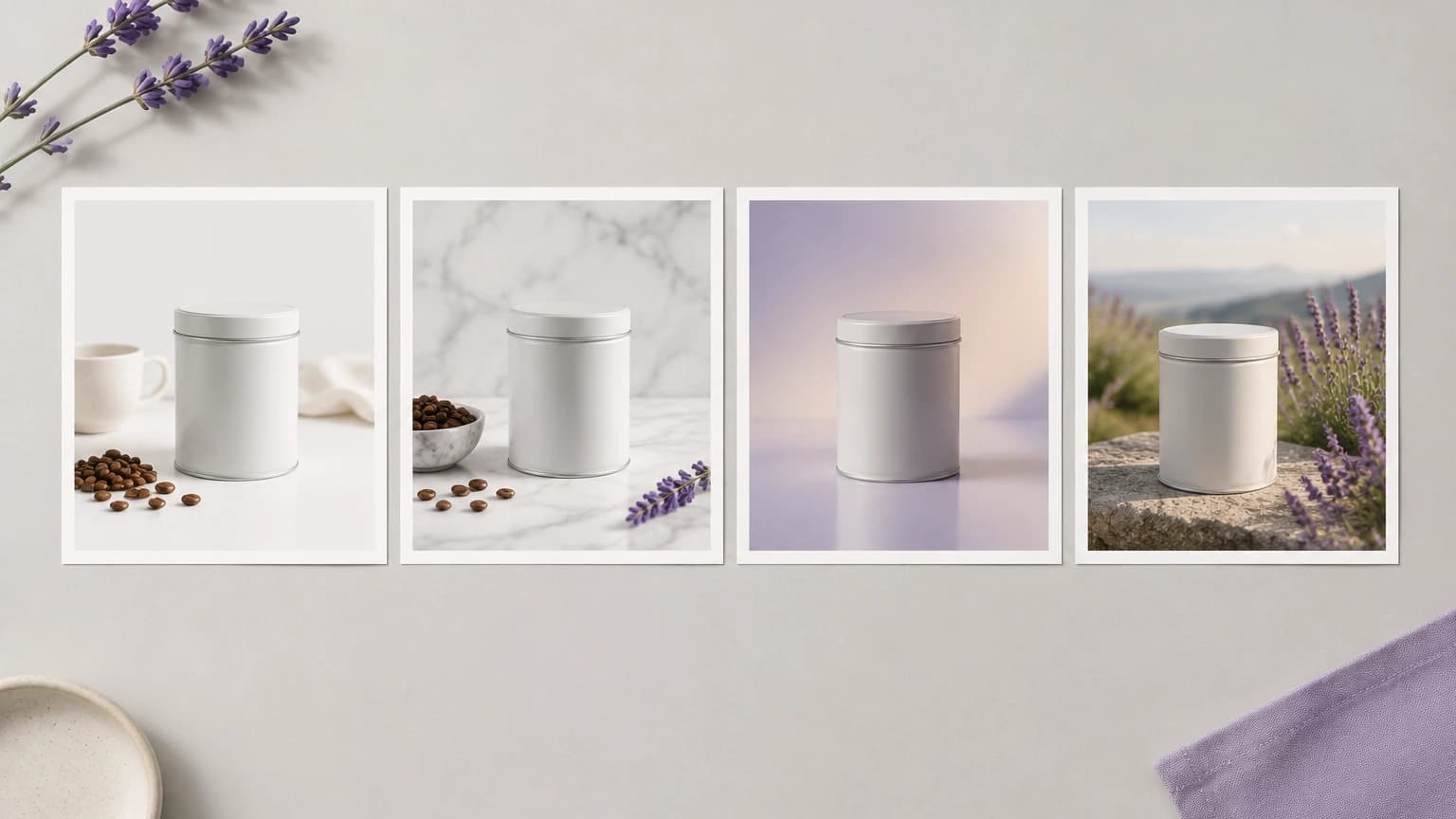
A seller needs to show a product surface, such as glass, fabric or a brushed finish. Compare the generated appearance with the source and reject versions that imply a different material.
Generate Product Photo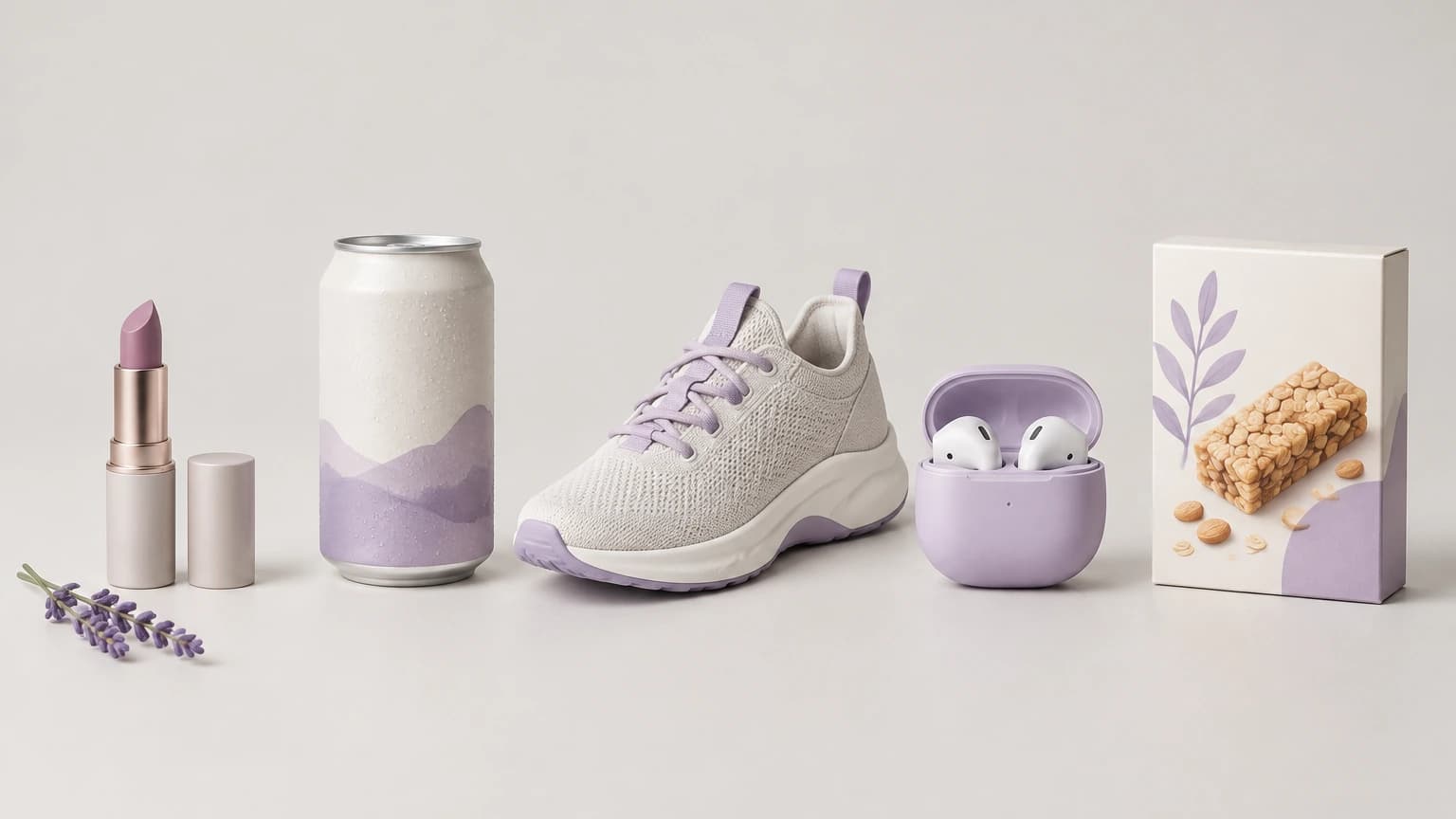
A catalog manager is revisiting older product photographs. Decide which items need a new setting, preserve an accurate source for each and review each proposed replacement before updating the catalog.
Generate Product Photo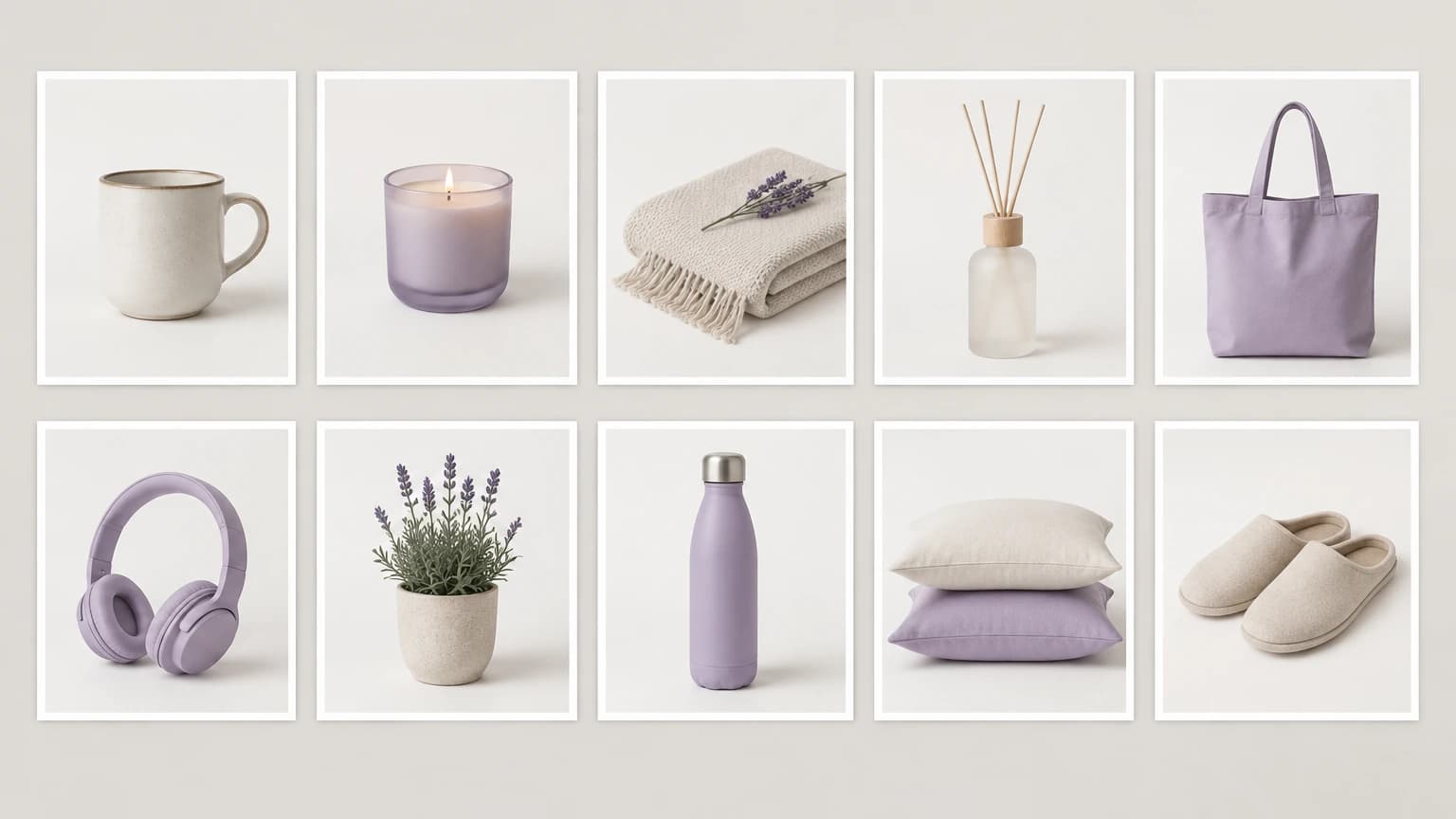
| Starting image | An existing product photo or a sample selected in the image section. | |
|---|---|---|
| Scene options | Choose a preset or edit the surface, lighting and backdrop description. | |
| Product accuracy | Compare labels, shape, color and material details with the source image. | |
| Output | A square 1K PNG image. This form uses fixed output settings; prepare the final crop and layout separately. | |
| Catalog use | Review each proposed image for its intended destination; automatic marketplace acceptance is not promised. | |
| Request cost | Check the current credit requirement shown for the generation request. | |
| Free plan | A free plan is available without a credit card. Consult /pricing for current account details. | Verified 2026-10-12 |
| Commercial use | Commercial rights apply to new generations made on a paid plan, subject to model-provider terms and input rights. Free-plan outputs are for personal, non-commercial evaluation. Paid-plan outputs retain their commercial rights after downgrade or cancellation. | Verified 2026-10-12 |
| Upload data use | On default plans, uploads, prompts and outputs may be used to train Astorie and affiliate models. Provider policies apply. Enterprise opt-out requires a written agreement; information already incorporated into trained models or derived datasets may persist after source removal. | Verified 2026-10-12 |
Explore these image models for separate canvas workflows. Consult each guide for its available inputs and controls before developing more product imagery.
It uses a product image and a written scene direction to create a proposed new photograph. The output helps you explore how to present an item, but it is not proof of an exact reproduction. Check the details before selecting an image for a catalog or listing.
Yes. Astorie offers a free plan with no credit card required. Consult the current pricing page and your account for the included allowance. Check the credit requirement shown for your request before generating. Free-plan outputs are for personal, non-commercial evaluation; consult /pricing and the commercial-rights policy when planning content for a business.
Yes, for outputs generated on a paid plan, subject to model-provider restrictions and your rights to the source material. Free-plan generation is for personal, non-commercial evaluation. Upgrading applies commercial rights to new generations; outputs created on a paid plan retain those rights after cancellation or downgrade. See /help/commercial-rights/can-i-use-generated-content-commercially.
Choose a clear view with the product visible and important label or material details readable. Avoid asking the generated image to supply information absent from the source. Compare the finished version with the original and the actual item before relying on it as a product representation.
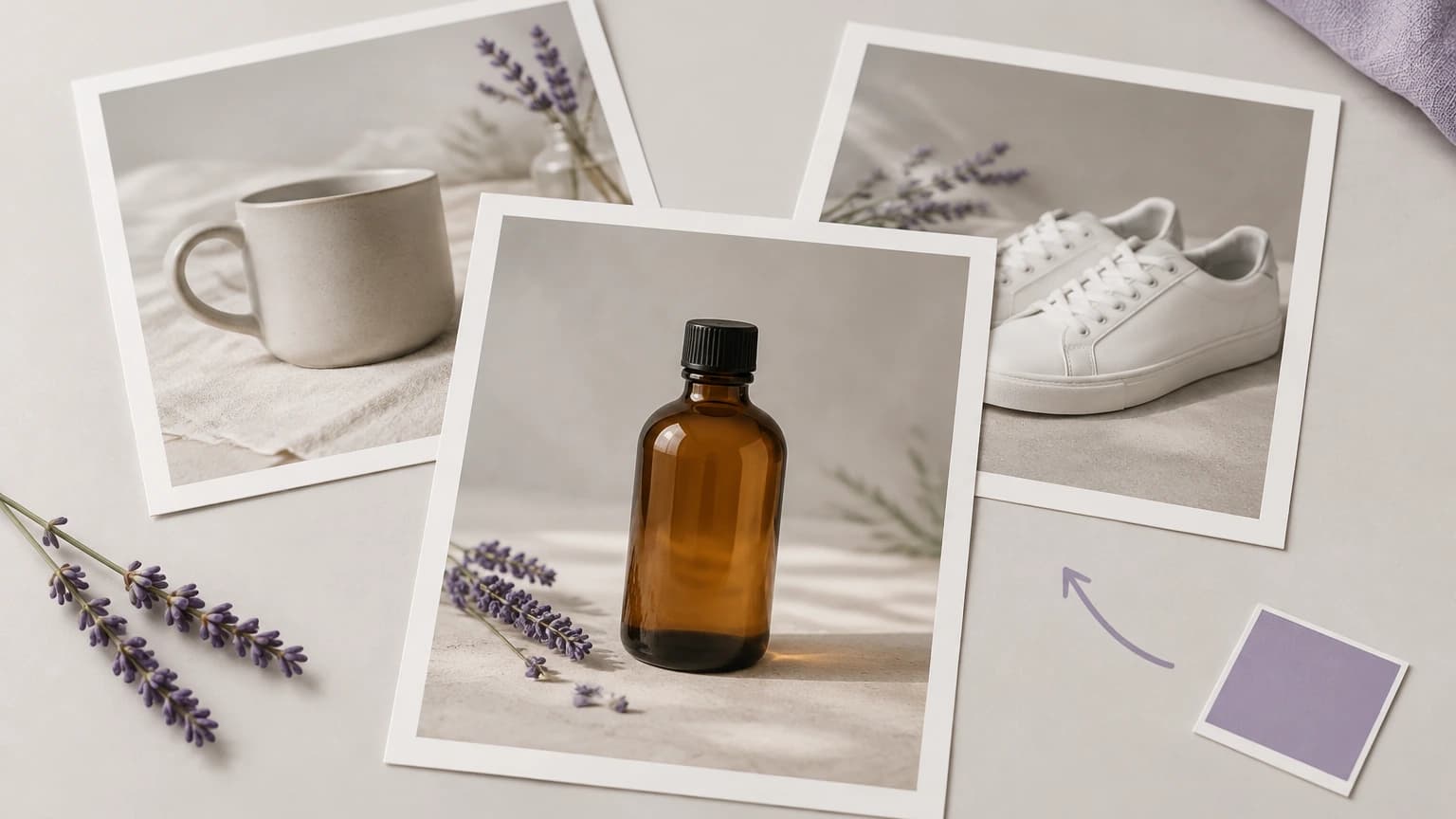
Choose the item and its intended use, then evaluate a new scene against the original product photo.