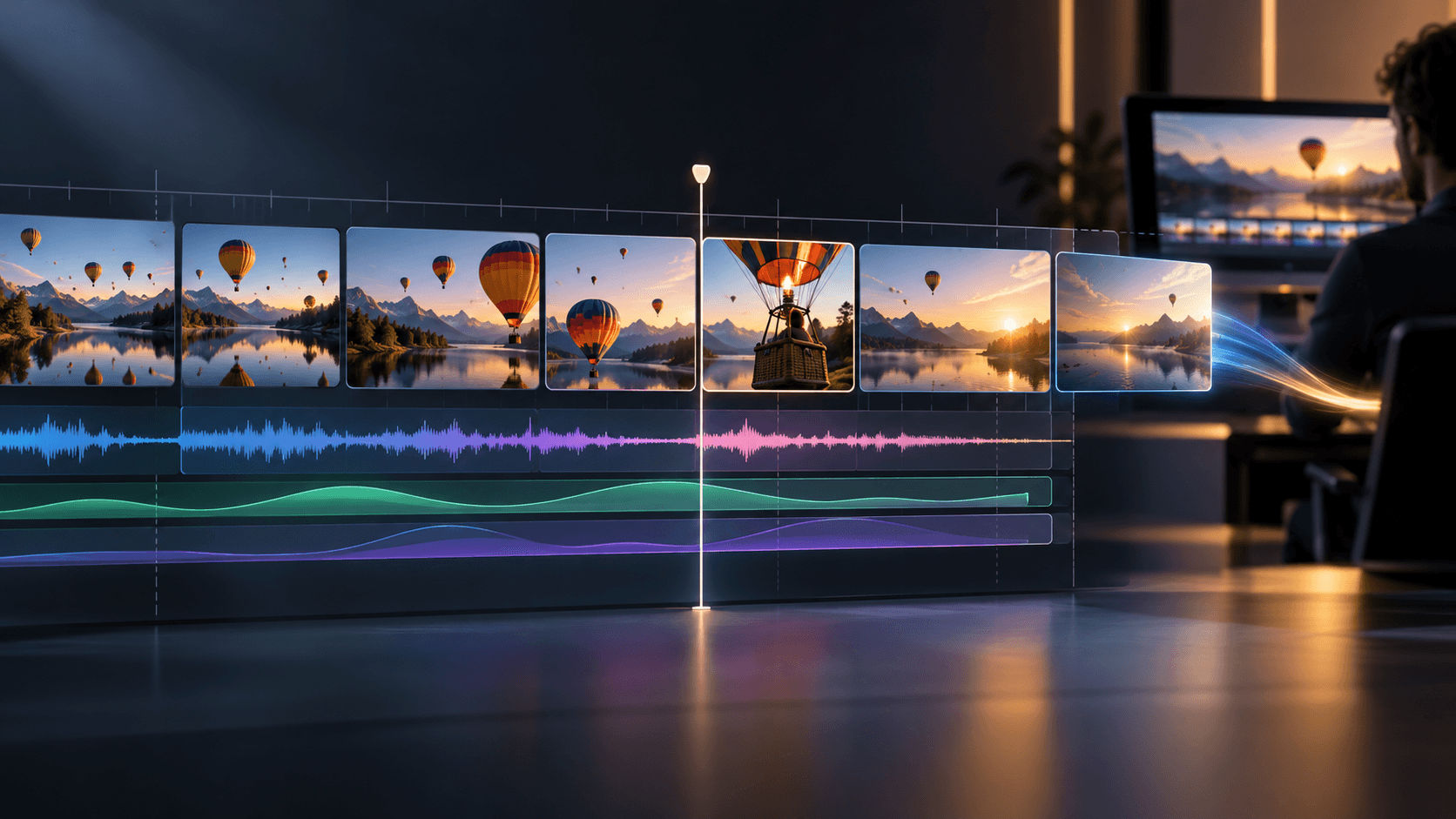
How to Run an AI Video Workflow in 4 Steps
Start with a clear target sequence and add only the nodes needed for your next verified production step.
- 1
Establish your visual or written starting point
Create or upload a reference frame in an Image node when you want to anchor character and setting details, or draft a scene prompt in a Text node for a text-driven shot. Inspect and approve that starting input before adding motion.
- 2
Connect compatible inputs to a Video node
Add a Video node and connect your approved upstream node. In the documented Video node workflow, a Text connection triggers Text to Video, a single Image connection triggers Image to Video, multiple Image connections support Multi-Image Reference and a Video connection triggers Video Editing.
- 3
Generate and compare video takes stage by stage
Run the Video node and review the full clip for subject stability, camera movement and clean start and end frames. Branch a second take from the same reference node when you want to compare motion directions without losing your original setup.
- 4
Add narration cues and prepare the edit handoff
Use an Audio node to generate voiceover or sound effects from text entered directly inside the Audio node, or connect a Video node when generating video-driven audio. Once your video and audio selects are approved, export them for timeline assembly in your NLE.