


Video Node
Video nodes are used for AI video generation, supporting text-to-video, image-to-video, video editing, and lip-sync features.
Generation Modes
| Mode | Trigger Condition | Description |
|---|---|---|
| Text to Video | Text connection | Generate video from prompts |
| Image to Video | Image connection | Generate video with image as first frame |
| Video Editing | Video connection | Edit existing video |
| Multi-Image Reference | Multiple Image connections | Generate video from multiple reference images |
Basic Usage
1. Create New Video
Method 1: Double-click canvas and select video node Method 2: Click video icon in bottom toolbar
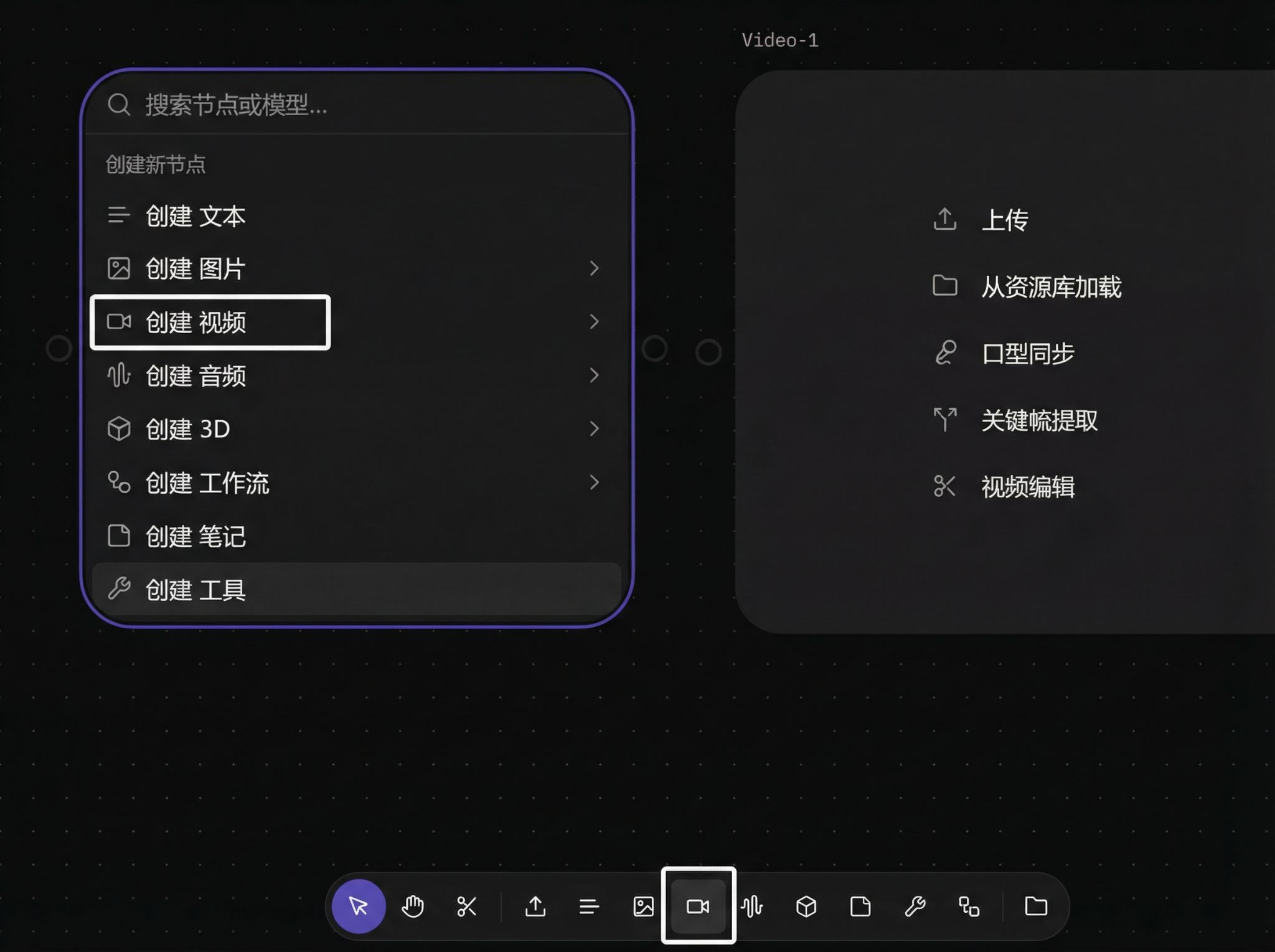
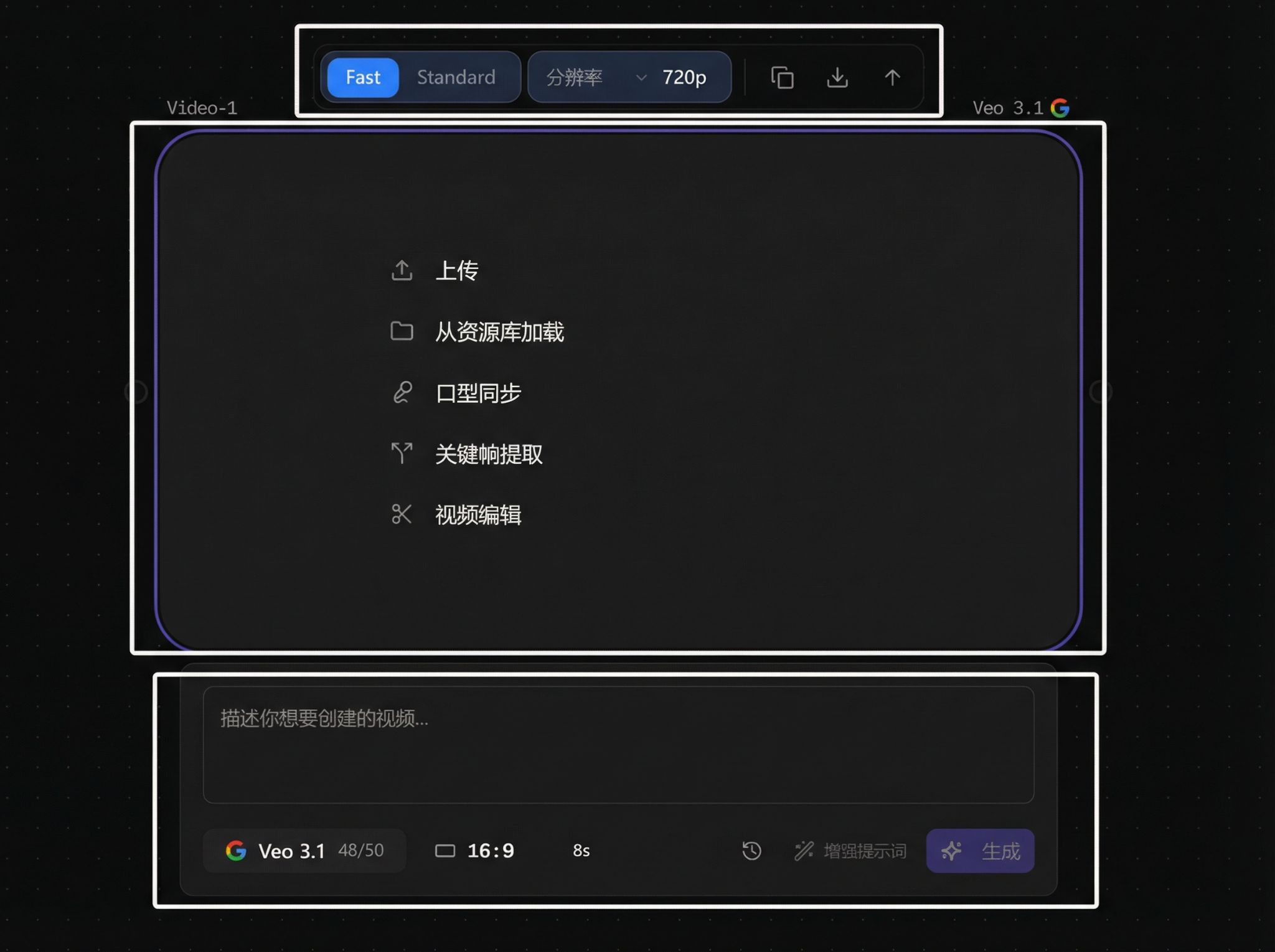
2. Function Area Overview
Overall structure:
3. Video Generation
Text to Video
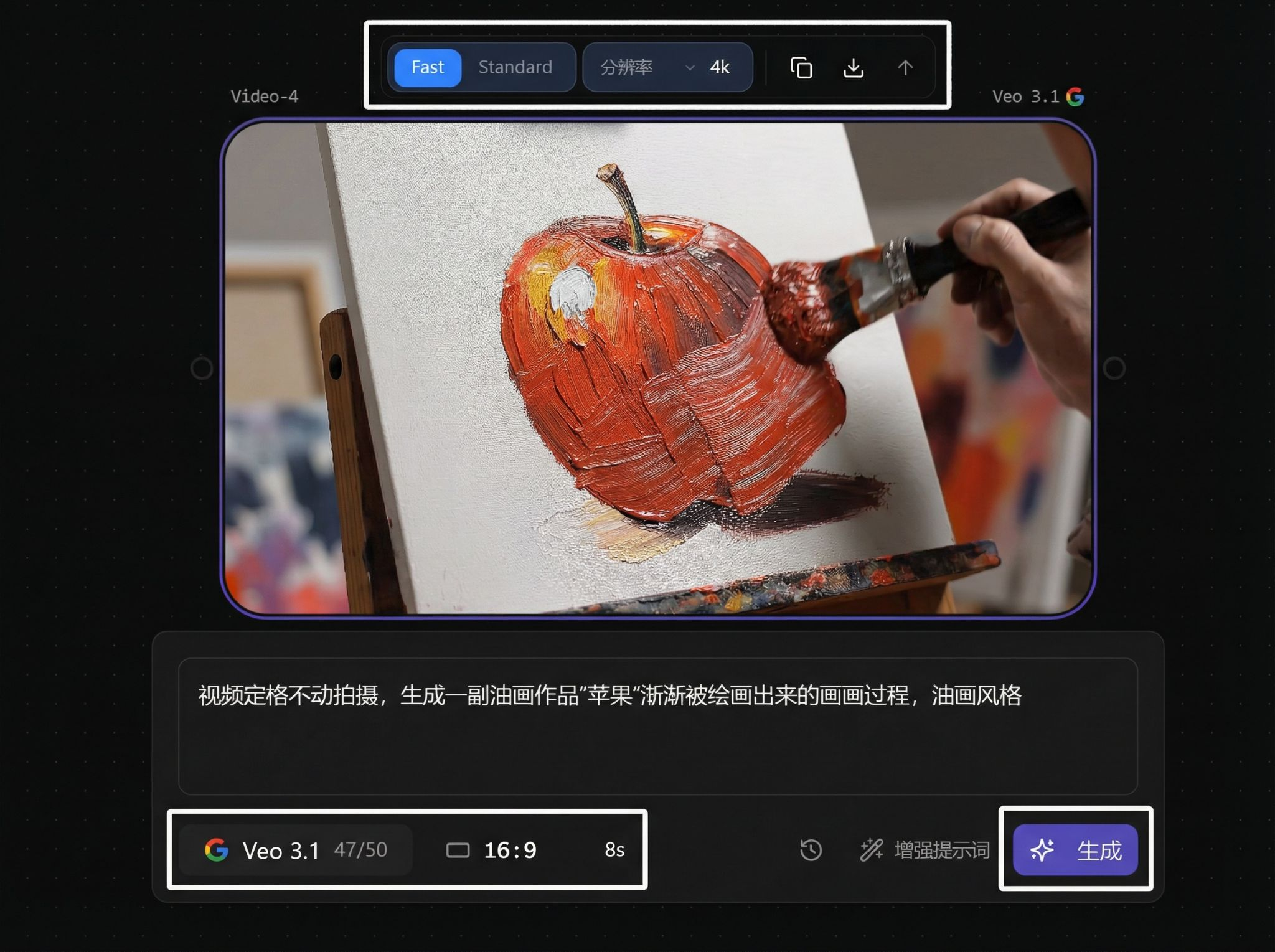
Image to Video (single reference)
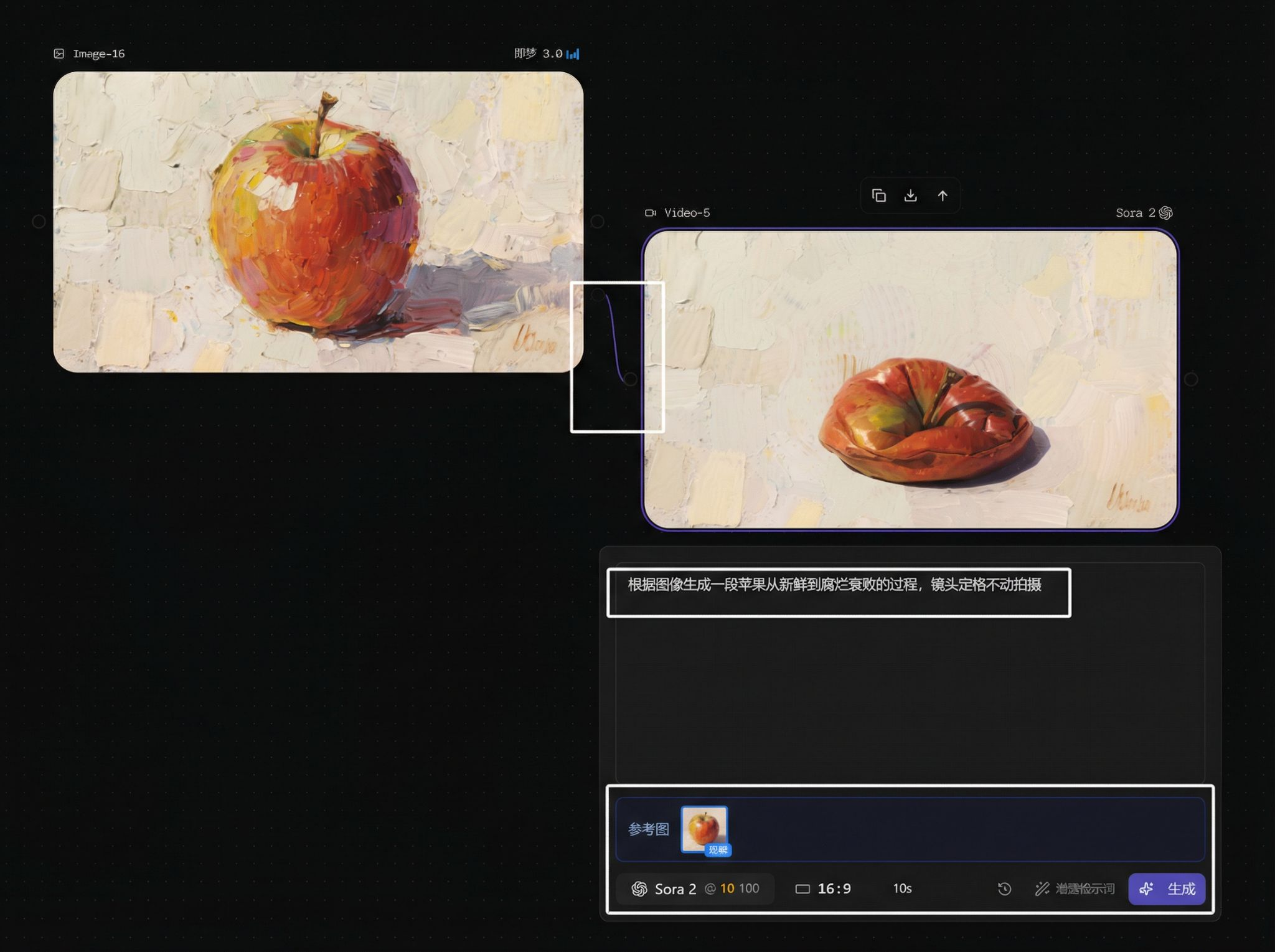
Multi-Image Reference
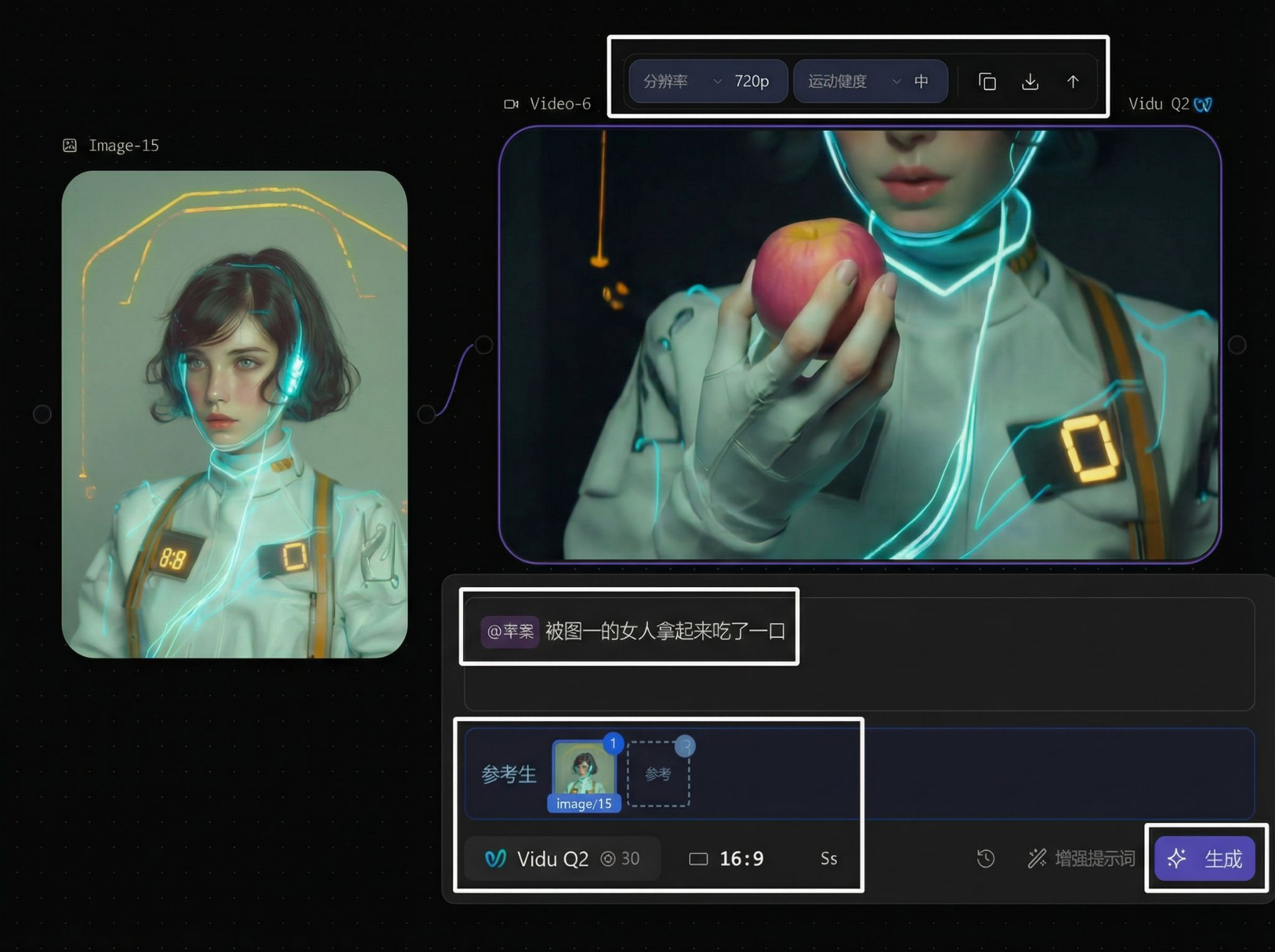
Parameters
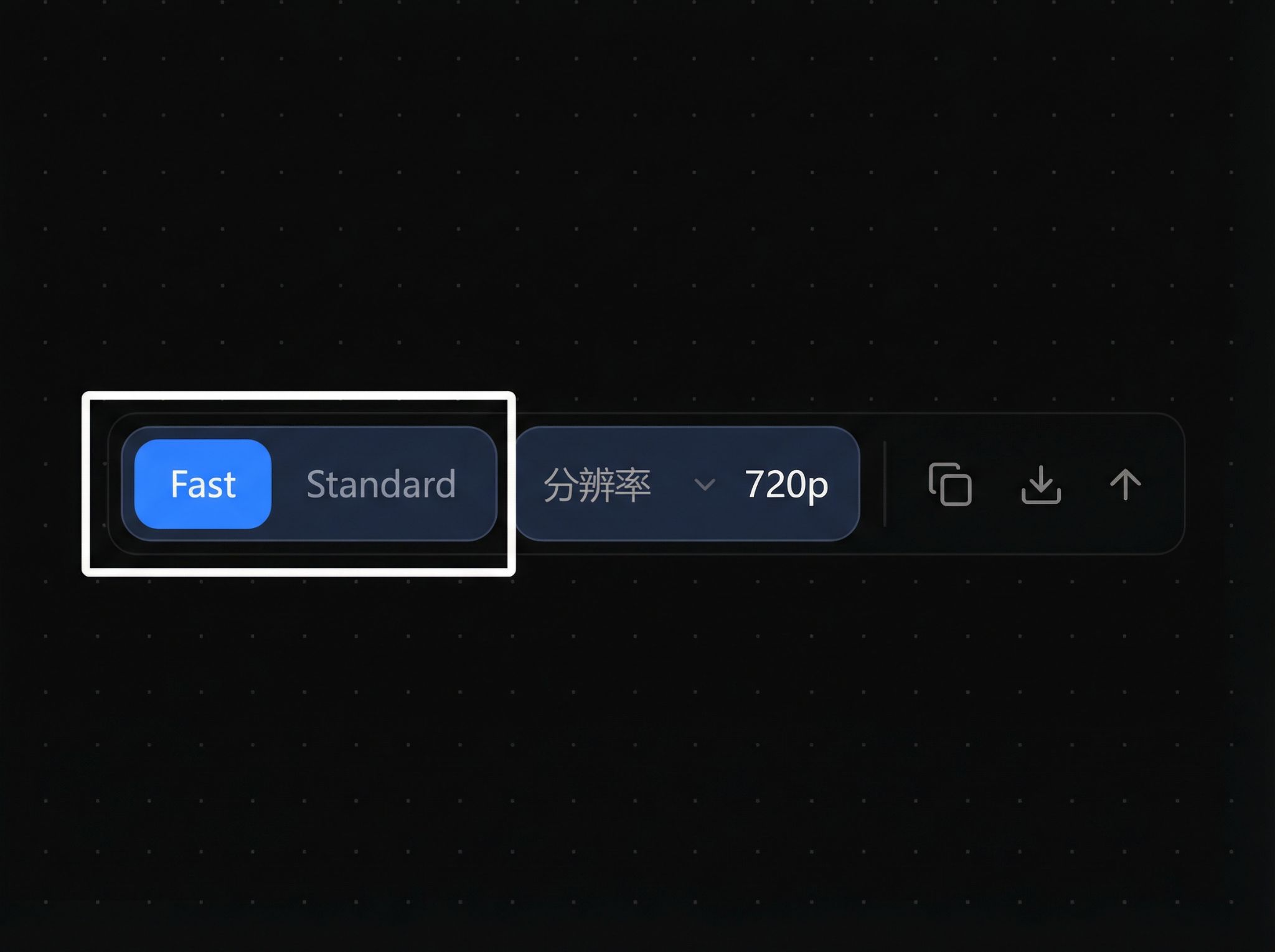
Model-specific functions (version / resolution / copy / download / upscale):
Main display area:
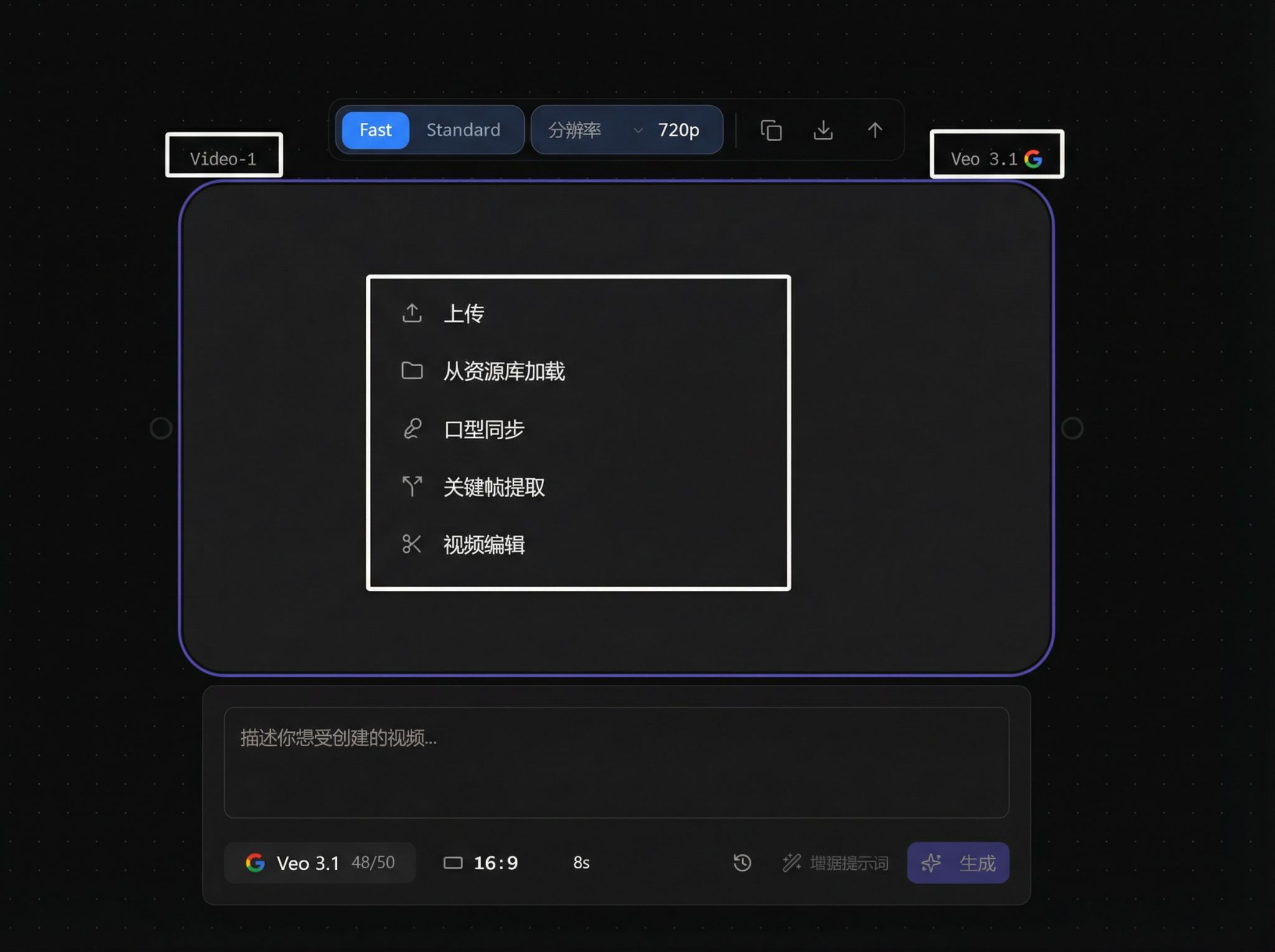
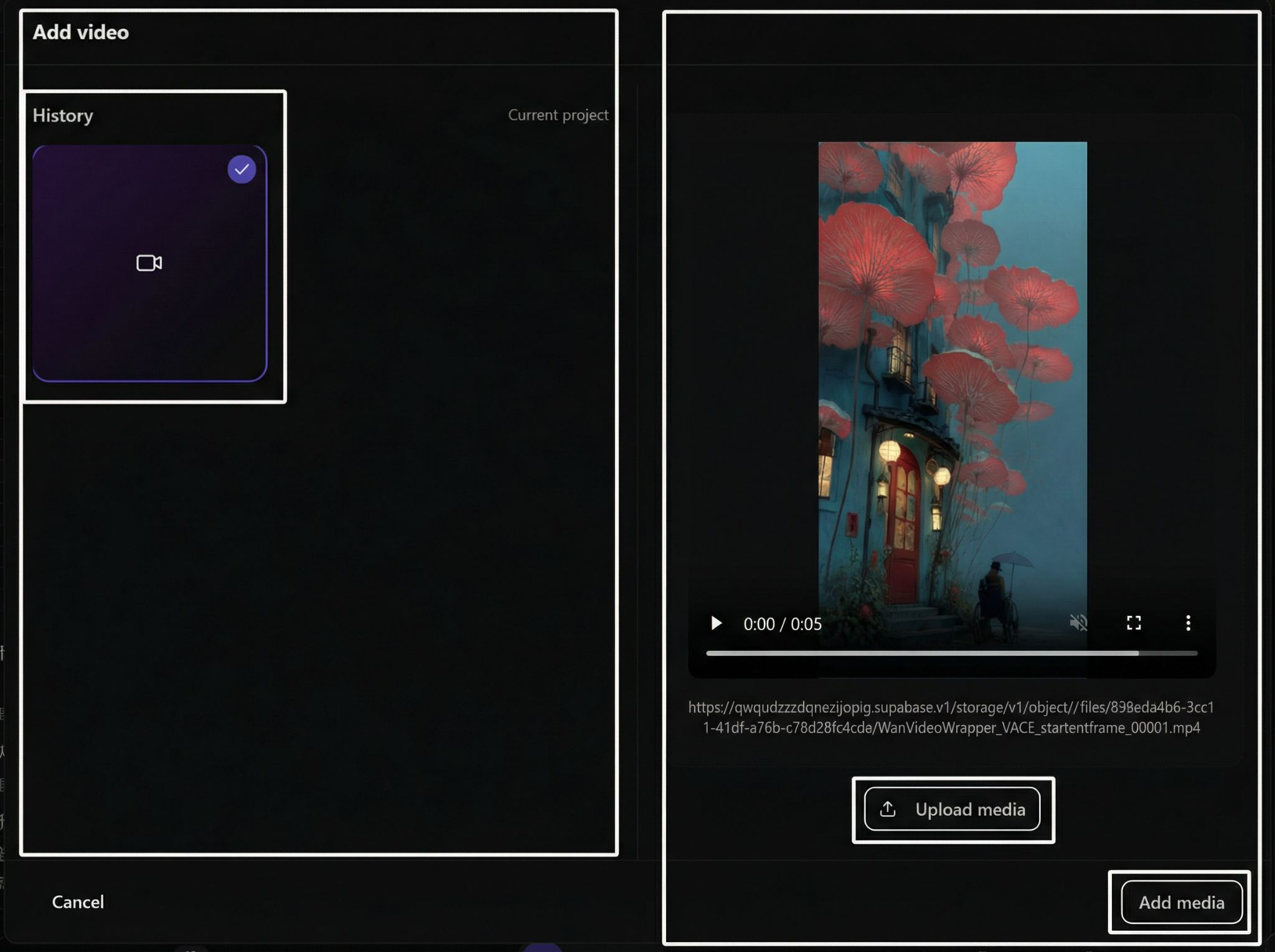
Upload and asset library loading:
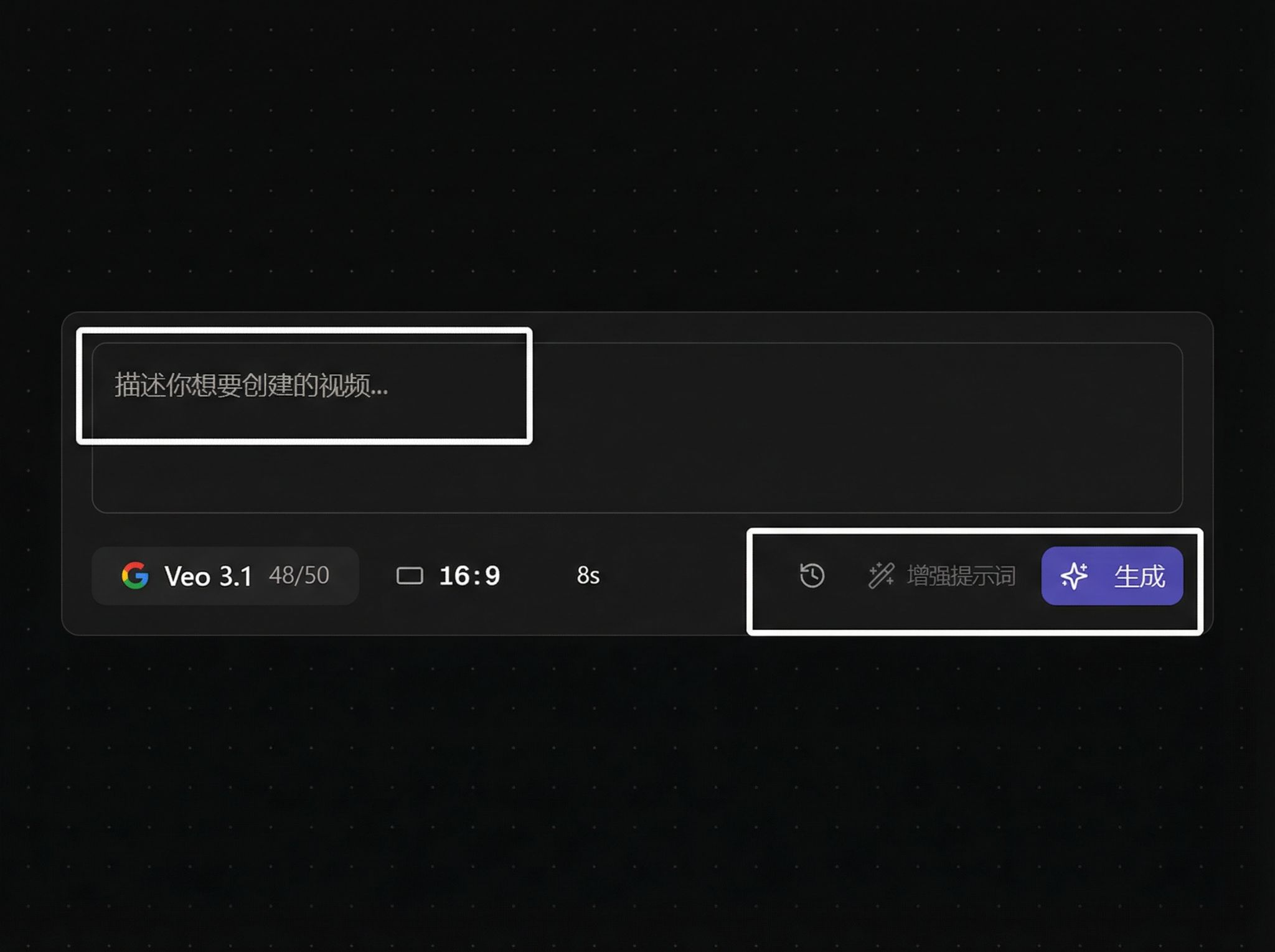
Prompt input field:
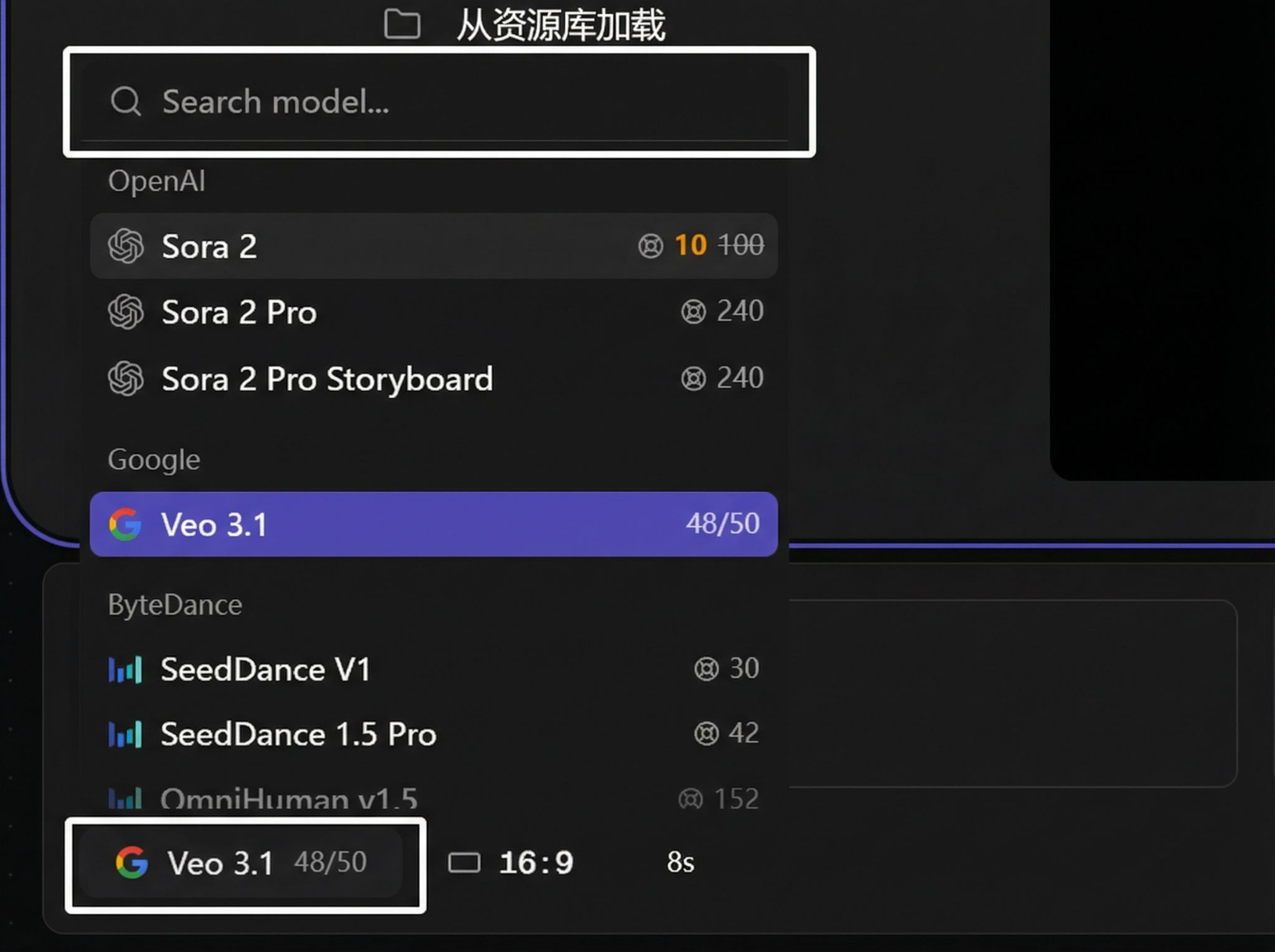
Model selector:
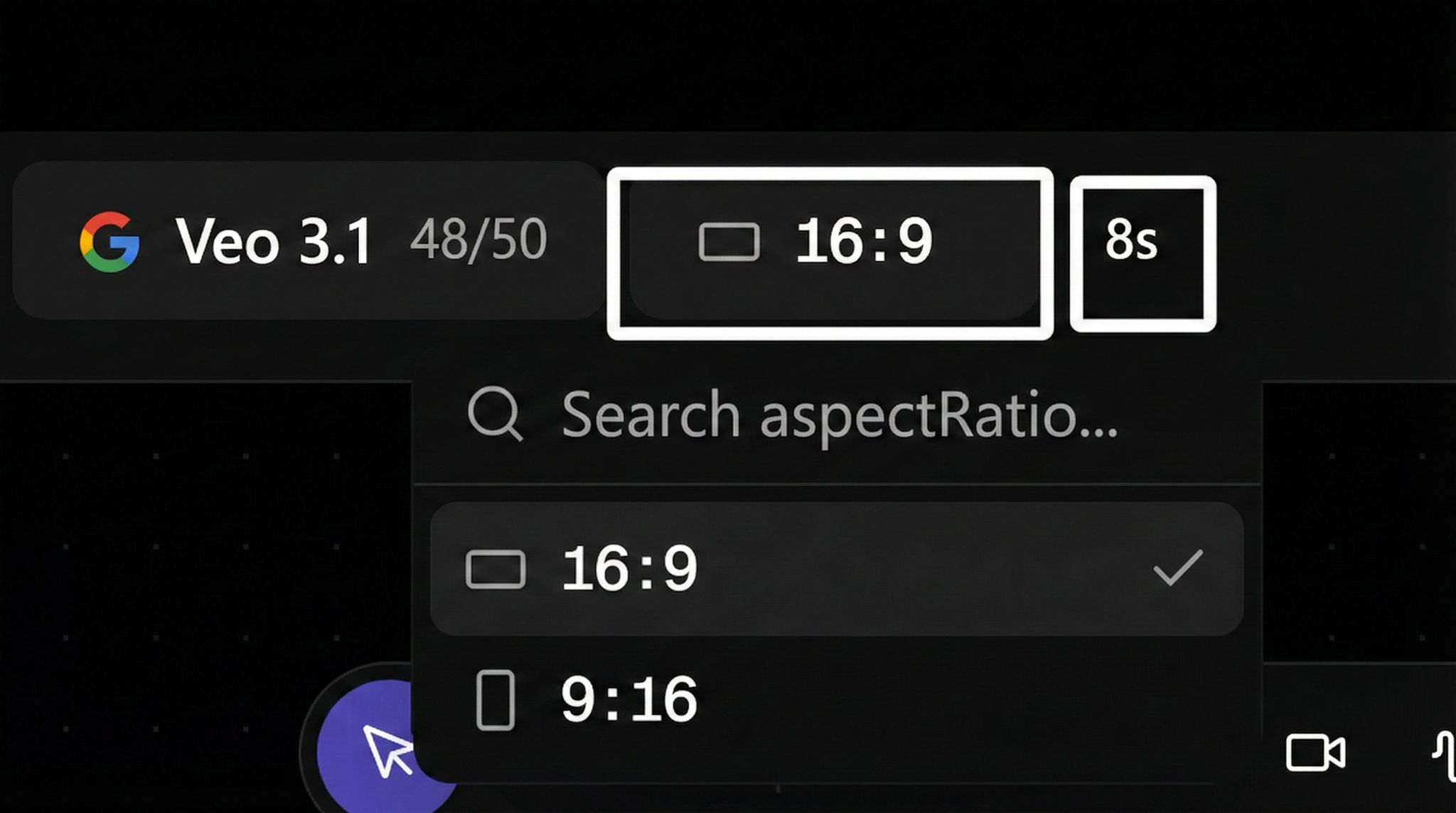
Aspect ratio selection:
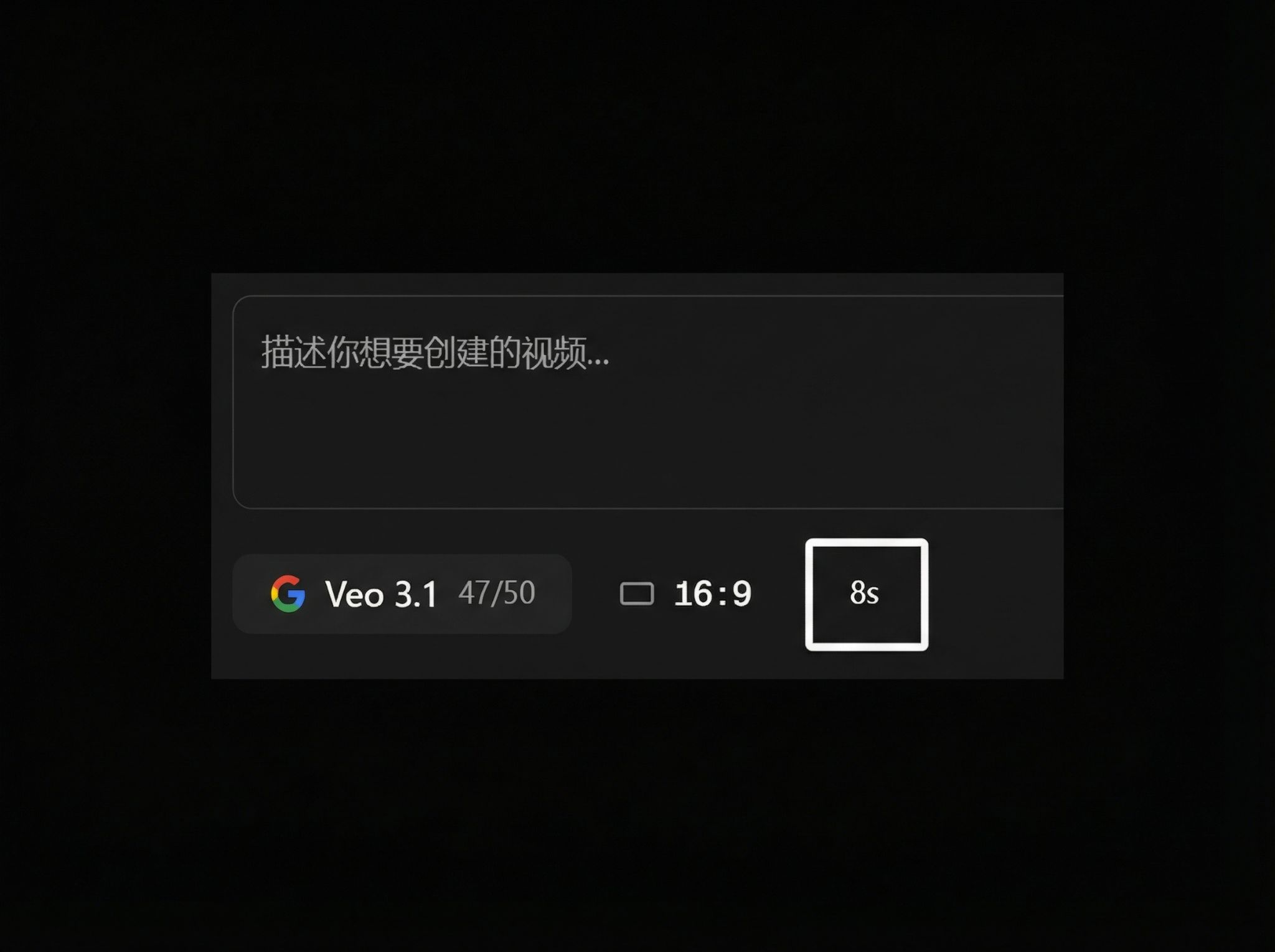
Duration selection:
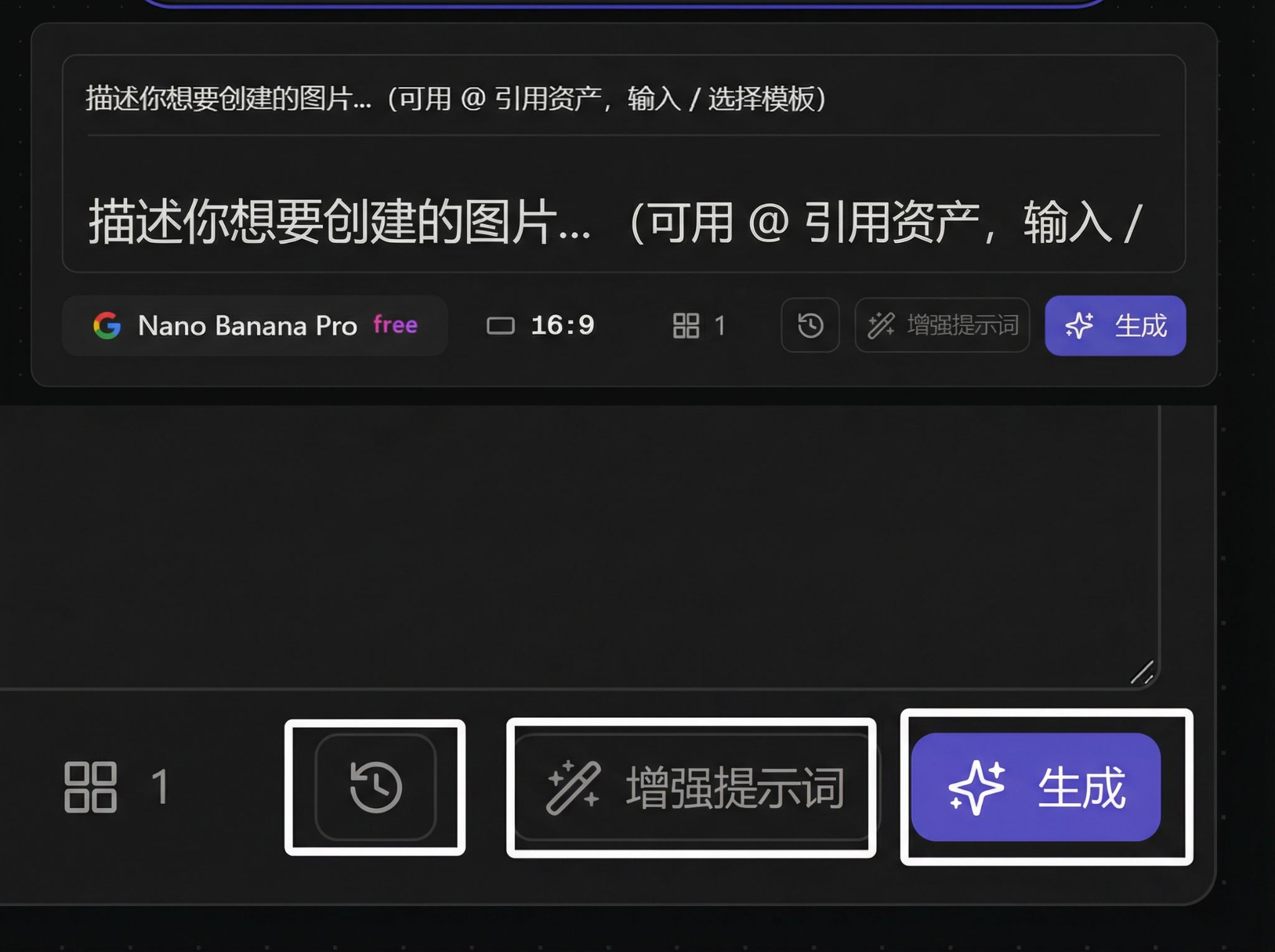
History / Enhance prompt / Generate button:
Special Features
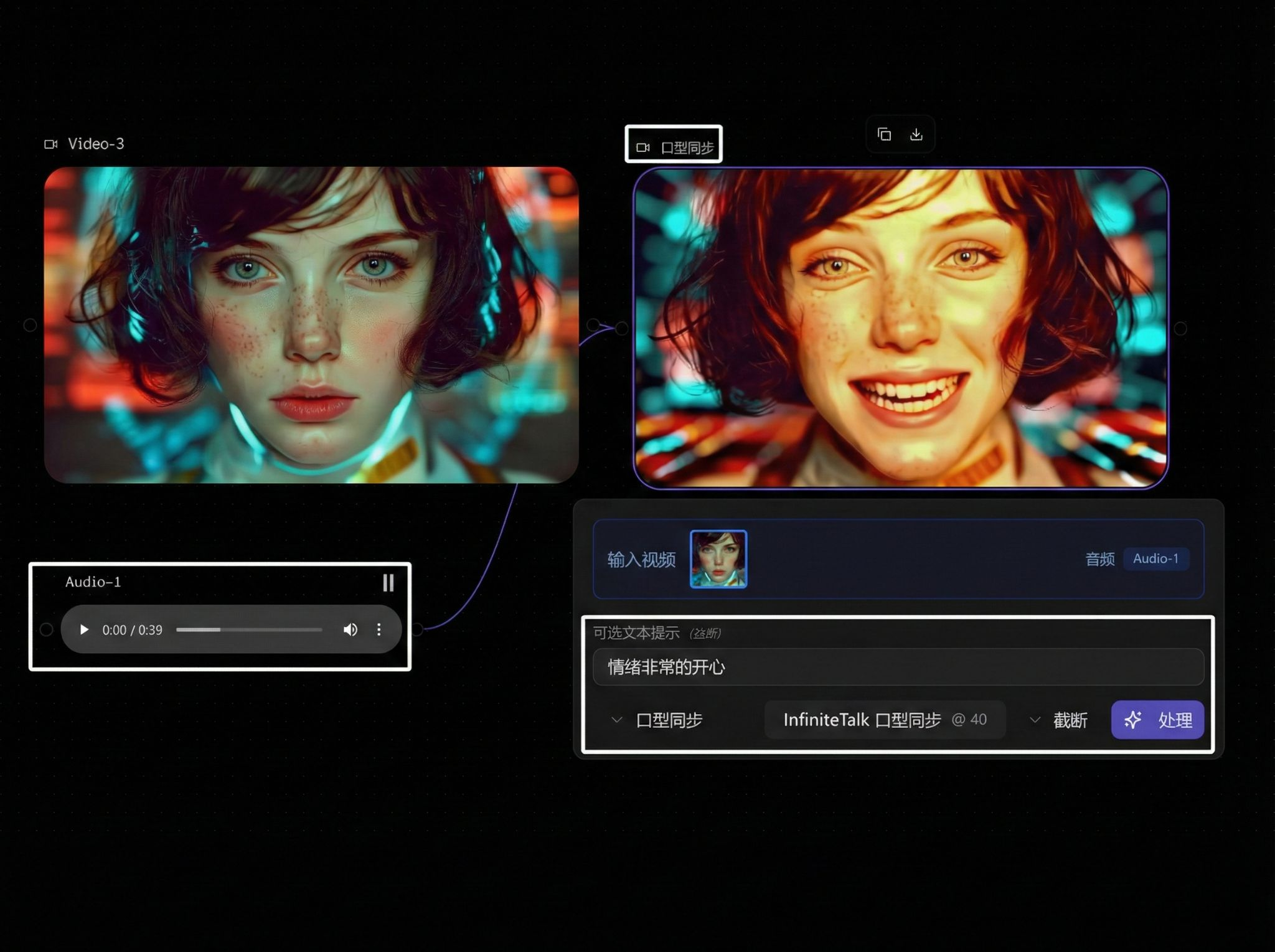
Lip-sync:
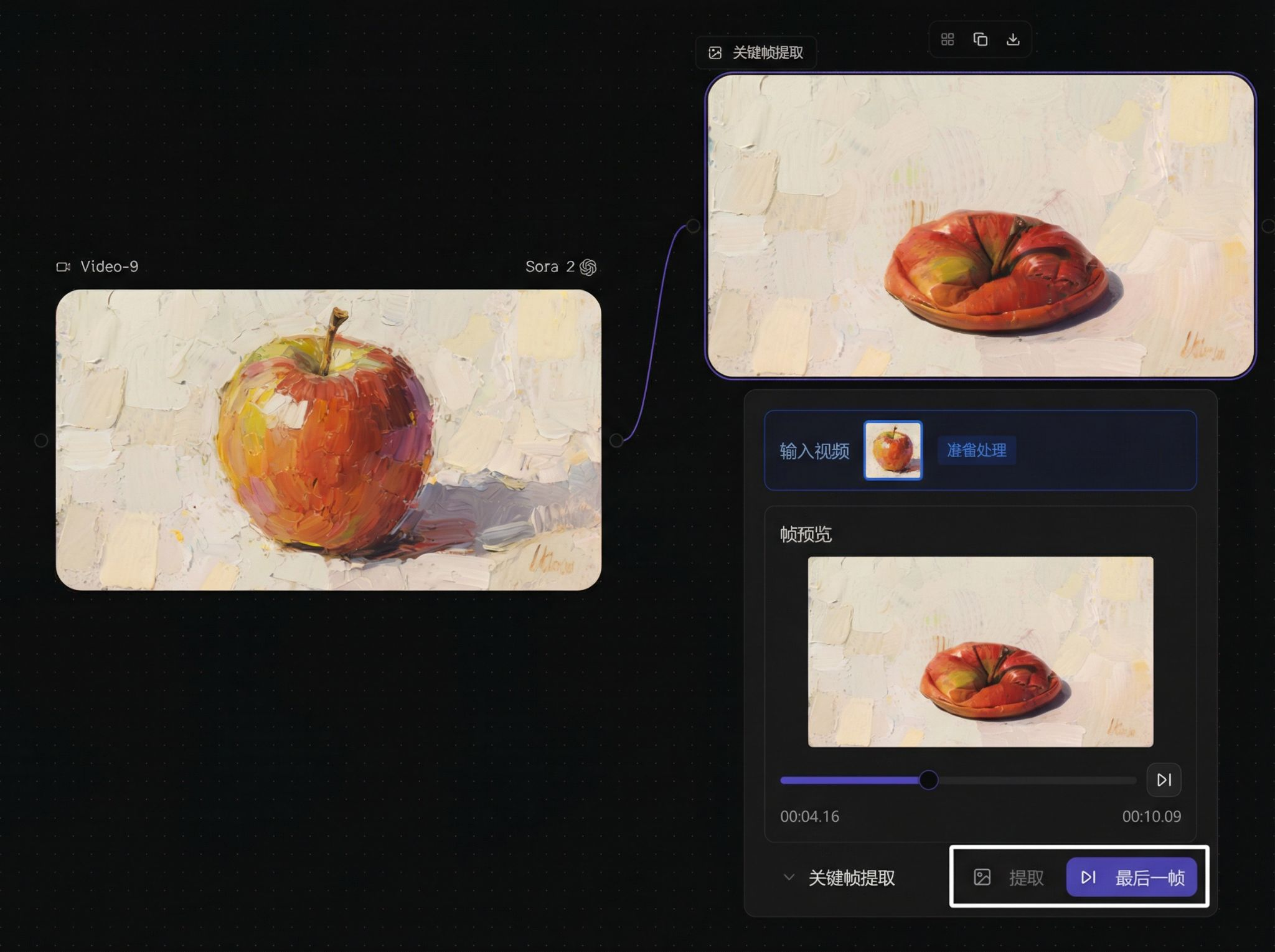
Keyframe Extraction:
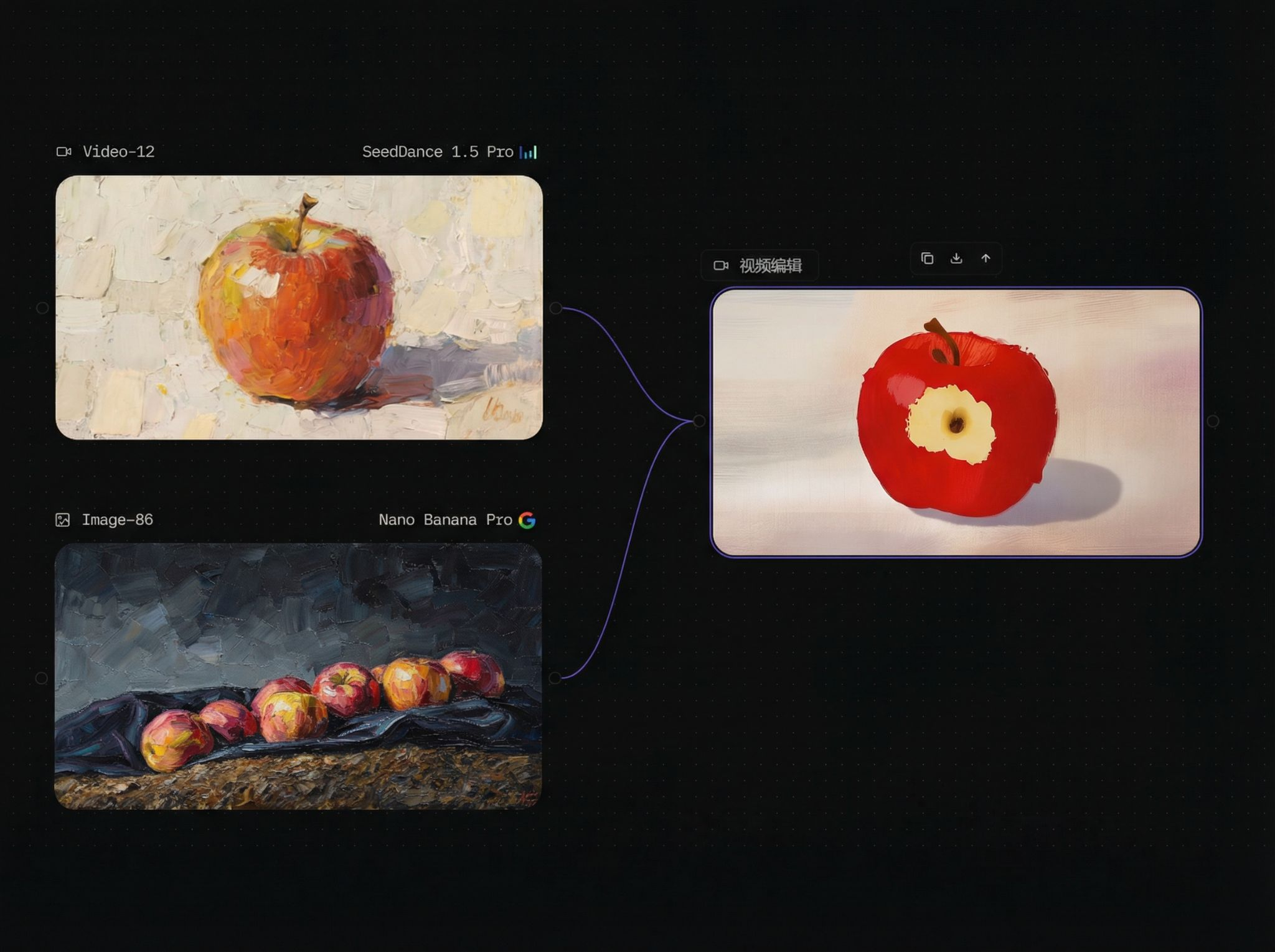
Video Editing:
Prompt Writing Tips
- Clarify protagonist, scene, and action
- Add camera language (push/pull, pan/tilt, zoom)
- Specify rhythm and mood (slow / intense / suspenseful)
- For lip-sync, ensure dialogue matches duration
Video Models
| Model Name | Core Features & Advantages | Video Editing Supported |
|---|---|---|
| Sora 2 | 720p output, realistic physics | Not supported |
| Sora 2 Pro | Cinematic quality, up to 1080p | Not supported |
| Sora 2 Pro Storyboard | Supports storyboard design | Not supported |
| Veo 3.1 fast | Lightweight and fast | Not supported |
| Veo 3.1 Standard | High-end quality | Not supported |
| SeedDance V1 | Basic version | Not supported |
| SeedDance 1.5 Pro | Native audio-video sync | Not supported |
| OmniHuman v1.5 | Digital human video | Not supported |
| Eva | General purpose | Not supported |
| Kling 2.6 | 1080p/60fps | Not supported |
| Kling 2.5 Turbo | High-speed and stable | Not supported |
| Kling 2.1 | Legacy basic version | Not supported |
| Kling AI Avatar | Virtual avatar | Not supported |
| Kling 2.6 Camera Control | Camera control | Supported |
| Hailuo 02 | Basic version | Not supported |
| Hailuo 2.3 | Upgraded version | Not supported |
| Aleph | Video generation + editing | Supported |
| Wan 2.6 | Mid-to-high-end general purpose | Not supported |
| Wan VACE Video Edit | Professional video editing | Supported |
| Ray 2 | 4K ultra HD | Not supported |
| Rav Flash 2 | High-speed generation | Not supported |
| Vidu Q2 | Entry-level | Not supported |
| Vidu Q2 Audio&Video | Audio-video sync | Not supported |
| Marey | Narrative-focused | Not supported |
| Hunyuan Video Foley | Foley and generation | Supported |