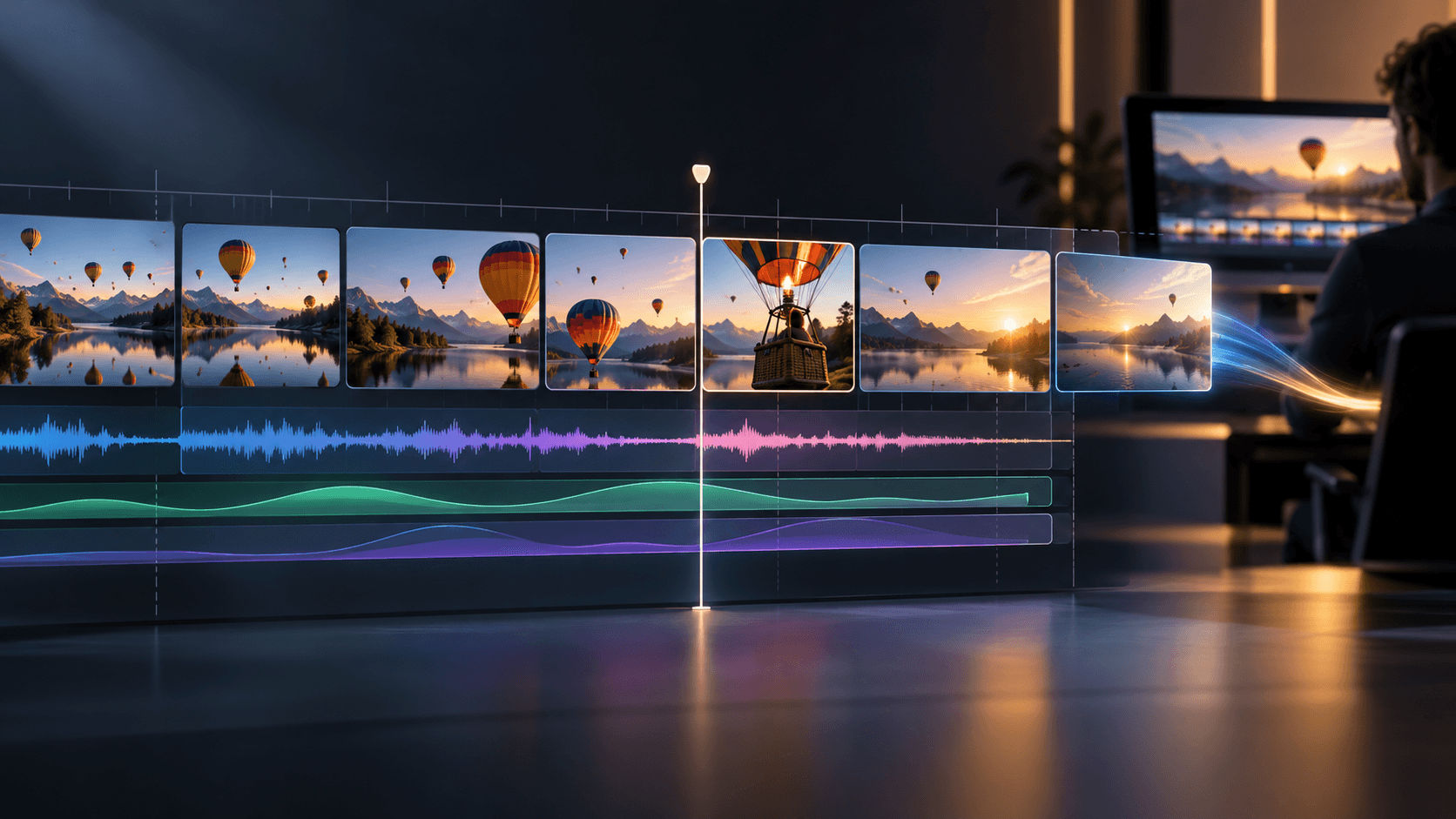
How to Build a Multi-Shot Sequence in 4 Steps
Start with a short shot list and the key visual references that anchor your scene on the Astorie canvas.
- 1
Map the shot list and shared visual anchors
Break your scene into individual shots, such as an establishing wide, a medium action beat and a close reaction. Prepare or generate reference images in Image nodes for the characters and locations that must stay recognizable.
- 2
Connect references to a Video node for each shot
Create a Video node for each planned beat and connect the relevant single Image node or multiple Image nodes for Multi-Image Reference where supported. Write a concise motion prompt that describes only the action and camera move for that specific shot.
- 3
Capture frames to bridge connected cuts
When a follow-up shot continues the exact moment of a previous clip, use Frame Extraction to capture the current or final frame as a JPEG still. Use that captured frame as the visual starting point or reference check for the next shot.
- 4
Compare takes in order and export selects
Review the generated clips in sequence order to check screen direction, lighting and pacing. Regenerate any shot that breaks continuity, then export the approved takes for timeline cutting and audio sync in your NLE.