Product Marketing - Multi-Step Design Generation for 'Lovart' Brand Identity

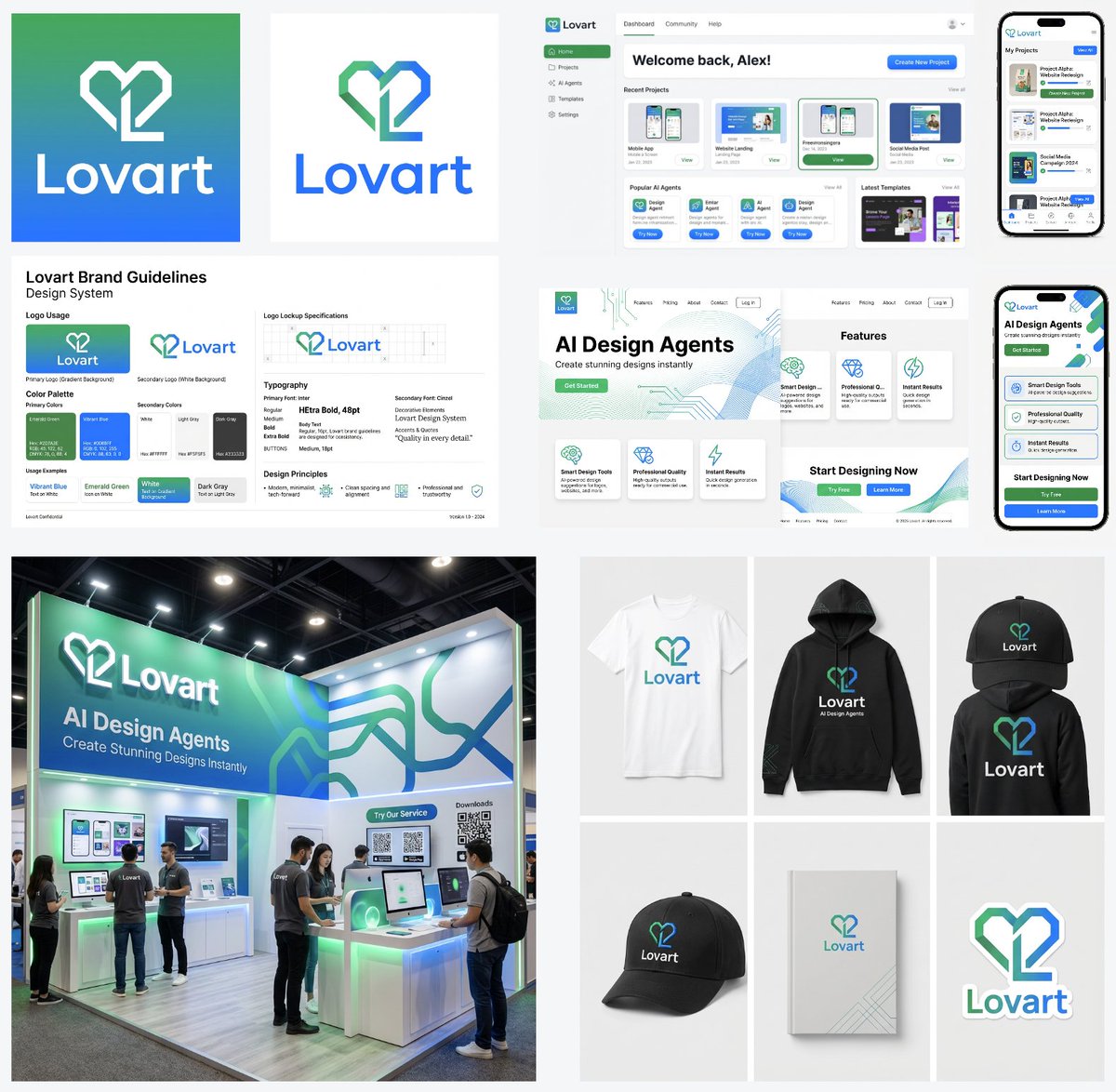
A multi-step workflow prompt sequence for Nano Banana Pro, designed to create a cohesive brand identity for a company named 'Lovart'. The steps cover generating the logo, creating design guidelines (color palette, font), and then applying that identity to various assets like application UI, website design, exhibition booth, and merchandise.

Prompt

554 charactersOpen Astorie studio ↗
A logo mark for a company named 'Lovart' with a base color gradient of vibrant {argument name="color 1" default="emerald green"} and vibrant {argument name="color 2" default="blue"}

Generate a color palette and font design guidelines from this logo mark

Generate the application UI design for this service. PC version and smartphone version

Design a website to introduce this service. PC version and smartphone version

Design image for the exhibition booth of this service

Merchandise design for this service. T-shirt, hoodie, cap, notebook, sticker
From sourceView source ↗

More to explore

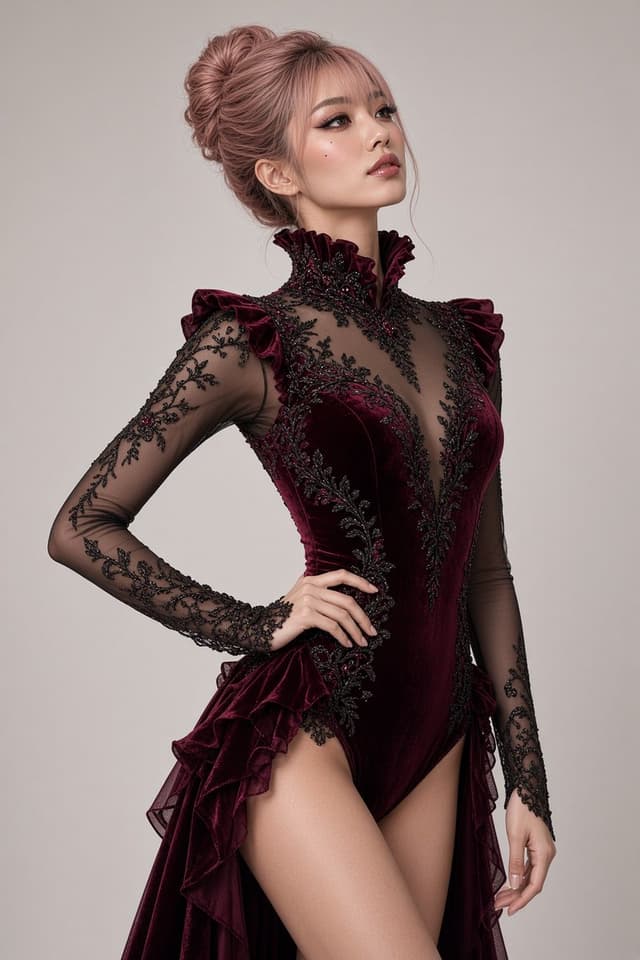
Social Media Post - Red Velvet Leotard Portrait Comparison
Profile / Avatar - Purple Sweater Portrait Comparison
Profile / Avatar - Nano Banana Pro Lake Portrait Comparison
Profile / Avatar - Cute Star Night Light Portrait Comparison
Social Media Post - Nano Banana Pro Silver Metallic Gown Portrait
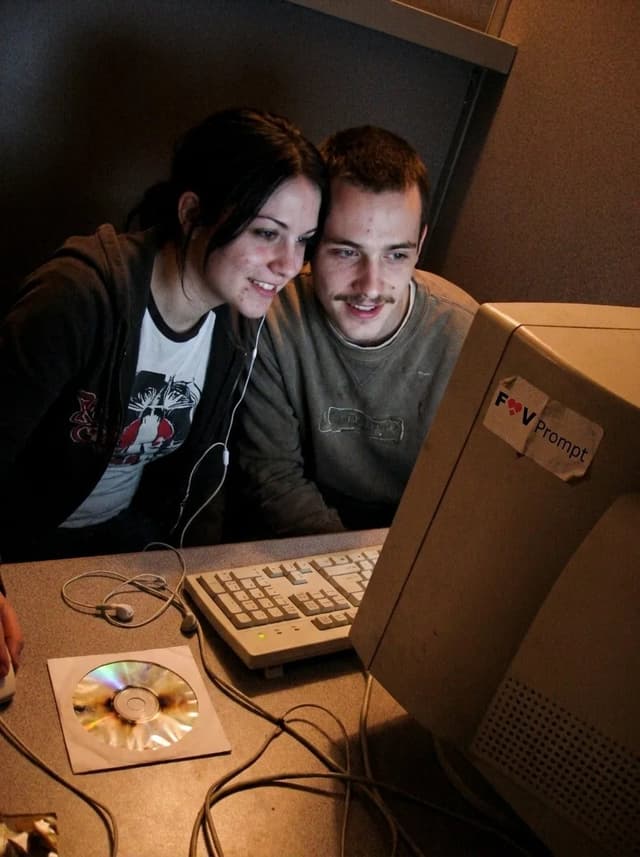
Profile / Avatar - Early 2000s Internet Cafe Webcam Couple

Profile / Avatar - Early 2000s Internet Cafe Webcam Couple

Fav PromptNano Banana Pro
A candid couple photo of the Woman's Look and Man's Look in the Setting, engaged in the Activity. Render it as the Camera Type, with soft focus, smeared facial detail, color noise, dim uneven indoor light and low-resolution compression. Use awkward webcam framing from a desk-level angle, with a slight tilt and casually cropped shoulders or arms. Include the Era Props naturally in the booth. The couple should look genuinely close and relaxed, with real skin, messy everyday hair and no heavy retouching. Use Face Reference for the matching faces when applicable. Make it feel like an unedited early-2000s personal photo from an old Facebook album or MSN chat, not a modern image with a retro filter. No date stamp, text, watermark, modern electronics or current fashion. Output in the Format.

Use these details:
Woman's Look: "{argument name="woman's look" default="Young woman in her early 20s with straight black hair, a casual graphic T-shirt and a loose zip hoodie"}"
Man's Look: "{argument name="man's look" default="Young man in his early 20s with a thin mustache, tousled hair and a worn casual sweatshirt"}"
Setting: "{argument name="setting" default="A cramped internet cafe booth with a laminate desk, worn carpet, beige walls and bulky CRT monitors"}"
Activity: "{argument name="activity" default="Leaning close together and looking into the webcam during an online chat"}"
Camera Type: "{argument name="camera type" default="Low-resolution built-in webcam capture from a chunky desktop computer"}"
Era Props: [{argument name="era props" default="Wired earphones, A burned CD in a paper sleeve, A chunky desktop keyboard"}]
Face Reference: "{argument name="face reference" default="Use attached photos for the matching person's face when provided; if none are attached, invent both faces"}"
Format: "{argument name="format" default="4:3 landscape"}"

Find your next direction

ASTORIE CANVAS

Take the idea further.

Bring your prompts, references and results together in one creative space.

Open your canvas ↗