


Phone Drop Camera Fall Video
JohnGrok Imagine
将 <<<图片 @1cbc28c8-e2a8-40e8-bfd6-7b3a7db70034 >>> 的每一帧组合起来,制作一段视频。这是一段手机后置镜头主观视角意外脱手坠落 × 同次坠落连续九连拍 × iPhone失败多连拍 × 夸张广角透视 × 随机旋转机位、失焦、运动模糊与画面角度。
Explore video ideas built around moving shapes, visual effects and changing compositions. Read the prompts to plan what transforms on screen and what stays in focus.
13 prompts
将 <<<图片 @1cbc28c8-e2a8-40e8-bfd6-7b3a7db70034 >>> 的每一帧组合起来,制作一段视频。这是一段手机后置镜头主观视角意外脱手坠落 × 同次坠落连续九连拍 × iPhone失败多连拍 × 夸张广角透视 × 随机旋转机位、失焦、运动模糊与画面角度。
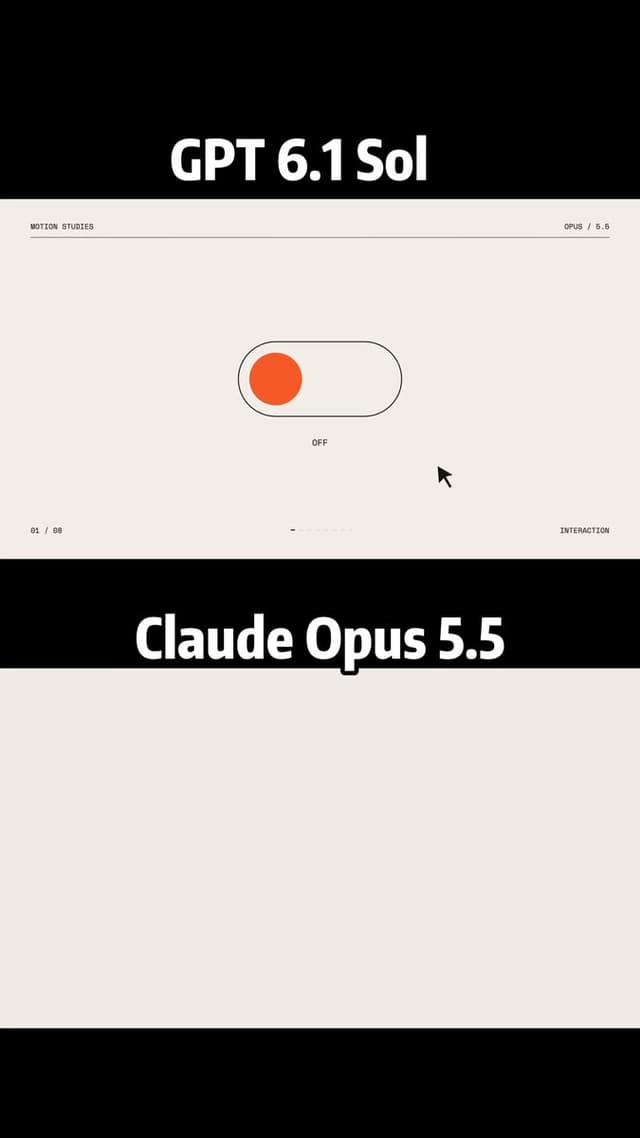
15s studio motion-design reel, 1920x1080.
Warm off-white, black type, one orange accent only.
A single orange circle with motion blur is the through-line and the cut.
Show: toggle click, the word Motion, shape morphs, dotted connector, rounded diamond, circular kinetic type (KINETIC TYPE · 3D · LOOPS · SPRINGS · EASING), dot grid, then the card “Opus 5.5 / Motion designer. / 0 keyframes”.
Springs, no glow, no particles, no default easing.
Looks like a refined product-studio showreel, not an AI trailer.
جربت Motion بـ Claude Opus 5.5
Headless chrome
Canvas API (Assets Generation/ Paper textures)
Yoga-layout
Prextext
Floating UI
وقلت له يسوي
Vox-vibe video
وعطيته ملفات PDFs وصور
帮我生成一段约 3 分钟的视频,解释太阳系的各大行星。做科普知识讲解,让高中生都能听得懂,解释完太阳系再讲解银河系的相关知识。画面要炫酷展现出浩瀚的宇宙,配上中英字幕。
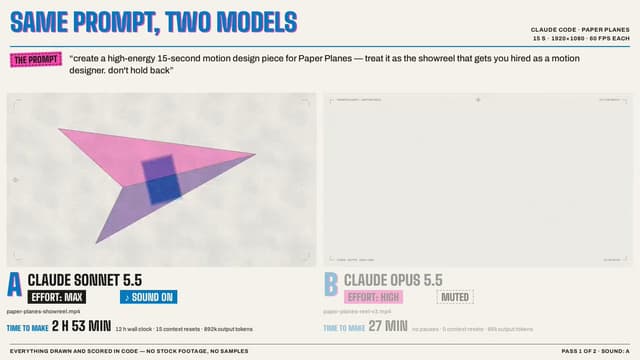
create a high-energy 15-second motion design
piece for Paper Planes - treat it as  the showreel
that gets you hired as a motion designer.
don't hold back
make a modern slick and punchy video for a modern startup that works on inference
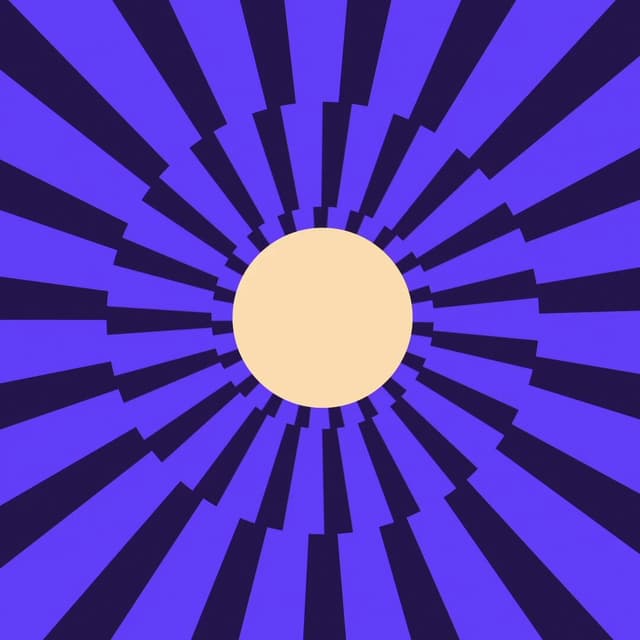
SPEAKER CAROUSEL
<setup>
Claude is connected directly to my open After Effects project through the AE MCP.
Work inside the Inner comp where the speaker ring already exists.
</setup>
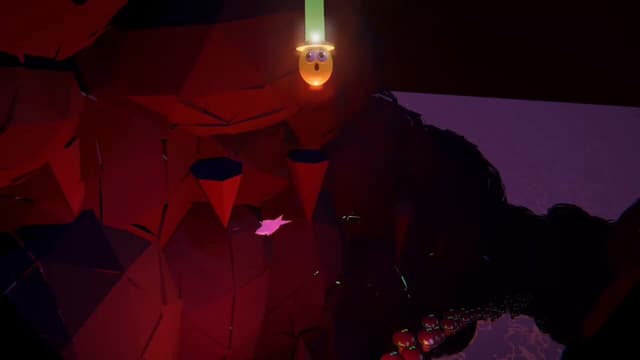
卡点的3D球体下坠的动画视频:对标专业的Blender做的效果,音乐是多首经典的纯音乐,场景按音乐切换,3D球体下坠时在3D场景的物件中弹跳,按音乐的节奏点亮物件。带一些幽默的元素。
使用three.js制作,不要使用Blender制作
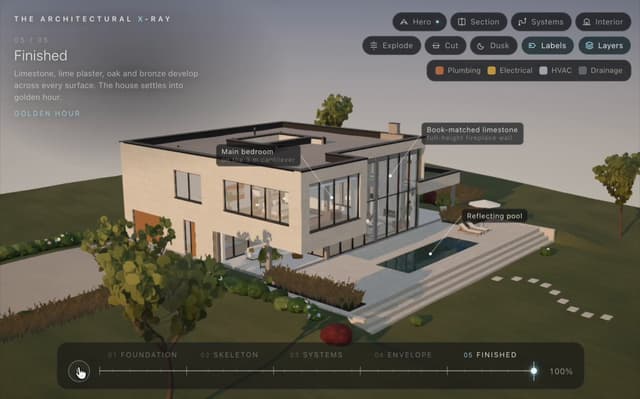
Create an interactive 3D house animation showing the construction process from Foundation through Skeleton, Systems and Envelope to Finished. Include an X-ray view that reveals the plumbing, power and air inside. Use Three.js and WebGPU.
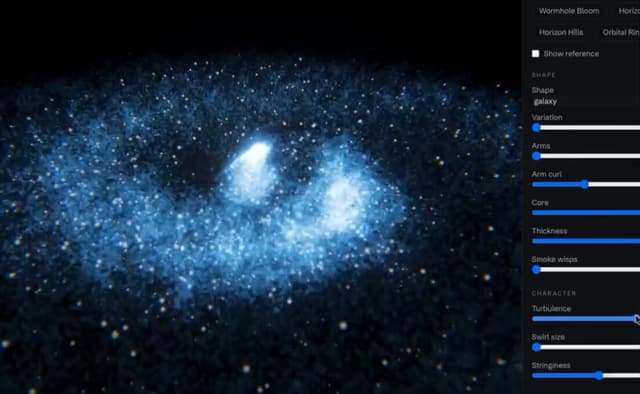
Create an interactive particle effects animation using Three.js that transforms simple ideas into a mesmerizing 3D experience.
Can you generate a motion graphics explainer in the visual style of this post and using all its content? I will leave the details up to you. I want you to show off what you can do so you have full creative freedom within those styling constraints. I want to give this to my engineers at my company. I want you to be proud of the final product. Utilize the elevenlabs and remotion tools at your disposal and let me know if you don't see them for some reason. Use whatever you want in those tools to make the most polished product that you would be proud of. Source Article : Context Tax - X article from the article
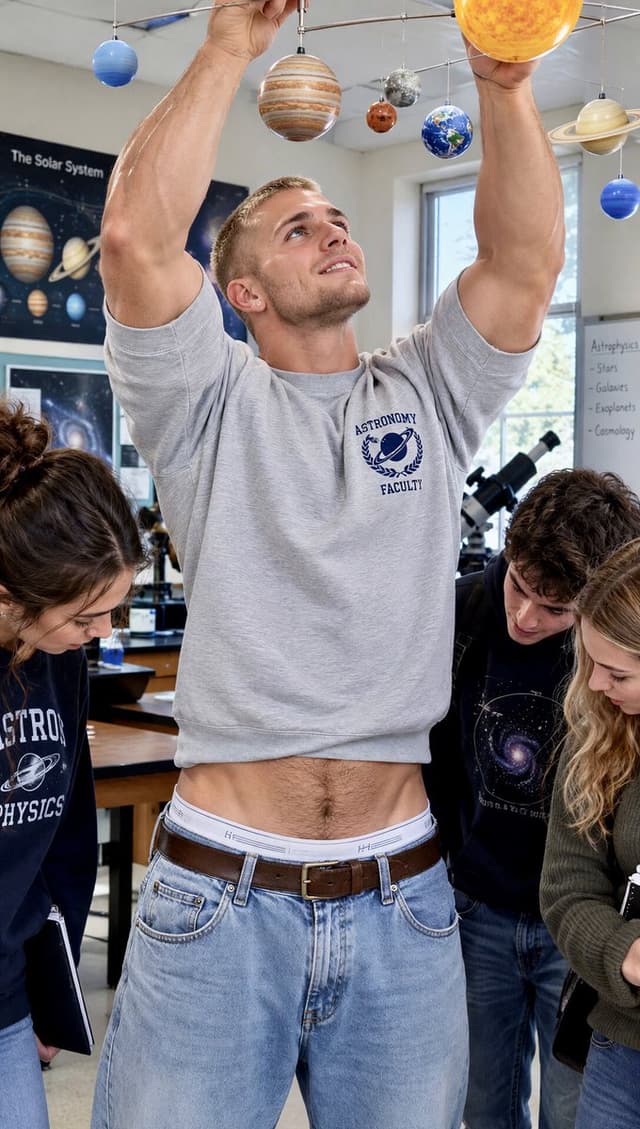
Le beau jeune homme étire ses bras et son corps pour arranger les planètes, en respirant. Ses amies aperçoivent son nombril parfait apparaître discrètement sous le rebord inférieur de son pull « on voit ton petit nombril ». plan en zoom sur son nomb...
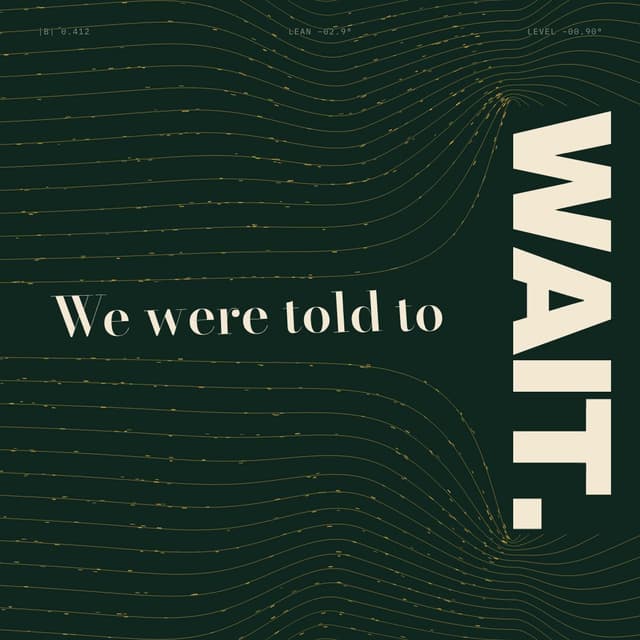
Create a 20.00-second kinetic spoken-word film titled “BUILD THE FLOOR.”
Treat this as an original miniature speech staged inside a typographic field. Every line reorganizes the field of the frame. The final declaration must stand on a field that finally lies flat.
Deliver one self-contained HTML file, 1080×1080, targeting 60fps, using SVG and/or Canvas. Embed all required assets.
ART DIRECTION
Background #102820. Letterforms # F4E9D5. Field lines and filings # F2B544. A magnetic-monument world: streamlines, flux, stillness at the null. Typography stays crisp; particles are atmosphere only. High-contrast serif for the speech, heavy grotesque for load-bearing words, restrained monospace for flux gauges. No horseshoe magnets, lightning, electron diagrams, or sci-fi arcs.
ORIGINAL SPEECH — EXACT WORDS, EXACT ORDER
“We were told to wait.”
“So we learned the weight of waiting.”
“Then one voice made room.”
“Then another.”
“Now the floor belongs to us.”
Do not attribute these words to any real person. No extra slogans. The complete speech must be understandable without audio.
CENTRAL VISUAL RULE
Words have assigned field roles. WAIT is a repelling plate; letterforms lean away from it, kerning compressed. WAITING is field lines sagging under load while filings stream toward the low side. VOICE is one pole reversed; the field reorganizes and letters stand upright along it. ROOM is a null point, a still eye inside the field. FLOOR is the field flattened into a horizontal plane. These roles must emerge from the actual letterforms responding to the field, not from illustrations.
STORYBOARD
0.00–3.00 — “We were told to wait.” The sentence leans away from the WAIT plate; streamlines compress against it. Available space pinches on the plate side; the sentence remains readable, pressed but intact.
3.00–6.50 — “So we learned the weight of waiting.” Reveal in phrase groups. Field lines sag deeper with each phrase. Filings — deterministic, hash-seeded per id and time — drift along the streamlines toward the low side and gather. The WAITING glyph hangs tilted inside the field as a suspended load.
6.50–10.00 — “Then one voice made room.” VOICE enters; one pole reverses. The field reorganizes: old streamlines retract by dash-offset while new ones draw in. Letters rotate upright along the new field — analytic rotation of whole glyphs, never path morphing. ROOM opens as a null point, a still eye; the counter of the O in ROOM is its center, and the next composition sits calm inside it.
10.00–12.50 — “Then another.” A second pole turns. The field becomes symmetric; every letter stands vertical. The baseline levels into the first perfect horizontal in the film. Hold absolute stillness for at least 400ms — even the filings pause.
12.50–16.00 — “Now the floor belongs to us.” The field flattens into a horizontal plane. All text aligns to this new ground. The final word 'us' settles firmly. Ensure the transition from dynamic field to flat plane is smooth and visually impactful.
Bring your prompts, references and results together in one creative space.
Open your canvas ↗