

Roomy ice-hockey silhouette
Explore the visual proportions of a long-sleeved hockey jersey. Actual equipment clearance requires fitting.
Try the selected new reference and starter prompt, or replace the image with a reference you have permission to use.

Try the selected reference or a permitted jersey image. Specify colors, sleeve bands, collar and the area reserved for an original crest.
Choose Generate hockey jersey concept. Compare stripe continuity across the body and sleeves and inspect the crest area for unwanted marks.
Use the supplier’s hockey template and size information. Confirm fit over pads, fabric, seams and decoration, then verify a sample with the supplier.
Explore the visual proportions of a long-sleeved hockey jersey. Actual equipment clearance requires fitting.
Compare stripe widths and placement as a concept, then align them on the real garment template.
Reserve an area for an original emblem and add exact name, number and sponsor artwork separately.
No. Check the supplier’s sizing and test the fit with the equipment the player will wear.
Exact reproduction is not guaranteed and rights are your responsibility. Use an original emblem or artwork you are authorized to use.
No. Prepare accurate artwork on the supplier’s template and arrange any required embroidery digitization separately.
Paid-plan generations can be used commercially, subject to model-provider terms and your rights to the inputs. Free-plan generations are intended for personal, non-commercial use; upgrading applies to new generations going forward. Check the current plan and commercial-rights guidance before using a concept for client or product work.
Under standard consumer and team terms, Astorie may use uploads, prompts and outputs to operate and improve the service and to train and evaluate AI models. A generation can also send data to a model provider under its own policy. Enterprise training opt-out requires a separate written agreement. Deleting a project does not necessarily remove information already incorporated into training or derived datasets.

AI tool
Explore a graphic for your next garment with an AI t-shirt design generator. Describe the motif, palette and placement, compare image concepts, and take a chosen direction into a separate print preparation workflow.
AI tool
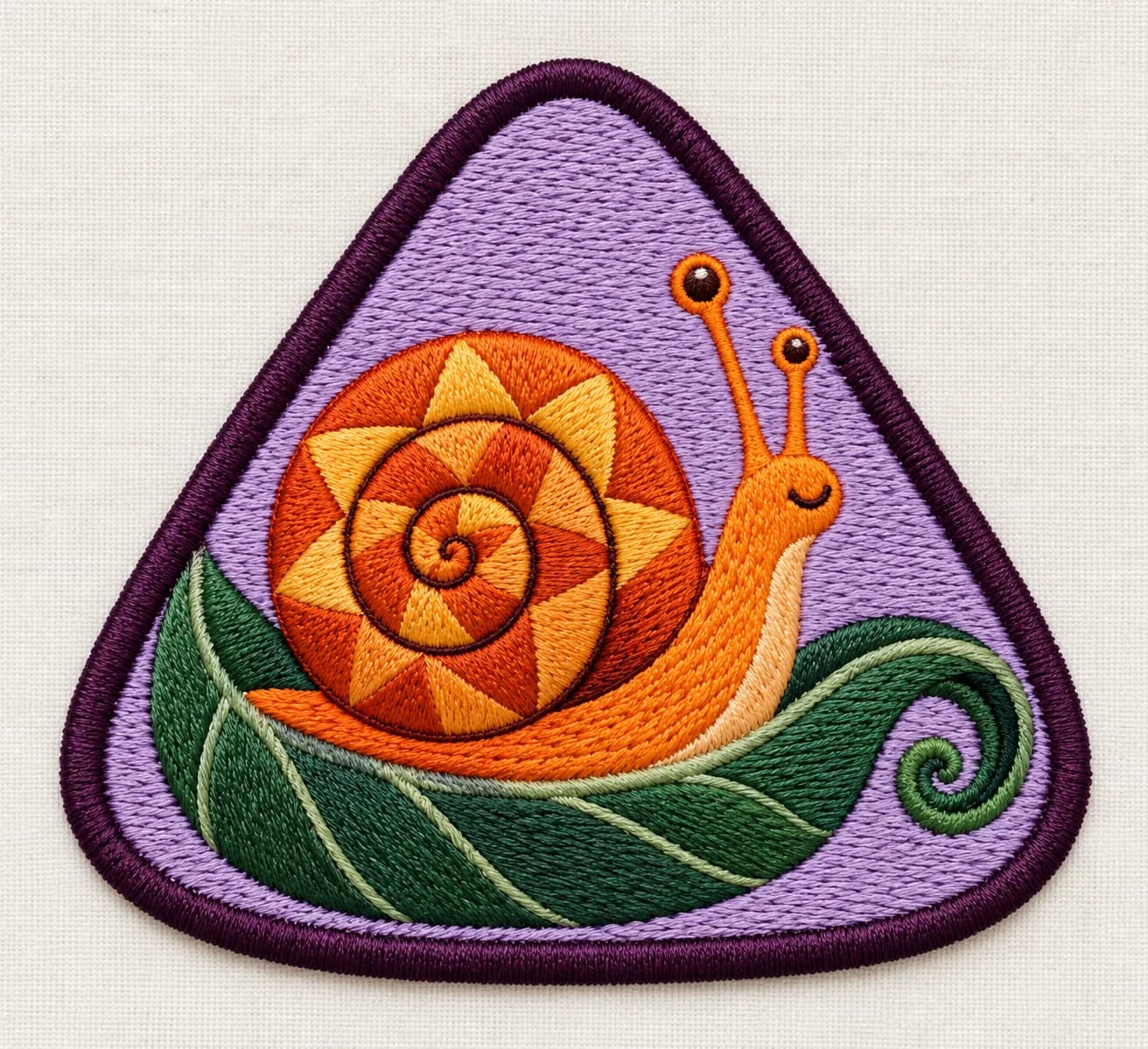
Explore an embroidered badge with an AI patch designer. Describe an original emblem, border and color direction, then use the image to discuss a practical patch with a maker or embroidery digitizer.
AI tool
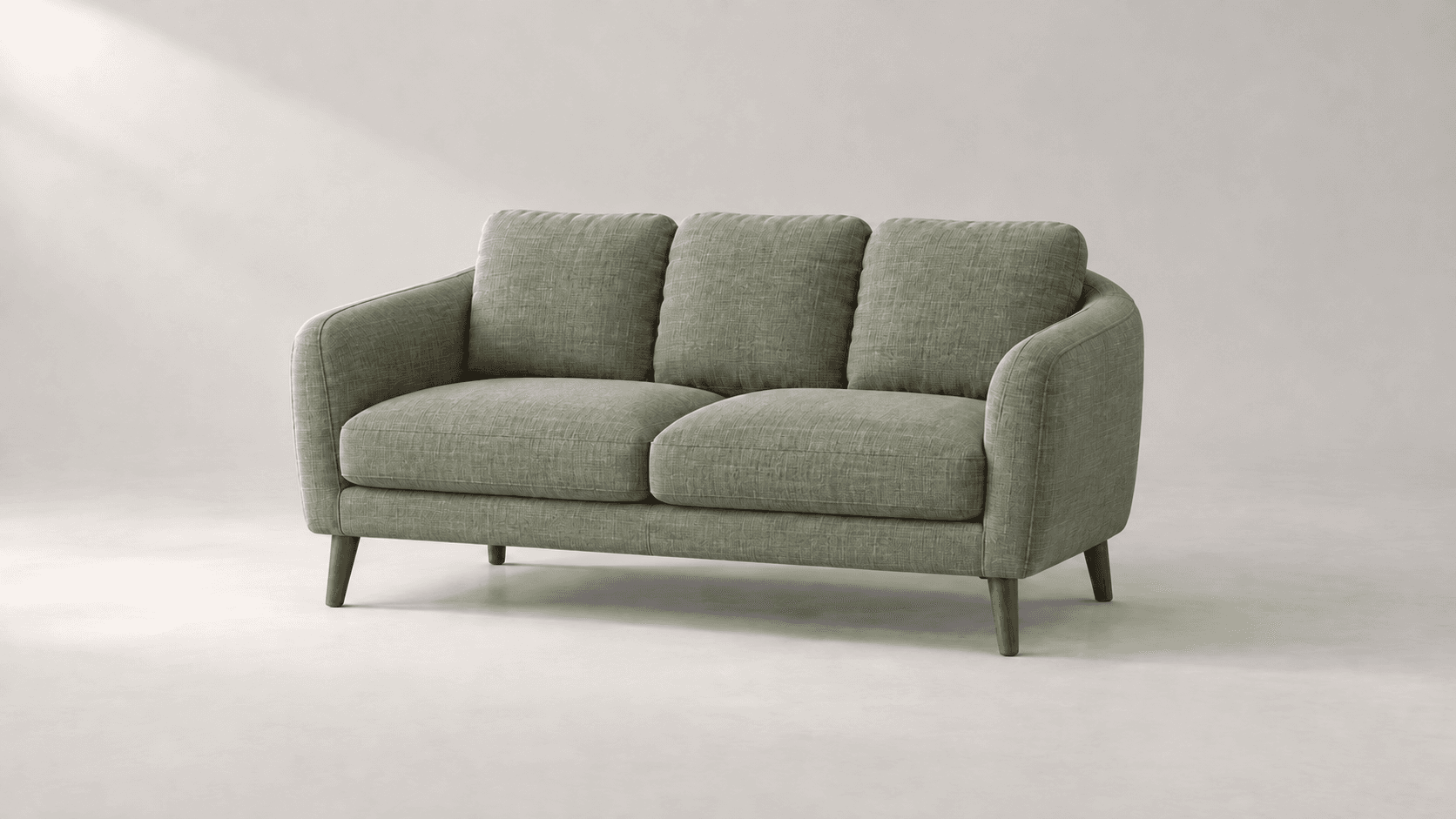
Explore new colors for a product, outfit or room with a reference-led image edit. Describe the surface to change, then compare the color and material detail.
Start with the reference, refine the brief and review the image before taking the idea into production.