Use MiniMax H3 keyframe control to extract a useful moment from an existing video and reuse it as a visual anchor for a new generation. This workflow shows how to combine an extracted frame with optional audio while treating timing as generation guidance rather than frame-exact editing.
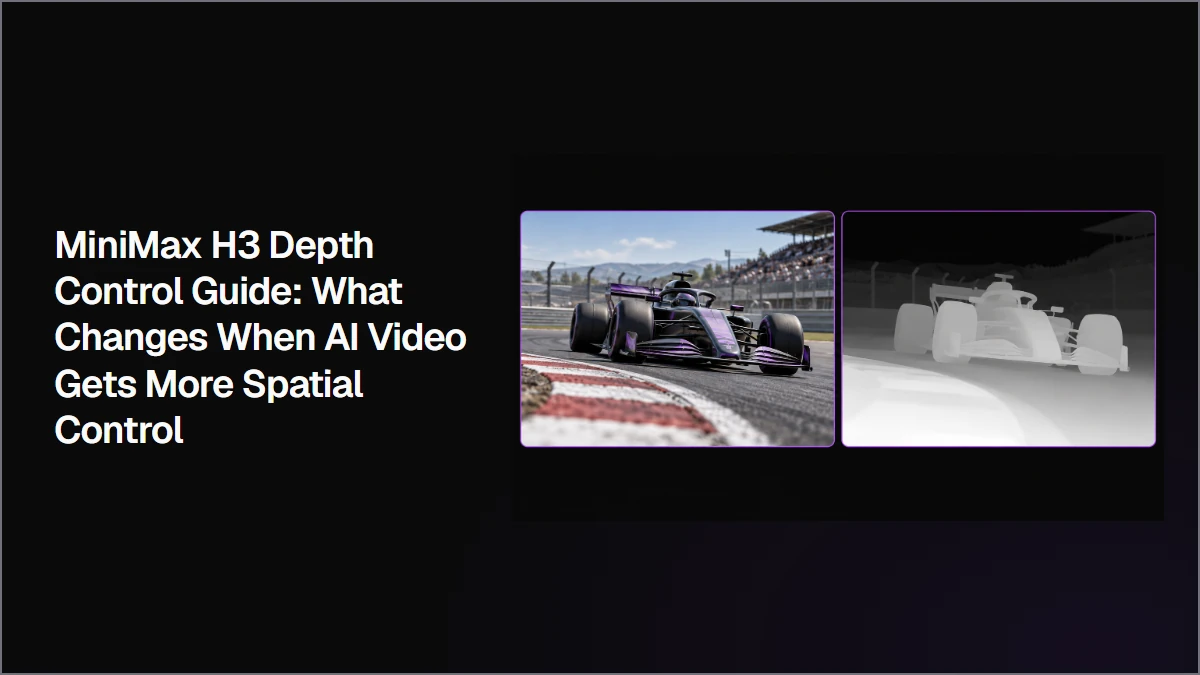
Use MiniMax H3 Depth Control when a video depends on precise relationships between the subject, camera, and environment. This workflow compares prompt-only, depth-only, and combined approaches to show how depth references can preserve movement paths, camera tracking, distance changes, and scene structure.
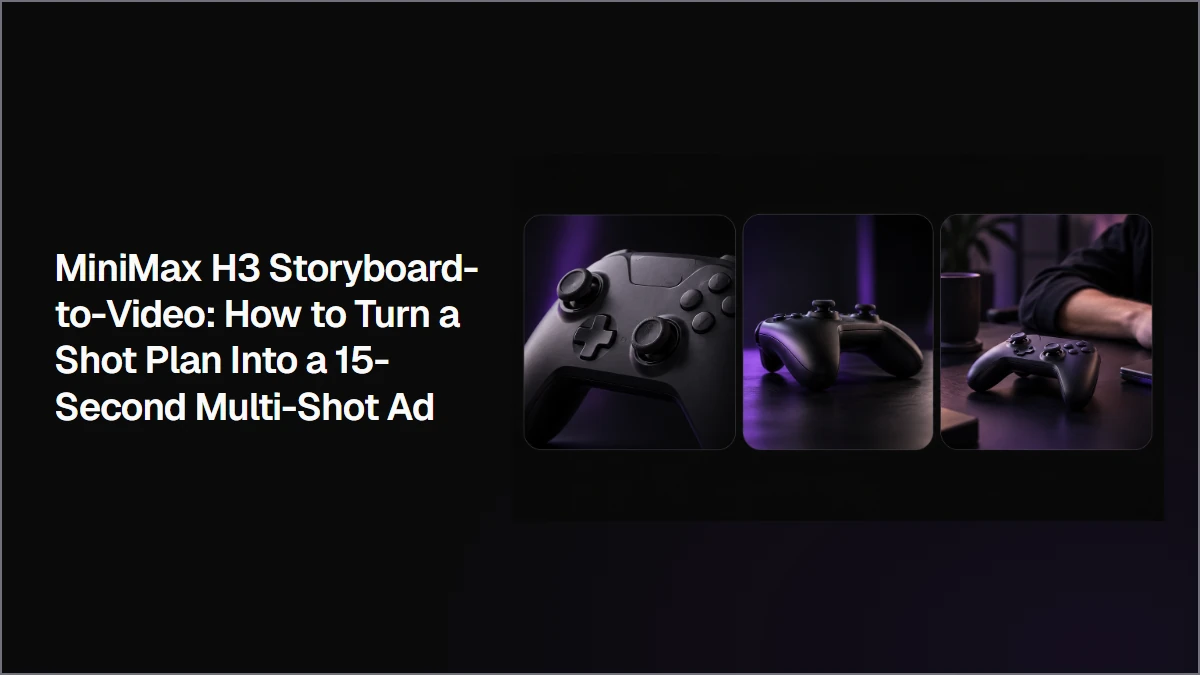
Turn a storyboard into a MiniMax H3 multi-shot video by defining the panel order, timing, camera behavior, product identity, and role of each visual beat. This workflow compares a detailed text-only prompt with a storyboard-guided version to show when visual preplanning adds useful composition control.
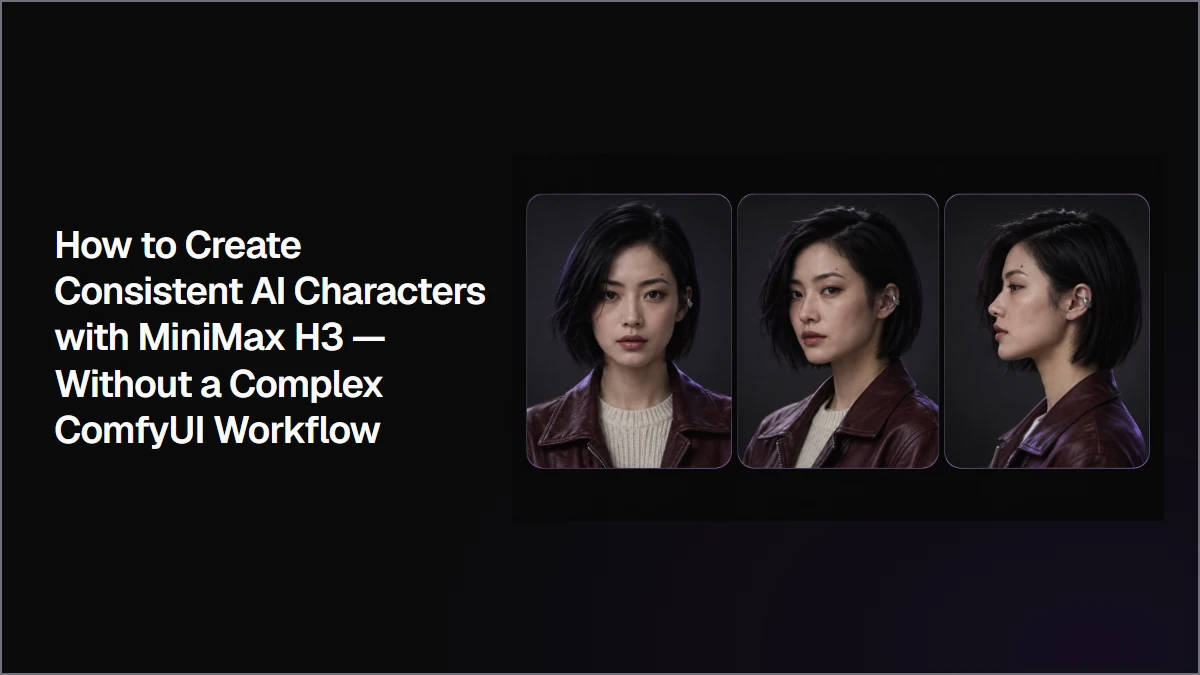
Create consistent AI characters by defining a clear identity first, building a reusable character reference pack, and validating that character in simple MiniMax H3 shots before adding cinematic complexity. This workflow shows how to use only the references each shot needs without building a complex ComfyUI setup.
Keep characters consistent across MiniMax H3 videos by building a stable reference system and reusing the same identity anchors across different shots. This workflow shows when an additional reference actually helps, when it creates new problems, and how to separate character consistency issues from motion problems.
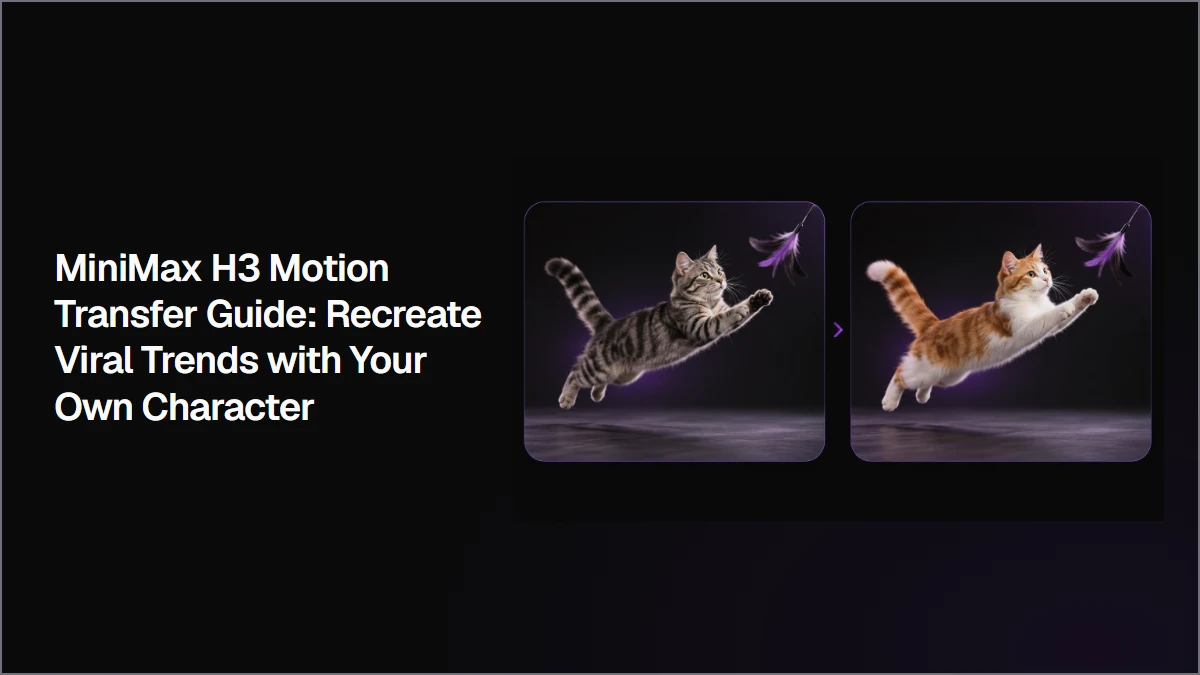
Use MiniMax H3 Motion Transfer by separating movement from character identity. A reference video can provide the motion and timing, while a separate image defines who performs it. This workflow shows how to select one motion source from a multi-subject video and transfer that movement to a new character.
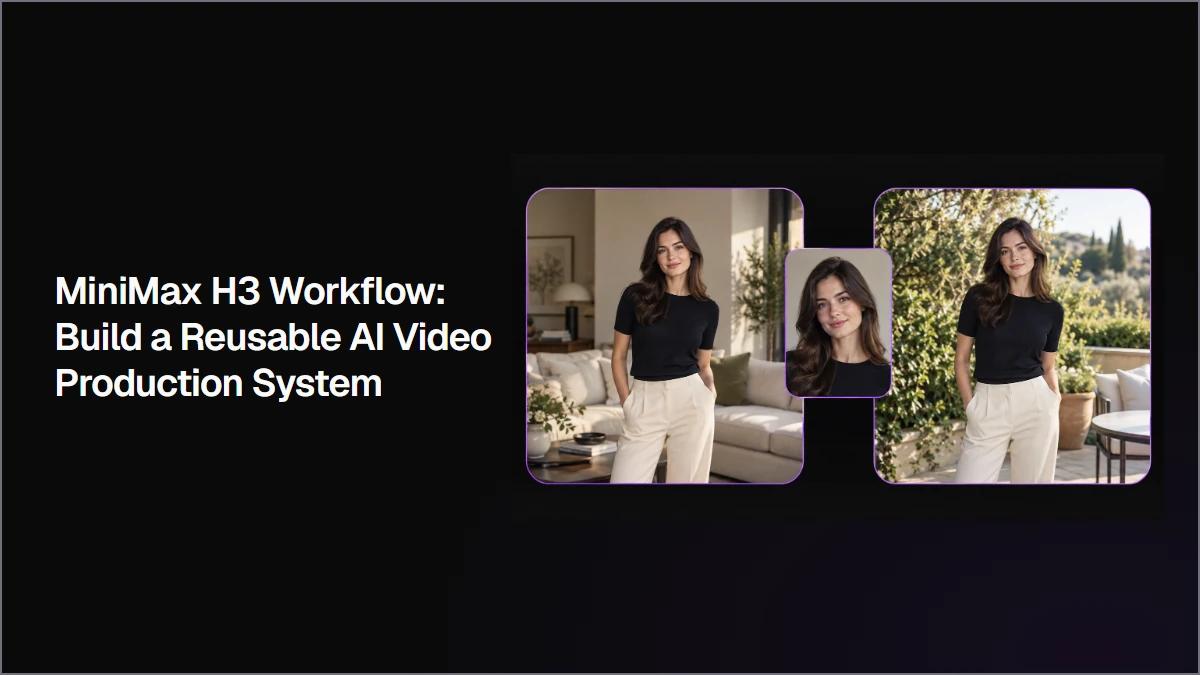
Build a reusable MiniMax H3 workflow by preparing stable character and scene assets, approving one base clip, and changing only what each new shot requires. This approach keeps related videos connected while making character consistency, scene changes, motion, and QA easier to manage.
MiniMax H3 is available through official products, creative workspaces, hosted APIs, and local or self-hosted setups. The best option depends on what needs to happen before and after generation, from creating a single clip to managing reusable assets, automating video generation, or controlling your own deployment environment.
Write better MiniMax H3 prompts by separating stable reference information from the action, camera movement, dialogue, sound, ending state, and constraints that define the shot. This workflow shows how to turn a scene description into a clear sequence of events the model can follow.
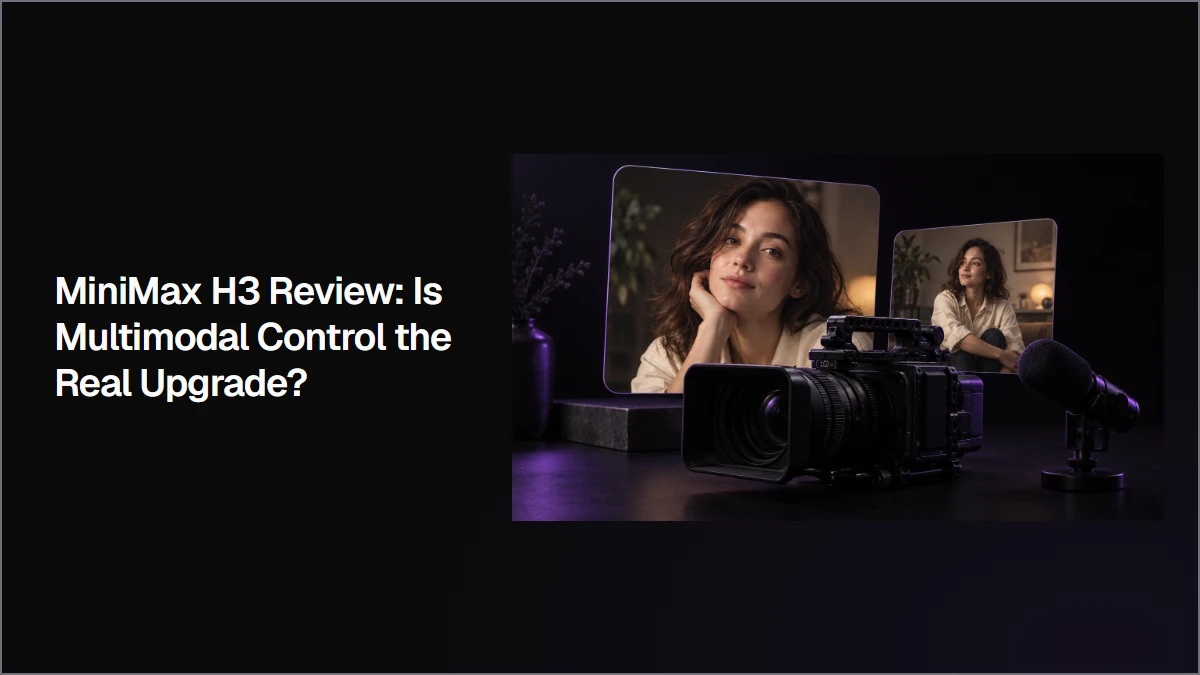
This MiniMax H3 review tests whether its biggest upgrade is better video quality or greater production control. I compared H3 with Hailuo 2.3 and Seedance 2.5, then tested multiple image references, audio input, first and last frame control, and 2K generation to see where the extra cost and waiting time actually pay off.
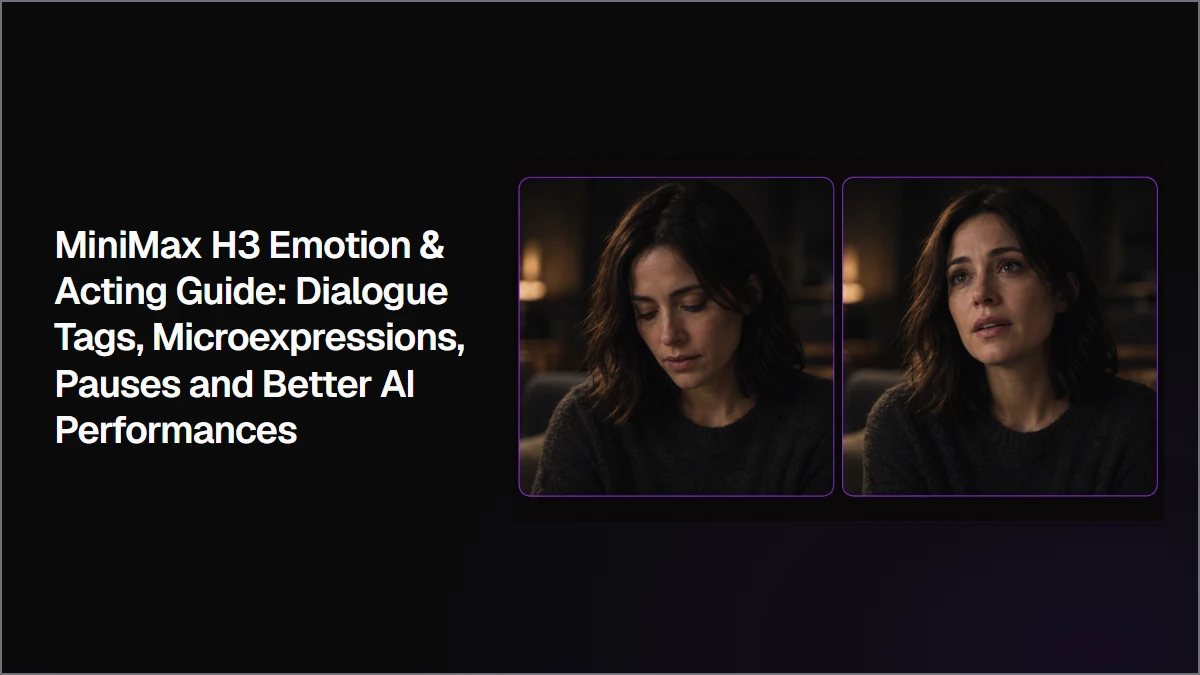
Create more expressive MiniMax H3 performances by directing dialogue delivery, pauses, breathing, microexpressions, and emotional progression together. This workflow shows how to separate spoken dialogue from acting direction and build emotional changes around specific performance beats.
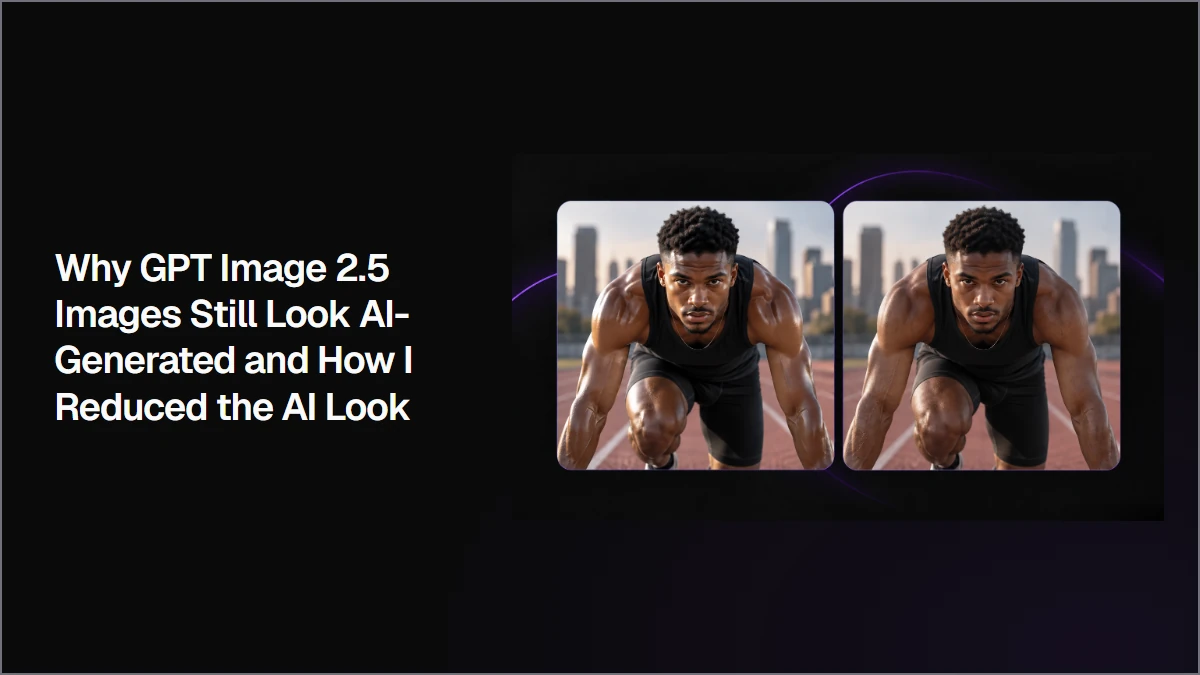
GPT Image 2.5 images can still look artificial even at high resolution. This workflow shows how stronger creative direction can improve the composition first, then how a focused cleanup edit can reduce oversharpening, uneven detail, unrealistic highlights, and other rendering problems without rebuilding the whole image.
Joey·
This website uses cookies
Analytics and marketing tags are on by default in your region — you can turn them off here at any time. We also use basic cookies to keep Astorie secure and remember preferences.
Strictly necessary
Required for authentication, security, payments, and core product flows.
Functionality
Remembers product preferences such as theme, language, and your most recent workspace. Included in Basic.
Basic analytics
Product analytics for PostHog and performance measurement, used for long-term analysis and planning.
Full marketing
Allows marketing and advertising tags we may run through Google Tag Manager.