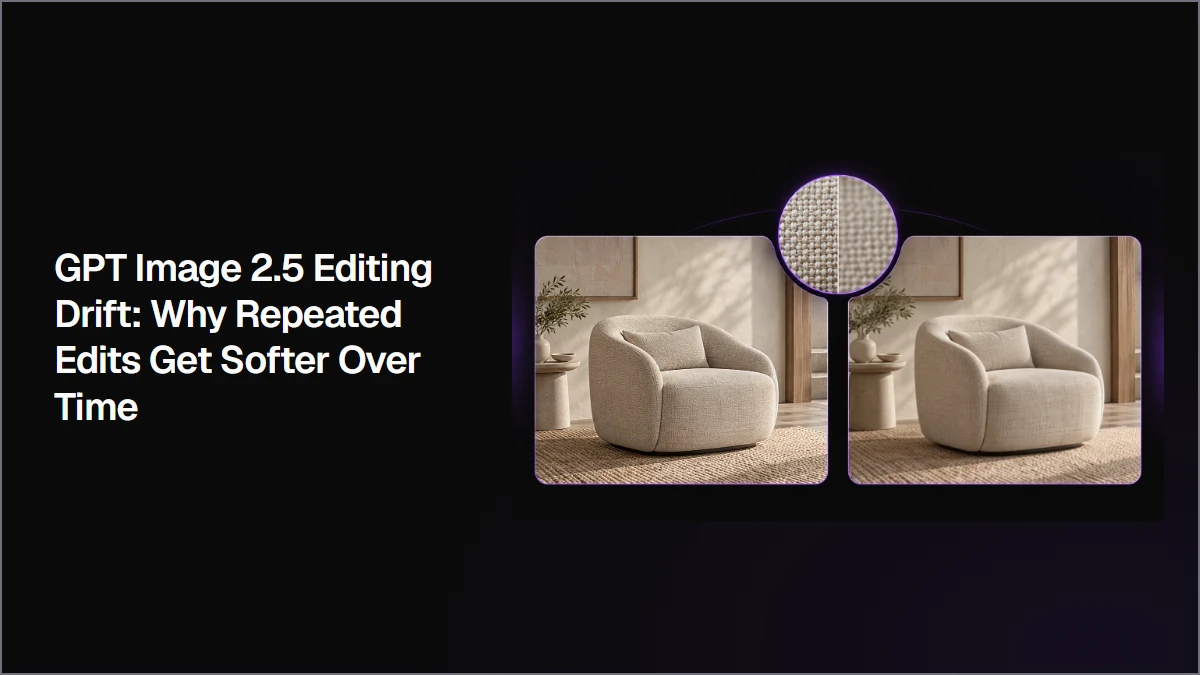
Repeated AI image edits can preserve the requested changes while gradually losing fine visual detail. This workflow compares controlled serial edits, simple serial edits, and a single-pass revision from the original source to show when to keep editing and when to return to a cleaner image.
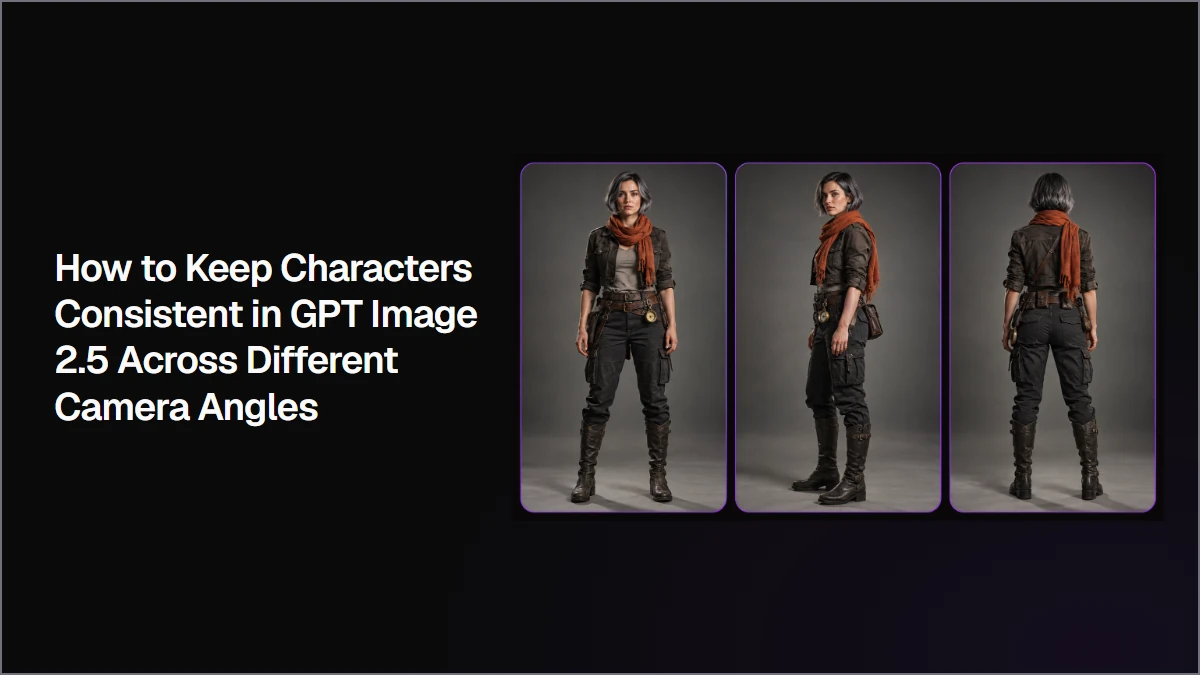
Keep characters consistent in GPT Image 2.5 by starting with one approved design, building a multi-view character sheet, and matching the closest useful reference to each new shot. This workflow shows how to preserve character identity while changing camera angle, action, environment, and composition.
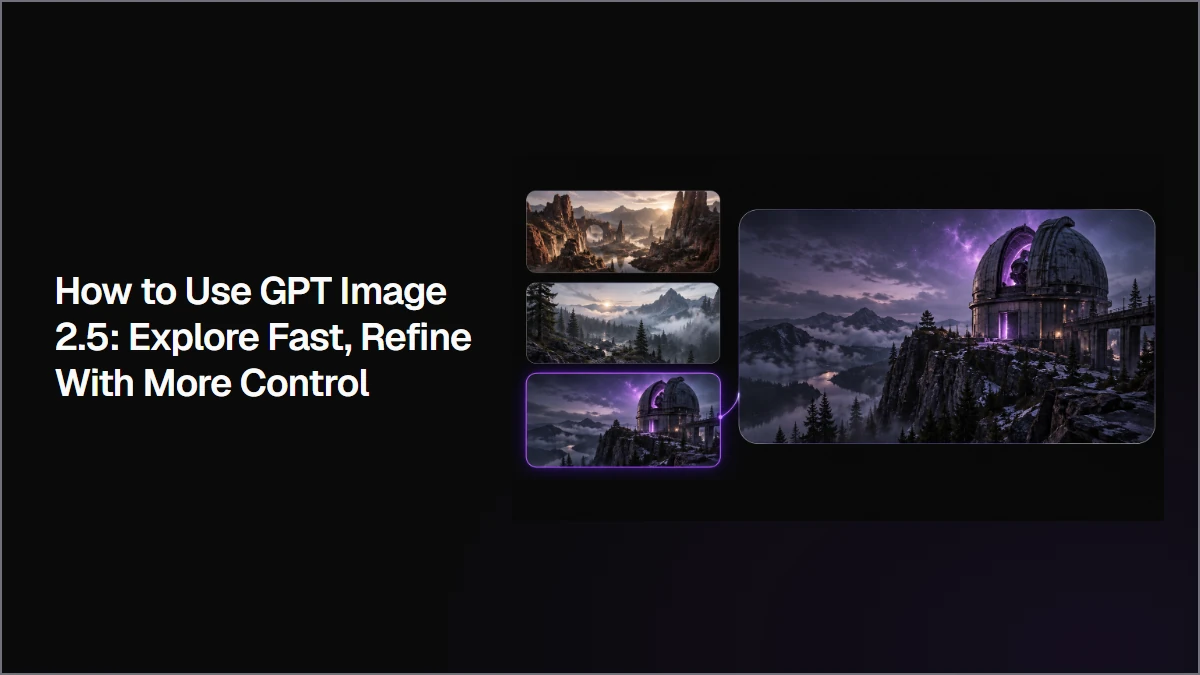
Use GPT Image 2.5 by separating visual exploration from refinement. Generate multiple directions while the concept is still open, select the strongest image, then refine only that approved direction with more specific preservation and detail instructions.
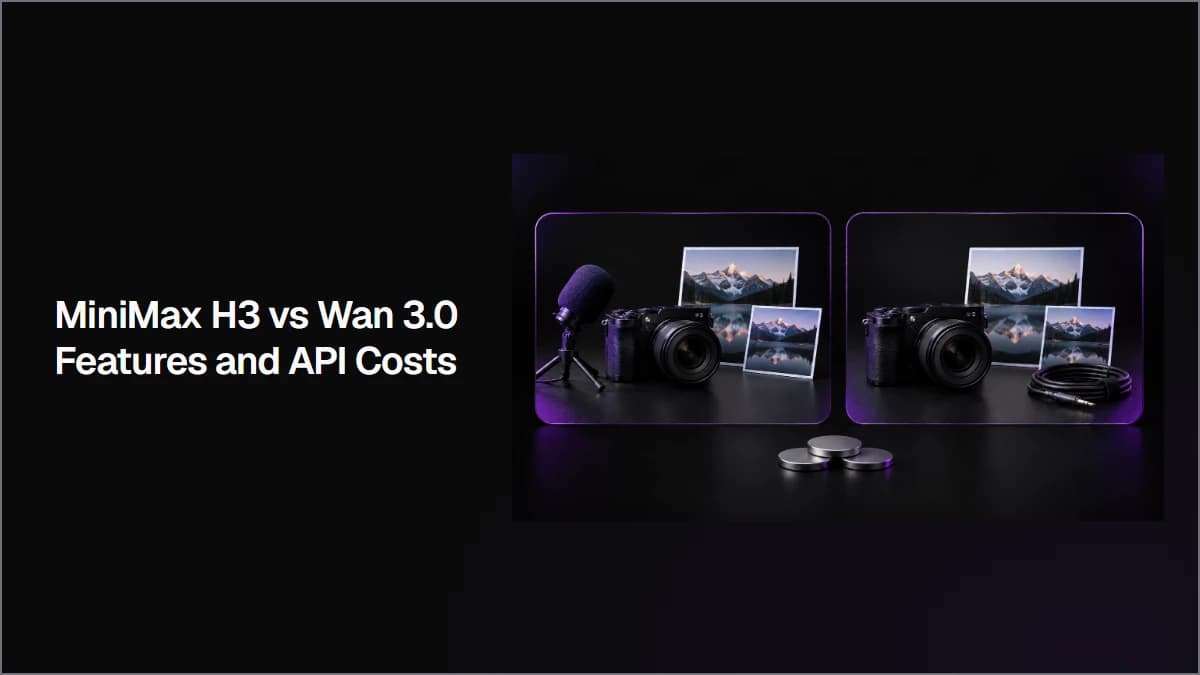
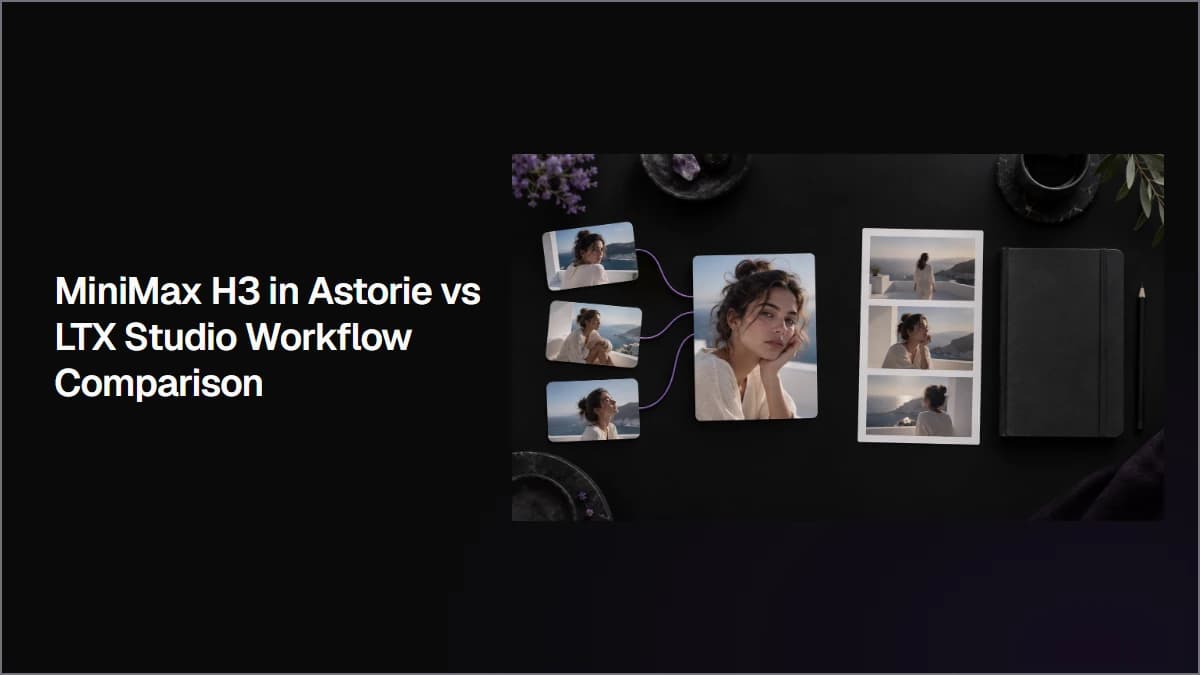
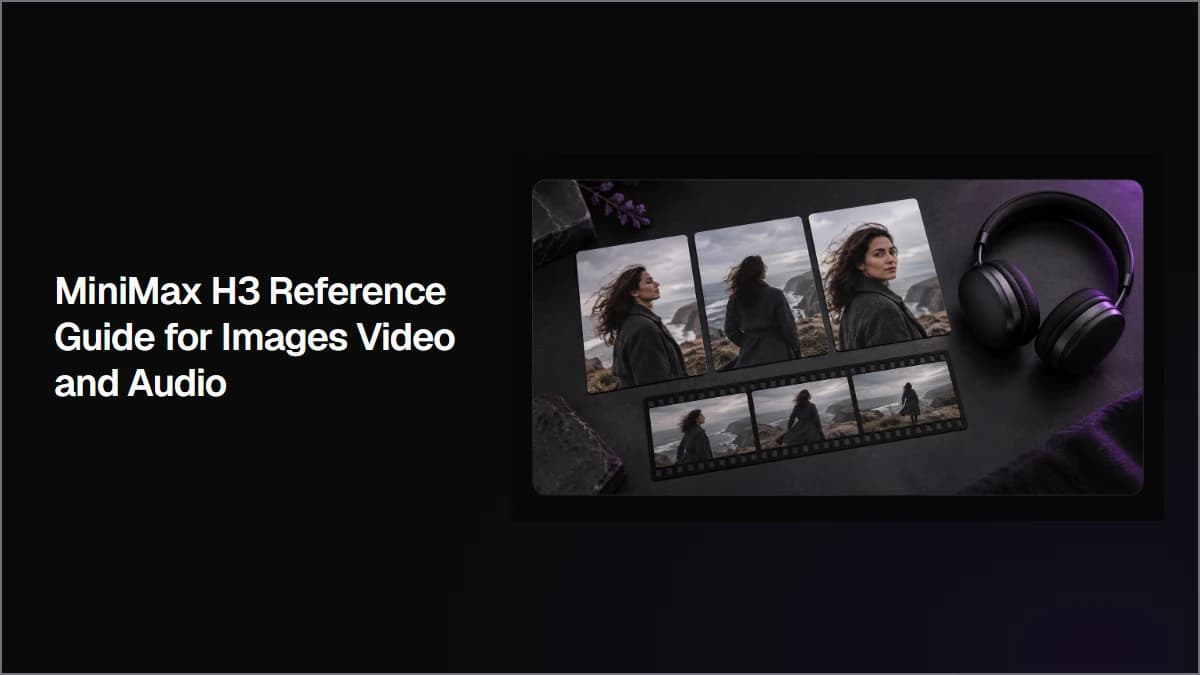
MiniMax H3 reference guide: learn when to use first frames, image, video and audio references, with a documented three-image Astorie test and its limits.
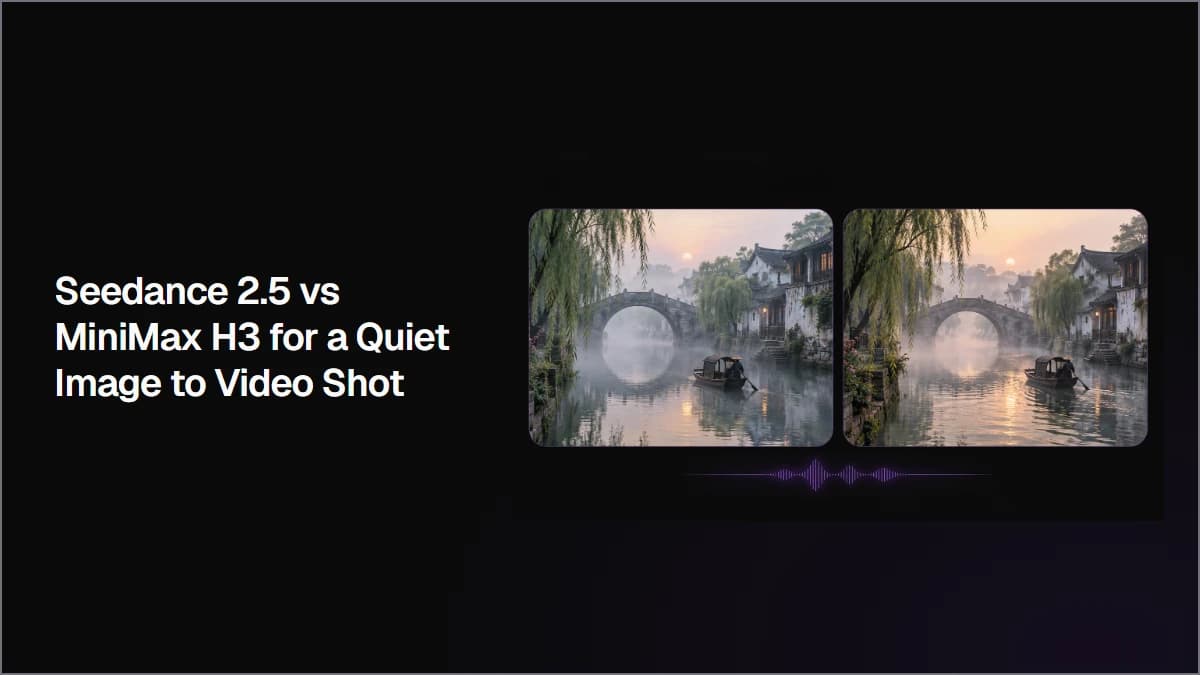
Meta description: Seedance 2.5 vs MiniMax H3 on the same watercolor still: motion, audio, turnaround, credit quotes and the important resolution limits of a small first-hand test.
GPT Image 2.5 can output a verified 3840×2160 PNG. See the official size limits, our Astorie test, experimental caveat, detail limits, and when 4K is worth it.
Clara·
This website uses cookies
Analytics and marketing tags are on by default in your region — you can turn them off here at any time. We also use basic cookies to keep Astorie secure and remember preferences.
Strictly necessary
Required for authentication, security, payments, and core product flows.
Functionality
Remembers product preferences such as theme, language, and your most recent workspace. Included in Basic.
Basic analytics
Product analytics for PostHog and performance measurement, used for long-term analysis and planning.
Full marketing
Allows marketing and advertising tags we may run through Google Tag Manager.