

Morning cafe
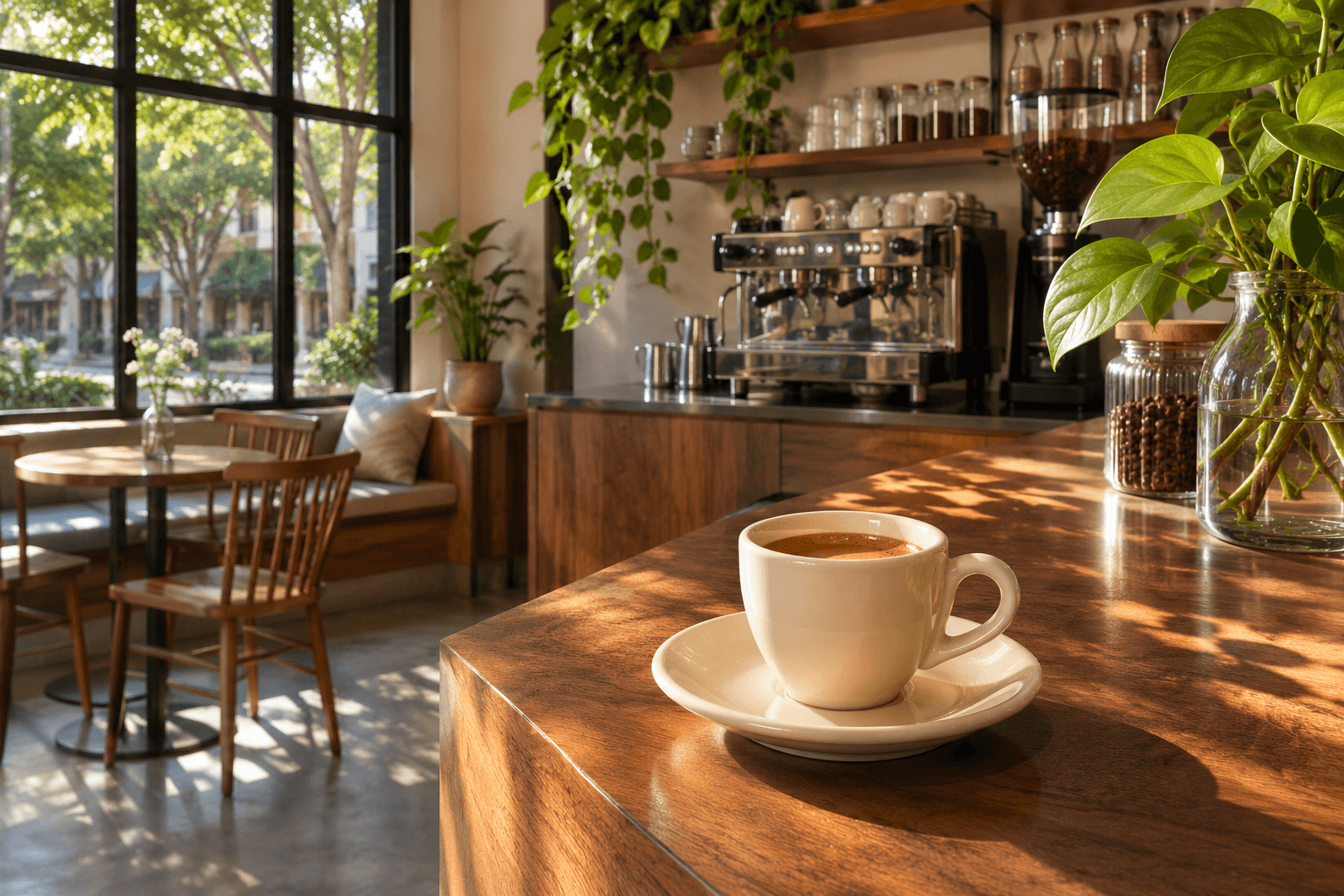
The selected starting reference
- A cafe reference with a visible cup and wooden counter.
- Morning window light establishes the starting color and setting.
SUPPORTING SHOTS
Create still-image concepts for supporting shots. Use a reference to explore an establishing scene, a detail cutaway or an overhead composition for your visual brief.
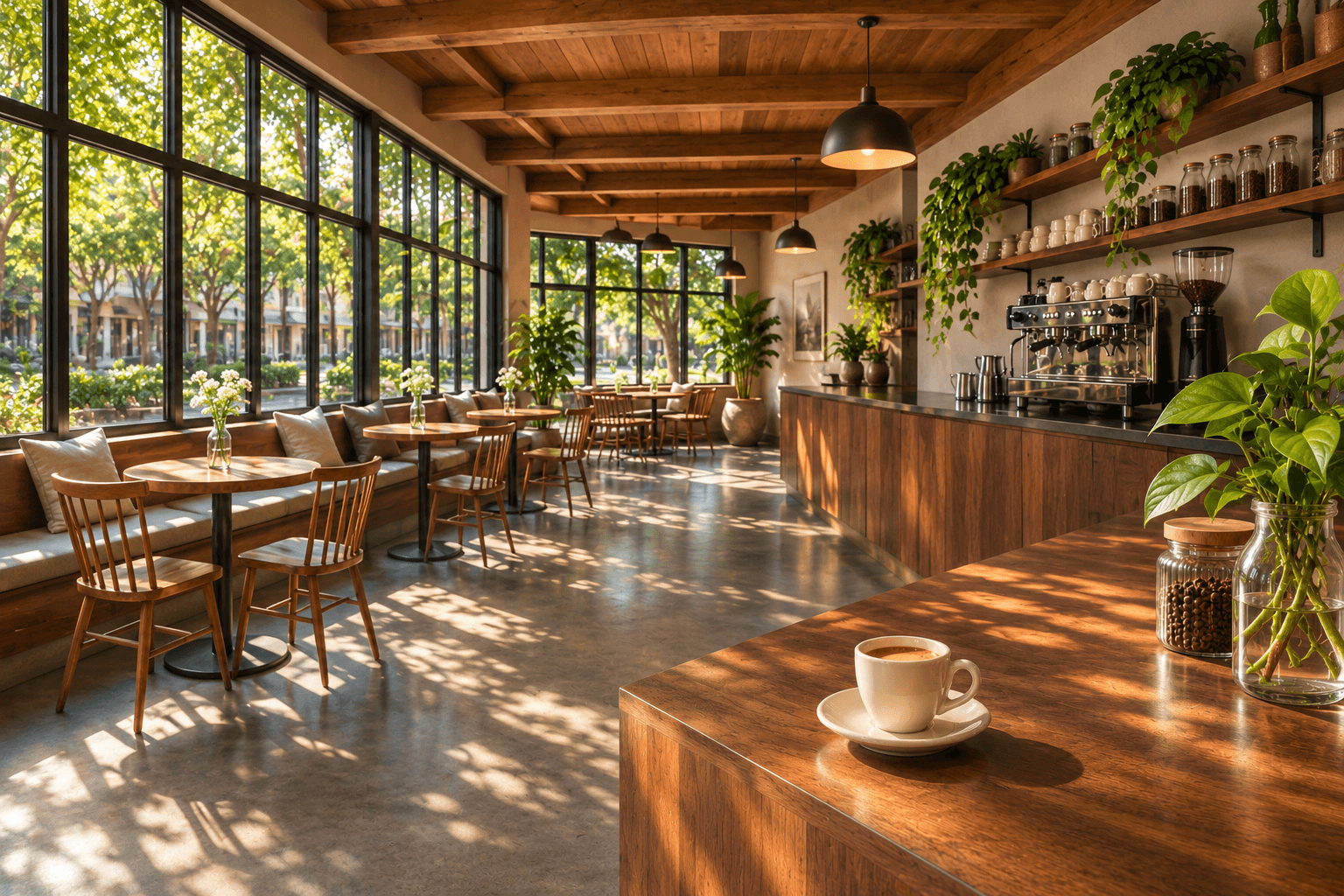
Try the cafe reference or upload your own image. Choose an image direction and describe the focal point, light and composition.
These AI-created concept illustrations explore still-image compositions from the cafe reference. Compare the framing, focal point and light as possible directions for a supporting-shot brief.
The selected starting reference
An illustrative still-image direction
Choose a clear reference, write a focused brief and compare the result with the source.
Select the cafe sample or upload an authorized reference. Choose Establishing scene, Detail cutaway or Overhead composition, then edit the scene brief.
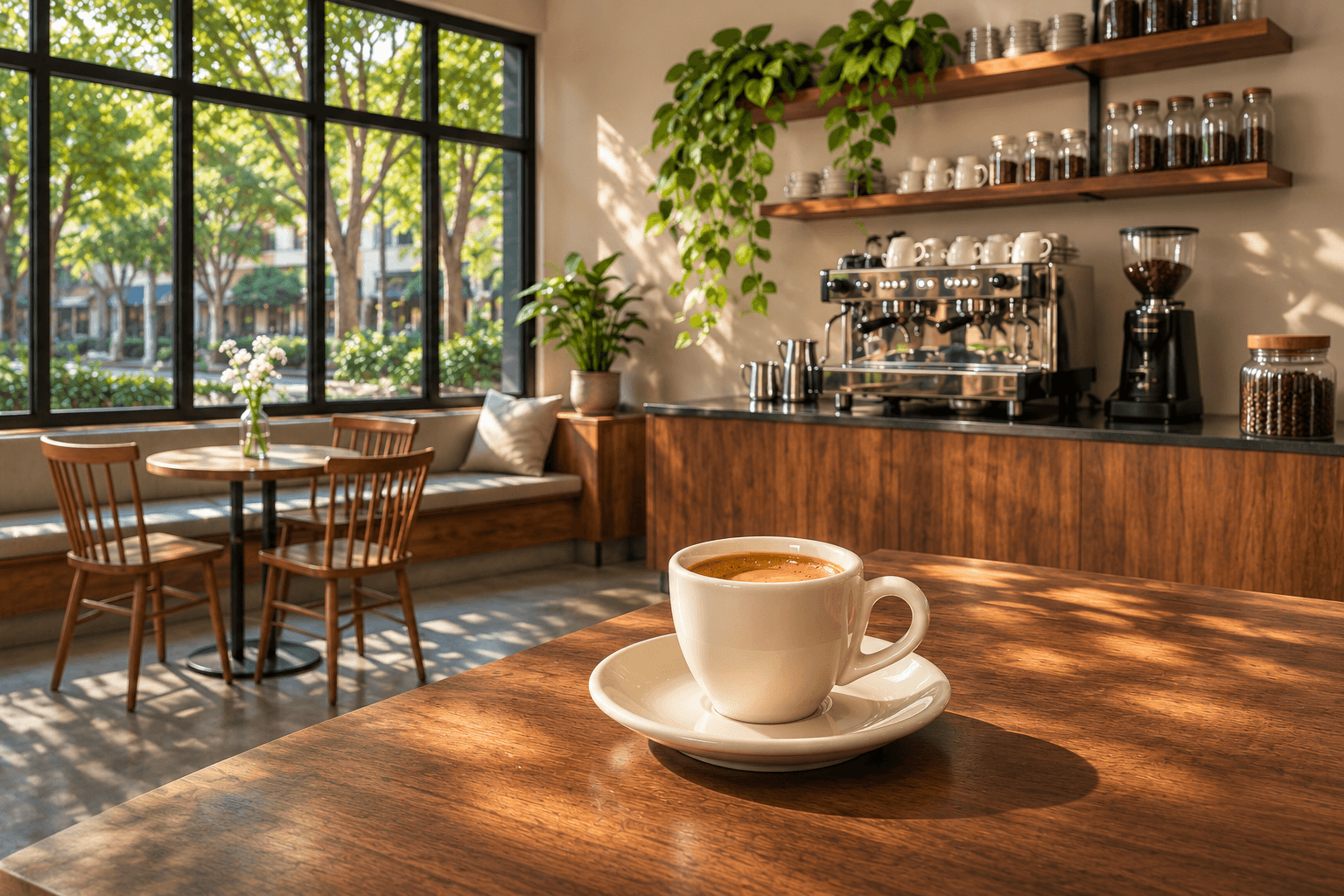
Select Generate scene image. Compare the composition, objects, lighting and perspective with your reference, and revise the prompt when the proposed image needs a clearer focal point.
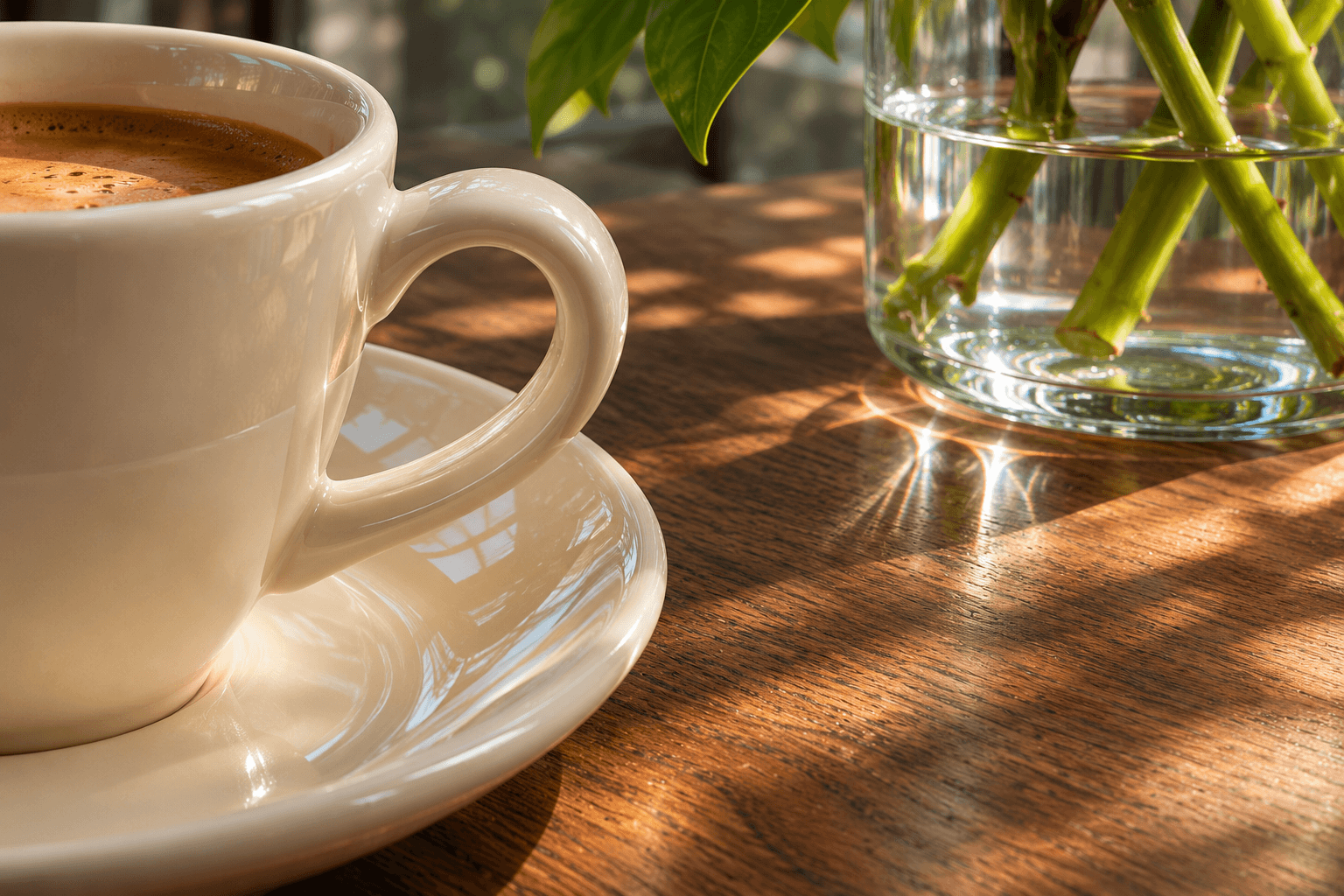
Use a focused brief to make the proposed image easier to assess.
For a scene-setting image, leave enough background to explain the place. For a detail, name one object or surface and keep the surroundings quiet. Judge whether the subject remains clear at the size used in your brief.
Create an image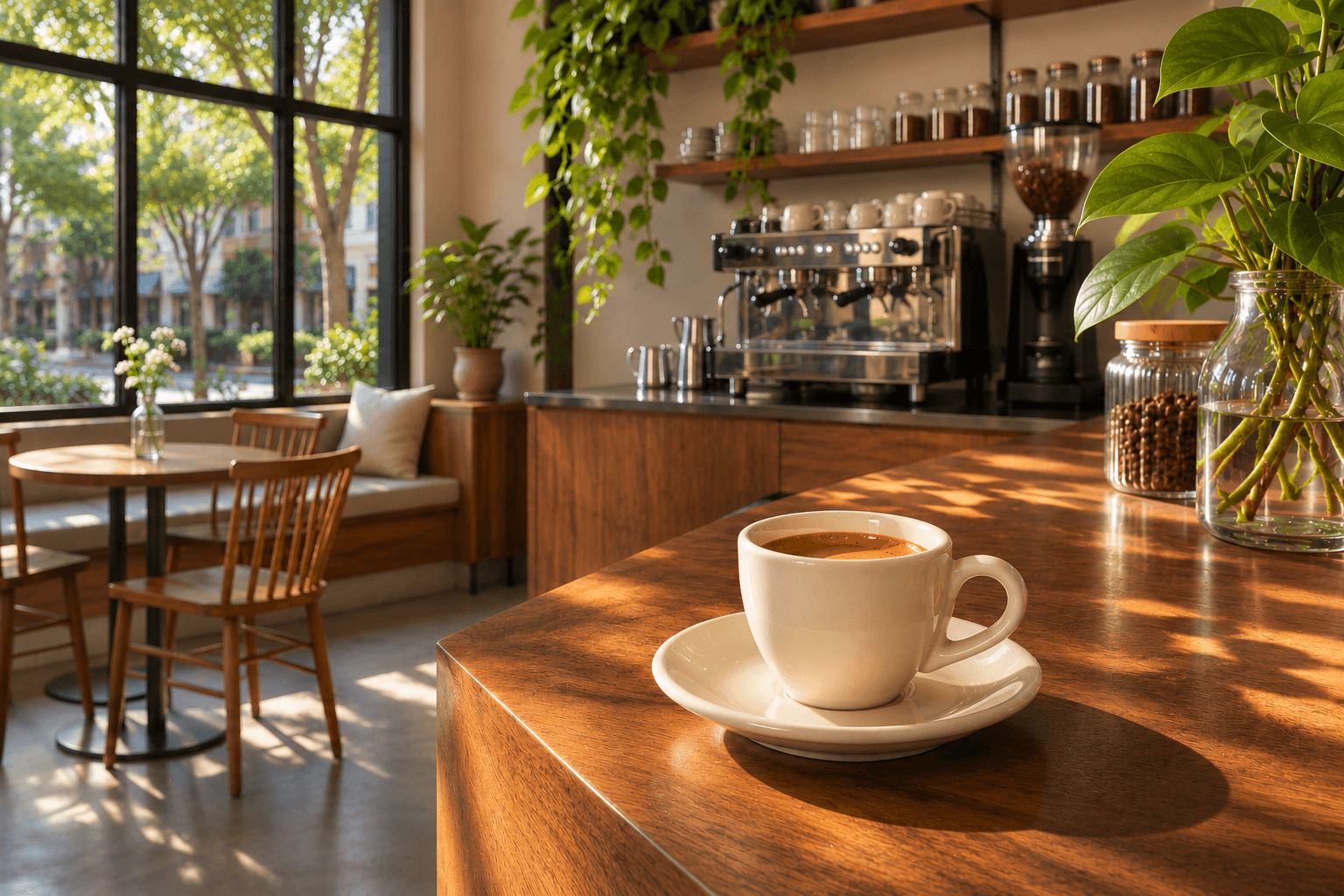
Describe the crop and the direction of the light before adding more props. A restrained scene gives room for later layout or shot notes. Inspect perspective, reflections and repeated objects so the image remains a useful visual reference.
Create an image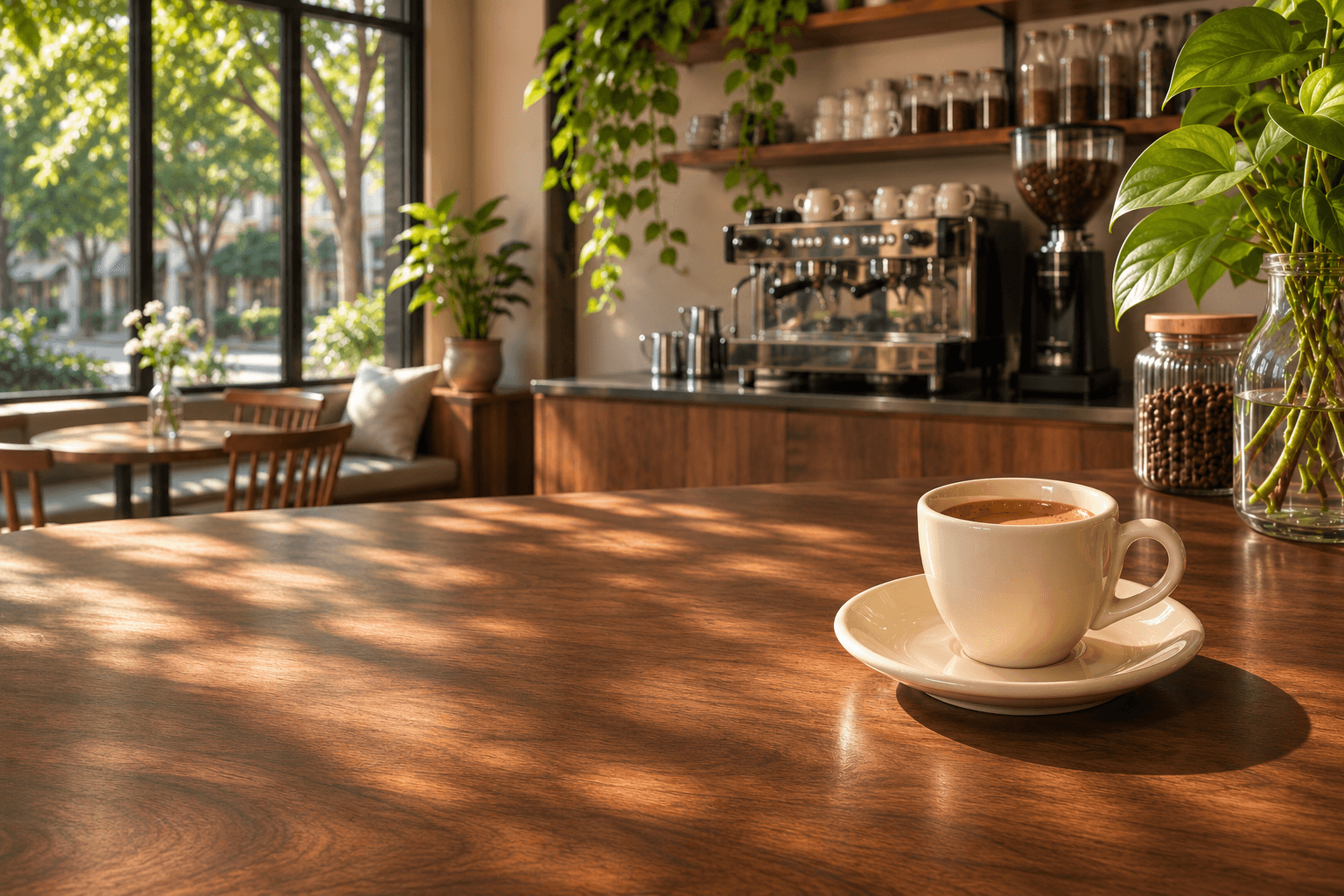
Use a matching reference for each idea and adapt the prompt to the image you supply.
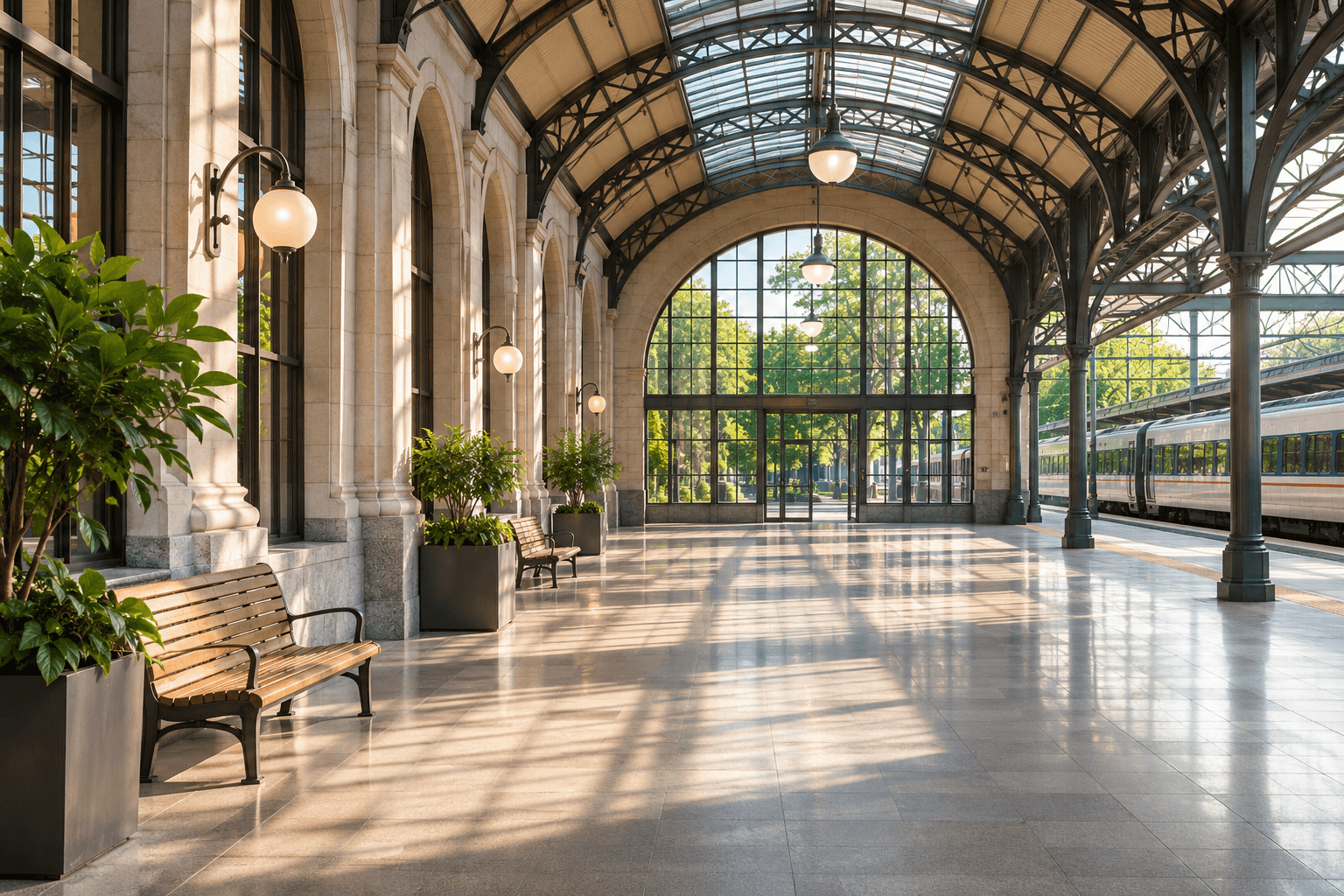
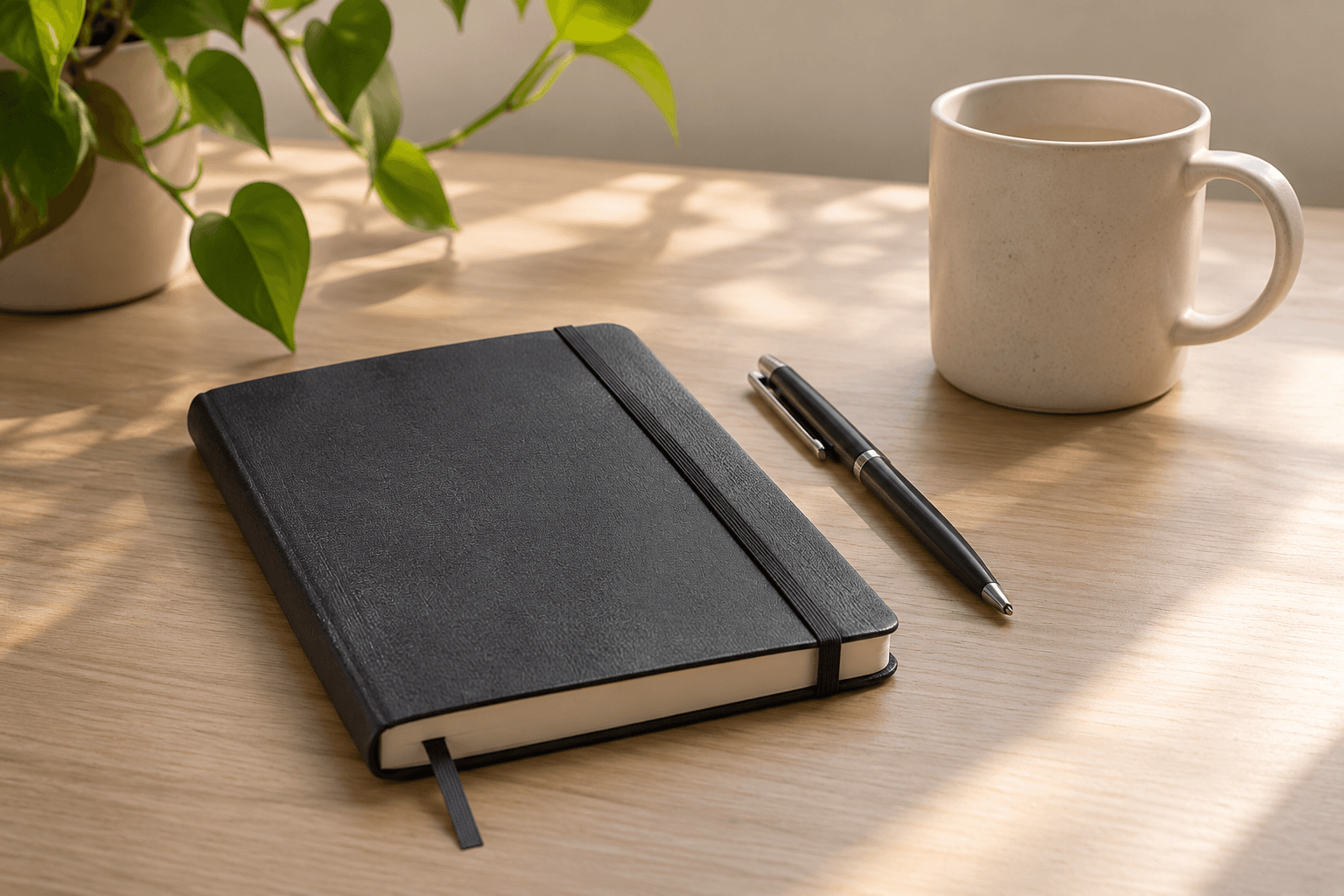
Match the reference and composition to the visual decision you are exploring.
For a venue introduction, upload a photograph that shows the entrance or seating and request a welcoming, readable composition. Use the still to discuss the setting, and inspect invented furniture or architectural details against the reference.
Create an image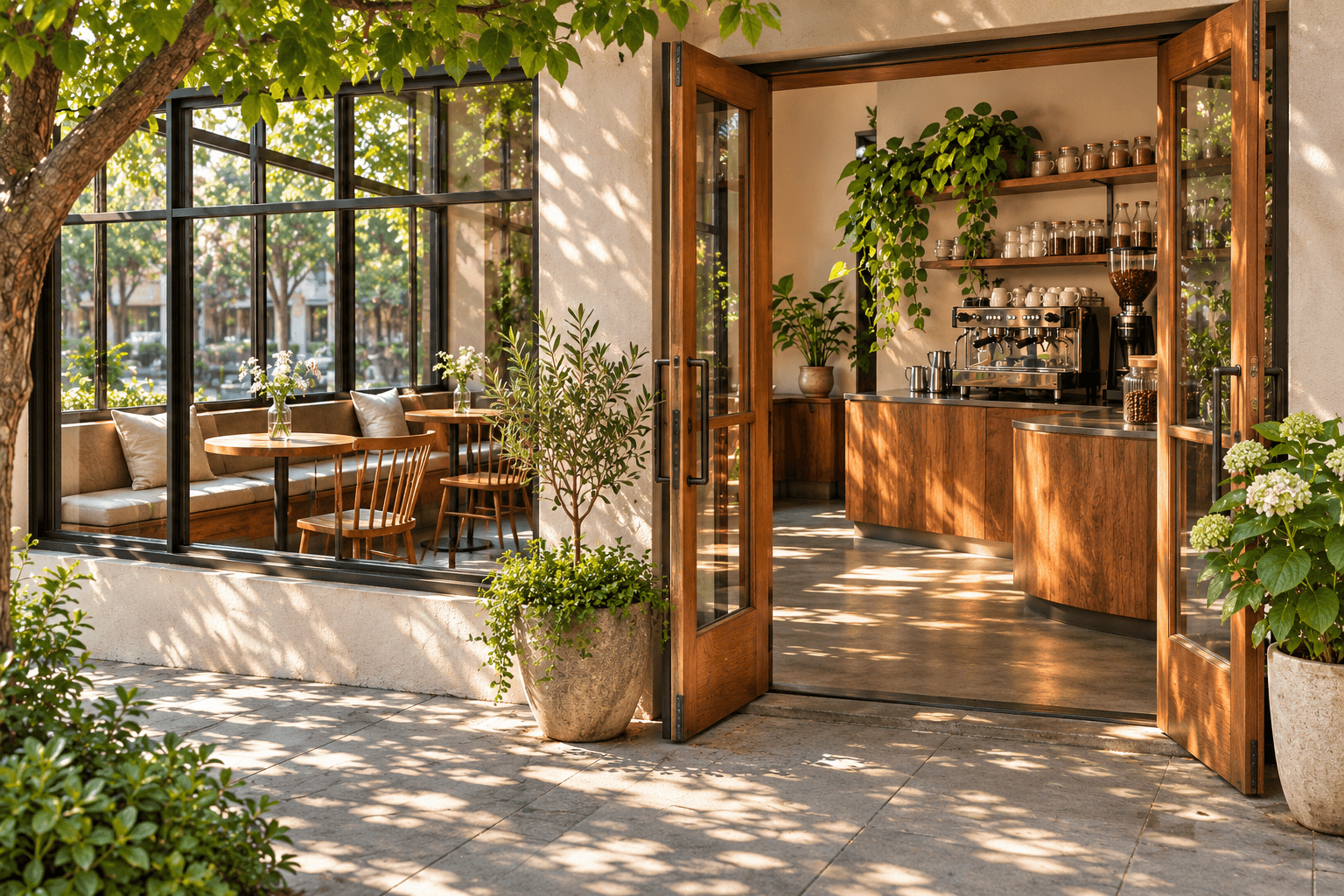
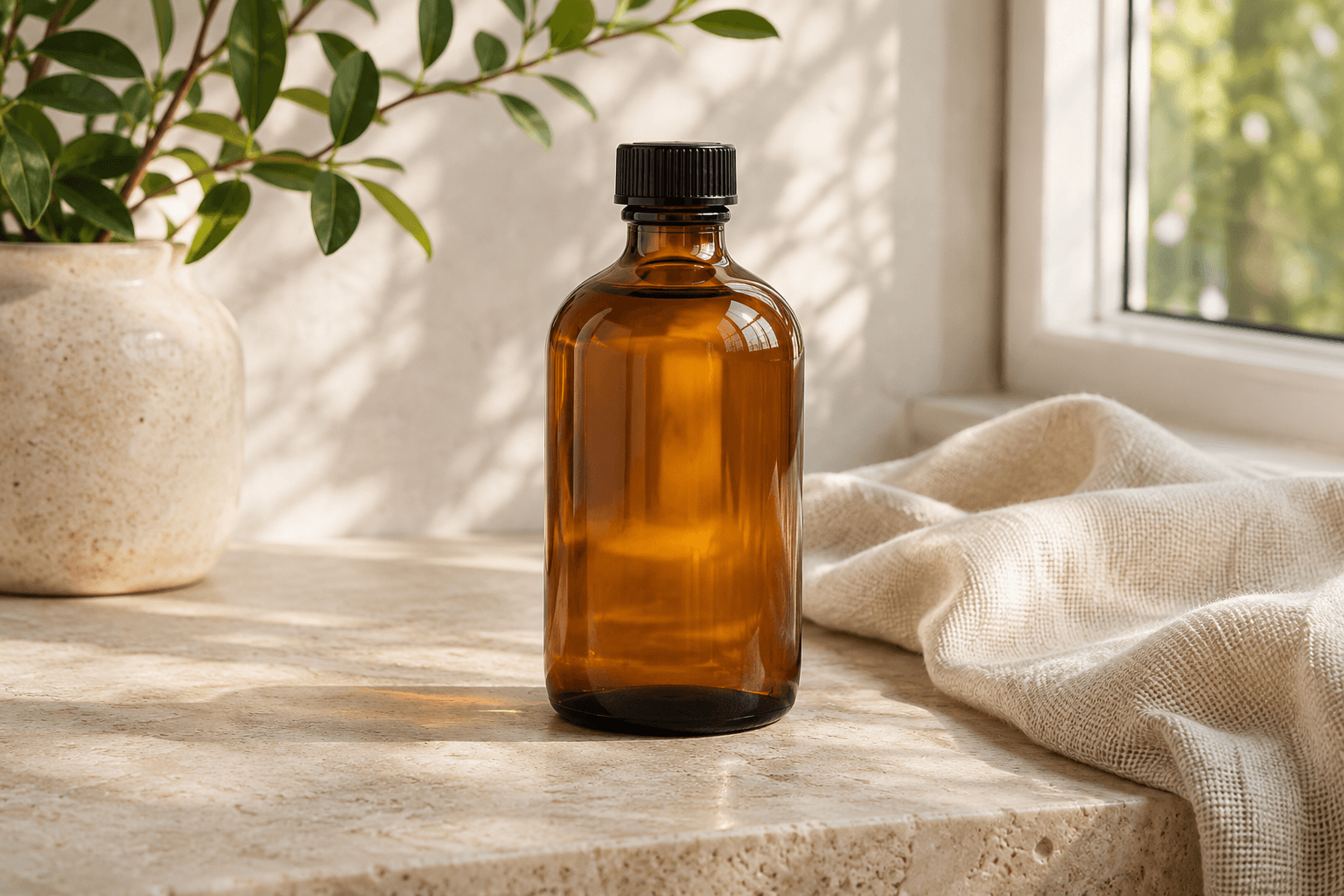
Start with the cafe reference and ask for a tighter cup-and-tabletop composition with gentle side light. Use the image to communicate texture and framing in a brief, leaving enough quiet space for separate layout notes.
Create an image
This form uses a reference image and an editable brief to generate a still image.
| Reference | Choose the sample or upload one clear authorized reference image. A reference is required. | |
|---|---|---|
| Controls | Three pictured starting directions and an editable prompt. Adapt the brief to your own reference. | |
| Result | A generated still image for a supporting-shot concept. | |
| Creative scope | Use the image to explore framing, light and scene detail. The form does not generate a moving clip or edit a video sequence. | |
| Reference consistency | Objects, perspective and lighting can be reinterpreted. Inspect the generated scene against the source. | |
| Cost | Check the current credit quote and your account allowance before generating. | |
| Commercial use | Paid-plan generations have commercial rights subject to provider terms and input rights. Free-plan generations are for personal, non-commercial evaluation; upgrading applies to new generations. | |
| Upload data use | Default terms permit using uploads, prompts and outputs for training and improvement. Provider policies also apply. Enterprise opt-out requires a written agreement; learned or derived information may persist after source deletion. |
Explore another reference-image direction.
AI tool
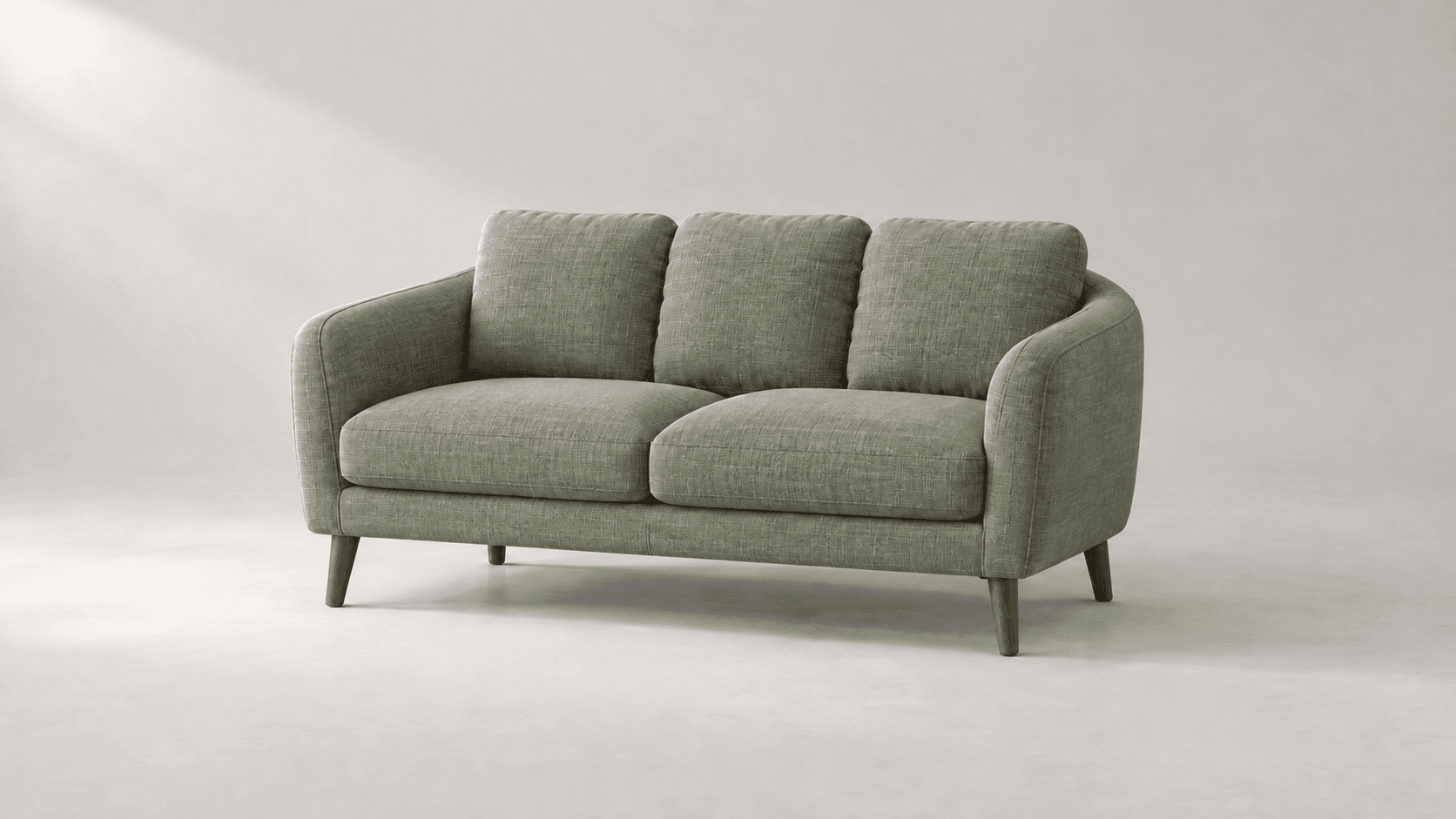
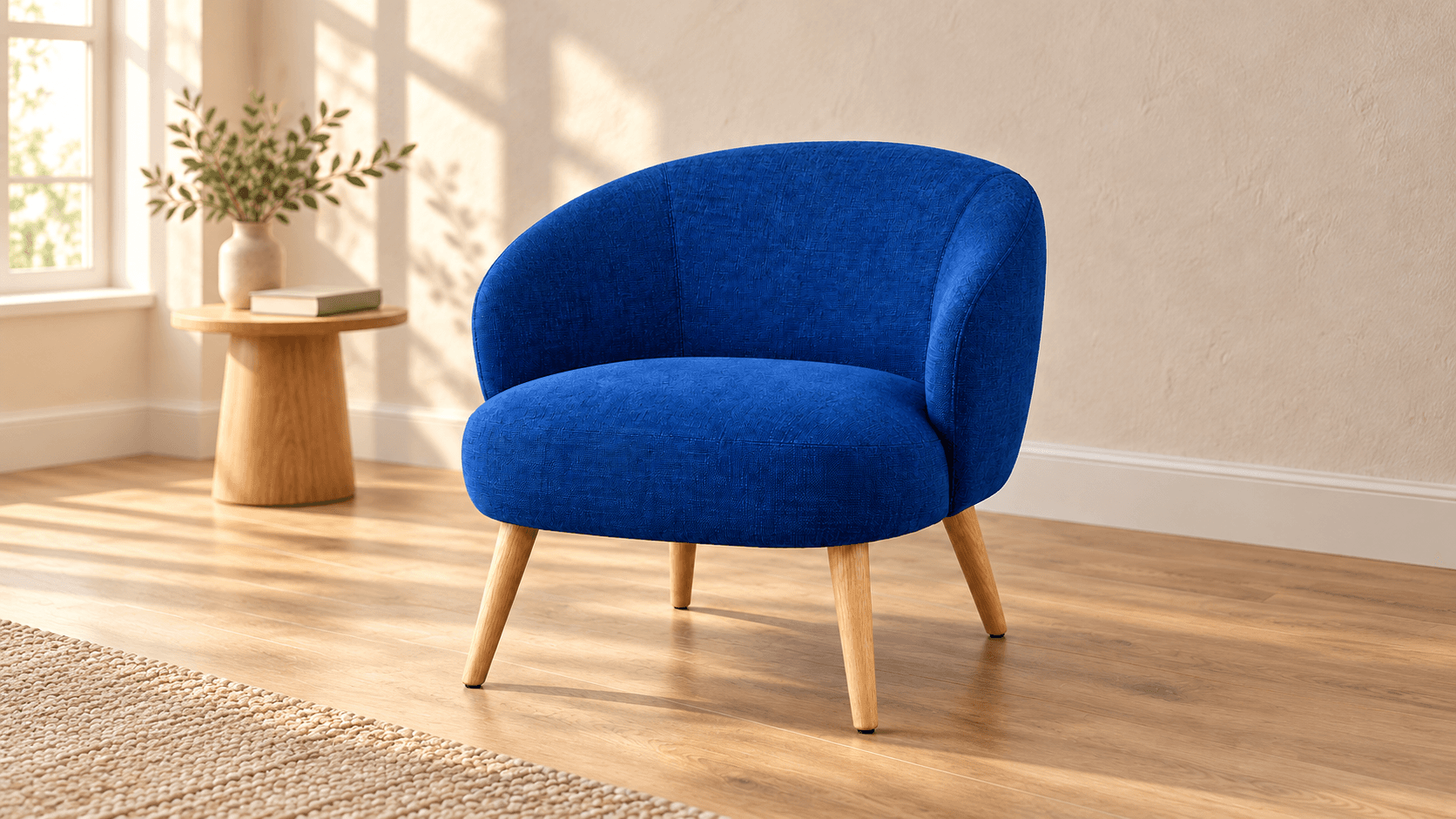
Explore new colors for a product, outfit or room with a reference-led image edit. Describe the surface to change, then compare the color and material detail.

AI tool
Create a brighter interpretation of a dim image with a reference and a lighting prompt. Explore lifted shadows, balanced light or soft daylight, then inspect the result.
AI tool
Use this AI image variation generator to explore a new background, lighting or visual style from one reference. Compare each candidate with the source. For a rendering closer to the original composition, try the AI image recreator.
It creates a still-image concept for a supporting shot. Use it to explore a scene or detail before taking the idea into a larger visual project.
Choose Establishing scene for a sense of place, Detail cutaway for one focal object, or Overhead composition for a simpler tabletop layout.
No. The generation entry on this page creates still images from a reference and a written brief.
Exact preservation is not guaranteed. Compare objects, geometry and lighting with your reference before using the image.
Paid-plan generations have commercial rights subject to provider terms and input rights. Check the current policy for your use.
Choose a reference, select an image direction and describe what the viewer should notice.