

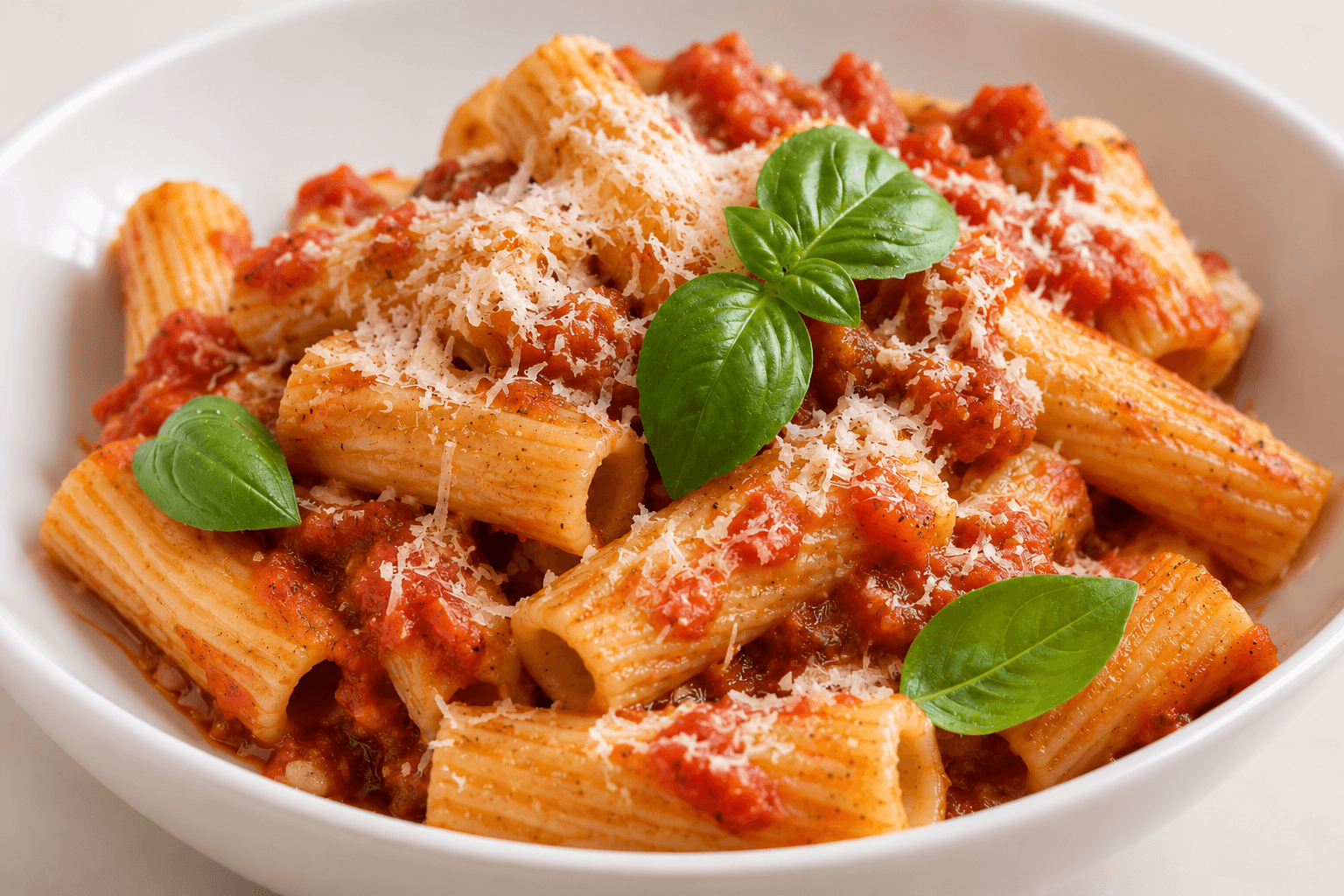
Tomato rigatoni
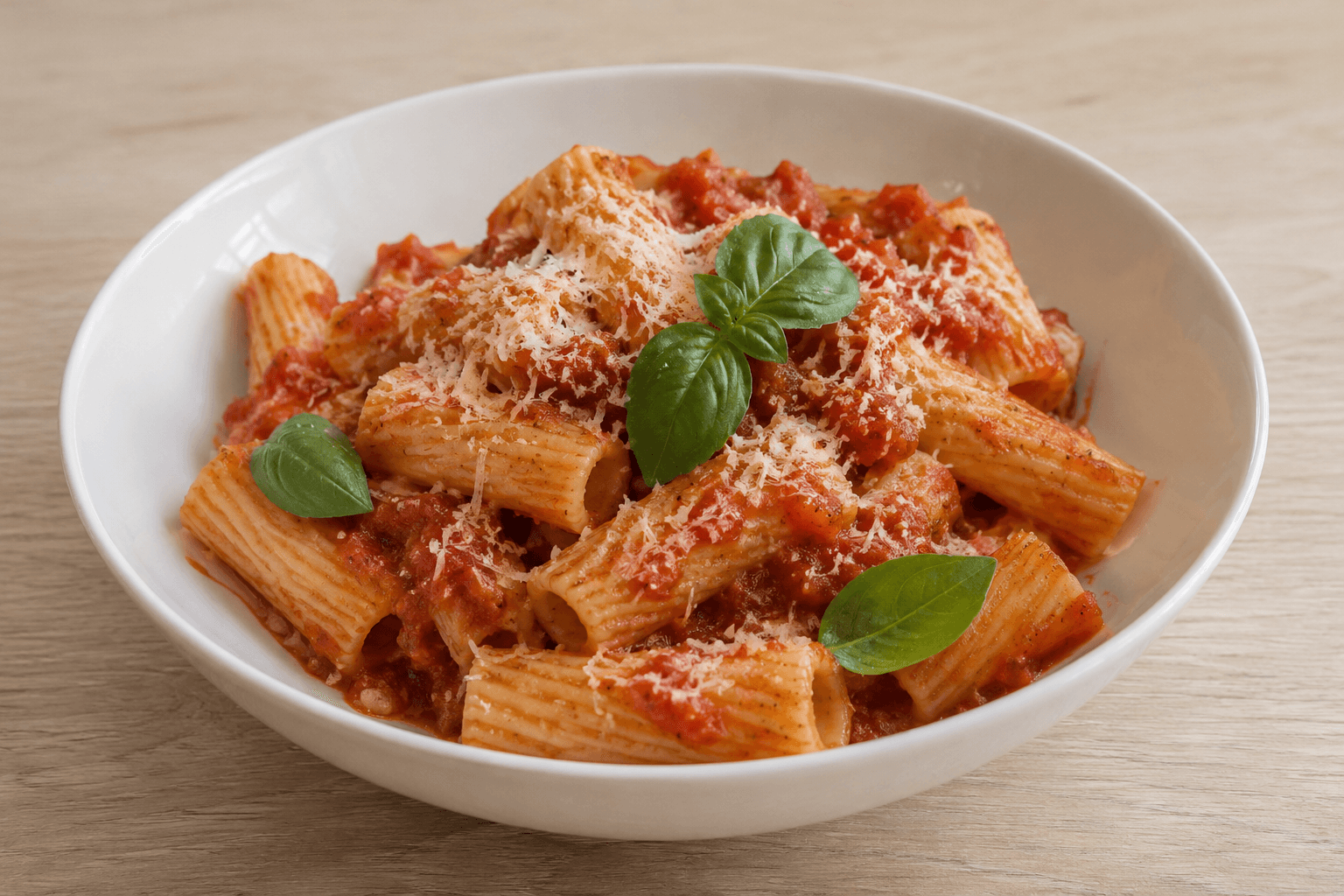
The selected starting reference
- Tomato rigatoni, basil and parmesan in a white bowl.
- A clear three-quarter view supplies the dish reference.
FOOD PHOTO DIRECTIONS
Explore a lighting and composition direction for a dish photo. Use a food reference, compare bright daylight, dark editorial styling or an overhead view, and describe the image you need.
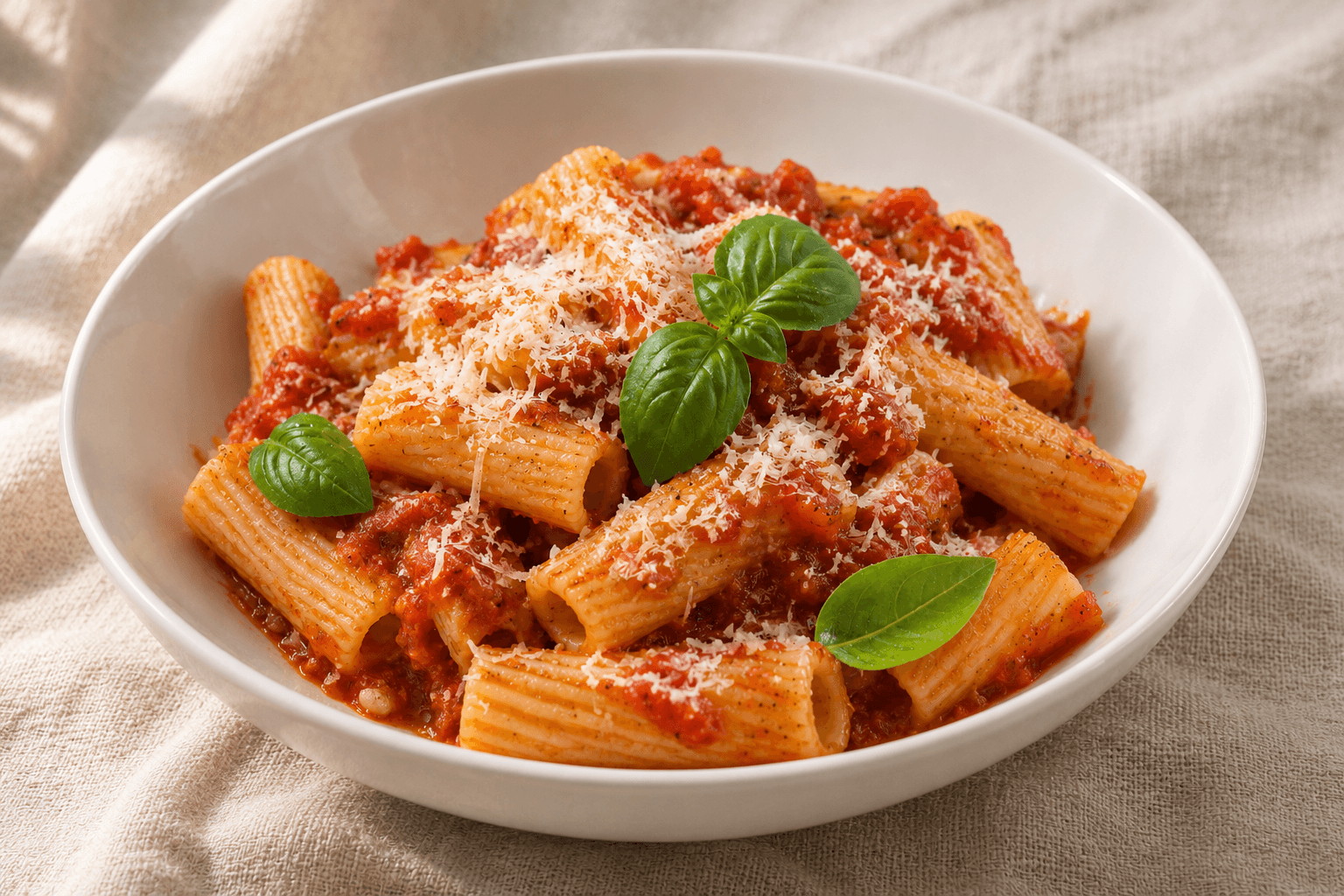
Try the rigatoni sample or upload a clear dish photo. Choose Bright table, Dark editorial or Overhead composition, then describe the light, surface and framing.
These AI-created concept illustrations explore lighting and composition directions for the same dish reference. Compare the proposed styling, then check ingredients and portions against the source.
The selected starting reference
An illustrative still-image direction
Choose a clear reference, write a focused brief and compare the result with the source.
Use the sample or upload a well-lit view of your dish. Choose Bright table, Dark editorial or Overhead composition, then edit Describe your food photo.
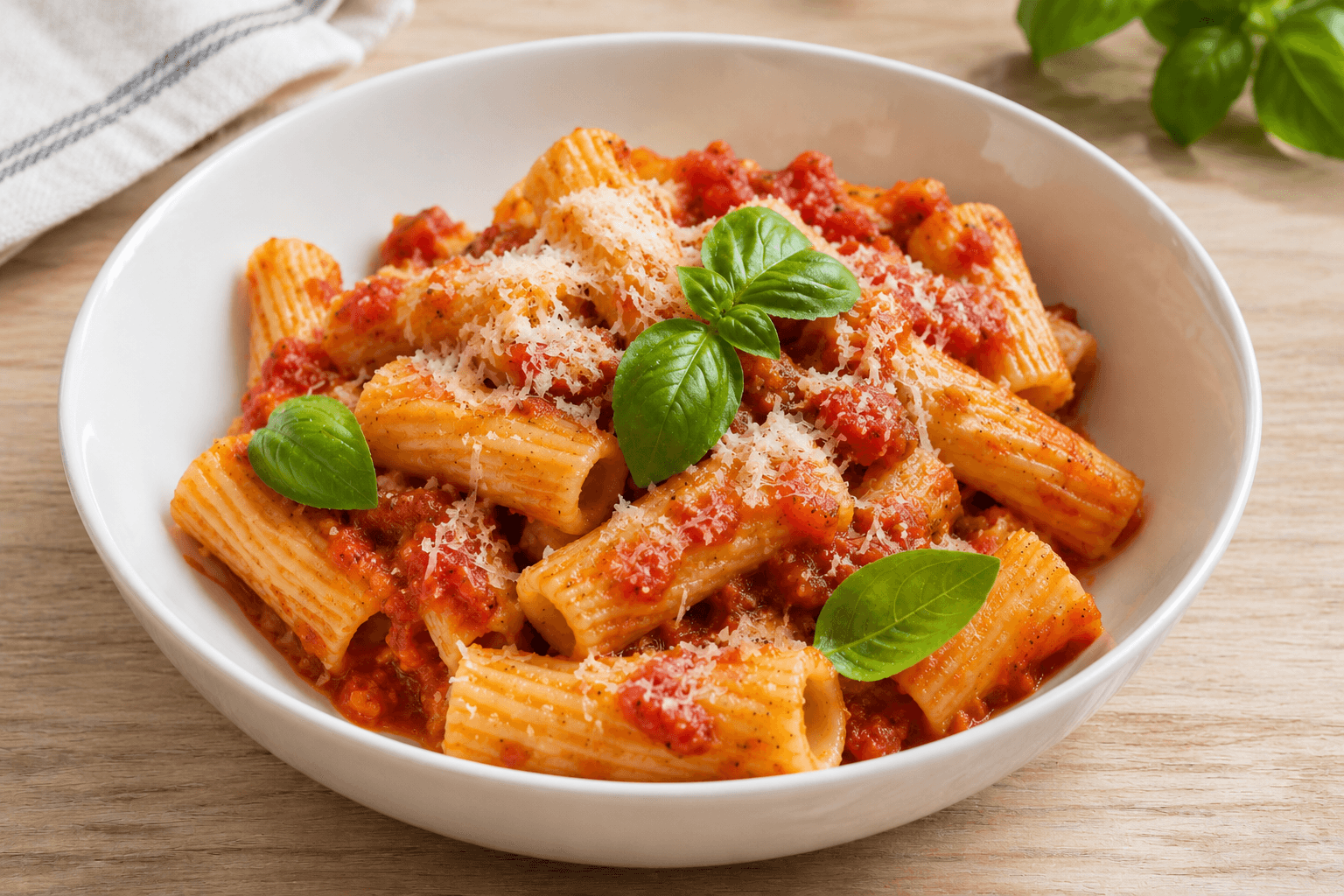
Select Generate food photo, then inspect ingredients, portion size, bowl shape and texture against the reference. Approve the image against the real dish before using it to represent a serving.
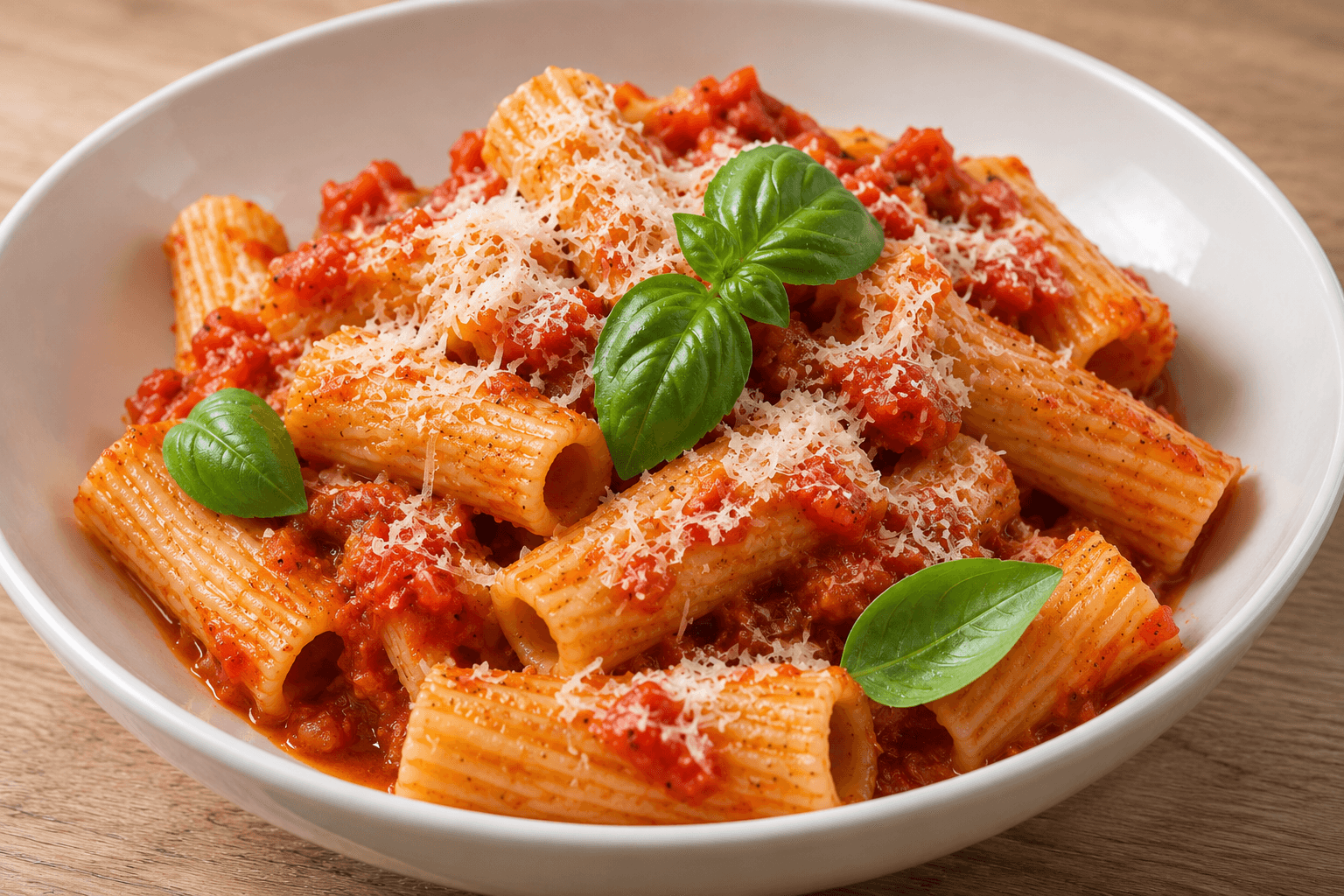
Use a focused brief to make the proposed image easier to assess.
Soft daylight and a pale surface can suit a recipe introduction or a casual social post. Name the ingredients that need to remain visible and leave useful space around the bowl. Check sauce color, garnish and portion size before adding recipe text separately.
Create an image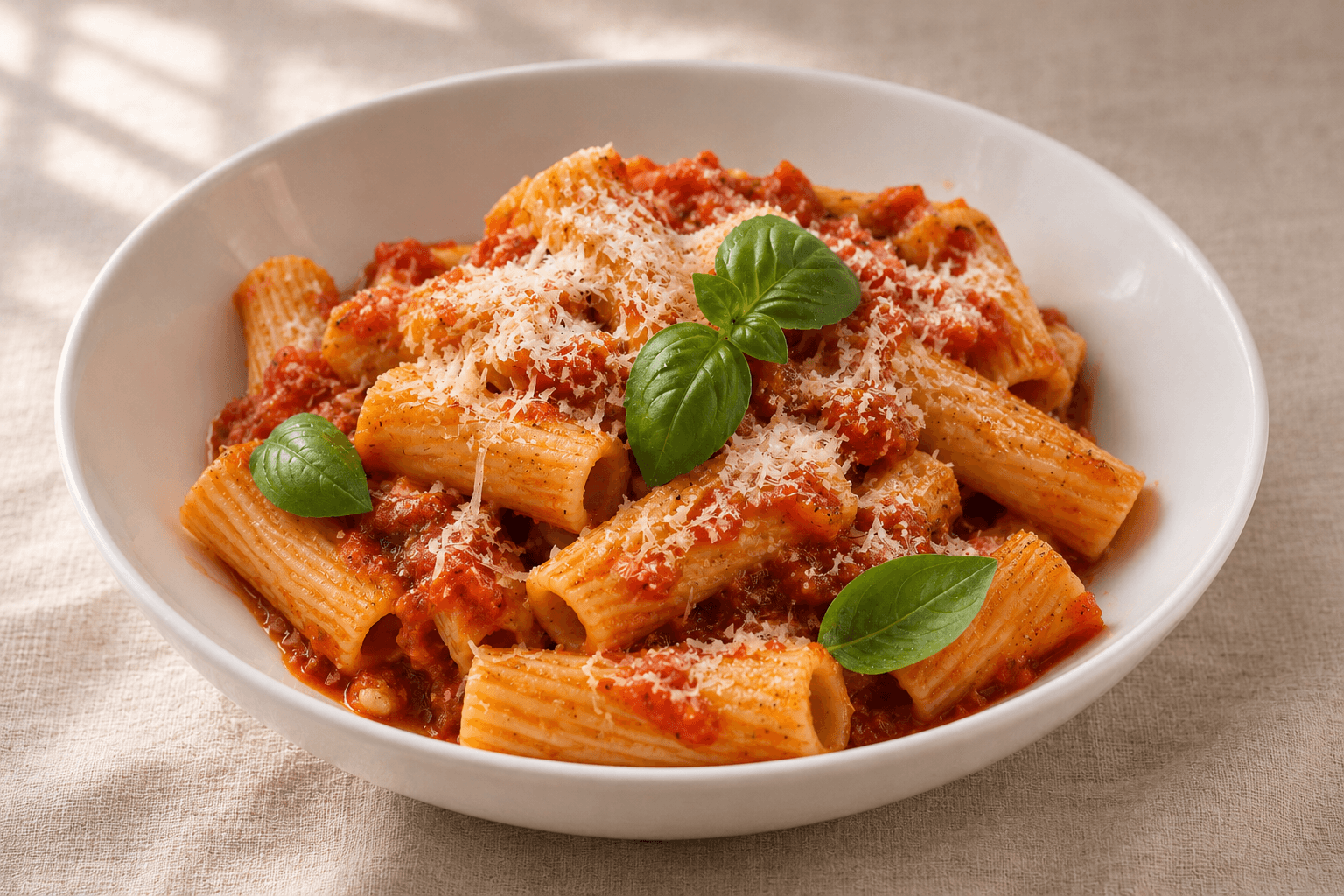
Directional light and a darker surface bring out shape and texture. Ask for one main dish and a restrained set so the food stays readable. For a restaurant or product listing, compare the result with the actual serving before deciding it is representative.
Create an image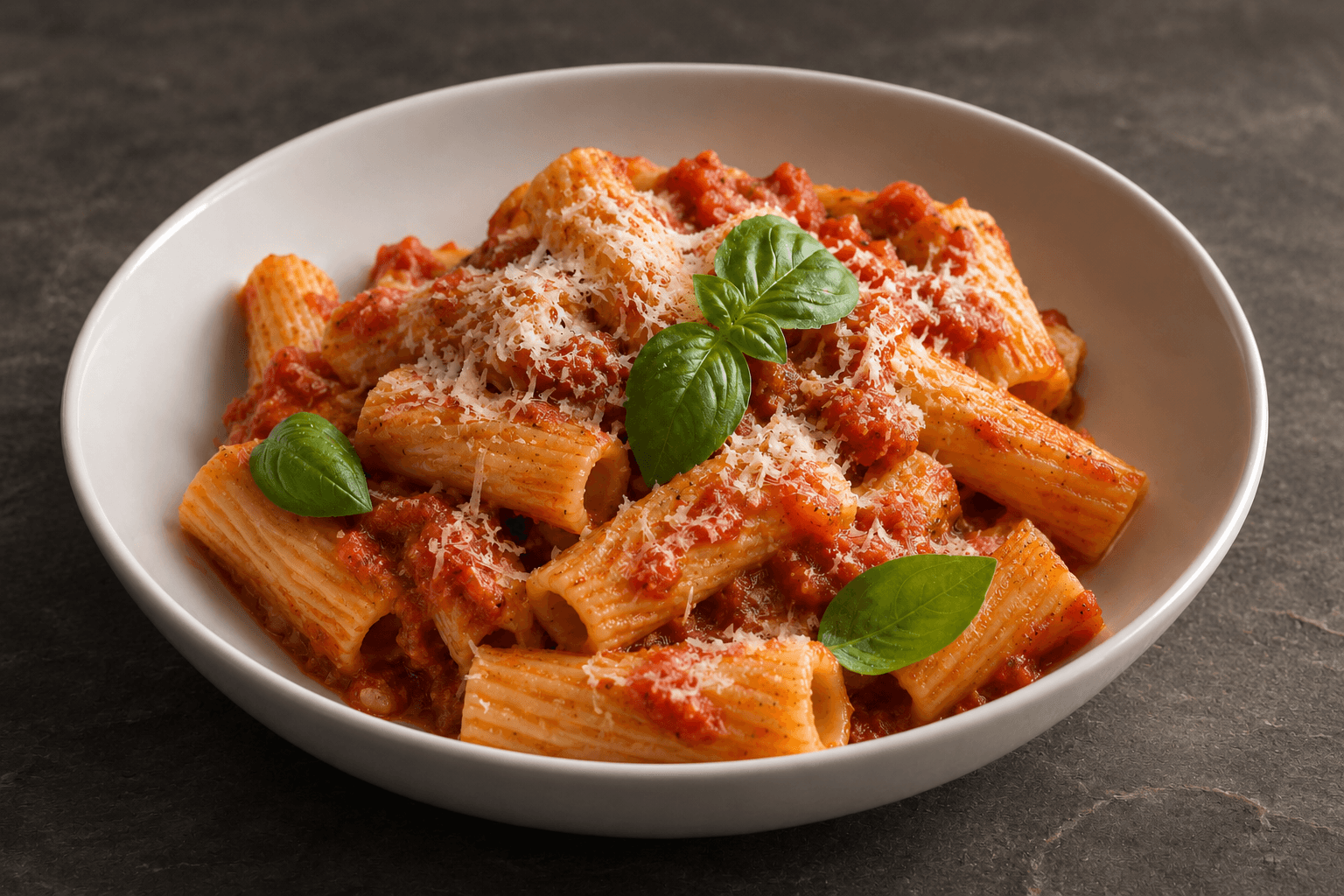
Use a matching reference for each idea and adapt the prompt to the image you supply.
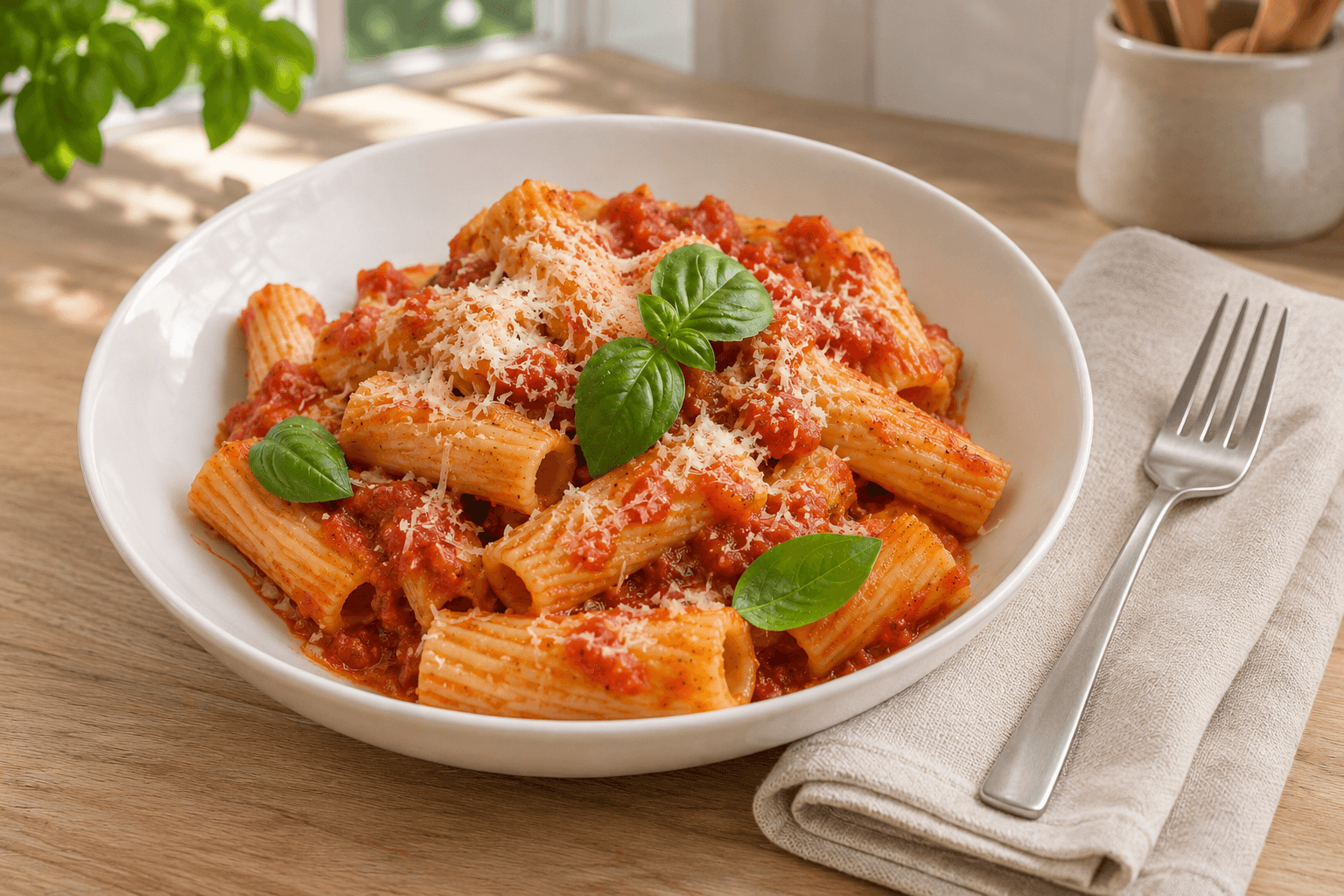
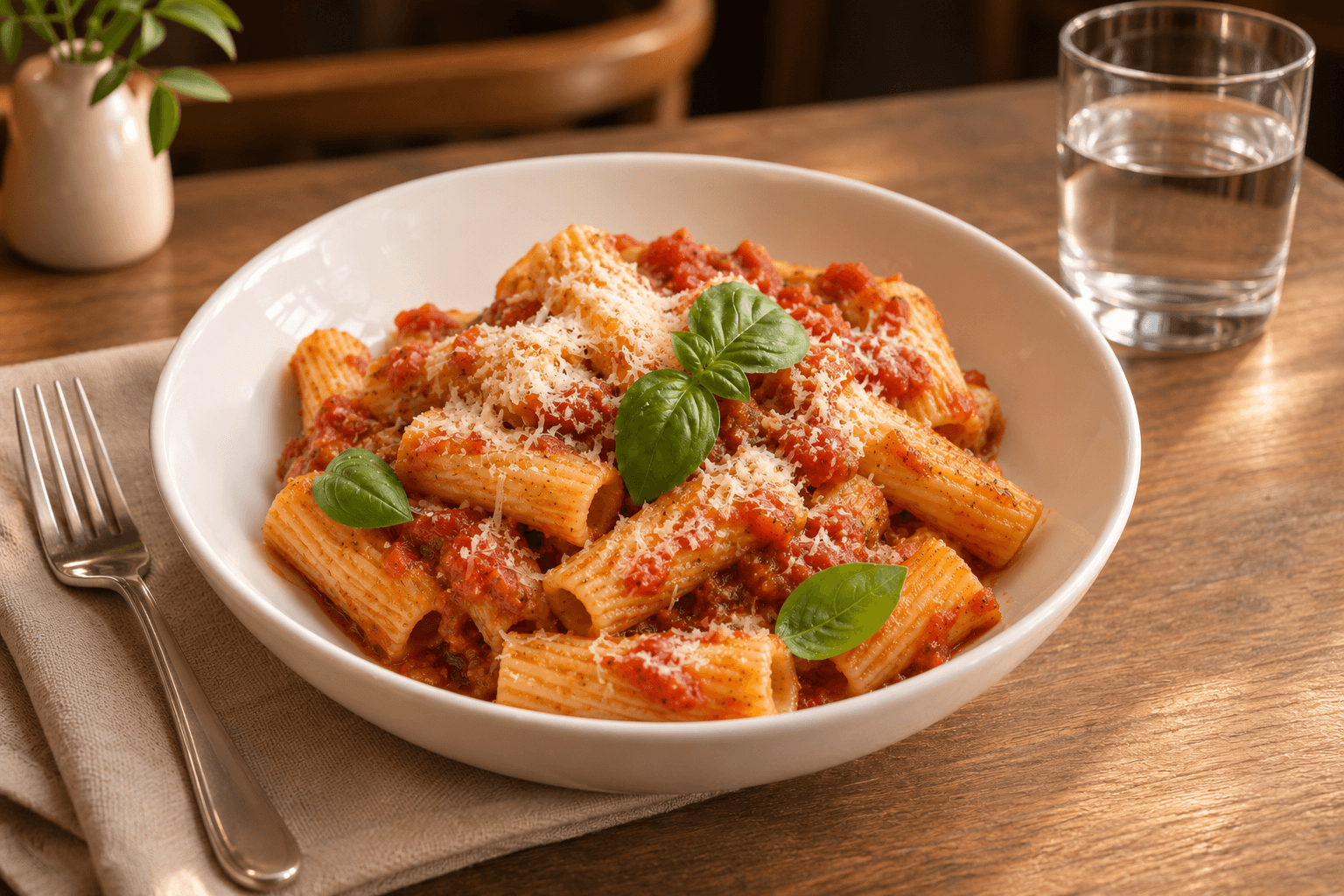
Match the reference and composition to the visual decision you are exploring.
For a recipe introduction, ask for a wider view of the dish with empty table space beside it. Use that space for separately added recipe text, and compare the visible ingredients with the recipe before final layout.
Create an image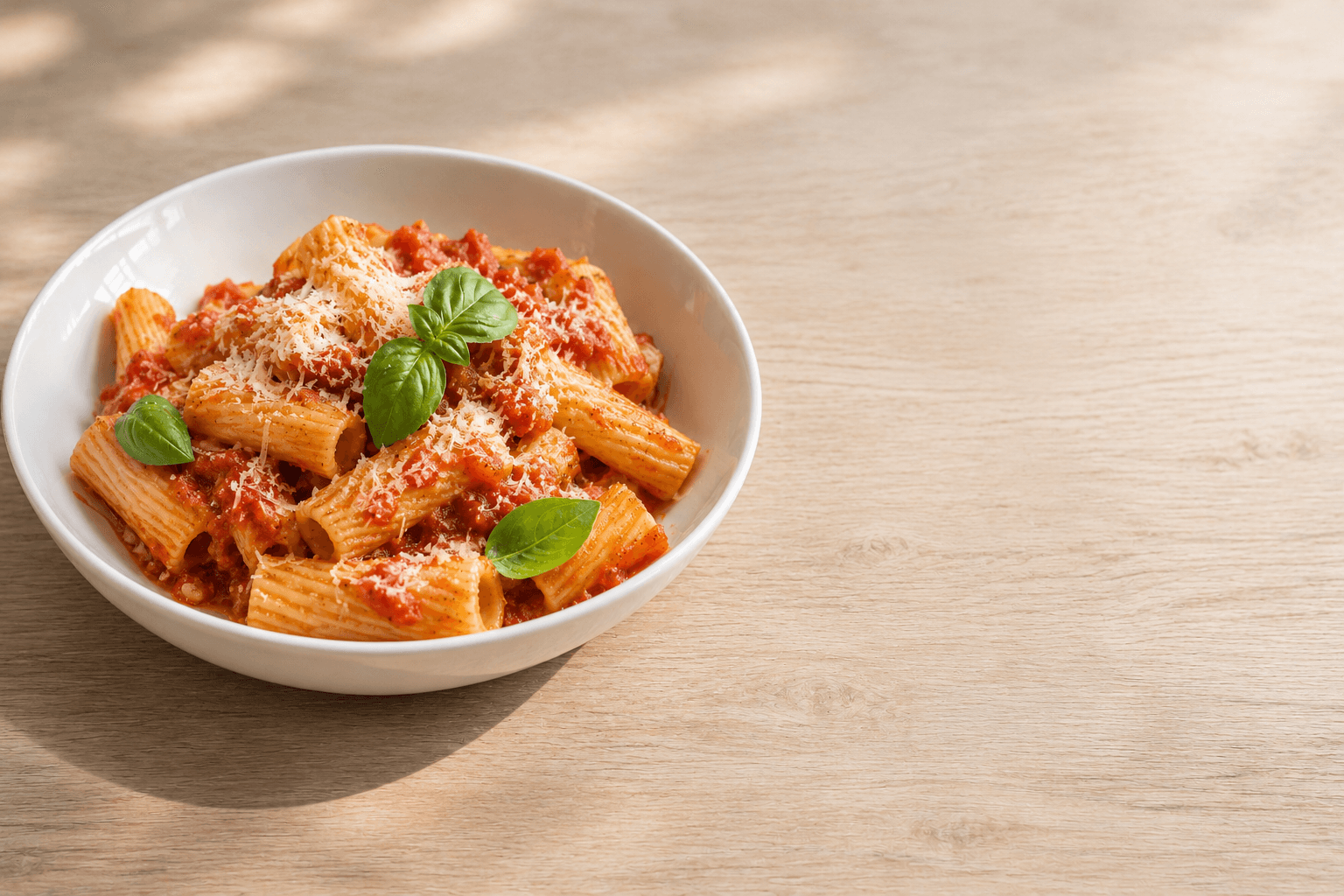
For a menu-direction brief, describe a centered dish, neutral surface and restrained editorial light. Use the image to discuss styling, then approve portions and plating against the actual serving before representing it to customers.
Create an image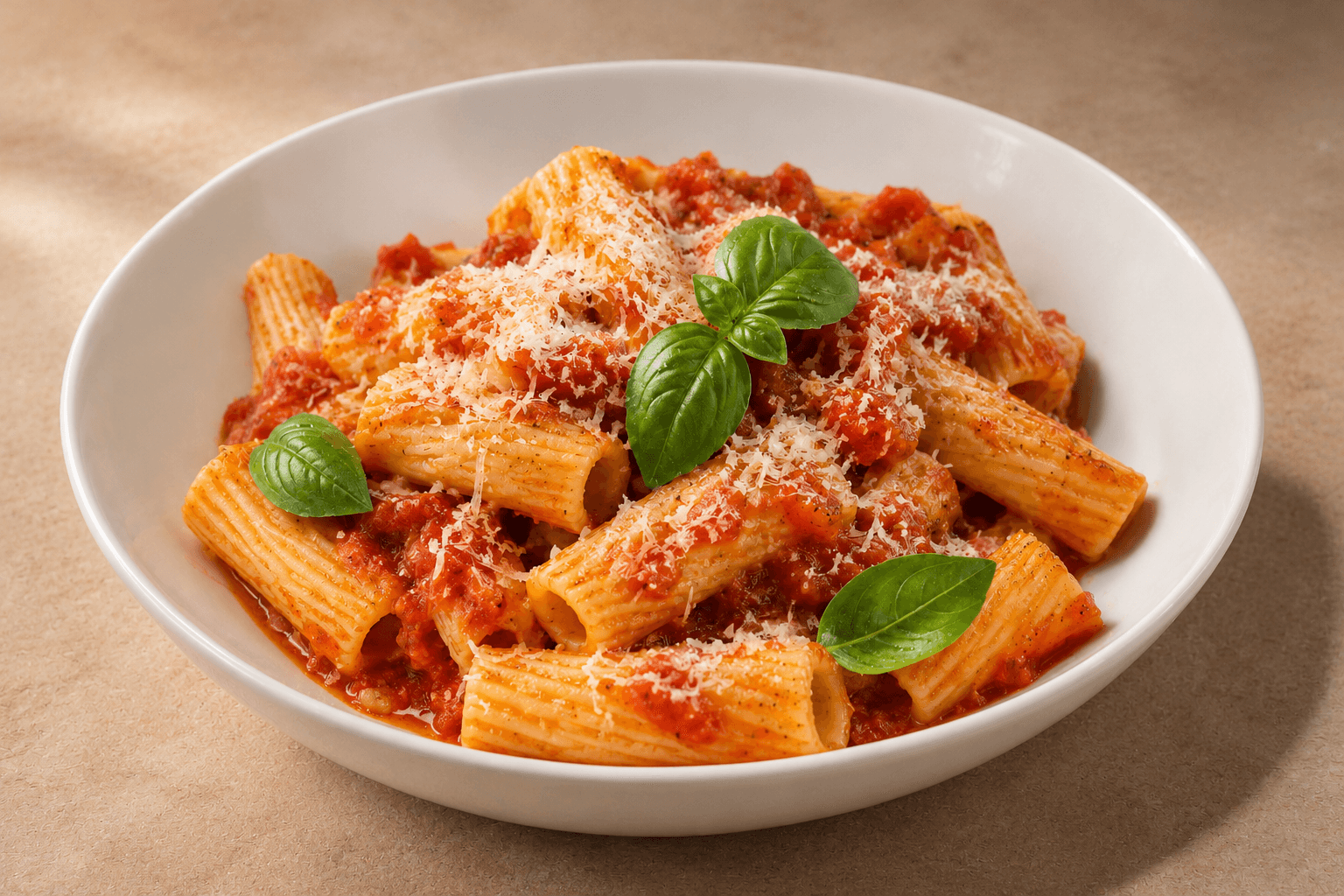
This form uses a reference image and an editable brief to generate a still image.
| Reference | Choose the sample or upload one clear authorized reference image. A reference is required. | |
|---|---|---|
| Controls | Three pictured starting directions and an editable prompt. Adapt the brief to your own reference. | |
| Result | A generated still image guided by your dish reference and photography prompt. | |
| Food accuracy | Ingredients, garnish, portions and plating can change. The result is a creative direction, not evidence of the exact dish served. | |
| Editing scope | This form generates a new image; it does not provide pixel-accurate masking or guarantee that only the requested part changes. | |
| Cost | Check the current credit quote and your account allowance before generating. | |
| Commercial use | Paid-plan generations have commercial rights subject to provider terms and input rights. Free-plan generations are for personal, non-commercial evaluation; upgrading applies to new generations. | |
| Upload data use | Default terms permit using uploads, prompts and outputs for training and improvement. Provider policies also apply. Enterprise opt-out requires a written agreement; learned or derived information may persist after source deletion. |
Explore another reference-image direction.
AI tool
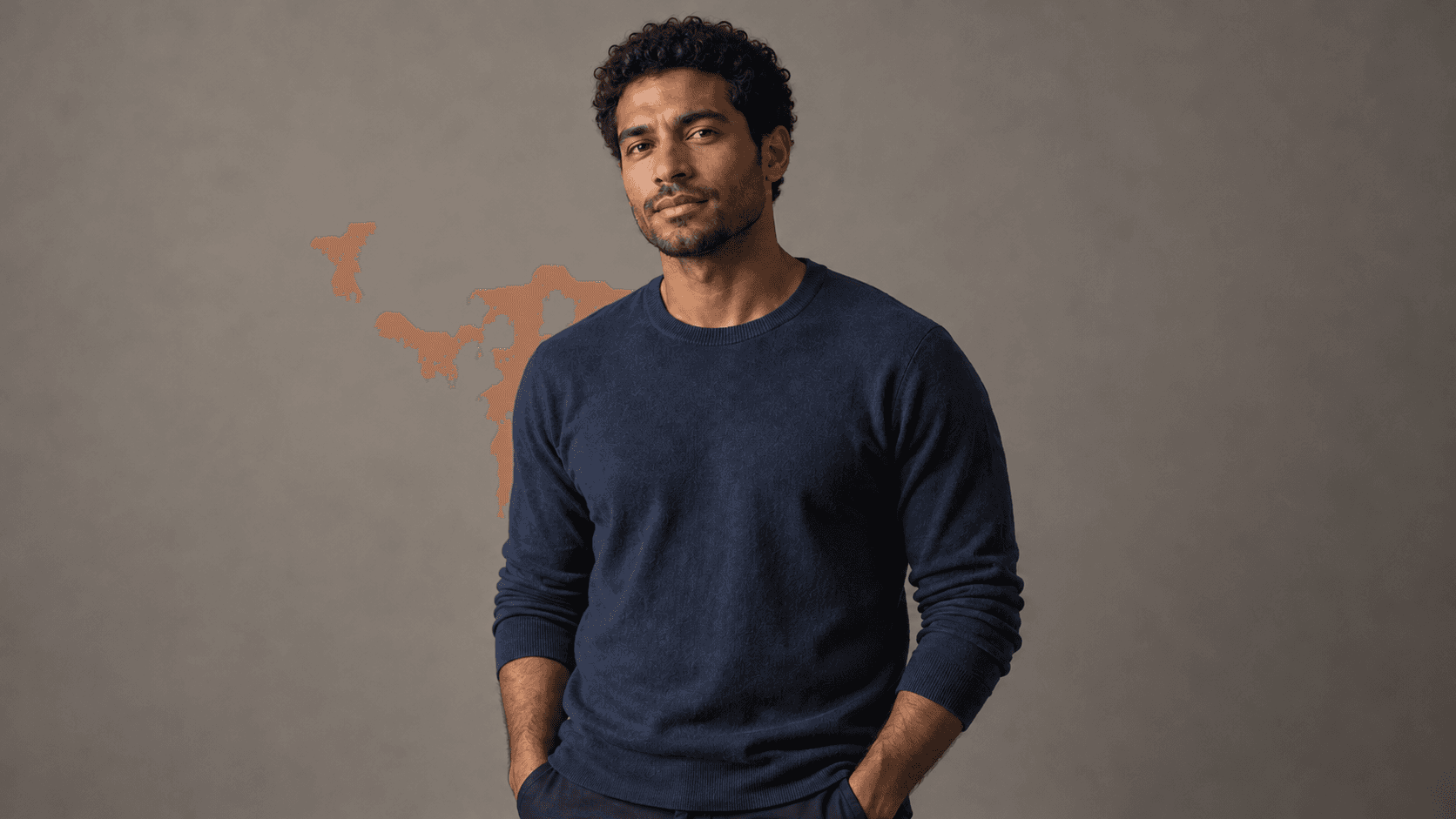
Explore new colors for a product, outfit or room with a reference-led image edit. Describe the surface to change, then compare the color and material detail.
AI tool
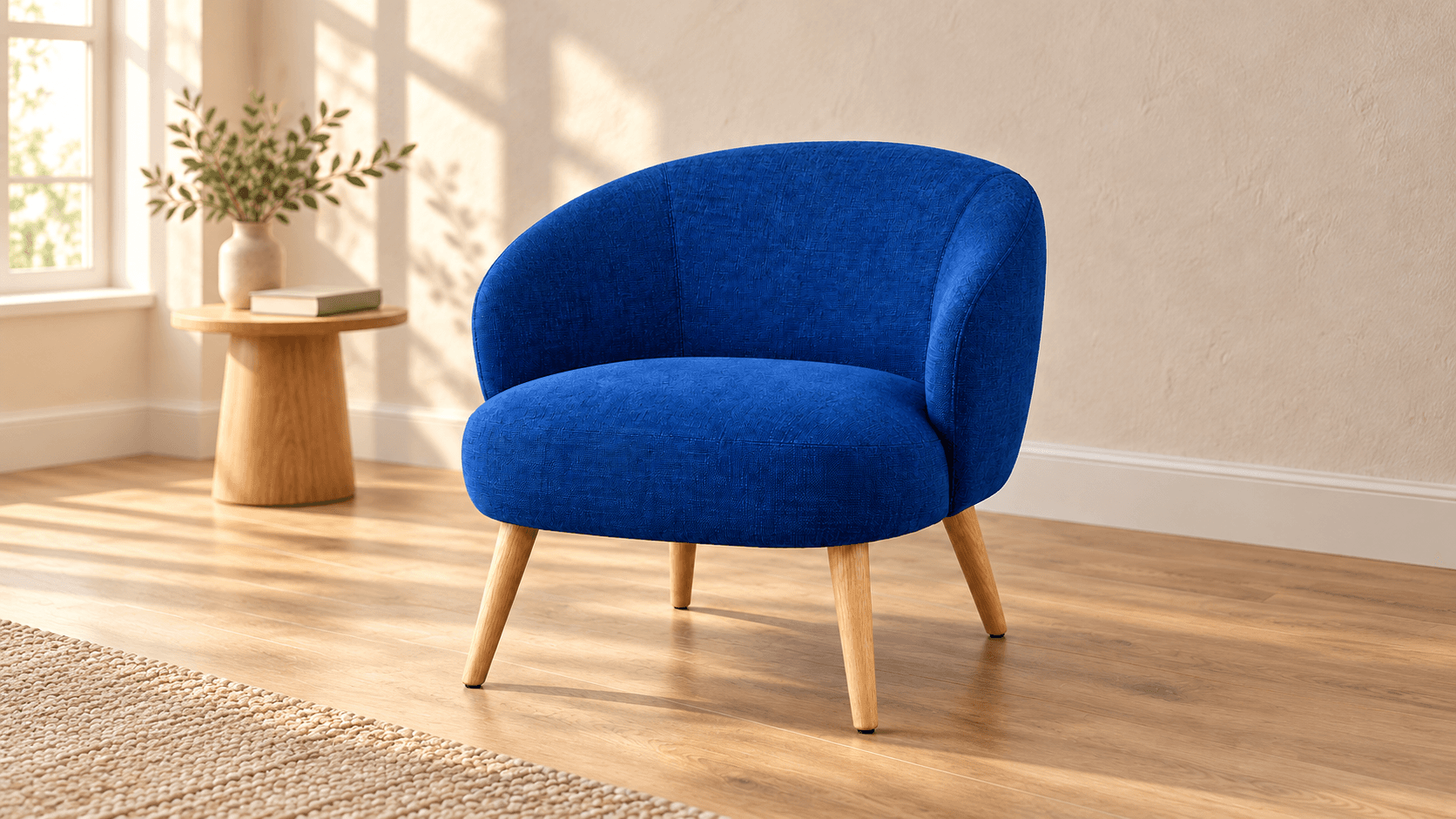
Create a brighter interpretation of a dim image with a reference and a lighting prompt. Explore lifted shadows, balanced light or soft daylight, then inspect the result.
AI tool
Use this AI image variation generator to explore a new background, lighting or visual style from one reference. Compare each candidate with the source. For a rendering closer to the original composition, try the AI image recreator.
Yes. Choose the sample or upload a clear photo so the prompt has a recognizable dish to work from.
Not reliably. AI can change garnish, ingredients, shapes and portions. Compare the generated image with the actual food before using it in a menu or listing.
You can request a lighting change and ask to retain the dish, but the form generates a new image. It does not guarantee that every other pixel stays unchanged.
You can request text in a prompt, but accurate typography is not guaranteed. For a finished menu or recipe card, add and proofread the final text separately.
Paid-plan generations have commercial rights subject to provider terms and input rights. You remain responsible for accurately representing the dish and any claims in the final design.
Choose a food reference, describe the light and surface, and inspect the result beside the original.