

Paper robot
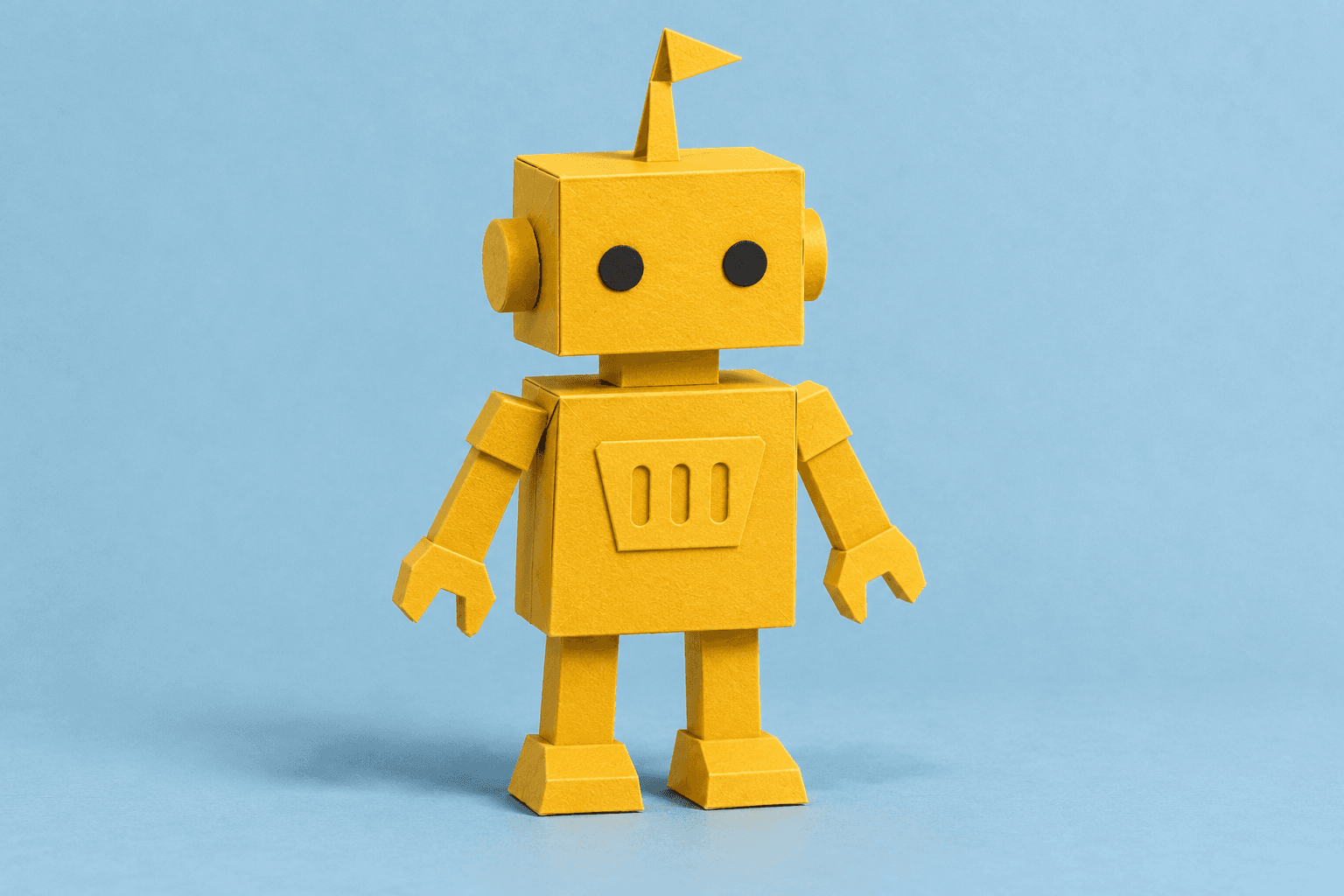
The selected starting reference
- A yellow paper robot on a pale blue tabletop set.
- Folded edges and the full character are visible.
HANDMADE MOTION IDEAS
Explore handmade-looking characters, tabletop sets and pose boards as still images. Start with a reference and describe the paper texture, pose and composition you need.
Try the paper robot or upload a craft reference. Choose a pose, set or storyboard direction, then describe the image you want.
These AI-created concept illustrations explore handmade texture, poses and tabletop sets as still images. Compare the character construction and composition across the proposed directions.
The selected starting reference
An illustrative still-image direction
Choose a clear reference, write a focused brief and compare the result with the source.
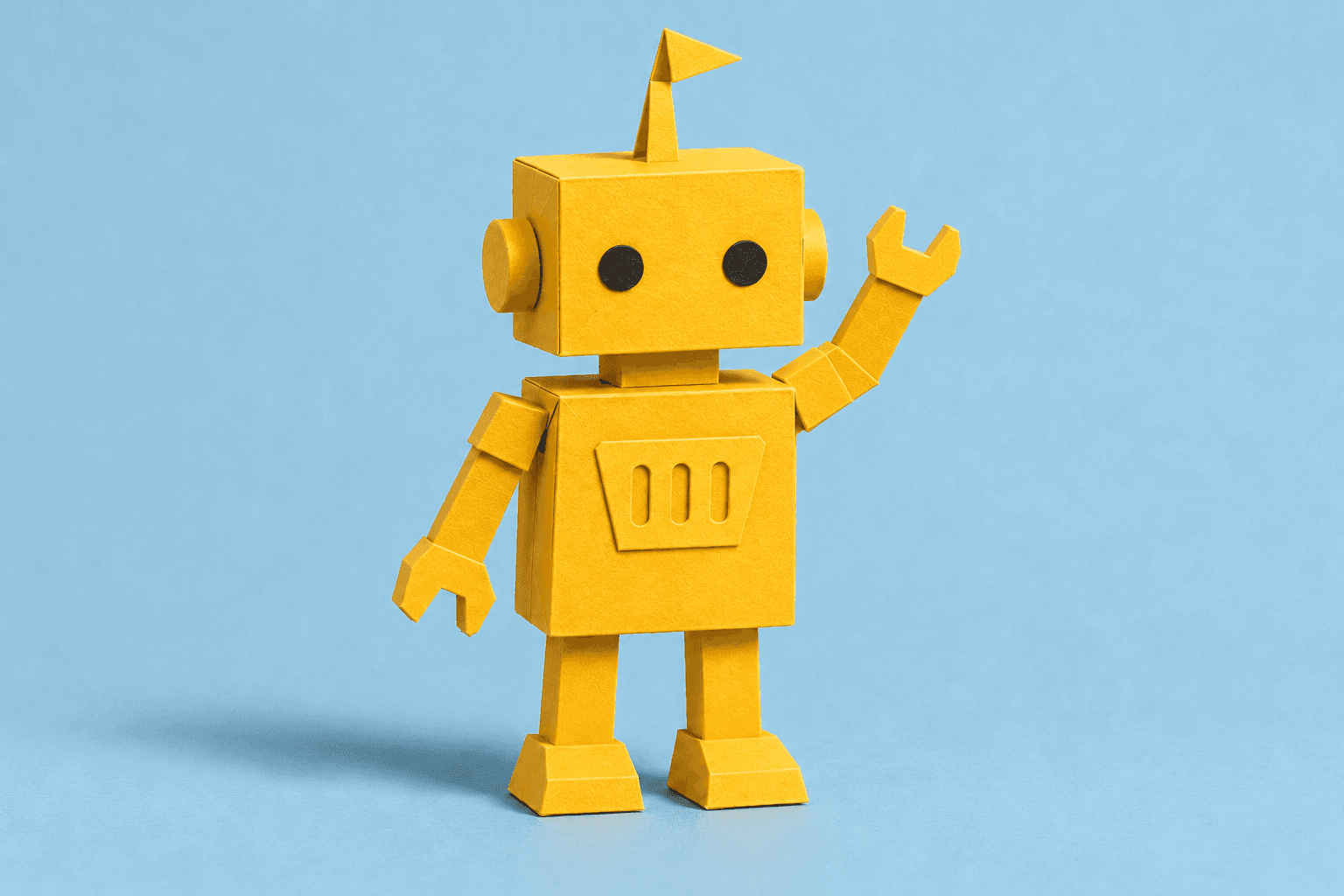
Use the paper robot or upload a subject with a clear silhouette. Pick Paper character pose, Tabletop set or Three-pose storyboard and edit the brief.
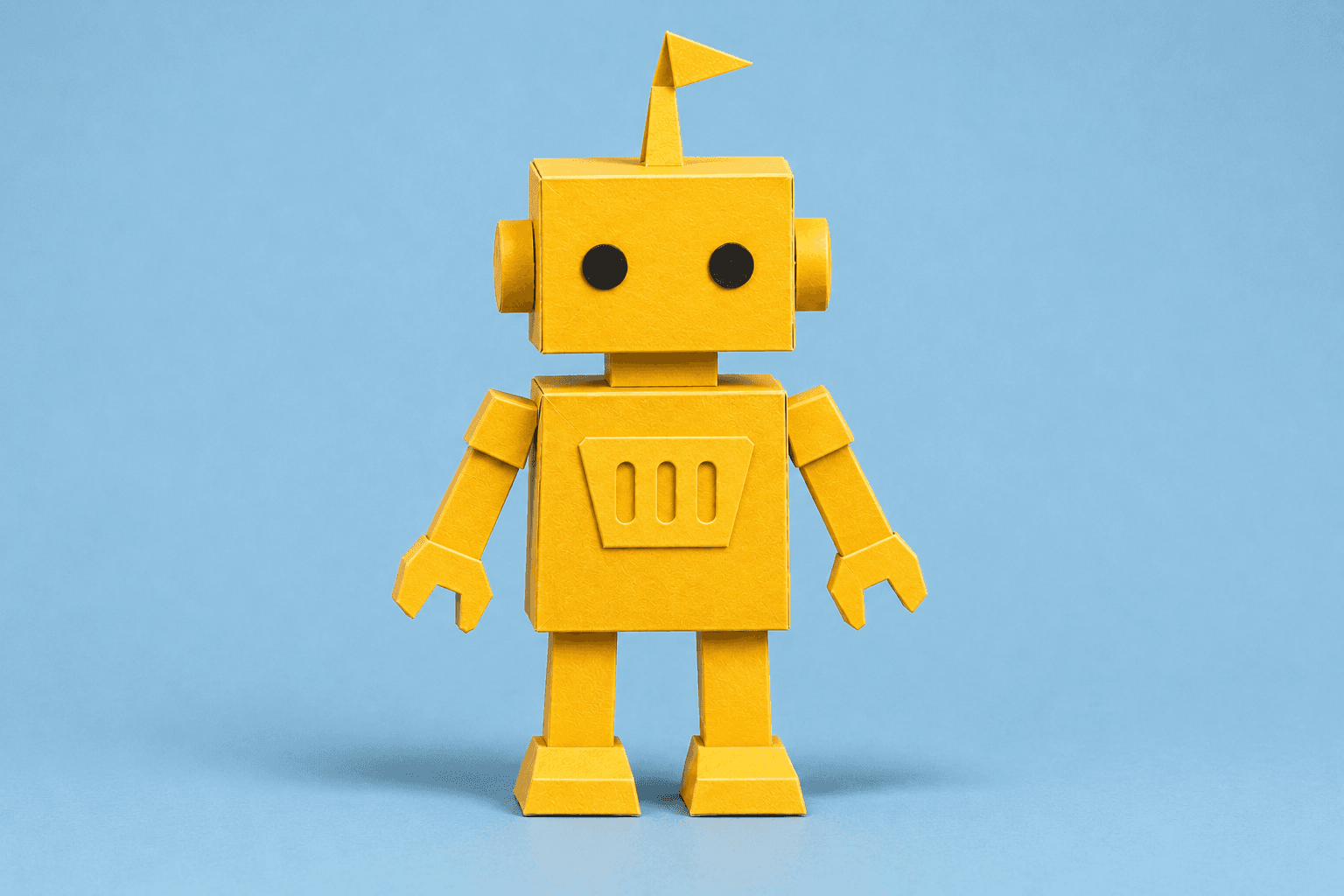
Select Generate scene image. Check material, pose, construction and floor contact. A requested storyboard may need another iteration to make its panels and poses consistent.
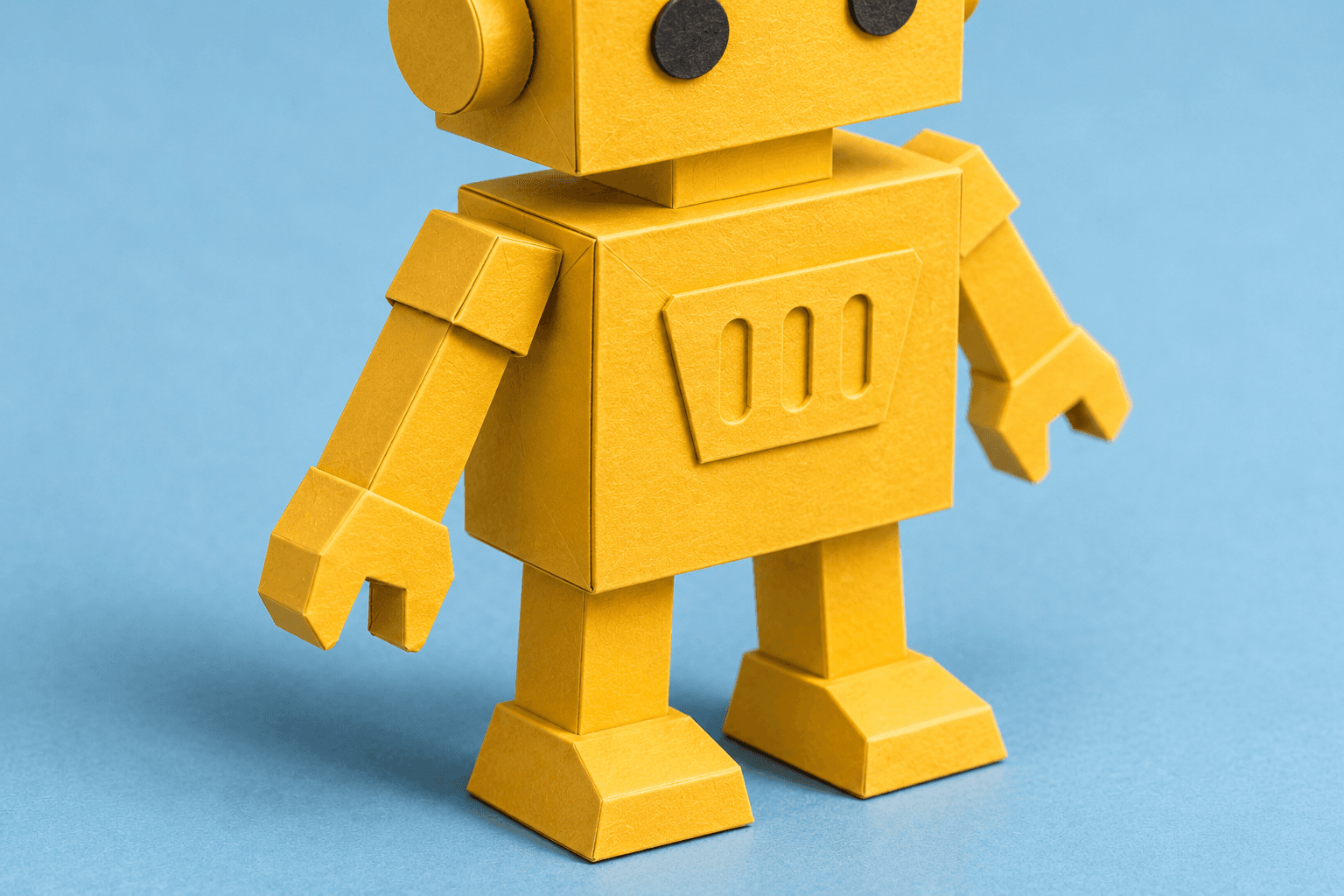
Use a focused brief to make the proposed image easier to assess.
Choose one clear silhouette rather than a complicated action. Describe which arm or foot changes position and keep the full subject in the image. Review limb count, folded edges and the connection between the body and the set.
Create an image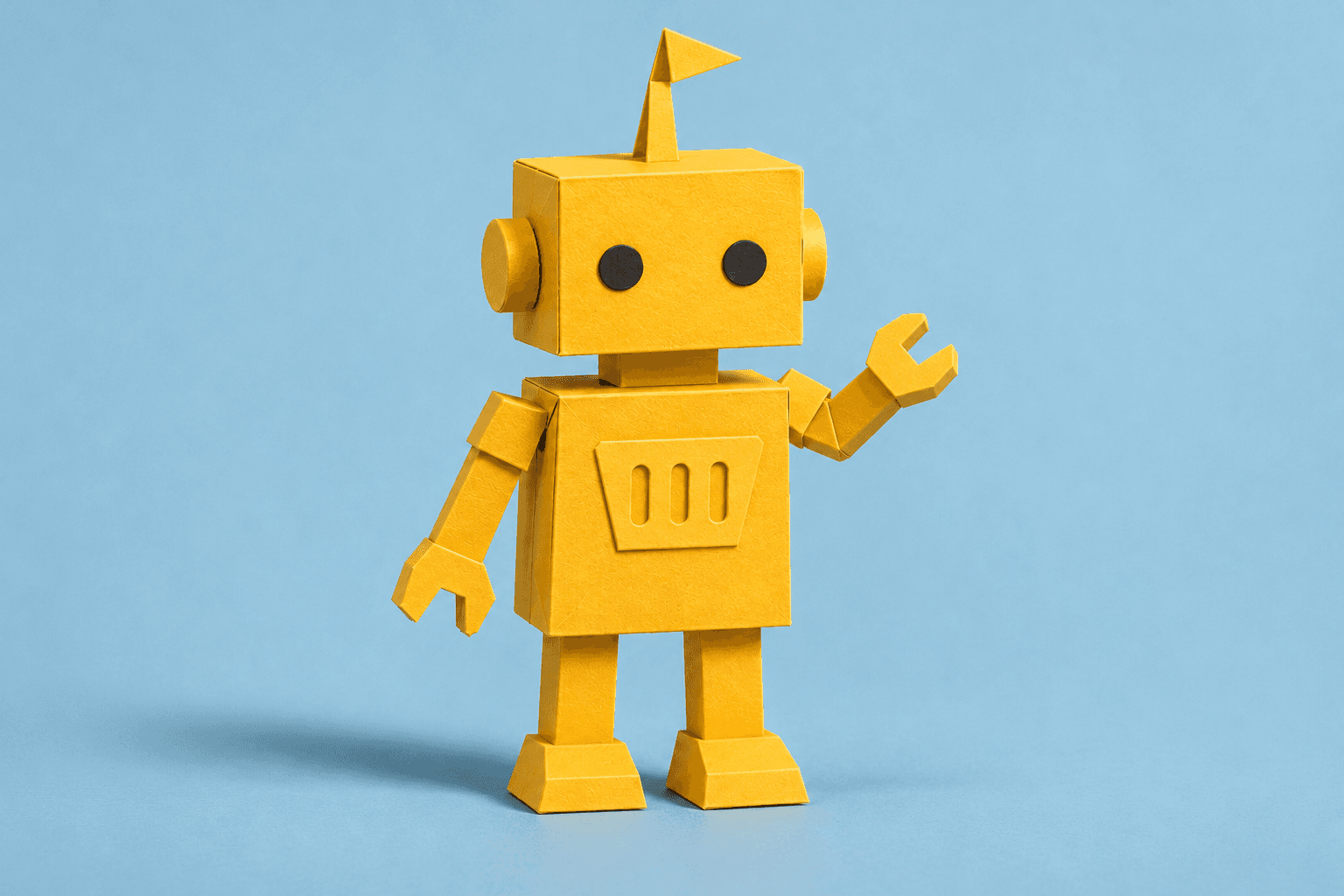
A limited set keeps attention on the handmade subject. Name one background shape and a material palette, then inspect scale, shadows and contact with the floor. Use the image as a visual direction for a craft scene or story pitch.
Create an image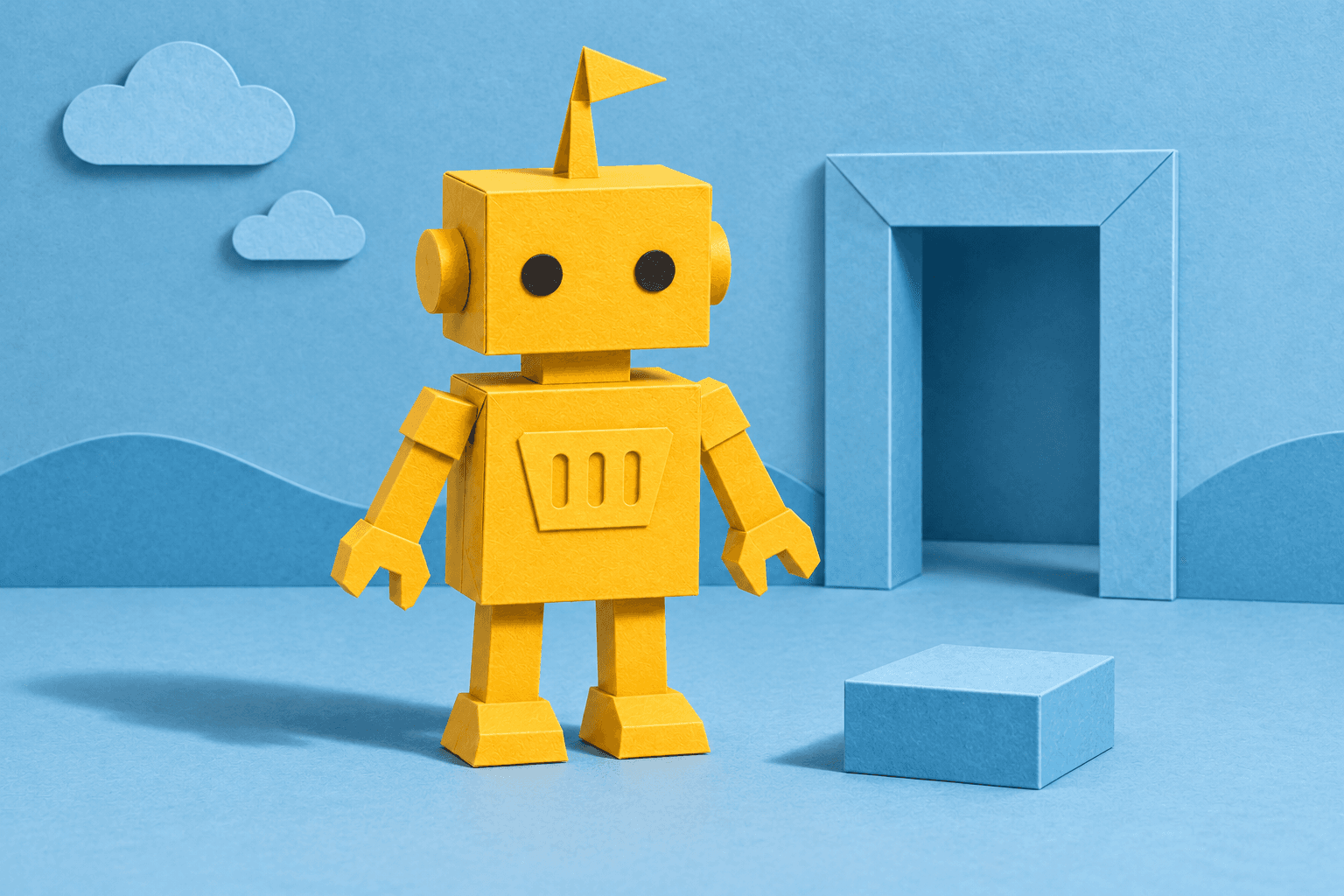
Use a matching reference for each idea and adapt the prompt to the image you supply.
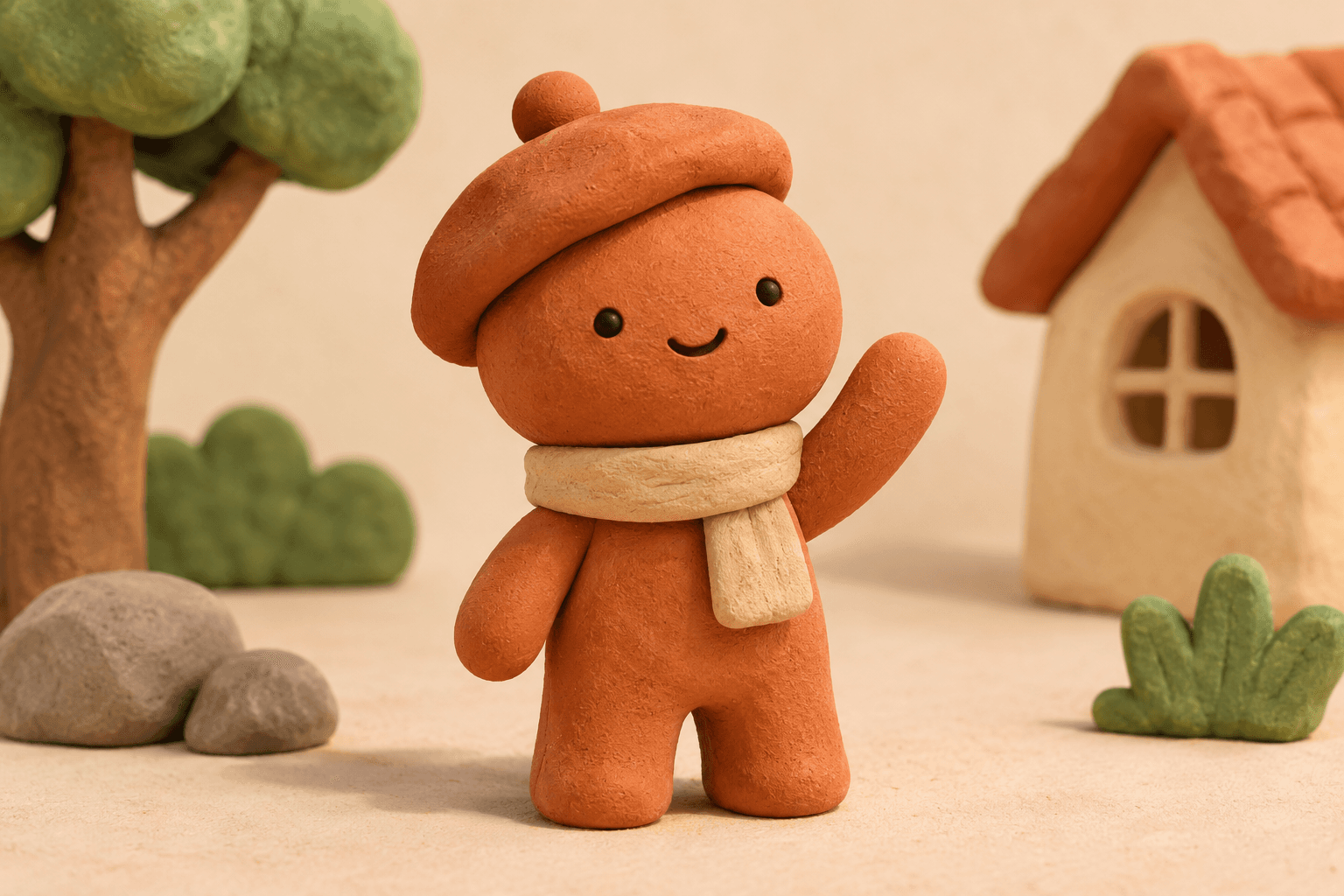
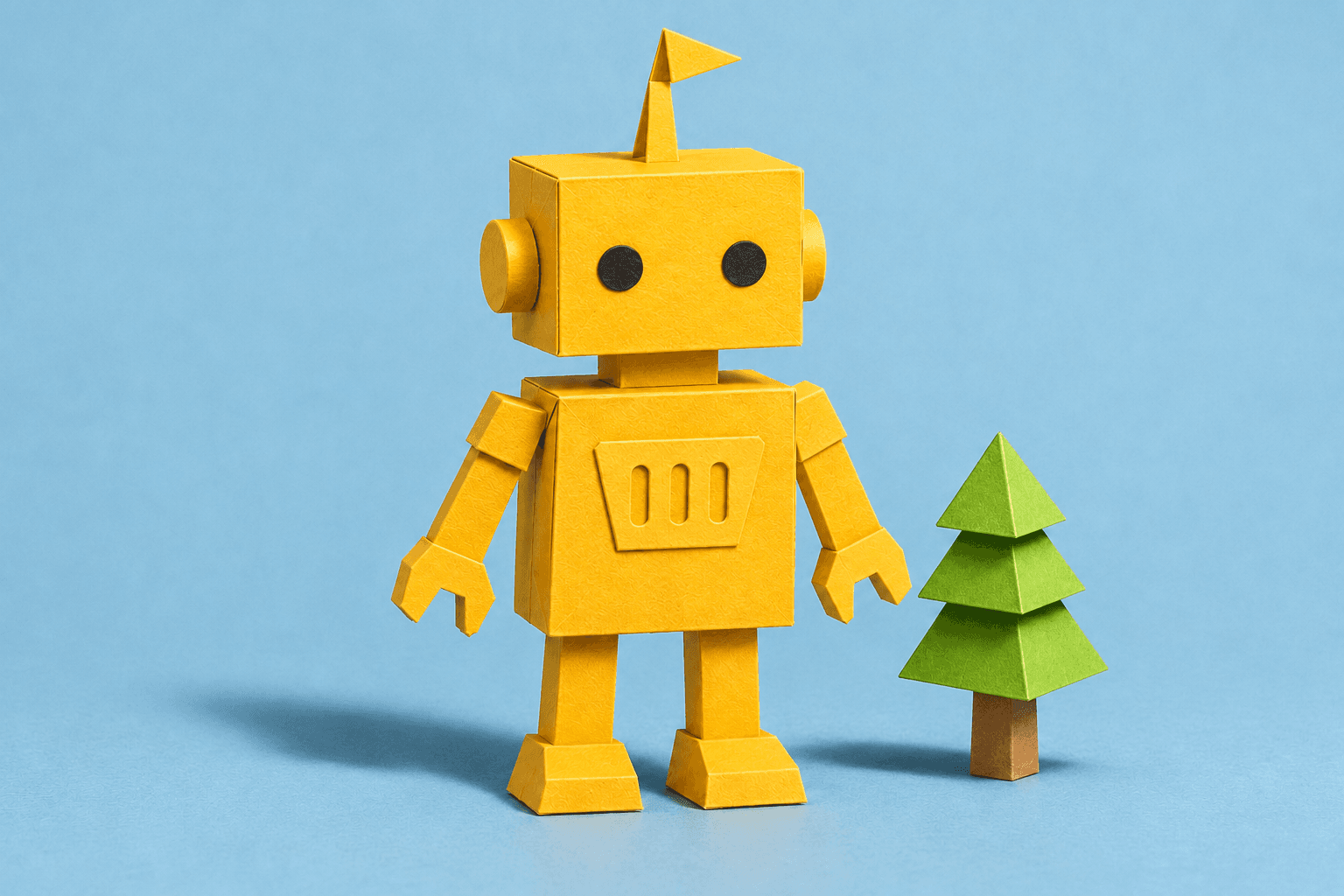
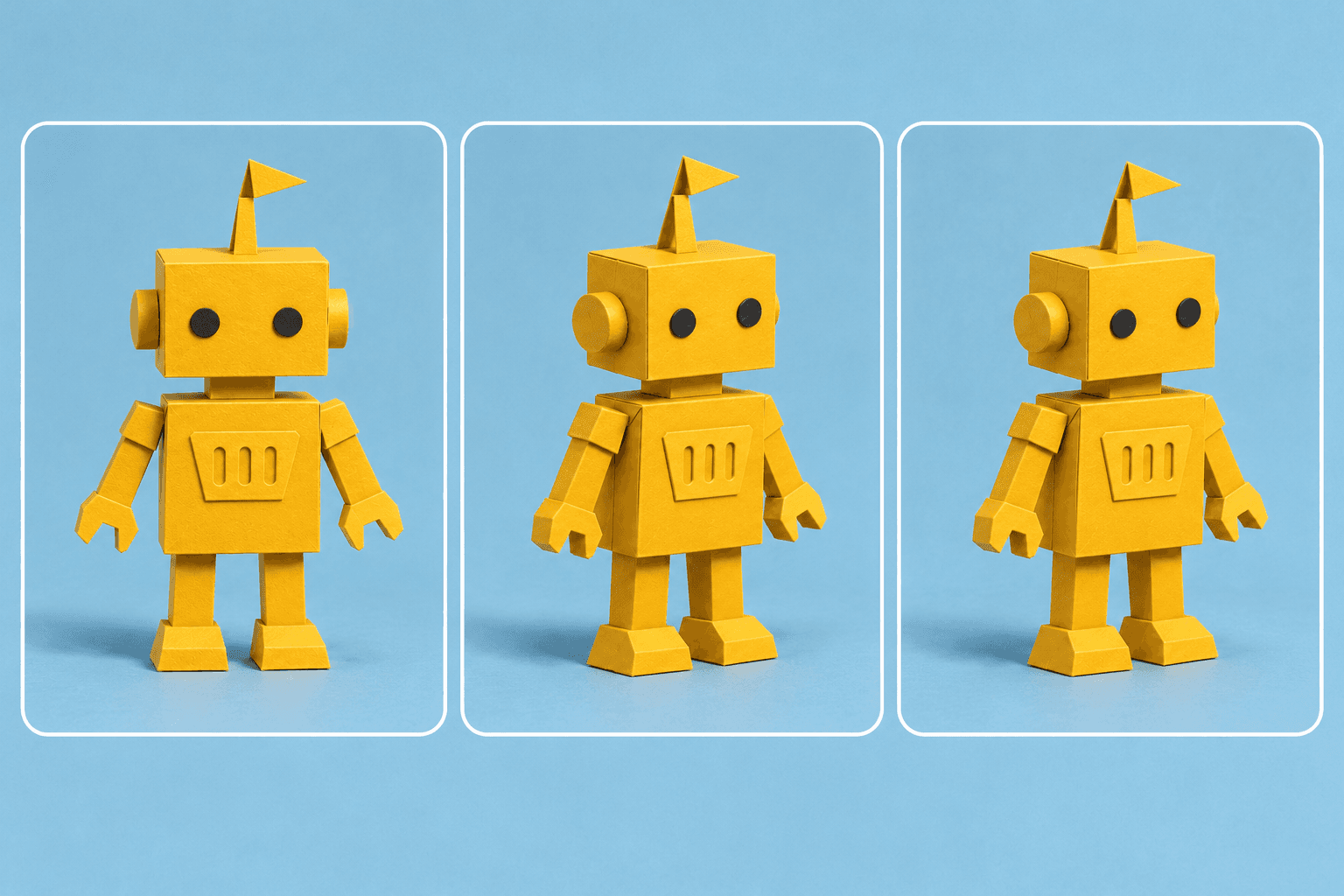
Match the reference and composition to the visual decision you are exploring.
For a story-pitch image, place the referenced robot beside a simple paper arch and describe a clear posed relationship between them. Use one coherent still moment to explain the idea, then inspect scale and construction.
Create an image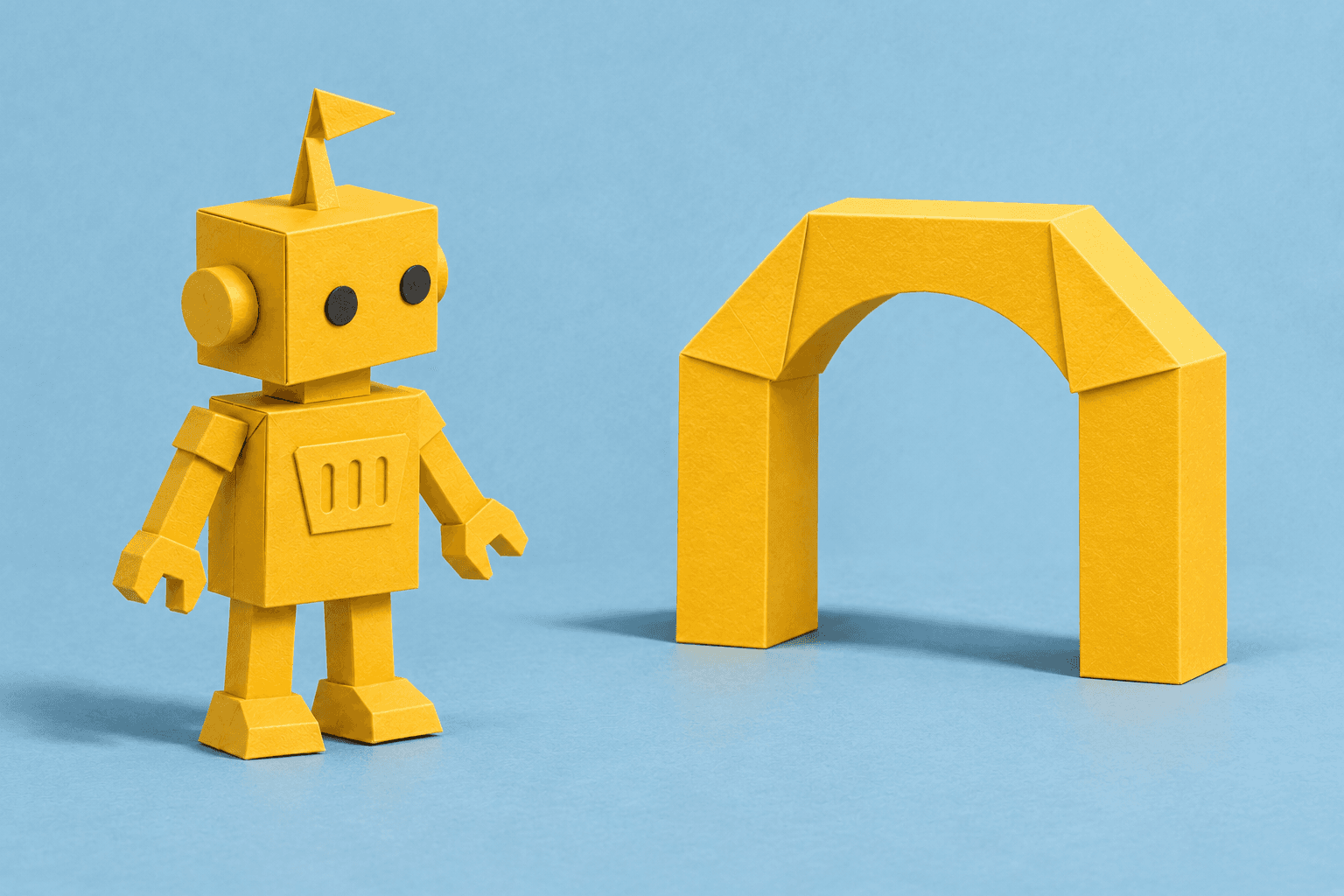
For a craft-post image, request a readable full-character portrait with clean space around the paper robot. Keep folds and silhouette visible, then check how the subject reads at the smaller size used in the final layout.
Create an image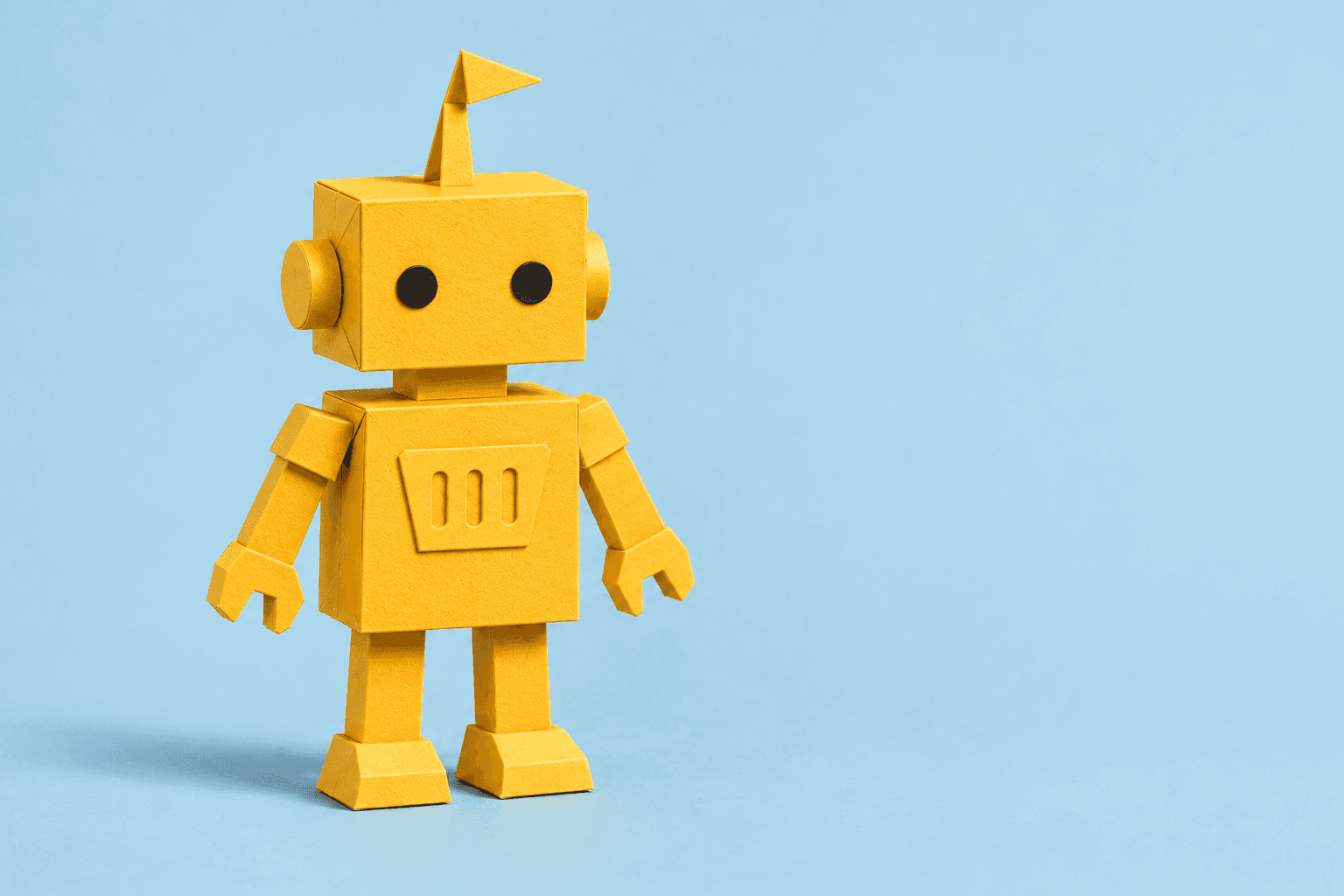
This form uses a reference image and an editable brief to generate a still image.
| Reference | Choose the sample or upload one clear authorized reference image. A reference is required. | |
|---|---|---|
| Controls | Three pictured starting directions and an editable prompt. Adapt the brief to your own reference. | |
| Result | A still image of a handmade-looking scene, character pose or requested pose board. | |
| Timing scope | The form does not generate video or provide per-frame timing, frame capture or an onion-skin editor. | |
| Consistency | Materials, shapes and repeated poses can change. Inspect each character and panel before using the concept. | |
| Cost | Check the current credit quote and your account allowance before generating. | |
| Commercial use | Paid-plan generations have commercial rights subject to provider terms and input rights. Free-plan generations are for personal, non-commercial evaluation; upgrading applies to new generations. | |
| Upload data use | Default terms permit using uploads, prompts and outputs for training and improvement. Provider policies also apply. Enterprise opt-out requires a written agreement; learned or derived information may persist after source deletion. |
Explore another reference-image direction.
AI tool
Explore new colors for a product, outfit or room with a reference-led image edit. Describe the surface to change, then compare the color and material detail.
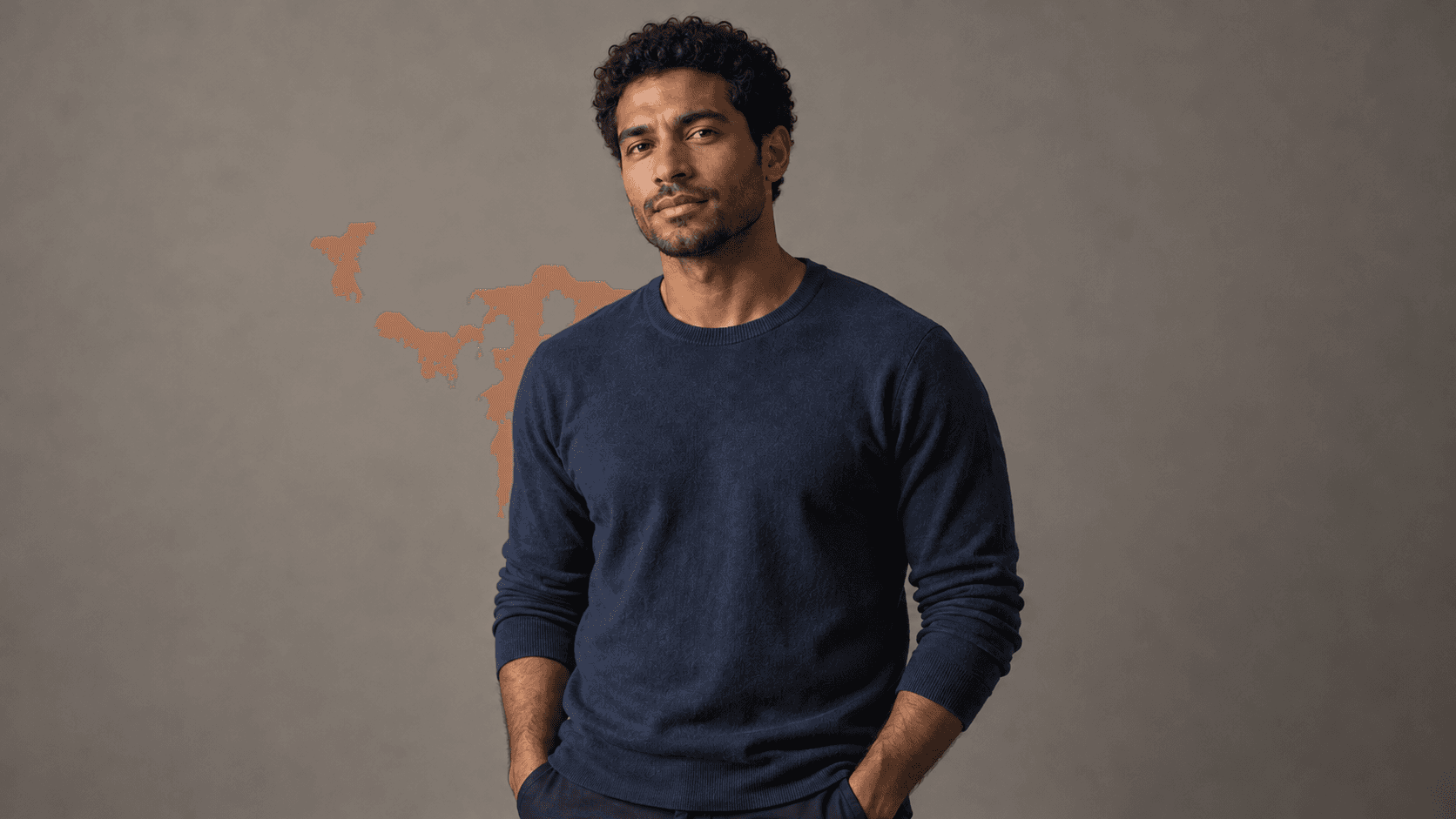
AI tool
Create a brighter interpretation of a dim image with a reference and a lighting prompt. Explore lifted shadows, balanced light or soft daylight, then inspect the result.
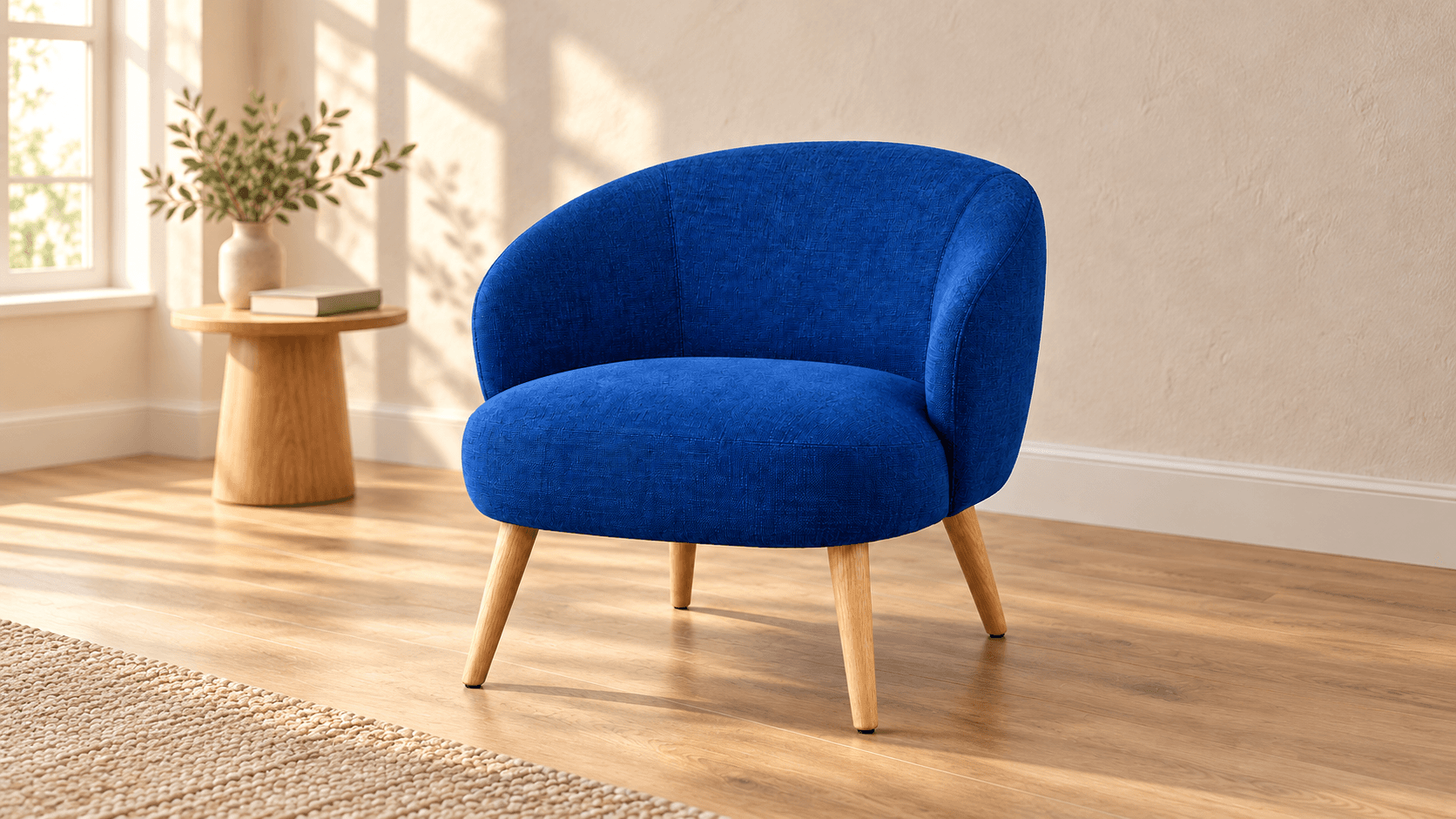
AI tool
Use this AI image variation generator to explore a new background, lighting or visual style from one reference. Compare each candidate with the source. For a rendering closer to the original composition, try the AI image recreator.
No. This page generates still scene images and pose-board concepts with a handmade visual style.
Use a clearly separated craft subject with visible material, such as paper or clay, and room around its silhouette.
Yes. The storyboard preset requests several poses arranged within one image. Panel count and construction may need another iteration.
No. There are no timeline or per-frame timing controls in this image form.
Paid-plan generations have commercial rights subject to provider terms and input rights. Use original or authorized subjects and references.
Choose a subject, pose and material direction, then generate a still image to review.