

ByteDance
Seedance 2.5: a working setup for short cinematic clips
A practical setup for Seedance 2.5 on the Astorie canvas: what to decide before the first run, the four-part brief structure, the three checks to run on every clip, and what the common failures are telling you.
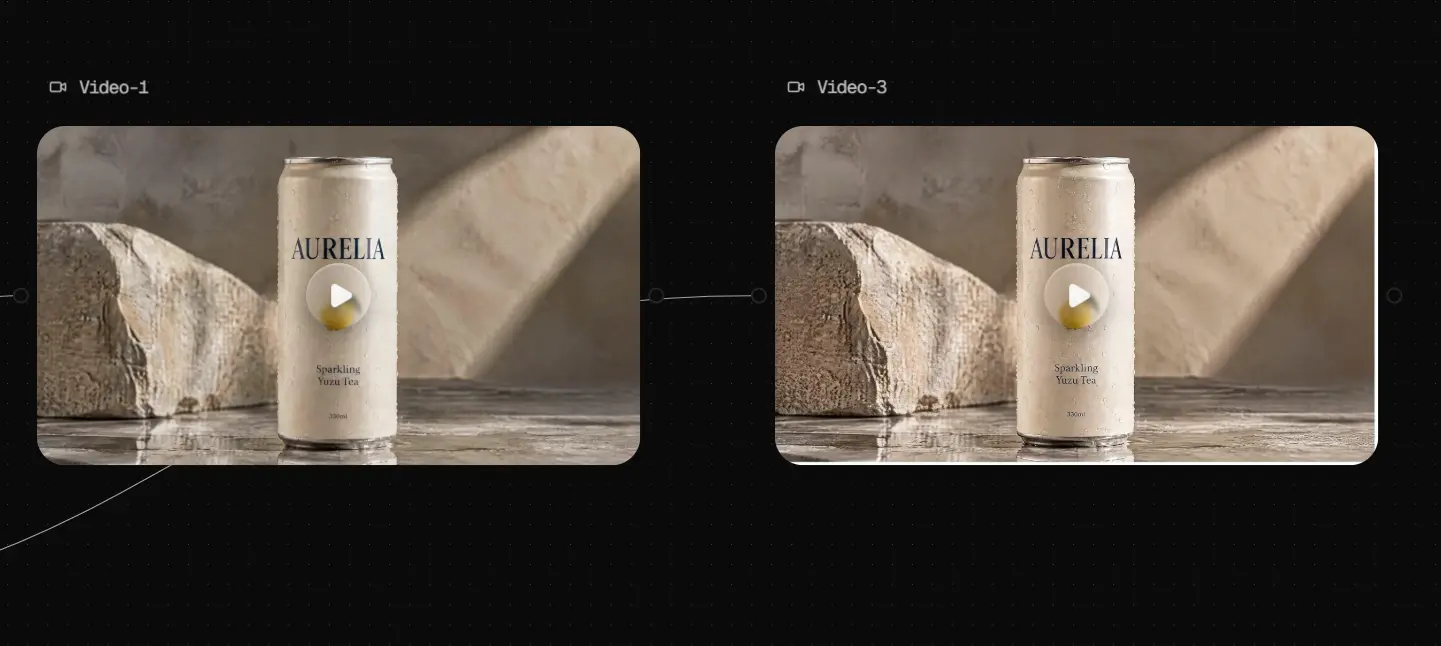
Seedance 2.5 is a text and image to video model. This tutorial covers a setup for short cinematic clips: what to prepare before the first run, how to structure the brief, and what to check before you take a clip into an edit. It assumes you are working on the Astorie canvas, though the brief structure carries over anywhere the model is available.
What to decide before the first run
Three decisions cost nothing before you generate and cost a lot afterwards.
- Clip length. Longer clips give the model more room to drift, so pick the shortest length that carries the idea.
- Whether the subject recurs. If the same subject appears in more than one clip, you need a reference image rather than a written description.
- Where the clip sits in the edit. An establishing shot and a cutaway tolerate very different amounts of movement.
Setting up the run
Start from an image rather than from text when you can. An image gives the model a fixed first frame, which removes an entire category of failure: the clip that looks right but starts from the wrong composition.
- Drop the reference or first frame onto the canvas.
- Write the brief in the order below.
- Generate two variants before judging anything.
- Keep the brief with the output, not in a separate note.
Two variants matter more than they sound. A single result tells you what the model did; two results tell you which parts of the brief were read the same way both times and which parts the model is guessing at.
Brief structure
Keep the four parts in this order. The model does not require the order, but you will be comparing runs later and a stable order makes the diff readable.
Part | What it fixes | Example |
|---|---|---|
Camera | Starting frame and movement | Low angle, static, slow push in over the clip |
Subject | Who is in frame and what they do | A lighthouse keeper closing a heavy door |
Light and weather | Mood and shadow direction | Dusk, fog rolling in from the sea |
Finish | Medium and lens | 35mm, shallow depth of field |
Written out, that becomes a single brief:
Low angle, static, slow push in. A lighthouse keeper closing a heavy door. Dusk, fog rolling in from the sea. 35mm, shallow depth of field.
Nothing in that sentence asks for a second event. That is the property worth protecting as you edit it.
What to check before you use a clip
Watch the clip three times, once for each of these. Checking everything at once means catching nothing.
- First and last frame. Does the subject look like the same thing at both ends?
- Motion. Does anything move in a way a camera or a body cannot?
- Edges. Hands, hair and text are where artefacts collect.
A clip that fails the first check is usually too long. A clip that fails the second is usually asking for two movements at once, most often a camera move and a subject move in opposite directions.
Common failures and what they mean
What you see | Likely cause | What to change |
|---|---|---|
Subject changes over the clip | Clip length beyond what the brief supports | Shorten it and join pieces in the edit |
Camera ignores the instruction | Movement described after the subject | Put the camera line first |
Muddy, unfocused frame | Several moods stacked in one brief | Keep one light source and one weather condition |
Text in frame is wrong | Text rendering is unreliable in video models generally | Add text in the edit instead |
Working across several clips
For a sequence, generate each shot separately with the same reference image and the same finish line, then cut them together. Asking one run to produce a sequence is the most common way to waste credits: the model will produce something, but it will not be the sequence you described.
Keep the briefs alongside the clips. When a sequence half works, the difference between the clip that landed and the one that did not is usually one line of text.
Related reading
The four-part brief structure is covered in more depth in the blog. For character work across clips, start with the character consistency walkthrough in our how-to section. Model availability and pricing sit on the tools page.
Frequently asked questions
Should I start from text or from an image?
From an image whenever you have one. It fixes the first frame and the composition, which leaves the model responsible only for the movement.
Why generate two variants of the same brief?
Two results show which parts of the brief were read the same way both times. Parts that differ between the two are parts the model is guessing at, and those are the lines worth rewriting.
Can one run produce a multi-shot sequence?
In practice, no. Generate each shot separately against the same reference and cut them together in the edit.
Ready to try it on the canvas?
Open Astorie and fan your prompt across every frontier model in one workflow.