Veo 3.1 questions
Inputs, sound and the path from configuration to a generated take.
What is Veo 3.1?+
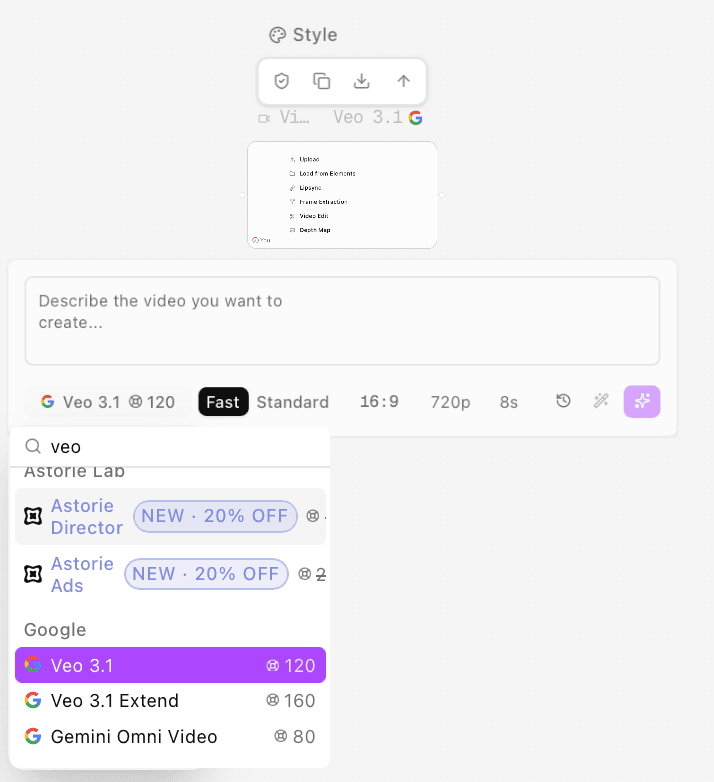
Veo 3.1 is a Google DeepMind video generation model with native audio. On Astorie, select Veo 3.1 to create a scene from a text brief or use the image inputs supported by the chosen mode.
Does this page generate a video or charge credits?+
No. Open in canvas creates a project with the selected configuration; generation and credit use happen in the canvas. If you are signed out, sign in or register to continue with the configuration.
Can Veo 3.1 generate dialogue and sound effects?+
Yes. The model supports native dialogue, ambience and sound effects. Describe the sound explicitly and check the available audio settings in the canvas. Listen to the exported take before approving the words or timing.
Can I start with an image or reference?+
Yes. Astorie lists Image to video and Reference to video for Veo 3.1. Choose the matching mode and supply its required input. Reference guidance does not guarantee that faces, logos or fine details remain unchanged.
Does this model extend an existing video?+
Astorie lists Veo 3.1 Extend as a separate model. This page's default is the base Veo 3.1 model, google-veo3.1. Select a workflow that accepts an existing video when continuation is the task.
How much does a Veo 3.1 run cost?+
Check the estimate for your configuration and the price shown in the canvas before you generate. An estimate is not a record of credits charged; current plans are shown in the plans section.
How should I use the prompt starters?+
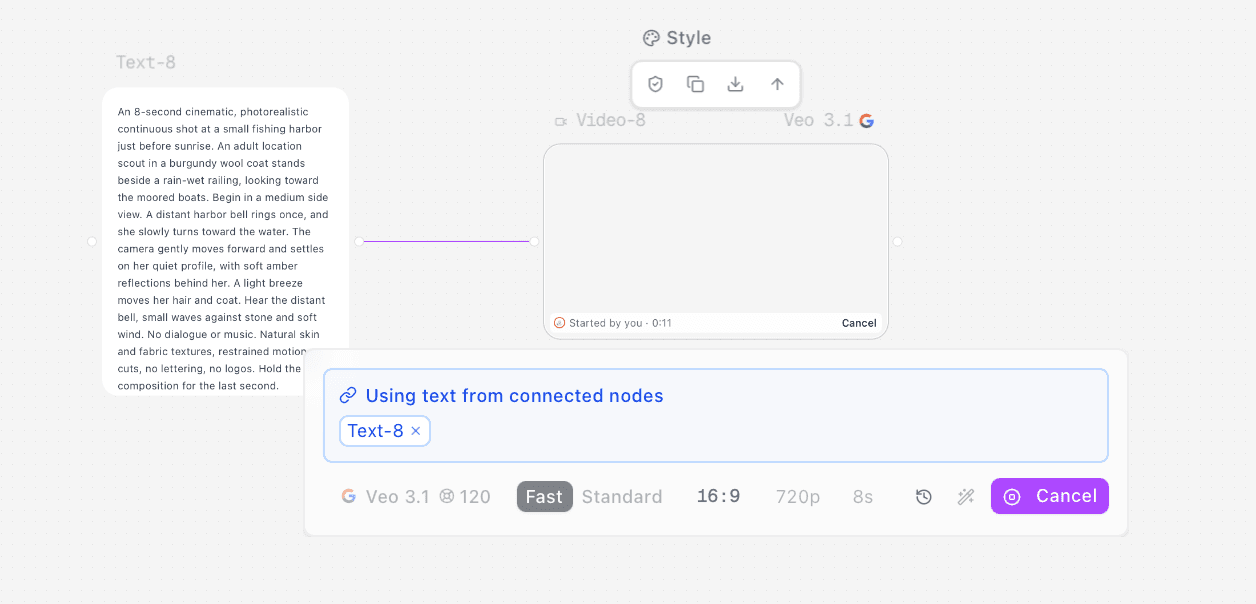
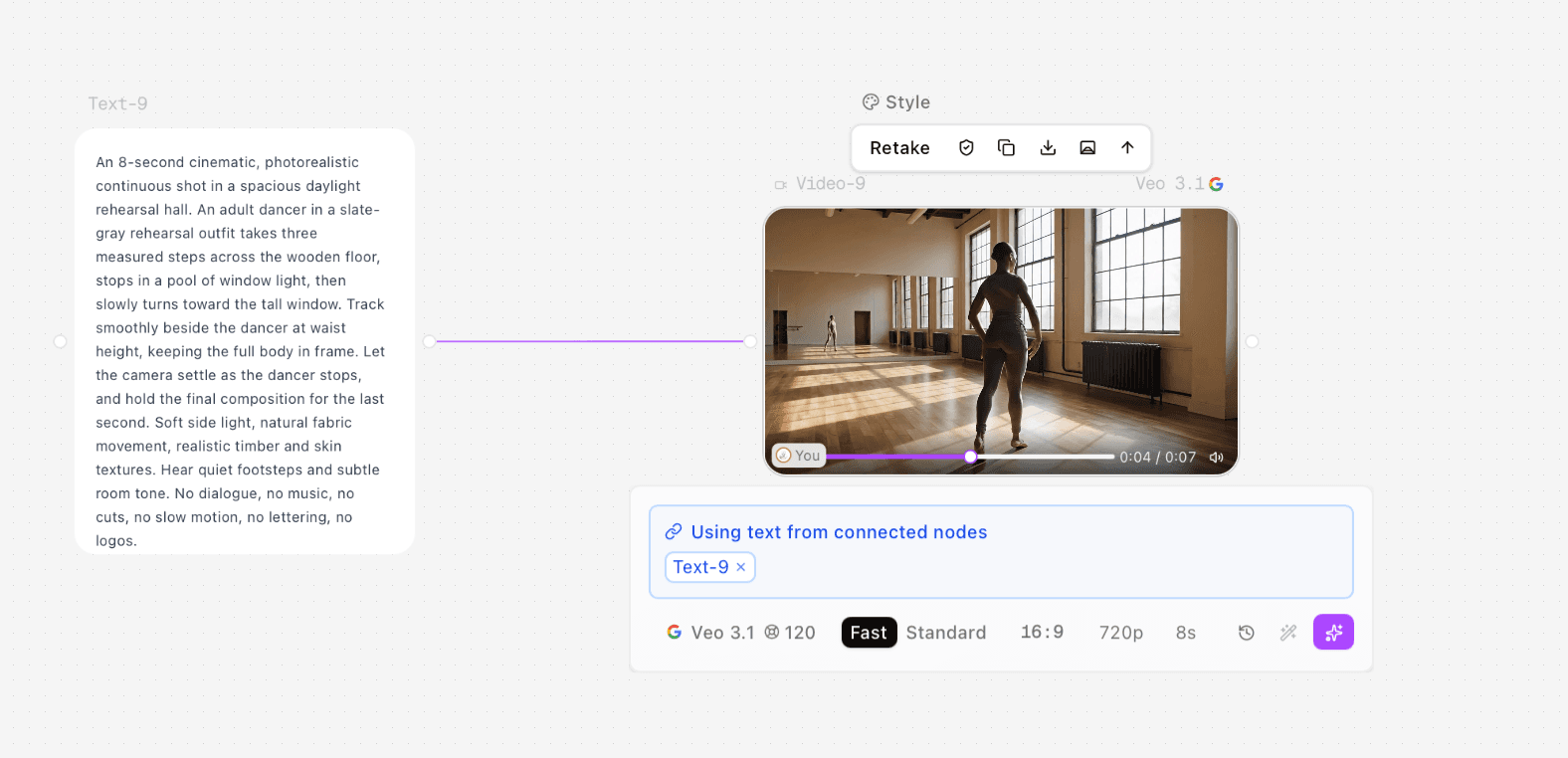
Treat them as starting directions to adapt to your scene. Keep one clear action, describe the camera and sound, and check that the brief fits the selected duration. They are creative suggestions rather than generation logs for the adjacent examples.