


How to Sync Lips to Audio With AI
Learn how to sync lips to audio using a face video and speech track. Includes the current Astorie workflow, exact test settings, timing, credits, and limitations.
Clara
使用最佳 AI 模型创建图像、视频、音频等的分步指南。每个教程包含提示词示例、参数设置和专家技巧。
93 个教程 · 最近更新于 2026年11月21日
Learn how to sync lips to audio using a face video and speech track. Includes the current Astorie workflow, exact test settings, timing, credits, and limitations.
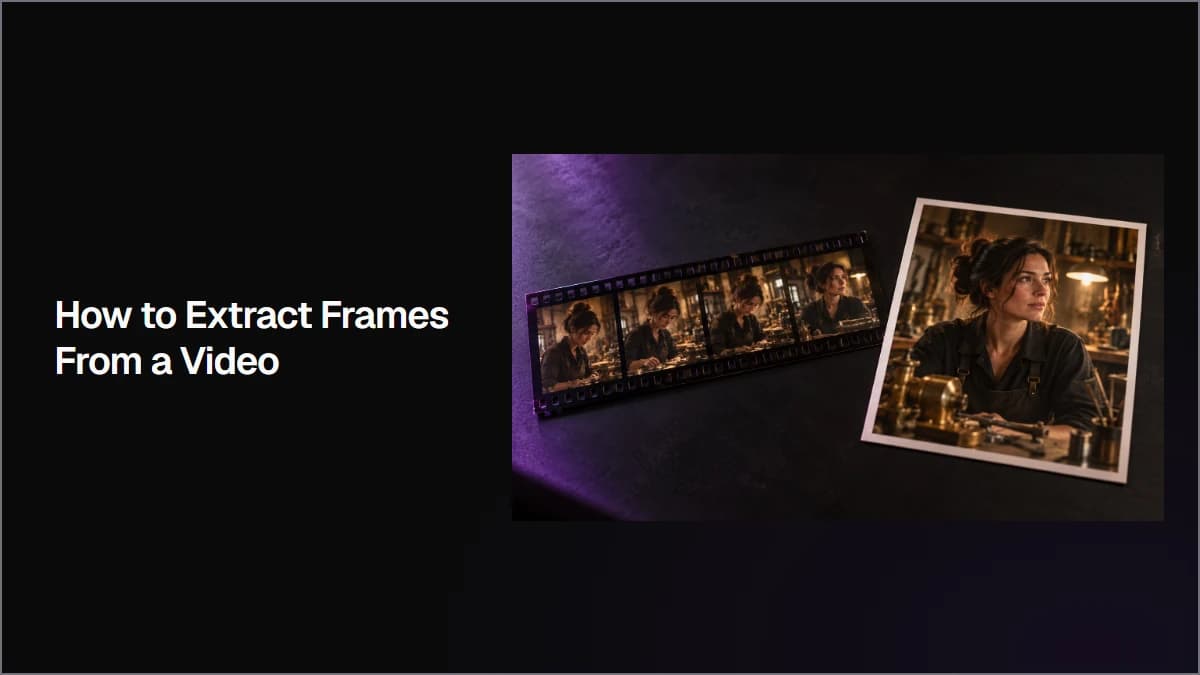
A practical guide to saving one still, timed samples, or every decoded frame without relying on screen captures.

A practical guide to saving one still, timed samples, or every decoded frame without relying on screen captures.

To create an AI video ad, define one audience and one action, prepare a clear source image, generate a short visual hook, then add readable brand copy and a call to action in editing.

To create an AI short film, write a compact script, convert it into a storyboard and shot list, lock the character and visual rules, generate each scene, add sound, then edit and export the approved shots as one film.

To animate an image with AI, upload a photo or illustration, connect it to an image-to-video model, describe the motion you want, and generate a short clip. In Astorie, the source image, prompt, settings, and result stay on one canvas, so you can compare model runs without rebuilding the setup.

Create AI ad creative by starting with one clear campaign brief, generating multiple visual directions, selecting the strongest concept, and creating controlled variations for different formats and tests. This workflow shows how to keep product details, copy, and visual identity consistent while turning one idea into multiple ad assets.

Build Consistent AI Video Sequences With Better Shot Planning and References

Create an AI voiceover by starting with a script written for speech, choosing a voice that fits your content, and testing short samples before generating the final audio. This workflow shows how to improve pronunciation, pacing, tone, and expression using different text-to-speech models.
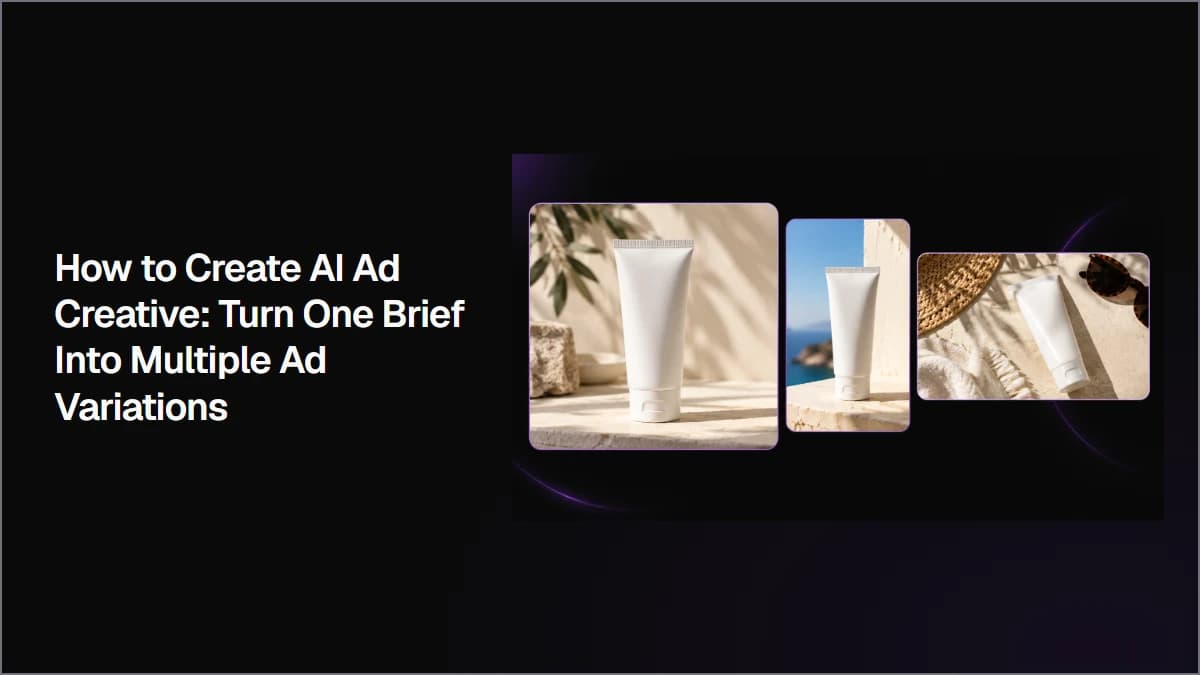
Build a Repeatable AI Advertising Workflow From One Campaign Brief

To clone a voice with AI, prepare a clean reference recording, create a voice clone, test the generated speech, and save the final Voice ID for future use. This guide explains how to build a reusable voice workflow while keeping the original speaker characteristics consistent.
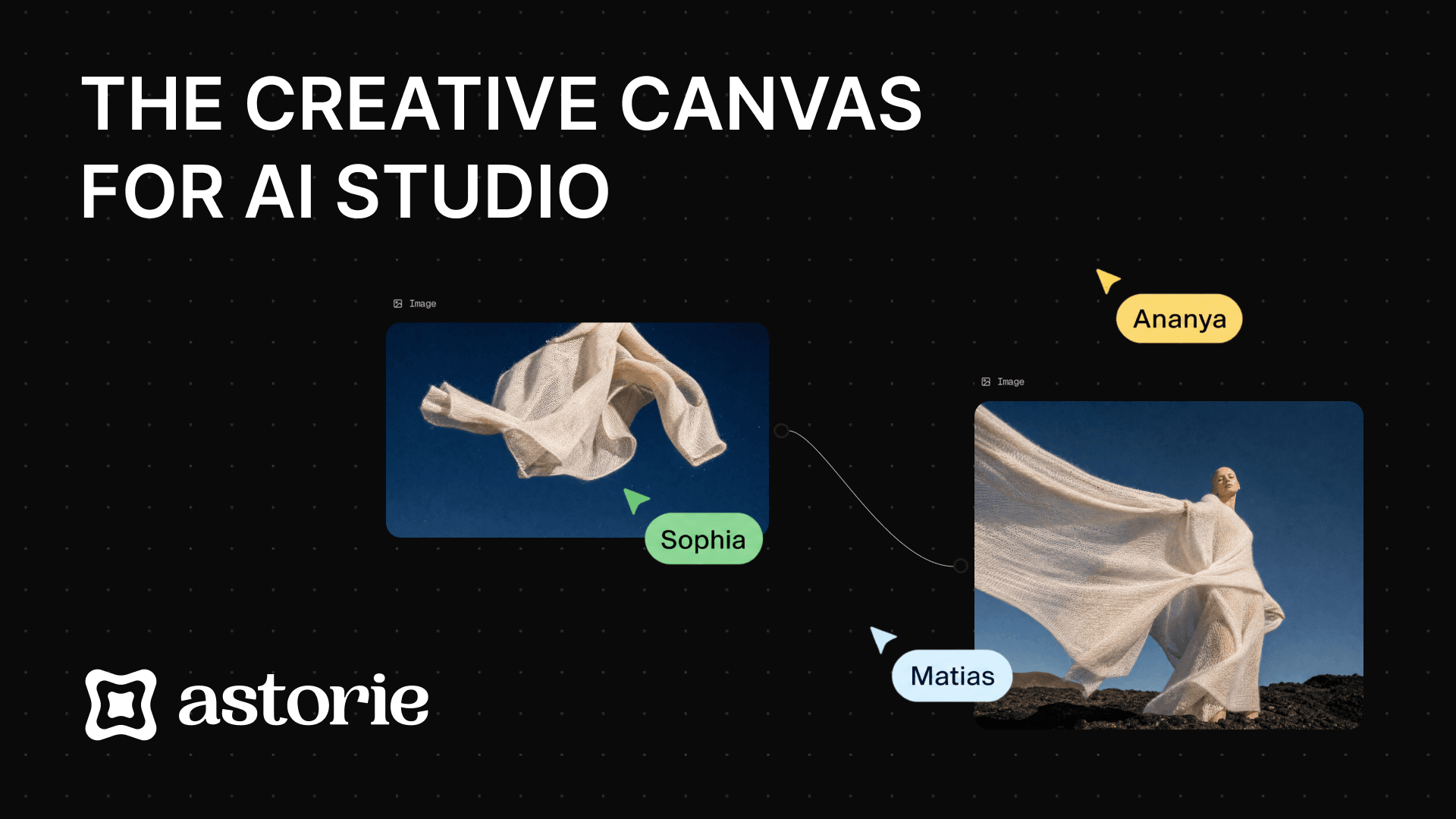
一键获得像素级精确的背景移除——产品照片、肖像、标志和复杂场景都适用。电商运营团队为每个 SKU 拿到干净的 PNG 抠图发到详情页,并把它们合成到 AI 生成的生活方式场景中——不用请摄影师。在 Astorie 画布上,把产品图通过 Bria RMBG 抠出精准 alpha 通道,把抠图送进 Nano Banana 2 或 Flux Kontext 做链式编辑(把主体放到 AI 生成的生活方式背景上),再送到视频节点做动效。最终交付是可以直接挂市场的抠图和 AI 生活方式合成图。选择下方模型走完抠图到合成的流水线。