


How to Sync Lips to Audio With AI
Learn how to sync lips to audio using a face video and speech track. Includes the current Astorie workflow, exact test settings, timing, credits, and limitations.
Clara
최고 수준의 AI 모델로 이미지, 비디오, 오디오 등을 만드는 단계별 가이드입니다. 각 가이드에는 프롬프트 예시, 파라미터 설정, 실전 팁이 담겨 있습니다.
가이드 93개 · 최근 업데이트: 2026년 11월 21일
Learn how to sync lips to audio using a face video and speech track. Includes the current Astorie workflow, exact test settings, timing, credits, and limitations.
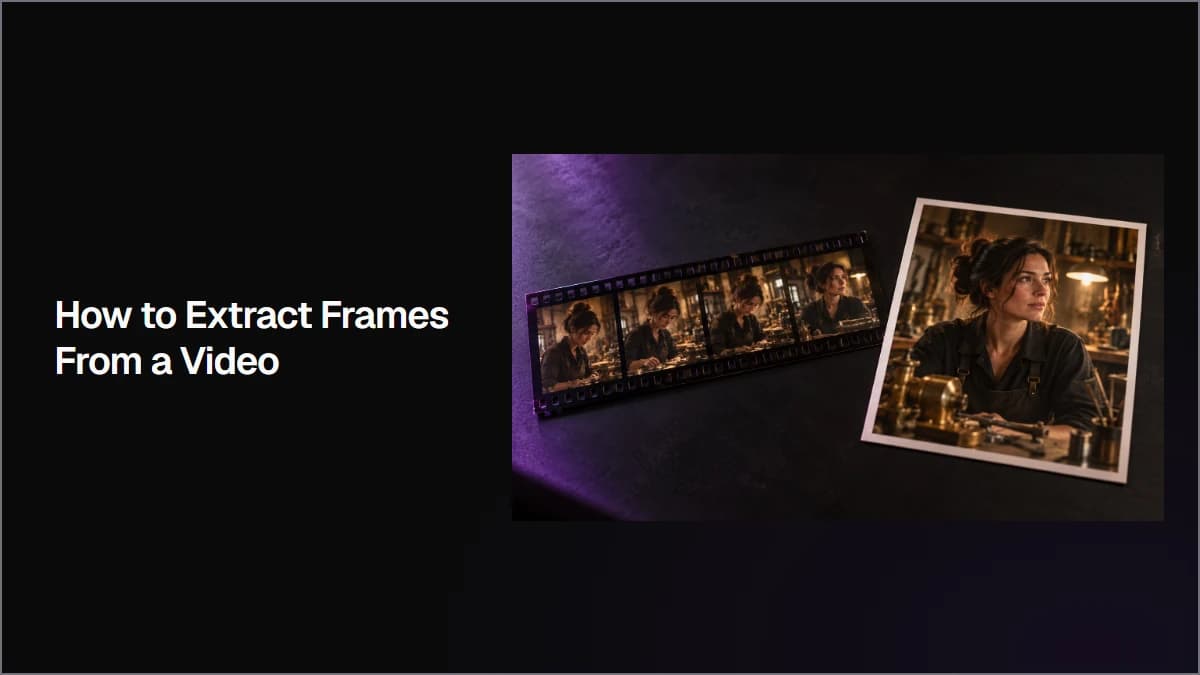
A practical guide to saving one still, timed samples, or every decoded frame without relying on screen captures.

A practical guide to saving one still, timed samples, or every decoded frame without relying on screen captures.

To create an AI video ad, define one audience and one action, prepare a clear source image, generate a short visual hook, then add readable brand copy and a call to action in editing.

To create an AI short film, write a compact script, convert it into a storyboard and shot list, lock the character and visual rules, generate each scene, add sound, then edit and export the approved shots as one film.

To animate an image with AI, upload a photo or illustration, connect it to an image-to-video model, describe the motion you want, and generate a short clip. In Astorie, the source image, prompt, settings, and result stay on one canvas, so you can compare model runs without rebuilding the setup.

Create AI ad creative by starting with one clear campaign brief, generating multiple visual directions, selecting the strongest concept, and creating controlled variations for different formats and tests. This workflow shows how to keep product details, copy, and visual identity consistent while turning one idea into multiple ad assets.

Build Consistent AI Video Sequences With Better Shot Planning and References

Create an AI voiceover by starting with a script written for speech, choosing a voice that fits your content, and testing short samples before generating the final audio. This workflow shows how to improve pronunciation, pacing, tone, and expression using different text-to-speech models.
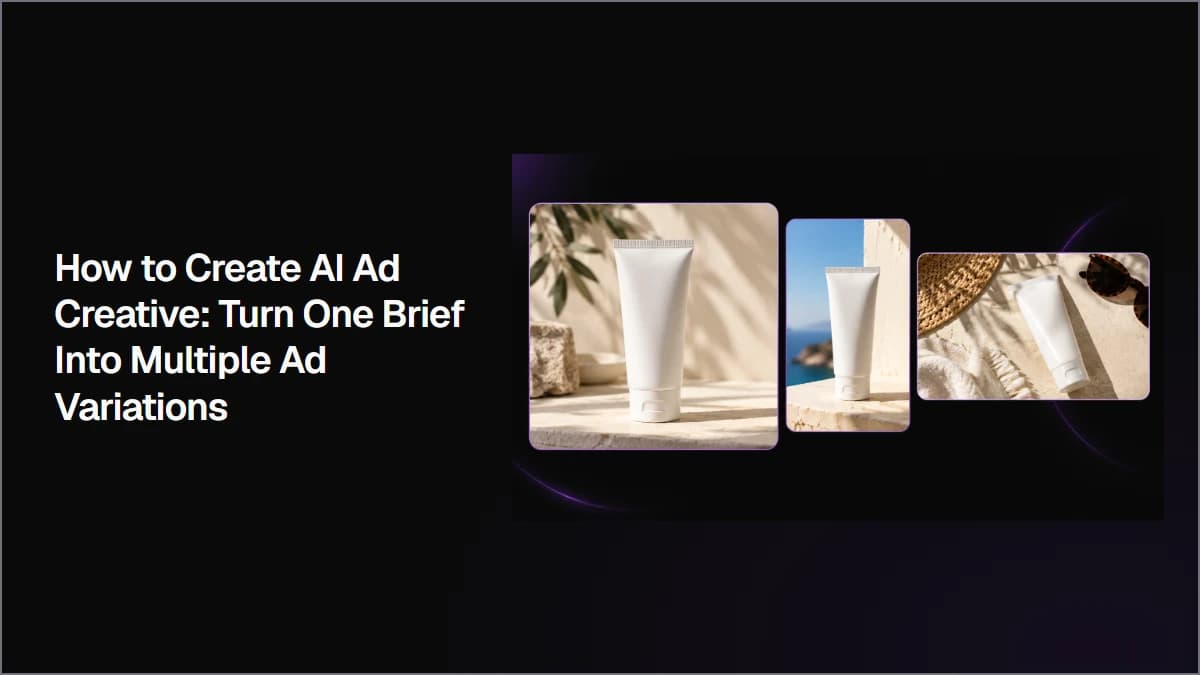
Build a Repeatable AI Advertising Workflow From One Campaign Brief

To clone a voice with AI, prepare a clean reference recording, create a voice clone, test the generated speech, and save the final Voice ID for future use. This guide explains how to build a reusable voice workflow while keeping the original speaker characteristics consistent.
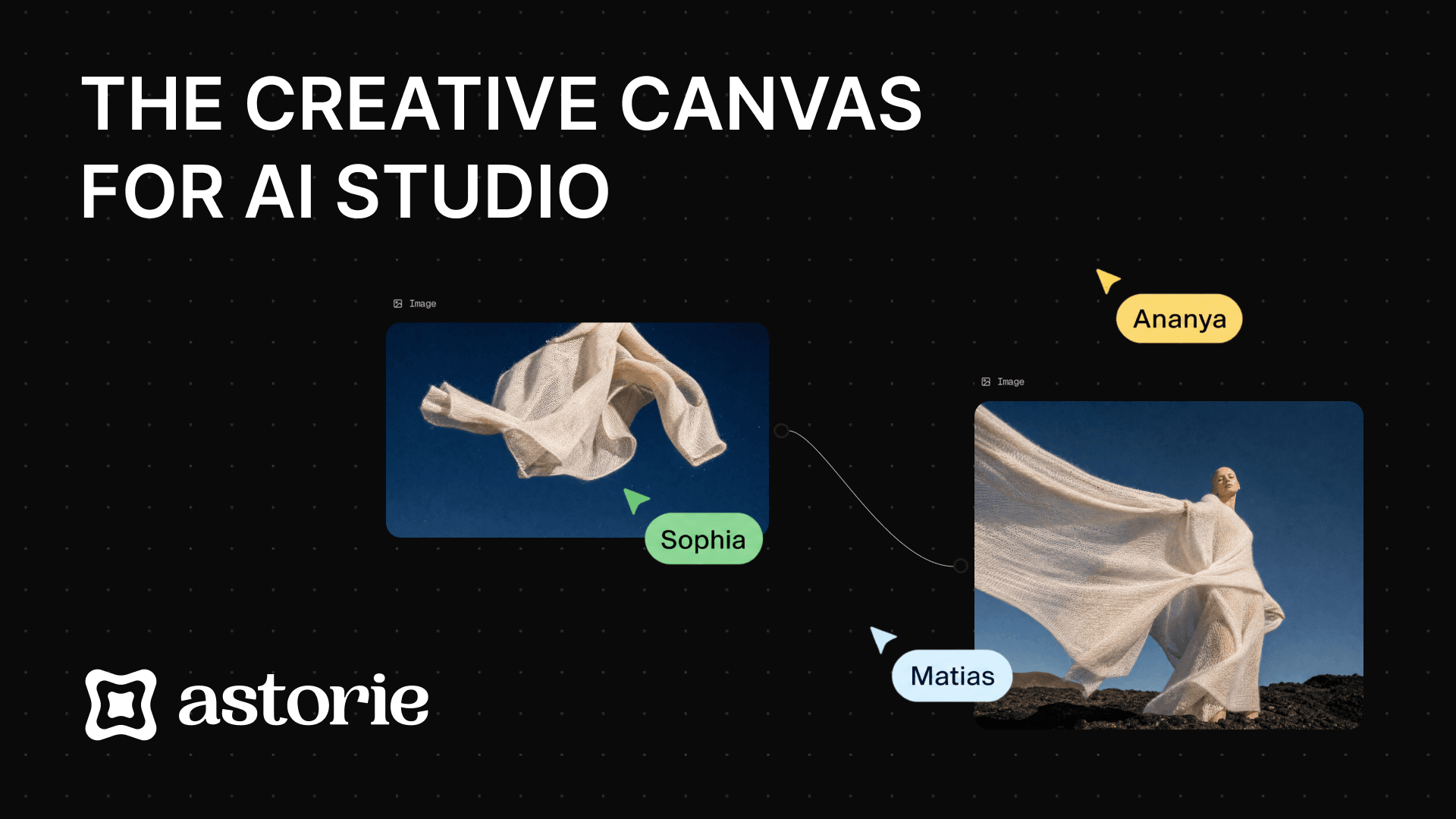
클릭 한 번으로 픽셀 단위까지 정확한 배경 제거를 경험해 보세요 — 제품 사진, 인물 사진, 로고, 복잡한 장면 모두 가능합니다. 이커머스 운영팀은 상세페이지(PDP)용으로 모든 SKU의 깔끔한 PNG 오려내기 이미지를 얻은 뒤, 사진작가 없이도 이를 AI가 생성한 라이프스타일 장면에 합성합니다. Astorie 캔버스에서 정지 이미지를 Bria RMBG로 보내 정밀한 알파 오려내기를 얻고, 그 오려내기 이미지를 Nano Banana 2나 Flux Kontext로 넘겨 이어지는 편집(생성된 라이프스타일 배경 위에 피사체를 배치)을 진행한 뒤, 애니메이션을 위해 비디오 노드로 전달하세요. 최종 결과물은 마켓플레이스에 바로 올릴 수 있는 오려내기 이미지와 AI 라이프스타일 합성 이미지입니다. 아래에서 모델을 선택해 오려내기부터 합성까지 이어지는 파이프라인을 따라가 보세요.